
ClipMove AI
ClipMove · Video
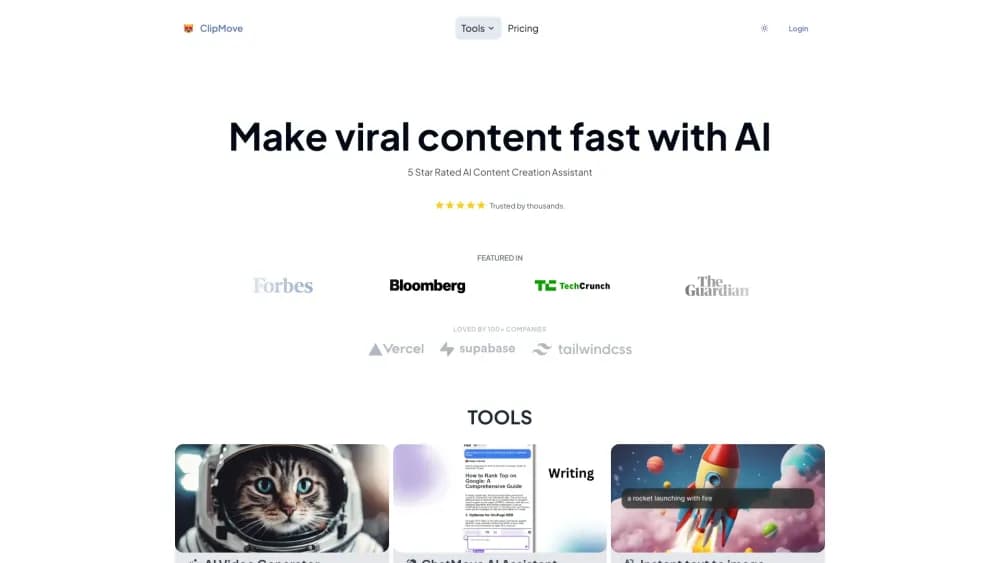
ClipMove AI is a browser-based video editor and generator that turns scripts, links, or raw footage into captioned short form videos, with AI voices, avatar presenters, and stock b-roll built in.
About ClipMove AI
What Is ClipMove AI
ClipMove AI is a web editor made for short videos: the vertical clips people scroll through on TikTok, Instagram Reels, and YouTube Shorts. You bring a script, a link, or your own footage, and the platform handles voiceover, visuals, captions, and pacing before you export.
The pitch is speed. The company says its editor produces publish-ready clips about 12 times faster than cutting them by hand, and roughly 15,000 people use it daily. That figure comes from ClipMove, so treat it as a marketing claim. The workflow itself is real: paste a script, pick a voice, generate, then trim in the editor.
The limit is creative control. This is a template-driven pipeline, not a layer-by-layer finishing suite. Anyone who needs frame-accurate color grading or multicam cuts will still need a desktop editor like DaVinci Resolve or Premiere.
Getting Started
- Sign up at clipmove.com with an email address or a Google account to get a free account.
- Choose a starting point: Magic Create, the script to video generator, the avatar video generator, or upload your own footage.
- Paste a script or URL, or type product details for a shop video, then pick a voice, a visual style, and a background track.
- Generate the video, review the AI captions, and adjust clips and timing in the editor.
- Export the finished file at up to 60 FPS on the Enterprise plan and post it to your channel.
Product Information
A quick look at ClipMove AI's pricing, supported platforms, and performance.
Best for
The users, tasks, and scenarios where this tool fits best.
Users
- Solo creators posting daily
- Small marketing teams
- Agencies and media managers
- Merchants on TikTok Shop
Tasks
- Turning a blog post into a video
- Adding captions to existing footage
- Producing an avatar-led explainer
- Making product promo clips at scale
Scenarios
- Weekly social calendar
- Ad testing
- Launch week
- Upgrading old footage
Key features
Script to Video Generator
Paste a script or a URL and ClipMove AI builds a narrated video with matching visuals, subtitles, and transitions. You can steer the visuals by putting directions in square brackets inside the script, and those lines stay out of the voiceover and captions.
AI Captions in 40+ Languages
Captions are the default hook on mute-first feeds, and ClipMove auto-generates them in more than 40 languages with animated styling. You can restyle them after generation, which matters when a channel has its own caption look.
AI Avatar Video Generator
The avatar tool creates a presenter without filming anyone, aimed at explainers, ads, and training clips. The Ultimate plan includes 10 avatar videos a month and Enterprise raises that to 50, so heavy avatar use lands on the top plan.
Media Library and Stock B-Roll
ClipMove fills gaps with stock footage, GIFs, and AI generated visuals alongside your own clips. It saves the hunt for b-roll, and it also means many videos end up sharing the same familiar stock shots.
AI Video Enhancement and Audio Cleanup
On export, the editor can sharpen visuals, reduce noise, and clean up the audio track automatically. The separate video enhancer tool also upscales footage to 1080p or 4K and can replace a background.
Platform Specific Generators
Beyond the general editor, ClipMove ships dedicated tools like a TikTok video generator, an Instagram video generator, and a TikTok Shop version, each with recommended lengths and framing. The TikTok Shop version adds product tags and price callouts, which saves manual placement for sellers.
Built-In Voice Recording
You can record your own voiceover inside the tool with a teleprompter, or upload an audio file, instead of using an AI voice. That keeps a personal tone on channels where a synthetic read feels off.
Pros and cons
Pros
- Fast first draft: a script turns into a captioned rough cut within minutes, so you get something to react to quickly.
- Strong caption handling: automatic captions in 40+ languages with editable timing cover the most tedious part of short videos.
- Everything in one tab: voice, visuals, music, and captions sit in the same editor, so you skip switching between apps.
- Commercial use allowed: ClipMove states that content made on the site can be used for commercial purposes, which removes a common blocker for client work.
Cons
- Credit limits bite: Pro covers 20 videos a month, so a daily posting schedule pushes you toward Ultimate or Enterprise.
- Template feel: outputs follow the same caption and b-roll patterns, and viewers notice when channels look alike.
- No free-form editing depth: multi-track compositing and precise keyframes are missing, meaning advanced edits end up in another tool.
Frequently asked questions
ClipMove AI makes short form videos: you supply a script, a link, or footage, and it produces a captioned clip with voiceover and visuals. It is built for TikTok, Reels, and Shorts rather than long-form YouTube content.
Related content
Explore related tools, skills, and articles for ClipMove AI.
ClipMove AI Alternatives

ngram 2.0
ngram · Video · Marketingngram 2.0 is an AI video generator for teams. It turns a prompt, a screen recording, or a product URL into a narrated explainer, product demo, or AI avatar video, and every scene stays editable.

OpenScreen 2
OpenScreen (open-source project) · Video · ProductivityOpenScreen 2 is a free, open-source screen recorder and demo video editor for Windows, macOS, and Linux, with automatic zooms, styled frames, local captions, and agent edits.

Skreno
Skreno · Video · ProductivitySkreno is a browser screen recorder that captures a tab, a window or your whole display, then attaches AI transcripts, summaries and console logs to one share link.