

ClipTask
ClipTask · Video · Productivity
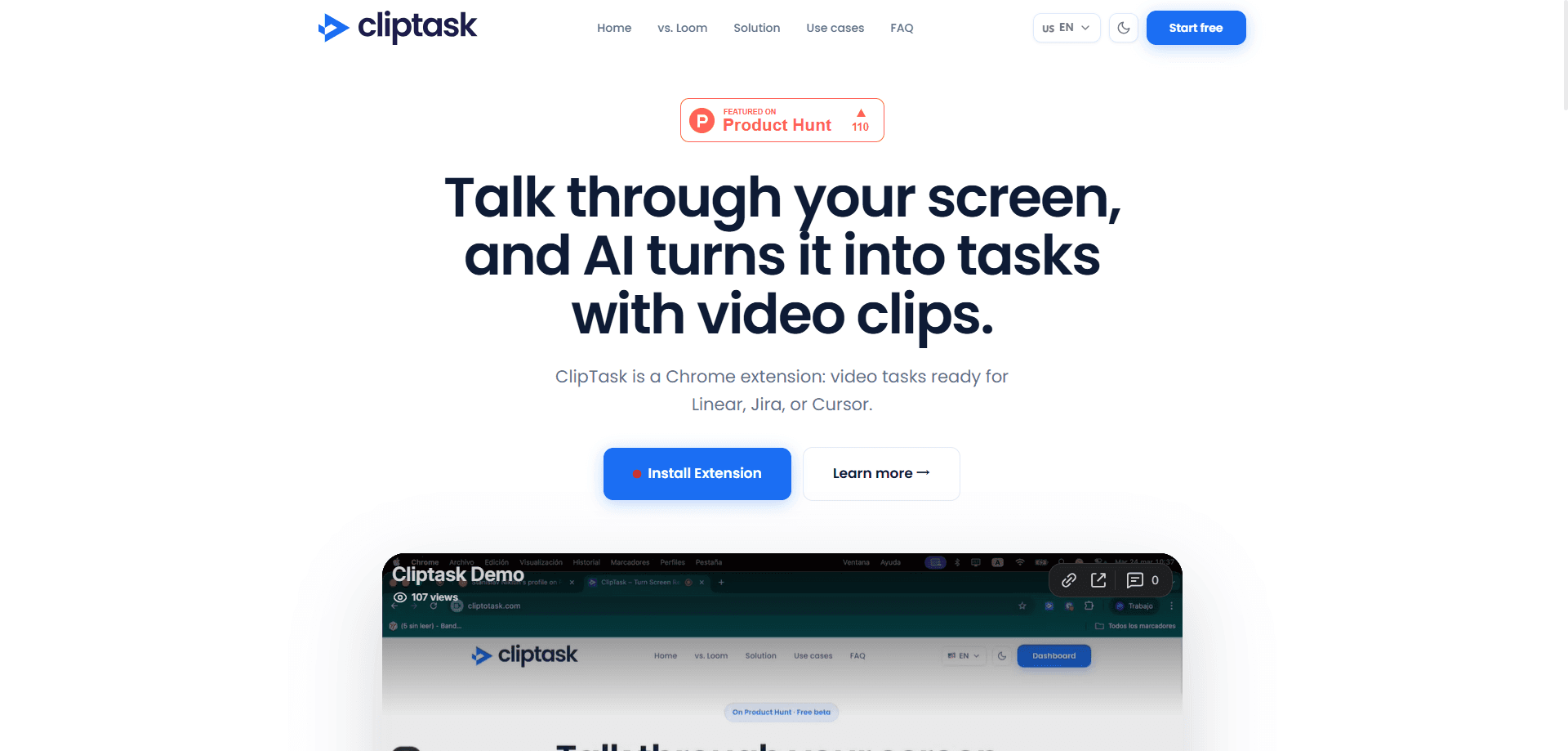
ClipTask is an AI screen recording to task tool that turns screen recordings into structured tasks, bug reports, and product feedback for project management tools. Instead of writing up what went wrong after watching a clip, you record the screen, and ClipTask pulls the action items out of it for you.
About ClipTask
What Is ClipTask
ClipTask is a web tool for anyone who spends part of their day translating what they saw on screen into work someone else can act on. Testers, designers, and product teams record a short clip, and the tool reads that recording and turns it into a structured task or bug report.
The pitch is simple: stop writing tickets by hand. A recording already shows the steps, the exact state of the screen, and the moment something broke. ClipTask takes that raw footage and produces text you can paste or push into the project tools your team already lives in. So feedback doesn't sit in a chat thread waiting for someone to summarize it. Think of it as a screen recording to task converter.
That's the whole idea. Record. Convert. Ship the task.
ClipTask is early. Public detail about the product is still thin, and pricing, platform support, and the exact list of integrations aren't documented on its public pages yet. That means a specific setup depends on what the vendor offers today. I'd treat any precise claim about plans or connectors as something to confirm on the official site before you build a workflow around it.
No shortcuts there.
Getting Started
- Sign up on the official site and create a workspace for your team.
- Record your screen as you reproduce the issue or demo the feature.
- Let ClipTask process the recording into a structured task or bug report.
- Review the generated title, description, and steps, then edit anything that's off.
- Send the finished item to your project management tool or share it with the team.
Product Information
A quick look at ClipTask's pricing, supported platforms, and performance.
Best for
The users, tasks, and scenarios where this tool fits best.
Users
- QA testers
- Product managers
- Designers
Tasks
- Filing bug reports
- Turning demos into specs
- Collecting product feedback
Scenarios
- End of a test session
- Handing work to a remote team
- Early product research
Key features
Screen Recording to Task Conversion
The core of ClipTask is turning a recording into a written task. You capture your screen, and the tool produces a structured item with a description and steps rather than a raw video link. That matters most for teams who lose time re-explaining a clip in text.
Bug Report Generation
For QA work, ClipTask converts a recording into a bug report format, so the reproduction steps come from the footage itself. You still review and edit the result. No blank page. Skip writing the report from scratch.
Product Feedback Capture
ClipTask also handles product feedback, not just defects. A demo or a user session becomes organized feedback items. That's handy when you want observations turned into something a product team can triage.
Project Management Tool Handoff
The output is designed to move into the project management tools teams already use, so a task doesn't die in a separate app. That project management integration is the whole point: a task that never reaches the team isn't done. Exact connectors aren't publicly documented yet, so confirm which tools are supported before you commit to it.
Pros and cons
Pros
- Cuts the manual write-up that follows every screen recording.
- Turns a clip into text your project management tool can take.
- Fits QA, design review, and product feedback without switching mode.
- Structured output is easier to triage than a raw video link.
Cons
- Public detail on pricing and platforms is still limited, so you can't plan a budget from the site alone.
- The specific integration list isn't documented yet, which matters if your team is locked into one tool.
- Longer recordings likely need trimming, or the generated task can bury the actual issue.
Frequently asked questions
It converts screen recordings into structured tasks, bug reports, and product feedback. You record your screen, and ClipTask generates the written item instead of leaving you to describe it by hand.
Related content
Explore related tools, skills, and articles for ClipTask.
ClipTask Alternatives
Griffin by Tavus
Tavus · Voice & Language · Video · ChatbotGriffin by Tavus is the first Human Interaction Model: a full-duplex, video-to-video system that watches, listens, and answers during a live video call in real time.

Syllaby AI Avatar 2.0
Syllaby · Video · MarketingSyllaby AI Avatar 2.0 turns a script into a presenter-led video with a reusable AI avatar, natural voice, B-roll and automatic subtitles, all in one browser workflow.

Vitra.ai
Vitra.ai · Voice & Language · Video · MarketingVitra.ai is an agentic content platform that creates, translates, reviews, and publishes video, images, documents, and app content in 120 languages from one shared brief.