

Cloudglue
Cloudglue · Video
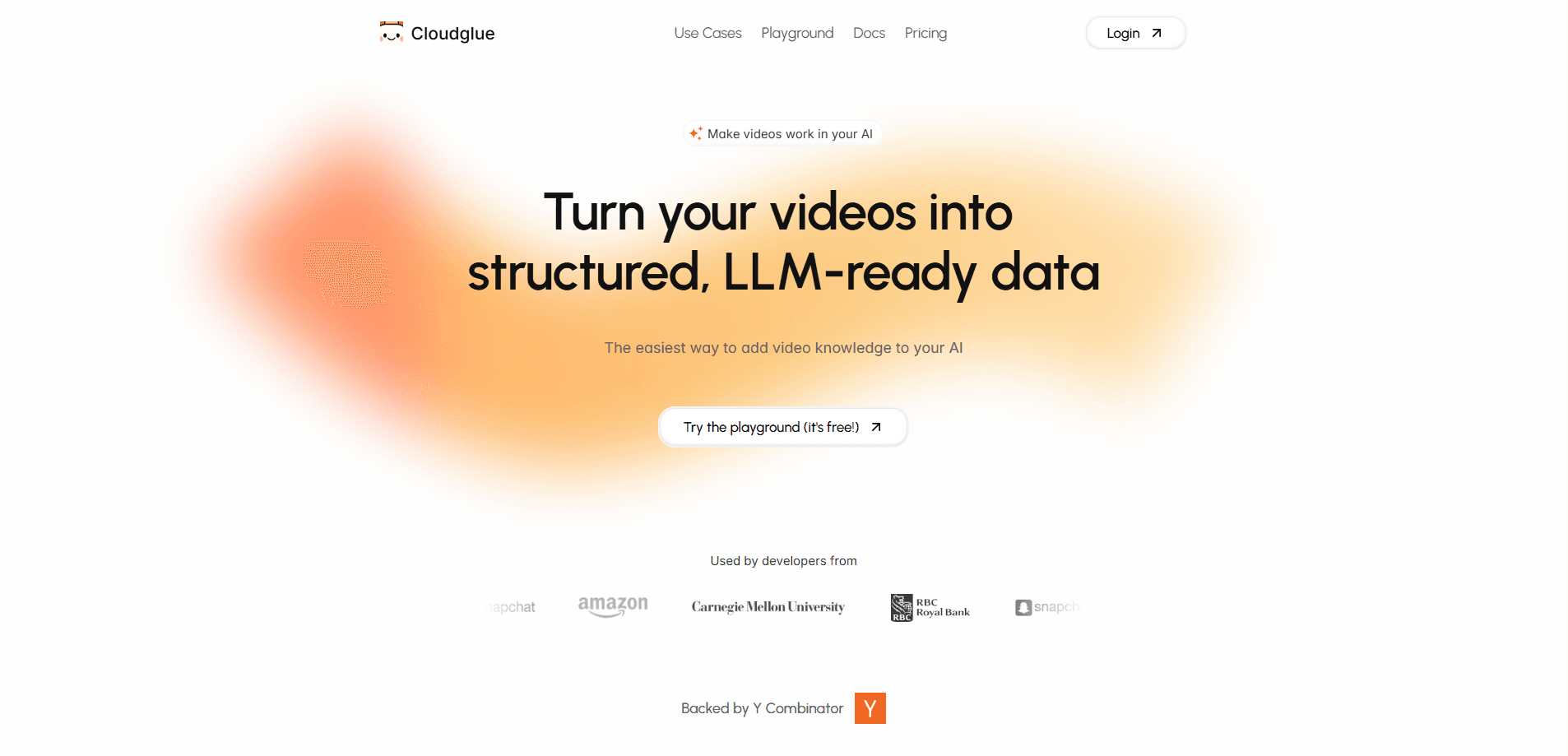
Cloudglue is a developer API that turns video into queryable context for AI. It transcribes speech, describes visuals, and extracts structured data so you can search or chat across hours of footage.
About Cloudglue
What Is Cloudglue
Cloudglue is a video context layer built for developers who want AI to reason over video. It works as a video to text API and a broader video understanding API in one package. Instead of stitching together a speech-to-text service, a vision model, and your own storage layer, you call a small set of APIs that return transcript, speaker labels, visual descriptions, on-screen text, and audio details from the same video.
The product targets the messy part of video work. A two-hour recording is easy to store and hard to query. Cloudglue indexes it so your chatbot, search box, or reporting tool can pull specific moments with citations pointing back to the right timestamp.
Speed is its main selling point. The team says you can process two hours of video in about three minutes, and run queries across hundreds of files at once. The catch is that it's an infrastructure product with no consumer app. You need code, an API key, and a clear idea of what you're building.
Getting Started
- Sign up for a free account and copy your API key from the dashboard.
- Install a Python or JavaScript SDK, or connect through the MCP server if you use Claude, Cursor, or Windsurf.
- Upload a video, or point Cloudglue at a YouTube, TikTok, or Loom URL.
- Call the describe, extract, or search endpoints and read the structured JSON back.
- Chat across a whole collection once your files finish indexing.
Product Information
A quick look at Cloudglue's pricing, supported platforms, and performance.
Best for
The users, tasks, and scenarios where this tool fits best.
Users
- Developers building AI products
- Product teams adding video search
- Data and research teams
Tasks
- Building a video Q&A chatbot
- Extracting structured data
- Meeting and call analysis
- Video knowledge bases
Scenarios
- Turning a growing archive of sales calls into searchable notes
- Making training or lecture videos answerable
- Spotting specific faces or on-screen text in a large media library
Key features
Describe
Describe returns a moment-by-moment breakdown of a single video, covering transcript, diarization, visual descriptions, audio descriptions, sound, and on-screen text. It leans on multimodal AI to combine speech, visuals, and audio rather than text alone. You get the full picture of a video in one call, which saves you from running several separate models. It's the right starting point when you need every detail before deciding what to extract.
Extract
Extract pulls structured data out of videos using either a plain prompt or a custom schema you define. You can target one file or run it across a collection so every video returns the same fields. For teams that need consistent output, the schema approach is the difference between clean rows and a pile of paragraphs to parse by hand.
Search
Search adds semantic search over videos and segments using natural-language queries. Your users type what they're looking for and get back the clips that match, not just keyword hits. It runs on the same indexed corpus as chat, so you build the search layer once and reuse it everywhere.
Chat Completion
Chat Completion lets you build conversational tools that query, compare, and reason across hundreds of videos, with citations attached to each answer. That citation support matters when users need to verify a claim. A Responses API adds streaming, multi-turn support, and background processing for longer jobs.
Collections and Entity Schemas
Entity collections process many videos with a consistent schema, while media description collections organize footage for searchable multimodal transcription. Collection chat then works across an entire library. This is how you move from handling one file to treating thousands of hours as a single corpus.
Developer Tooling and Integrations
Cloudglue ships Python and JavaScript SDKs, an MCP server for Claude, Cursor, and Windsurf, webhooks for real-time processing notifications, and a browser playground. A built-in Schema Builder helps you design extraction schemas visually. The tooling keeps the integration light, so you spend time on your product rather than on plumbing.
Pros and cons
Pros
- Multimodal by default, so transcript, visuals, and audio come from one pipeline instead of several.
- Handles long videos and large collections without you managing infrastructure.
- Full citations on answers make it practical for tools where users need to check the source.
- Free tier with 200 credits and 25 minutes indexed, enough to test a real workflow.
Cons
- No consumer app, so non-developers can't use it without someone building around the API.
- Pricing runs on prepaid credit packs, which means you estimate volume up front rather than paying a flat monthly fee.
- Model upgrades happen under the hood, so you don't pick the exact underlying model yourself.
- Because everything depends on the API and your code, there's no off-the-shelf interface for quick one-off tasks.
Frequently asked questions
Cloudglue turns video into context AI can work with. Developers use it to build video Q&A chatbots, semantic search, and structured data extraction across large video libraries. It handles the transcript, visual, and audio layers so you don't build that stack yourself.
Related content
Explore related tools, skills, and articles for Cloudglue.
Cloudglue Alternatives
Griffin by Tavus
Tavus · Voice & Language · Video · ChatbotGriffin by Tavus is the first Human Interaction Model: a full-duplex, video-to-video system that watches, listens, and answers during a live video call in real time.

Syllaby AI Avatar 2.0
Syllaby · Video · MarketingSyllaby AI Avatar 2.0 turns a script into a presenter-led video with a reusable AI avatar, natural voice, B-roll and automatic subtitles, all in one browser workflow.

Vitra.ai
Vitra.ai · Voice & Language · Video · MarketingVitra.ai is an agentic content platform that creates, translates, reviews, and publishes video, images, documents, and app content in 120 languages from one shared brief.