

Clyro
Clyro · Coding
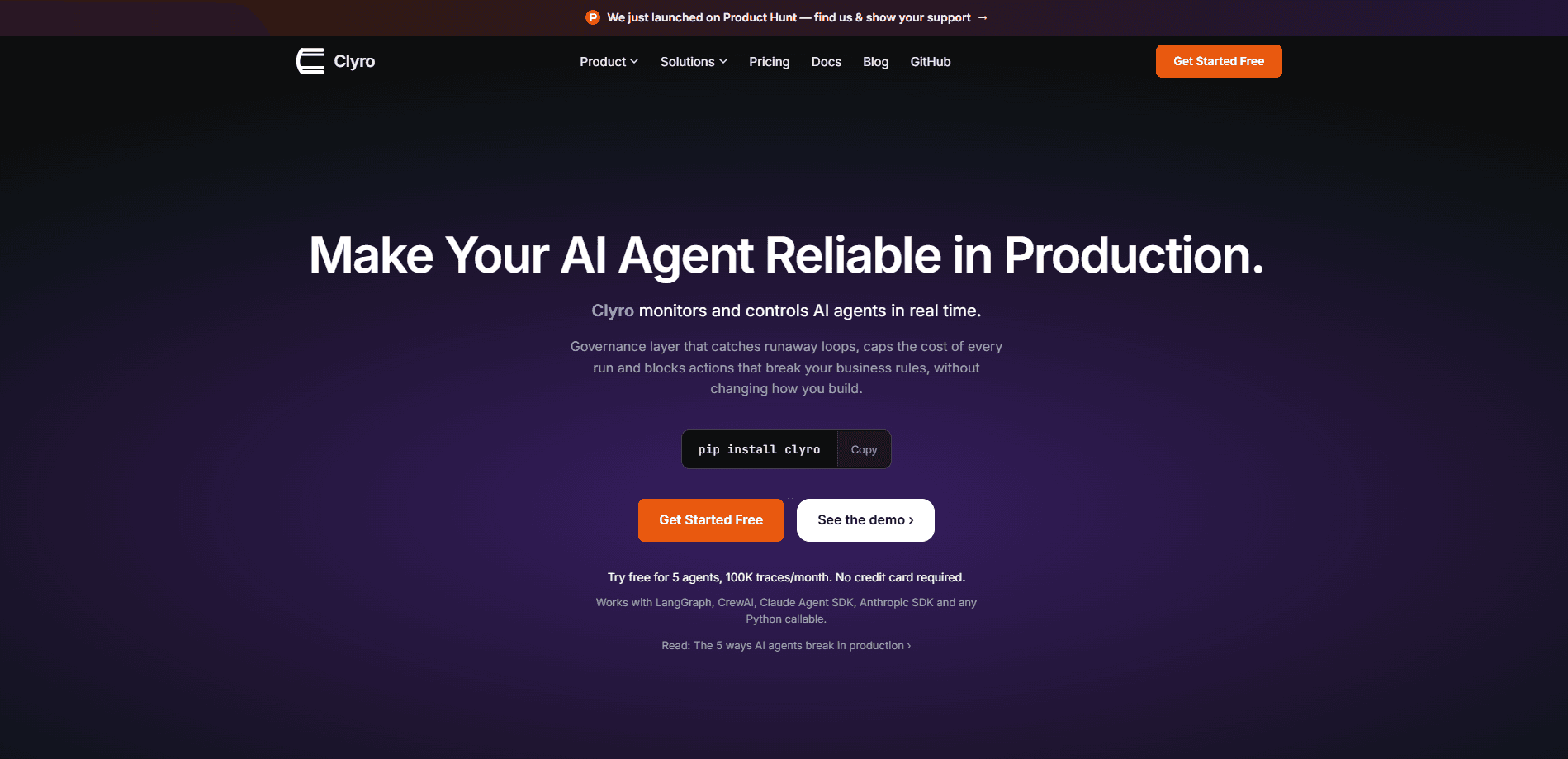
Clyro is a runtime governance platform for AI agents that catches failures while they happen instead of reporting them after the damage is done. Add one `clyro.wrap()` call to a Python agent and you get execution tracing, cost tracking, step limits, loop detection and policy enforcement without touching your agent logic. It ships with adapters for LangGraph, CrewAI, the Claude Agent SDK, the Anthropic SDK and plain Python callables, and it runs fully offline with local YAML policies if you never want to touch the cloud.
About Clyro
What Is Clyro
Clyro is a governance layer that sits around AI agents rather than inside them. Most observability tools tell you what went wrong after a run has already burned through your budget or taken a bad action in the real world. Clyro flips that by enforcing limits during execution, so a stuck agent gets stopped at step 50 instead of step 10,000.
It's built for teams putting agents into production and discovering that LLMs fail differently than chatbots do. A chatbot gives one wrong answer. An agent takes a wrong action, then compounds it. It loops. It drifts. Nobody notices for hours, sometimes days. Clyro's job is to notice first.
The main limit is scope. This is developer infrastructure, not a no-code tool. You need to be comfortable in a terminal and ideally working in Python, since the SDK, MCP wrapper and Claude Code hooks all assume that world. The free tier also caps you at 5 agents and 100K traces a month, which is fine for a prototype and tight for a real fleet.
Getting Started
- Install the package with
pip install clyro. It pulls six lightweight dependencies and no ML frameworks. - Wrap your existing agent in
clyro.wrap(), passing a config with limits likemax_steps,max_cost_usdandenable_loop_detection. - Run your agent as usual. Clyro enforces your controls in local mode and prints a session summary when the run ends.
- Add a YAML policy file if you want to block specific actions, using decisions like block, allow or require_approval.
- Connect to Clyro Cloud when you want a shared team dashboard, cloud-synced policies and session replay across machines.
Product Information
A quick look at Clyro's pricing, supported platforms, and performance.
Best for
The users, tasks, and scenarios where this tool fits best.
Users
- AI engineers shipping agents to production
- Platform and SRE teams at growing companies
- Solo developers prototyping with LangGraph or CrewAI
- Engineers working in Claude Code or Cursor
Tasks
- Capping per-run spend
- Detecting recursive agent behavior
- Enforcing business rules on tool calls
- Tracing agent reasoning for debugging
- Governing MCP tool calls
Scenarios
- A coding agent that quietly loops overnight
- A customer-facing agent that invents policy
- A growing team that needs shared visibility
- Adding guardrails to an agent you already built
Key features
Wrapping Any Python Agent in One Call
The core of Clyro is clyro.wrap(). You pass your agent plus a config object, and it returns a governed version that traces execution, tracks cost and enforces limits without changes to your agent logic. That last part is the real selling point. Retrofitting guardrails into a working agent is usually painful, and Clyro's design keeps the change to a handful of lines.
The Prevention Stack
Clyro groups its controls into a four-part stack: step limits, cost limits, loop detection and business logic guardrails. Step limits cap how many actions a run can take. Cost limits stop a run when spend crosses a threshold. Loop detection watches for repeated execution paths. Why does that matter? A stuck agent can burn a budget overnight. Guardrails check actions against rules before they fire. These are AI agent guardrails that act during a run, not after it, and they target failures observability tools only report once the damage is done.
Policy Enforcement with Block, Allow or Require Approval
Policies live in YAML, and each rule pairs a condition with a decision. You can block an action outright, allow it, or require human approval before it proceeds. Rules come with eight operators for matching fields, and each rule fails open, so a broken policy doesn't take your agent down with it. For teams that need a paper trail, that per-rule behavior is worth understanding before rollout.
Framework Adapters for LangGraph, CrewAI and the Anthropic SDKs
Clyro ships five adapters: LangGraph, CrewAI, the Claude Agent SDK, the Anthropic SDK and a generic option for any Python callable. That spread matters because agent stacks fragment fast, and a governance tool that only supports one framework forces you to either switch or skip it. The generic adapter is the escape hatch for whatever you built by hand.
MCP Governance and Claude Code Hooks
Beyond the SDK, Clyro ships an MCP wrapper that acts as a JSON-RPC proxy for Claude Desktop, Cursor and VS Code, and a set of Claude Code hooks for PreToolUse and PostToolUse events. The hooks govern Bash, Edit and Write, which means you can block something like DROP TABLE before the tool ever runs. This is a different surface than agent-run governance, and it broadens where the product applies.
Local-First, Cloud-Optional
Clyro runs fully offline with local YAML policies and needs no API key. The cloud is optional and adds shared dashboards, policy sync, drift detection, flame graphs and trace comparison as you move up the tiers. That local-first design suits teams with data policies that make sending execution traces to a third party a non-starter, and it means you can evaluate the tool without a signup.
Cost Tracking for OpenAI and Anthropic Models
The SDK calculates LLM costs automatically for OpenAI and Anthropic models, so the numbers behind your cost limits come from real usage rather than a guess. If your stack runs other providers, you should expect to supply cost data yourself, since the automatic calculation is scoped to those two families.
Pros and cons
Pros
- One-line integration via `clyro.wrap()` means you can govern an existing agent without rewriting it.
- Runs offline with local YAML policies and no API key, which helps teams that can't ship traces to a third party.
- Five framework adapters cover LangGraph, CrewAI, the Claude Agent SDK, the Anthropic SDK and generic Python agents.
- Fail-open design means a broken policy or SDK error doesn't take your agent down with it.
- Free tier is genuinely usable: 5 agents, 100K traces a month and 30-day retention with no credit card.
- MCP wrapper and Claude Code hooks extend governance to Claude Desktop, Cursor, VS Code and Bash commands.
Cons
- It's developer infrastructure, so non-technical users have no realistic path to adopting it; there's no no-code console for building agents.
- Automatic cost tracking covers OpenAI and Anthropic models, so other providers require manual cost data.
- The free tier's 5-agent cap and 30-day retention run out quickly once you move past prototyping.
- Cloud features that teams actually want, like RBAC and Slack alerts, don't start until the $299/mo Team tier.
Frequently asked questions
Clyro is a runtime governance layer for AI agents. It monitors agent runs as they execute and applies controls like step limits, cost caps, loop detection and policy enforcement, so failures get stopped rather than merely logged.
Related content
Explore related tools, skills, and articles for Clyro.
Clyro Alternatives
Forefront
Forefront · CodingForefront is a web platform for building with open-source AI. It lets you fine-tune leading open-source language models on your own data, evaluate how they perform, and run them through an API or export them to host yourself. Developers who want the convenience of a closed-source platform but insist on owning their models and data are the target audience here.

Startkit
StartKit.AI · CodingStartkit is a boilerplate for building AI SaaS and AI wrapper products. Think of it as an AI startup boilerplate with the boring parts already wired up: authentication, Stripe and Lemon Squeezy payments, usage limits, transactional email, and an AI API starter that talks to OpenAI, Anthropic, Groq, or Llama. You clone the repo, set your price, and start on the part of your product that people actually pay for. It's Next.js under React and Tailwind, so most of the boilerplate code already feels familiar.
Testim
Tricentis · CodingTestim is an AI-powered test automation platform for building and running end-to-end tests across web, mobile, and Salesforce applications. It leans on machine learning to keep tests stable when an interface changes, so teams spend less time fixing broken selectors. Not bad for an automated testing tool you can start using today. You create tests by recording actions in a browser, then optionally add JavaScript when you need more control. It's a solid pick for busy QA teams.