

Coasty
Coasty · Coding · Productivity
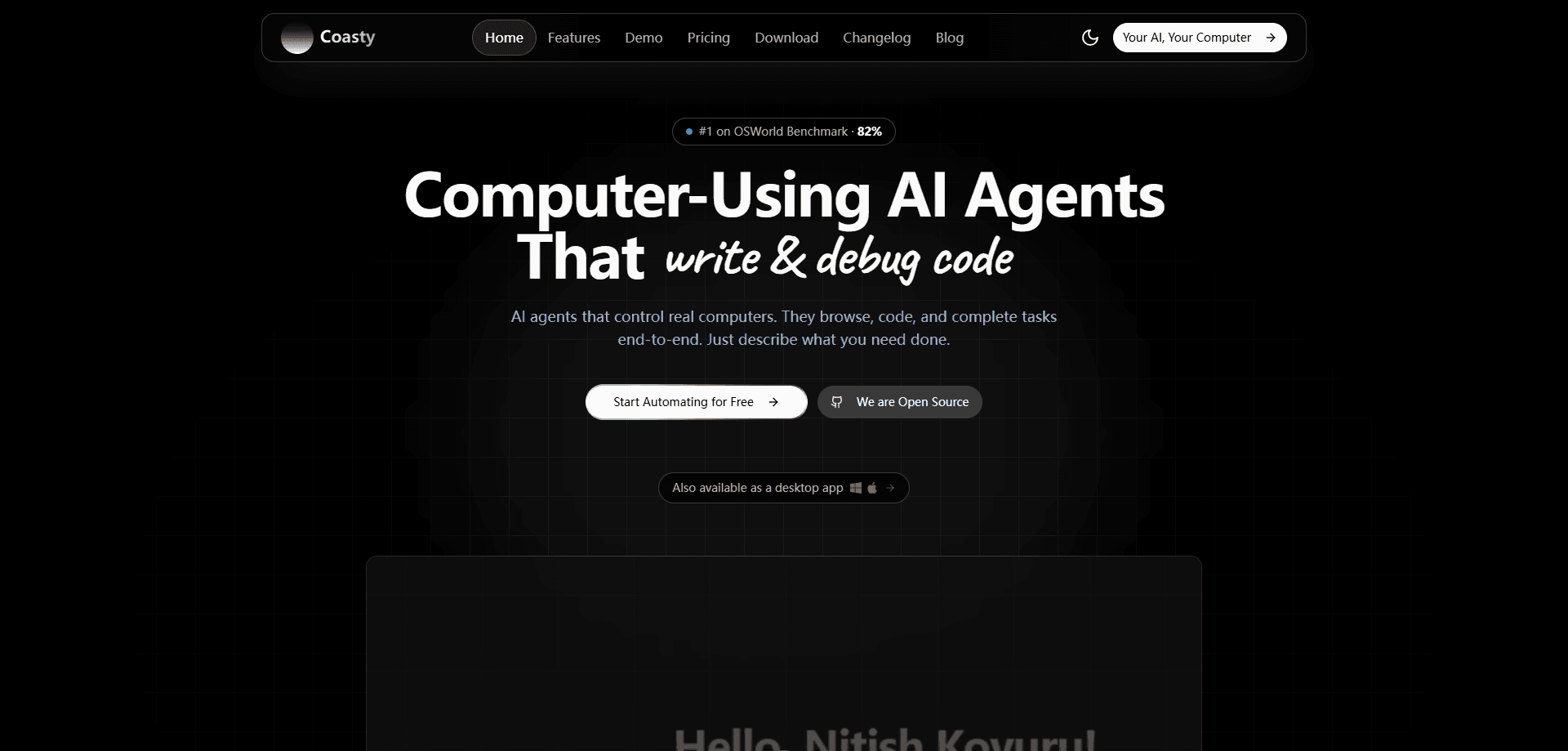
Coasty is a computer-use AI agent platform that controls real desktop machines to browse, code, click through apps, and finish end-to-end tasks from plain natural language instructions. It's built for desktop automation that runs on full Windows and Linux virtual machines. It ships as a web app, native Mac and Windows apps, a REST API, and an MCP server, and it publishes an OSWorld benchmark score it says beats the human baseline.
About Coasty
What Is Coasty
Coasty is a platform built around autonomous agents that control computers. Instead of wiring up brittle selectors like traditional RPA tools, you hand it a task in plain English and it works a real desktop to get it done. The agent takes screenshots, decides what to click or type, and loops until the job passes or fails. No selector maintenance. That's the core pitch.
The team behind it positions Coasty as the top-ranked computer-use agent, citing 85.6% on OSWorld from an in-house model and 82.81% independently verified on the public OSWorld leaderboard across 369 real-world tasks. Those numbers come from the vendor and its linked benchmark pages, so treat them as claims with published traces rather than gospel. Worth checking yourself.
The biggest thing to understand is how you actually run it. Every action happens inside a sandboxed virtual machine, which keeps a half-finished workflow from wrecking your main computer. That isolation is a real strength for experimentation. It's also the main limitation: the agent lives on its own machine, and anything that needs your local files, an unshared login, or a USB device won't just work until you set that up.
Getting Started
- Sign up at coasty.ai and open the web app, or grab the native Mac or Windows app.
- Type a task in natural language, such as "reconcile this month's invoices in the ERP" or "pull the latest numbers into a spreadsheet."
- Let the agent spin up a sandboxed virtual machine and drive the desktop step by step.
- Review the run trace, since every step is logged and graded on the final outcome.
- For developers, generate an API key and connect through the REST API or the MCP server to embed the same agent in your own tools.
Product Information
A quick look at Coasty's pricing, supported platforms, and performance.
Best for
The users, tasks, and scenarios where this tool fits best.
Users
- Developers who want to embed desktop control into their own apps
- Operations and back-office teams drowning in repetitive software work
- Automation engineers tired of fragile RPA scripts
Tasks
- End-to-end workflows across multiple apps
- Long-horizon tasks with many steps
- Coding and terminal work
Scenarios
- Reconciling records in an ERP or accounting tool that has no clean API
- Gathering data from a handful of sites and dropping it into a spreadsheet
- Automating a task you'd otherwise script once and never touch again, where setup cost isn't worth a custom integration.
Key features
Autonomous Desktop Control
Coasty takes a screenshot and an instruction, then returns an ordered list of actions: clicks, typing, key presses, and scrolls. It keeps looping until the task reports done or fail, with no human takeover needed. You're not babysitting a cursor. You're not mapping out every step in advance, either.
Full Operating Systems, Not Toy VMs
Many computer-use demos run on stripped-down test environments that reward memorization. Coasty runs full Windows and Linux desktops with real applications, seeded data, and the popups and dialogs that show up in actual software. That matters a lot. A workflow that only works on a clean VM often falls apart on your real machine.
Benchmark Scores With Public Traces
The platform's headline number is 85.6% on OSWorld across 369 tasks from an in-house model, with 82.81% independently verified on the public leaderboard. Coasty publishes its results and run traces on GitHub, which lets you check the method instead of taking a marketing number at face value. It also says the score beats Devin's 64% and the human baseline of around 72%.
API, MCP Server, and App Integrations
Coasty ships a REST API under /v1 with a base price of $0.05 per predict call, plus an MCP server that works with Claude Desktop, Claude Code, Cursor, Windsurf, and VS Code Copilot Agent. The API handles browser automation and screen parsing, so you can hand off full web sessions instead of isolated clicks. It also connects to 1,000+ apps through Composio, so the agent can reach services like Gmail, Slack, Notion, GitHub, and Jira in one run.
Workflows as Versioned JSON
Beyond single tasks, Coasty lets you compose runs into versioned workflows with branching, loops, parallelism, asserts, retries, and human approvals. That turns a one-off automation into something you can version, review, and re-run on a schedule.
Pay-As-You-Go Pricing
Pricing is usage-based, with no subscription required. Developers get free sandbox keys (the sk-coasty-test-* style keys) to try the API, and billing runs on credits where 1 credit equals $0.01. The predict endpoint starts at $0.05 per call, and responses even return a spend header so you can track cost without a second request.
Pros and cons
Pros
- Free sandbox keys and no subscription make it cheap to test before committing.
- Public benchmark traces back up the OSWorld claims, so you can verify the numbers yourself.
- Full Windows and Linux VMs mean the agent faces the same messy software you do.
- REST API, MCP server, and 1,000+ app integrations give you several ways to plug it in.
- Sandboxed runs contain mistakes, so a broken workflow won't touch your main machine.
Cons
- It's a usage-based developer tool, so costs scale with how often you call the API and there's no flat monthly plan.
- The agent works inside its own VM, which means it can't reach local files or unshared logins until you configure access, adding setup work.
- The benchmark scores come from the vendor and its linked pages, so a healthy dose of skepticism is warranted until third parties replicate them.
- Best results assume some technical comfort with API keys, MCP setup, or VM configuration, which can be a wall for non-developers.
Frequently asked questions
Coasty is a computer-use AI agent. You give it a task in plain language, and it controls a real Windows or Linux desktop, taking screenshots and issuing clicks and keystrokes until the job is finished. It handles browsing, coding, and multi-app workflows without you scripting each step.
Related content
Explore related tools, skills, and articles for Coasty.
Coasty Alternatives
Forefront
Forefront · CodingForefront is a web platform for building with open-source AI. It lets you fine-tune leading open-source language models on your own data, evaluate how they perform, and run them through an API or export them to host yourself. Developers who want the convenience of a closed-source platform but insist on owning their models and data are the target audience here.

Startkit
StartKit.AI · CodingStartkit is a boilerplate for building AI SaaS and AI wrapper products. Think of it as an AI startup boilerplate with the boring parts already wired up: authentication, Stripe and Lemon Squeezy payments, usage limits, transactional email, and an AI API starter that talks to OpenAI, Anthropic, Groq, or Llama. You clone the repo, set your price, and start on the part of your product that people actually pay for. It's Next.js under React and Tailwind, so most of the boilerplate code already feels familiar.
Testim
Tricentis · CodingTestim is an AI-powered test automation platform for building and running end-to-end tests across web, mobile, and Salesforce applications. It leans on machine learning to keep tests stable when an interface changes, so teams spend less time fixing broken selectors. Not bad for an automated testing tool you can start using today. You create tests by recording actions in a browser, then optionally add JavaScript when you need more control. It's a solid pick for busy QA teams.