

CodeYam CLI & Memory
CodeYam · Coding
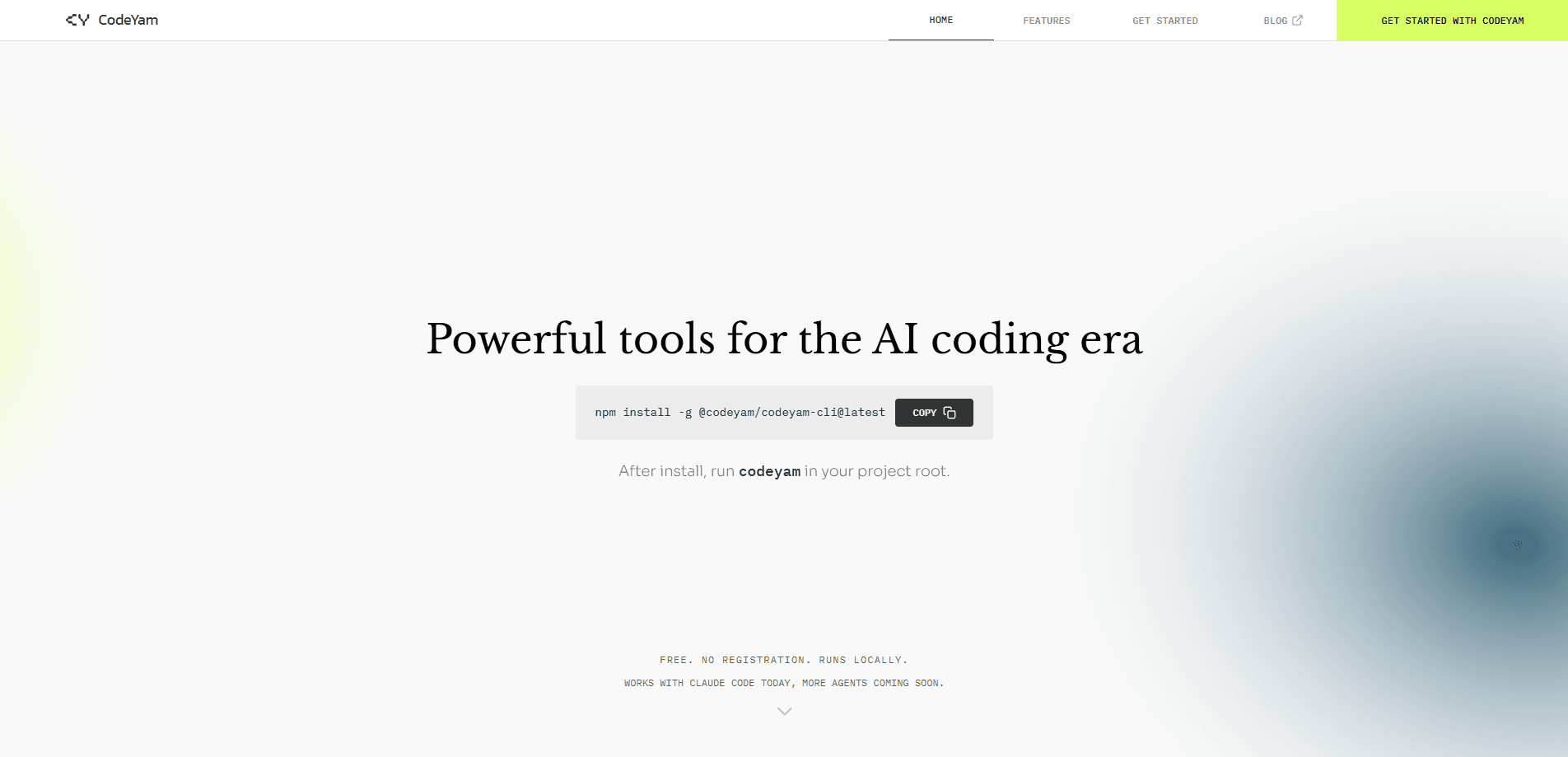
CodeYam CLI & Memory is a local developer tool for people who lean on AI assistants to write code. It captures what happens across your AI coding sessions, organizes that context, and pulls the right details back when you need them. Think of it as AI coding session memory that sits beside your editor instead of inside your prompt. It runs on your machine. Your notes and history stay close at hand.
About CodeYam CLI & Memory
What Is CodeYam CLI & Memory
CodeYam CLI & Memory is part of the CodeYam family of tools built for the AI coding era. Where the broader platform focuses on software simulations that show how your app behaves before it ships, the CLI & Memory piece targets a narrower daily headache: keeping track of everything an AI assistant does across a long, messy project. Every session leaves behind decisions, prompts, and half-finished threads. This tool grabs that trail and files it. Then it makes the trail retrievable.
The tool runs locally and pairs with a coding session dashboard. You install a local developer tool, the command line kind, or the MCPB desktop extension for Claude. From there it records your AI coding sessions, groups related work, and surfaces context when you start something new. The goal is simple. You stop re-explaining your project to your assistant every morning.
Why does that matter? Long projects rot fast.
The main limit is scope. CodeYam supports a defined set of modern languages and frameworks, with TypeScript, React, Next.js, and Remix leading the list. Outside that group, the memory features have less to work with. It's a developer tool first, too. Non-coders won't get much from it.
Getting Started
- Install the CodeYam CLI, or add the MCPB desktop extension if you work inside Claude.
- Point the tool at a project so it knows which session history to track.
- Run your normal AI coding workflow and let the tool capture each session as you go.
- Open the dashboard to review captured sessions, organize them, and pull context back when you start new work.
Product Information
A quick look at CodeYam CLI & Memory's pricing, supported platforms, and performance.
Best for
The users, tasks, and scenarios where this tool fits best.
Users
- Solo developers juggling several AI-assisted projects
- Small engineering teams testing AI workflows
- Developers working inside Claude
Tasks
- Recovering context from yesterday's session
- Organizing prompts and decisions across a long build
- Auditing what an AI assistant changed
Scenarios
- Picking up a stalled side project after a week away
- Running several experiments in parallel
- Handing a project to a teammate
Key features
Local session capture
The tool records your AI coding sessions as they happen, quietly in the background, so you don't have to remember to save anything or manually export a chat log before closing your editor for the night. Because it runs on your own machine, the history stays local rather than shipping off to a hosted service. That matters if you work on code you'd rather not upload.
Dashboard interface
A dedicated dashboard turns scattered sessions into something you can browse. You review past work. You group related sessions and read back the context behind a decision. It's the difference between a searchable record and a wall of scrollback you keep scrolling just to find the one prompt where you explained your database schema.
Context retrieval
When you start new work, the tool helps you pull relevant history back into view. You get the earlier decisions and prompts without digging through old chats yourself. This is the core promise. Your assistant starts informed instead of blank.
CLI and MCP integration
You install either the command line tool or the MCPB desktop extension for Claude. The CLI covers pre-commit style workflows, while the extension slides the memory layer into an existing Claude setup without forcing you to change how you already open your editor or structure your prompts. Pick the one that matches how you already work.
Multi-language support
CodeYam supports a spread of modern languages and frameworks, with TypeScript, React, Next.js, and Remix named up front and more on the way. If your project fits that group, session capture has real material to work with.
Free self-serve access
The self-serve tier is free and comes with full access to the editor, simulations, and the multi-step workflow. There's no account. No seat limit. No time limit either. For a solo dev testing the tool, that's an easy entry point.
Pros and cons
Pros
- Runs locally, so AI coding session history stays on your machine.
- Free self-serve tier with no account, seat, or time limit.
- Dashboard makes past sessions searchable instead of buried in chat logs.
- Works both as a standalone CLI and as a Claude desktop extension.
- Context retrieval cuts the daily chore of re-explaining a project to your assistant.
Cons
- Language and framework support is limited to a defined set, with TypeScript, React, Next.js, and Remix leading. Outside it, there's less to capture.
- It's a developer tool. Non-coders face a real setup curve.
- Pricing beyond the free self-serve tier isn't published publicly, so paid support means contacting the team directly.
Frequently asked questions
It captures your AI coding sessions, organizes them into a dashboard, and lets you retrieve that context later so you're not stuck scrolling through old chats trying to remember which prompt finally got your assistant to stop rewriting the same function. The point is to stop losing the decisions and prompts an assistant generates across a long project.
Related content
Explore related tools, skills, and articles for CodeYam CLI & Memory.
CodeYam CLI & Memory Alternatives
Forefront
Forefront · CodingForefront is a web platform for building with open-source AI. It lets you fine-tune leading open-source language models on your own data, evaluate how they perform, and run them through an API or export them to host yourself. Developers who want the convenience of a closed-source platform but insist on owning their models and data are the target audience here.

Startkit
StartKit.AI · CodingStartkit is a boilerplate for building AI SaaS and AI wrapper products. Think of it as an AI startup boilerplate with the boring parts already wired up: authentication, Stripe and Lemon Squeezy payments, usage limits, transactional email, and an AI API starter that talks to OpenAI, Anthropic, Groq, or Llama. You clone the repo, set your price, and start on the part of your product that people actually pay for. It's Next.js under React and Tailwind, so most of the boilerplate code already feels familiar.
Testim
Tricentis · CodingTestim is an AI-powered test automation platform for building and running end-to-end tests across web, mobile, and Salesforce applications. It leans on machine learning to keep tests stable when an interface changes, so teams spend less time fixing broken selectors. Not bad for an automated testing tool you can start using today. You create tests by recording actions in a browser, then optionally add JavaScript when you need more control. It's a solid pick for busy QA teams.