

ColorifyAI
ColorifyAI · Image
ColorifyAI is a free AI coloring page generator that turns a text prompt or an uploaded photo into a black-and-white line drawing you can print or color digitally. It ships with 15 art styles, from sci-fi and anime to chibi, and lets you pick the page size before you generate. The tool is built for parents, teachers, and hobbyists who want custom coloring pages for kids or adults without drawing skills. Your first generation is free with no login, and a free account adds daily credits on top of that. For most people trying it out, the daily batch covers a week of casual use without paying a cent.
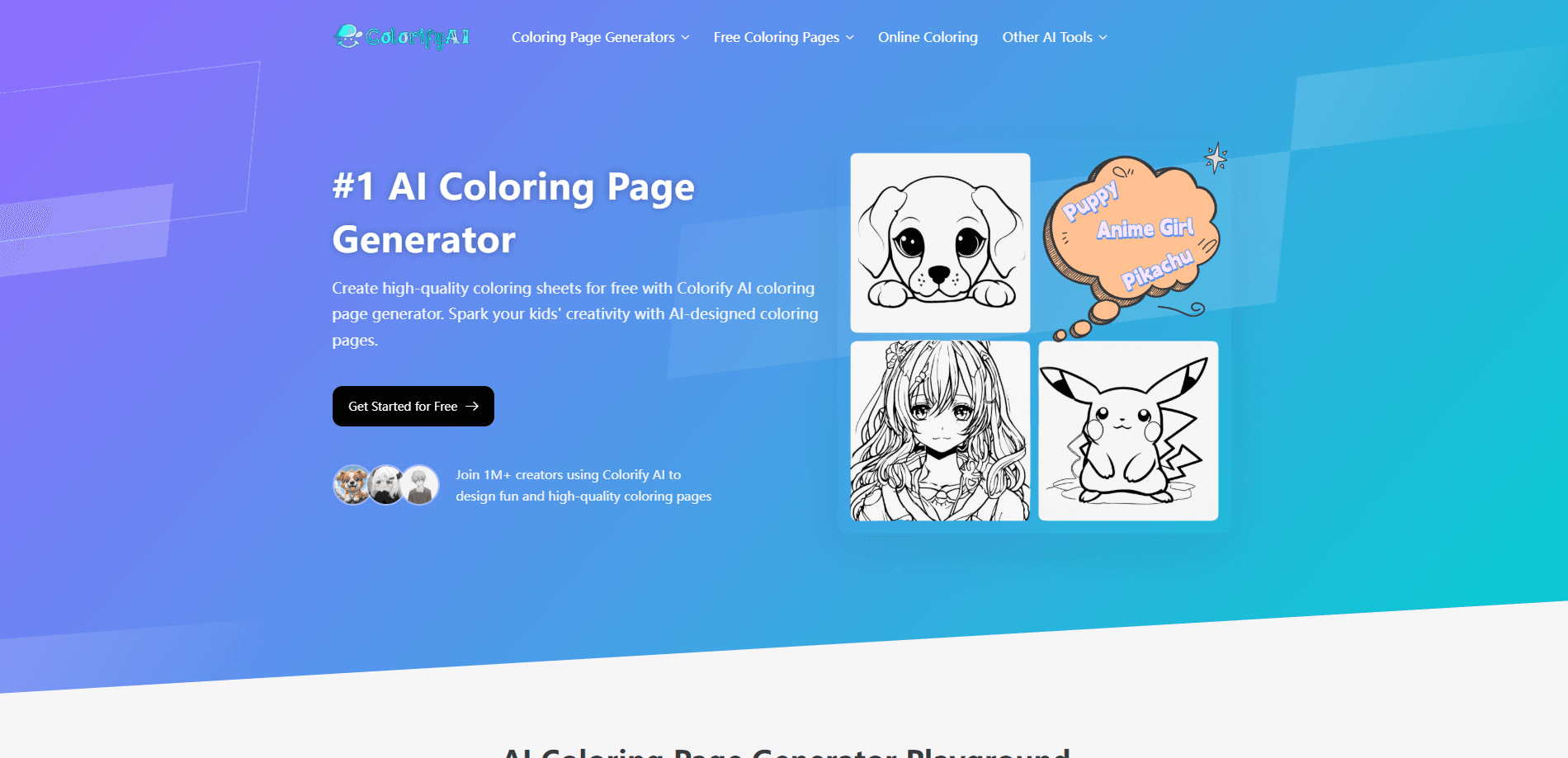
About ColorifyAI
What Is ColorifyAI
ColorifyAI is a web-based AI toolbox built around one core idea: turning plain language or an existing picture into a coloring page. You type what you want, pick a style, and the model handles the line work. It reads both the meaning of a prompt and the contours of a photo. That means the same engine covers "a dragon reading a book" and a portrait you want converted.
The wider platform reaches past coloring pages. There are tools for photo to sketch, photo to line art, sketch to image, an AI colorizer, a book cover generator, a sticker maker, and an AI worksheet generator, all aimed at the same parent-and-teacher crowd. That makes ColorifyAI useful as a small creative suite rather than a single-purpose toy.
The main limits are around the billing model. Free users get personal-use rights only, so anything you plan to sell needs a Plus or Pro subscription. Credits also run out on heavy tasks, and the site charges more credits for the resource-heavy features than for a basic coloring page.
Getting Started
- Open the ColorifyAI site and choose the AI Coloring Page Generator, or the photo to coloring page tool if you're starting from an image.
- Enter a text prompt describing your scene, or upload a photo to convert.
- Pick your art style and page size from the options on screen.
- Generate the page and review the result. If it isn't right, switch AI engines (the basic model, GPT Image 2, or nanobanana) or change the line style and regenerate.
- Download the finished page as a PDF or PNG, ready to print or color on a tablet.
Product Information
A quick look at ColorifyAI's pricing, supported platforms, and performance.
Best for
The users, tasks, and scenarios where this tool fits best.
Users
- Parents
- Teachers
- Hobbyist colorers
Tasks
- Turning a photo into a coloring page
- Making text-based pages
- Bulk creative projects
Scenarios
- Rainy-day kids' activities
- Classroom warm-ups
- Personalized gifts
Key features
Text to Coloring Page
You type a description and ColorifyAI reads it as a scene, then renders it as black-and-white line art. Prompts can be as simple as a subject and an action, and the tool supports text baked into the page, so a phrase like "Happy Birthday" can appear inside the drawing. It's the fastest route when you already know what you want to see.
Photo to Coloring Page
The converter takes an uploaded photo and traces its contours into lines you can color, keeping the general shapes and edges that make a source image recognizable. Clear subjects, strong contrast, and uncluttered backgrounds give the cleanest results, while busy or low-light shots tend to come out muddy. This is where the tool earns its keep for anyone who wants a coloring version of a real picture instead of an imagined scene. Busy shots need a clean source. So pick a simple one.
15 Art Styles
The interface ships with 15 art styles, spanning sci-fi, anime, chibi, and cartoon looks. You can also write a style into the prompt itself, like asking for a cartoon finish. Style matters more than most people expect. The same subject reads completely differently as a chibi sketch versus a comic-panel drawing.
High-Resolution Exports
Finished pages download as PDF or PNG, ready for any home printer. For sharper line work, ColorifyAI offers high-resolution exports up to 1K, 2K, and 4K. That matters if you're printing large or want crisp edges on thick paper. Standard downloads suit everyday printing, while the higher tiers target work you plan to frame or hand out.
Multiple AI Engines
When a result misses, you can swap engines between the basic model, GPT Image 2, and nanobanana, or change the line style. That flexibility beats starting over from a fresh prompt. You keep the same subject and only shift the rendering. It's the difference between nudging a result toward what you want and abandoning it.
Color Tools and Companion Utilities
Beyond coloring pages, the site packs photo to sketch, photo to line art, sketch to image, and an AI colorizer, plus a black-and-white filter and stencil maker. These share the same conversion skills. A photo you turn into line art can feed straight into another step. For repeat users, that saves juggling separate apps.
Privacy-First Handling
Uploaded photos are encrypted during processing and deleted from the servers shortly after. The site states it doesn't store, share, or use your images for AI training. That promise matters most with personal photos of a child or family. You'd rather not leave those sitting on someone else's machine.
Pros and cons
Pros
- Free to start with no login for the first generation, plus 5 free conversions a day once you sign in.
- 15 art styles give real variety without needing prompt-writing skill.
- Accepts both text prompts and photo uploads, so it covers imagined scenes and real pictures.
- Downloads print straight from a home printer as PDF or PNG.
- Clear privacy stance on uploaded photos, with automatic deletion after processing.
Cons
- Free users get personal-use rights only, so selling the output requires a Plus or Pro plan.
- Watermark-free downloads need a login, which adds a step before you can print cleanly.
- Credit-based billing means the heavier AI tools cost more per generation than a basic page, and the exact credit rates aren't published up front.
Frequently asked questions
You can turn text prompts or photos into printable coloring pages, then download them as PDF or PNG. The same site also offers photo to sketch, line art conversion, and an AI colorizer if you want more than coloring sheets.
Related content
Explore related tools, skills, and articles for ColorifyAI.
ColorifyAI Alternatives

X Ray Interpreter
X-ray Interpreter · ImageX Ray Interpreter is a web-based AI radiology tool that turns X-rays, CT scans, MRI, ultrasound, and PET images into plain-language reports. You upload a scan, get a preliminary X-ray interpretation in moments, then ask follow-up questions if something needs explaining. It works as a second opinion and a learning aid, not as a medical diagnosis.

Aieasypic
AIEasyPic · ImageAIEasyPic is an AI image generator that turns plain text prompts into finished artwork in seconds. You can also train custom models on your own photos, swap faces in existing images, and create short video clips from text, all from a browser. It suits casual creators who want quick visuals and hobbyists who want to build a personal model without touching any code.

Chargen
Chargen · ImageChargen is an AI character generator and worldbuilding toolkit built for Dungeons & Dragons and other tabletop RPGs. It turns a one-line idea into a painted character portrait, spins up NPCs, monsters, maps and encounters from the same session, and keeps every creature's details close at hand. The tabletop RPG art side runs on a credit system called Gold, while the text generators stay free for everyone.