

Concierge AI
Concierge AI Technologies, Inc. · Productivity · Marketing
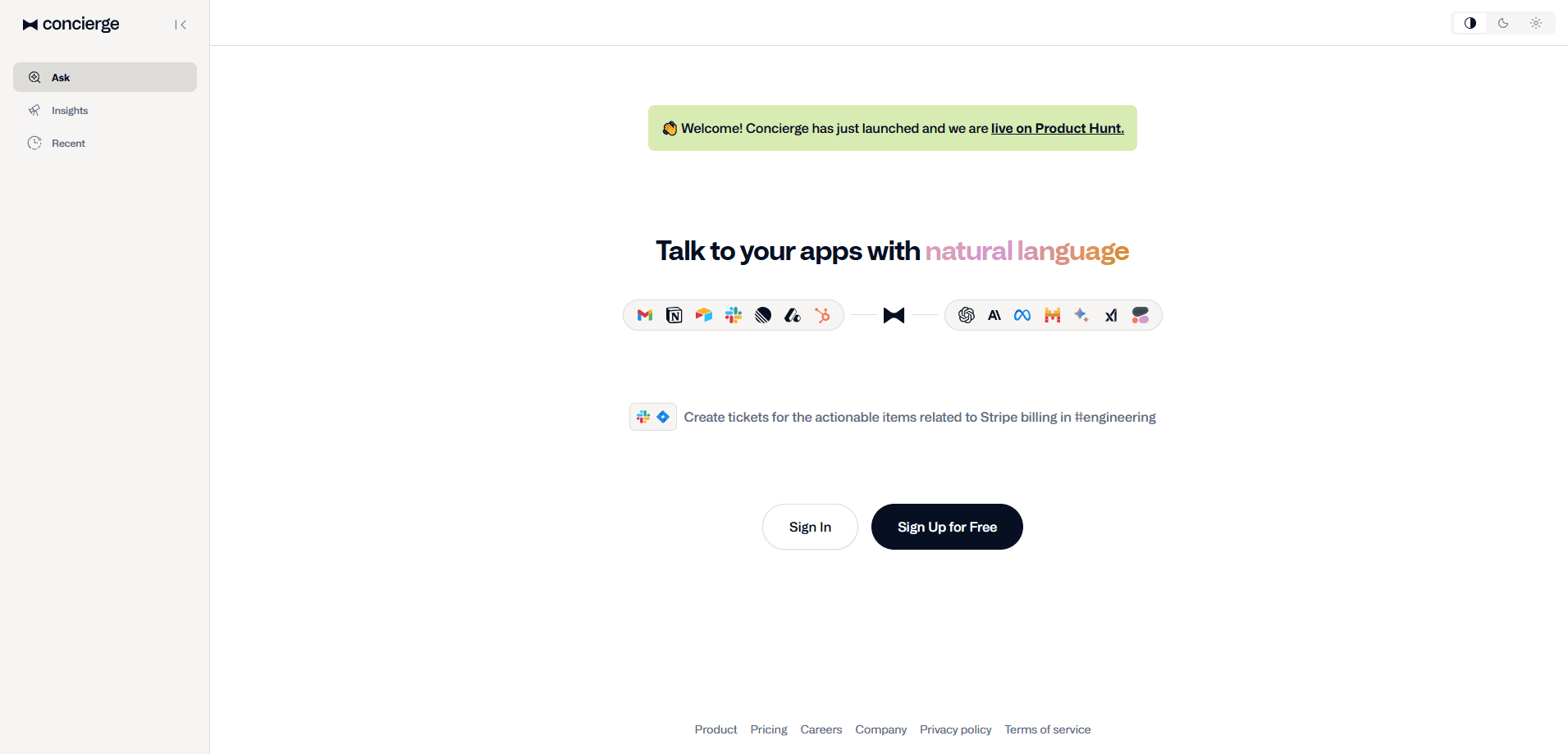
Concierge AI is an AI workspace assistant that links apps like Gmail, Slack, Notion and Jira to leading models such as GPT and Claude, letting you read, search and act on your tools through plain-language chat.
About Concierge AI
What Is Concierge AI
Concierge AI is a chat-based workspace assistant built by Concierge AI Technologies, Inc. You connect the software you already use, then ask for things in ordinary sentences. The assistant can pull information out of those apps and carry out actions inside them, so a task that would normally mean opening four tabs happens in one message.
The product is also known as Centrifuse, which is the name used on the company's own site. It sits in the same space as general chatbots, but the difference is context. A plain chatbot knows nothing about your inbox or your team's tickets. Concierge AI reads and writes to connected apps in real time, and it can ground its answers in your own documents and knowledge sources instead of guessing.
That range comes with real limits. Anything you want the assistant to do depends on which apps you connect and what permissions you grant, so a narrow setup produces narrow results. Answers also depend on the data being current and accurate, and the service is a web app rather than something you install on a phone. The free plan caps daily usage, so heavy users run into the paid tier quickly.
Getting Started
- Sign up on the official site. The free plan needs no credit card, so you can test the basics first.
- Connect the apps you want the assistant to work with, such as Gmail, Slack, Notion or a CRM, and approve the permissions it asks for.
- Pick a model for the job, or let the default handle routine requests, since several models sit behind one subscription.
- Ask a question or give an instruction in plain language, like summarizing a thread or drafting a document.
- Build a custom skill when you want repeatable output in your own format and voice.
Product Information
A quick look at Concierge AI's pricing, supported platforms, and performance.
Best for
The users, tasks, and scenarios where this tool fits best.
Users
- Product managers
- Sales and account teams
- Small teams
Tasks
- Catching up on communication
- Drafting documents and messages
- Research with sources
- Moving work between tools
Scenarios
- Onboarding a new teammate
- Handling repetitive busywork
- Exploring which AI model fits a job
Key features
Natural language control across connected apps
Concierge AI turns plain sentences into actions inside your tools. Ask it to read a Notion page, send a Slack message or update a CRM record, and it handles the steps. The value is that you stop switching between tabs and copying data, because the assistant works inside the apps you already connected.
Multiple AI models under one subscription
The assistant routes your request to models such as GPT, Claude, Grok and DeepSeek, all covered by a single plan. Instead of juggling separate accounts and bills, you pick the model that suits the task. For teams, that folds several paid AI services into one line item.
Custom skills in your own voice
You can teach Concierge AI to produce output the way you want it. A custom skill might draft a product requirements document, write a sales email in your tone or format a tech spec. Once saved, the skill runs the same way every time, which suits anyone who writes the same kind of document over and over.
Answers with cited sources
When you ask a research question, the assistant draws on the internet and your connected knowledge sources, then shows where the information came from. Citations matter when a wrong answer has a cost, because you can open the source and check it yourself rather than trusting the summary.
Real-time read and write access
Connection to tools like Gmail, Slack, Notion, Jira, Linear, Attio and HubSpot works in both directions. Concierge AI can read what's there and write back changes, so requests like summarizing a thread or filing a ticket end with the work actually done, not just a suggestion.
Shared workspaces for teams
The platform supports collaboration through shared workspaces, so a team can use the same connected apps and custom skills rather than rebuilding them per person. This keeps output consistent across a group and shortens the setup for anyone joining later.
Pros and cons
Pros
- One subscription covers several top models, which cuts the number of AI accounts a team pays for.
- Connects to widely used tools such as Gmail, Slack, Notion, Jira and HubSpot, so it fits into a setup you likely already have.
- Custom skills let you lock in a repeatable format, useful for routine documents like PRDs and sales emails.
- Cited answers make it easier to verify where a claim came from before acting on it.
- A free plan with no credit card lowers the risk of testing it before paying.
Cons
- Every capability depends on which apps you connect and what permissions you allow, so a limited setup gives limited results.
- The free plan allows only 5 Pro messages per day, which heavy users will exhaust quickly.
- It runs as a web app, so there's no dedicated mobile app for work on the go.
- At $20 per user per month, the cost climbs for larger teams, and enterprise pricing isn't published publicly.
Frequently asked questions
Concierge AI handles everyday work across your connected apps. You can summarize email threads, draft documents, update a CRM, file tickets and pull answers with sources, all from one chat window instead of switching between tools.
Related content
Explore related tools, skills, and articles for Concierge AI.
Concierge AI Alternatives

Swms
Swms AI · Writing · Productivity · BusinessSwms is an AI safety compliance tool that turns a plain description of a job into ready-to-use safety documents. Describe your project, trade, and known hazards, and it writes a safe work method statement, job hazard analysis, safe work procedure, RAMS, or safety data sheet in seconds. It also ships with Oscar, a chat assistant that answers workplace safety questions in any language. Teams in construction, mining, transport, and warehousing use it to cut the paperwork that usually eats into a workday.

Wordly AI Translation
Wordly · Voice & Language · ProductivityWordly AI Translation is a real-time AI translation and captioning platform built for meetings, conferences, and events. It delivers live translation, captions, transcripts, and summaries in more than 60 languages, and attendees join by scanning a QR code or opening a link instead of using dedicated headsets. The platform works with Zoom, Microsoft Teams, Google Meet, and Webex, and it's designed for organizations that want multilingual access without hiring human interpreters for every session. Simple as that.

Rows
Rows (Superhuman) · Productivity · BusinessRows is an AI spreadsheet and data analysis tool that imports live data from more than 50 sources, then lets you work with it using plain language instead of SQL queries or nested formulas. You can pull numbers out of PDFs, connect ad platforms, databases, and bank accounts, and ask the AI to build reports, merge datasets, or set up models that recalculate themselves. It runs in the browser, works like a spreadsheet, and now sits under the Superhuman umbrella.