

Context
Context · Productivity
Context is an AI workspace where named agents read your files and tools and turn scattered information into finished decks, docs, and sheets.
About Context
What Is Context
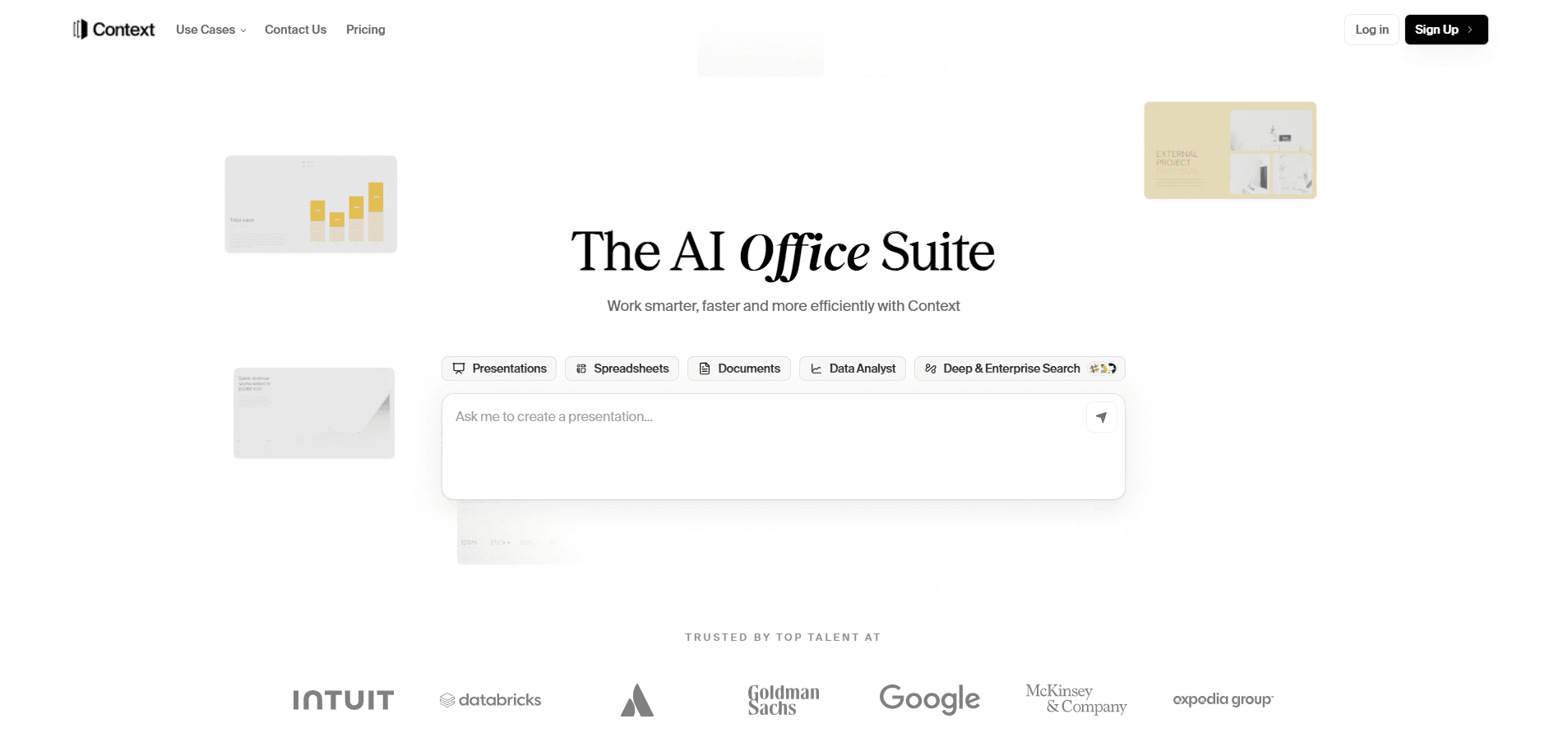
Context is a workspace built for teams that want AI agents doing real work rather than just chatting. You bring your files, messages, and connected apps into one place, and named agents such as an analyst or finance assistant read them, produce deliverables, and write results back.
The product solves a specific problem. Most AI tools answer questions in a chat window, then forget everything the moment you close it. Context keeps the company's files, tools, and prior work in view, so an agent can build a Q3 review deck from a spreadsheet or keep covenant numbers visible for a whole team.
The main thing to understand is who it's aimed at. Context leans toward companies running pilots inside their own cloud or on-premises, so pricing and setup are handled through a conversation rather than a checkout page. Small teams can start on a free self-serve plan, but the deepest value shows up in deployments that connect internal systems.
Getting Started
- Sign up at workspace.context.ai, or request a guided demo if you need the platform inside your own environment.
- Connect the sources you already use, such as drives, data warehouses, or ticketing tools, and set the access rules agents follow.
- Create an agent, name it, and pick the model it runs on.
- Ask for a deliverable in a team channel, like a deck built from a worksheet, and watch the file land in the thread.
- Review the run, score it against your criteria, and let the feedback turn into a better skill for next time.
Product Information
A quick look at Context's pricing, supported platforms, and performance.
Best for
The users, tasks, and scenarios where this tool fits best.
Users
- Operations and finance teams
- Founders and small teams
- Analysts and consultants
- IT and security leads
Tasks
- Building a portfolio review deck
- Keeping key numbers visible
- Drafting reports in your own voice
- Cleaning raw data into charts and insights
Scenarios
- A team running the same report every quarter
- An enterprise pilot that can't send data to a public tool
- A group that wants agents inside existing chat
Key features
Named agents that work as team members
Instead of one generic assistant, Context gives each agent a name and a job, such as an analyst or a finance agent. Every task runs with the permissions of the person who asked, and each step is recorded, so you can see who asked for what and how it was handled.
Deliverables, not just chat
Agents produce finished files, including slides, docs, sheets, and dashboards, and drop them into the thread where the request started. That means the output is something you can send to a client or a board rather than text you still have to format.
Skills that improve over time
A skill is a set of steps you can read and edit. When a run fails a scorecard, the Improver drafts a new version of the skill from that feedback, and once a person approves it, every later run starts from the fix.
Evals that score every run
Scorecards written by your own experts grade each run, so a failure has a name and a reason. Rubrics and golden sets check every skill, model, and context change against past work before it ships, which catches regressions early.
Any model, on your own keys
Each agent can run on the model you pick, and a runbook may route between models based on cost, latency, and eval results. Because runbooks, context, and evals live outside the model, you can swap providers without rebuilding the workflow.
Deployment you control
Context runs as a managed service, inside your own VPC, on-premises, or in an air-gapped environment. You connect 800+ sources across data warehouses, documents, CRMs, and ticketing, and set the access rules agents follow.
Pros and cons
Pros
- Agents do the work in the tools your team already uses, so adoption doesn't depend on a new habit.
- Output lands as finished files, which cuts the time spent reformatting AI drafts.
- Evals and skills give a clear path from a failed run to a better one, on any model.
- Deployment options cover strict environments, including air-gapped setups and your own model keys.
- A free self-serve plan lets a small team test it before a serious commitment.
Cons
- Pricing for enterprise deployments isn't published, so you have to talk to the team for a quote.
- The value depends on connecting internal systems first, which takes setup work and the right permissions.
- Mobile access is still in private preview, so phone-first users can't rely on it yet.
- A lot of the platform's strength is aimed at larger organizations, which can feel heavy for a solo user.
Frequently asked questions
Context is an AI workspace for turning scattered files, messages, and connected apps into finished work, such as decks, reports, sheets, and dashboards, with named agents doing the tasks.
Related content
Explore related tools, skills, and articles for Context.
Context Alternatives

Swms
Swms AI · Writing · Productivity · BusinessSwms is an AI safety compliance tool that turns a plain description of a job into ready-to-use safety documents. Describe your project, trade, and known hazards, and it writes a safe work method statement, job hazard analysis, safe work procedure, RAMS, or safety data sheet in seconds. It also ships with Oscar, a chat assistant that answers workplace safety questions in any language. Teams in construction, mining, transport, and warehousing use it to cut the paperwork that usually eats into a workday.

Wordly AI Translation
Wordly · Voice & Language · ProductivityWordly AI Translation is a real-time AI translation and captioning platform built for meetings, conferences, and events. It delivers live translation, captions, transcripts, and summaries in more than 60 languages, and attendees join by scanning a QR code or opening a link instead of using dedicated headsets. The platform works with Zoom, Microsoft Teams, Google Meet, and Webex, and it's designed for organizations that want multilingual access without hiring human interpreters for every session. Simple as that.

Rows
Rows (Superhuman) · Productivity · BusinessRows is an AI spreadsheet and data analysis tool that imports live data from more than 50 sources, then lets you work with it using plain language instead of SQL queries or nested formulas. You can pull numbers out of PDFs, connect ad platforms, databases, and bank accounts, and ask the AI to build reports, merge datasets, or set up models that recalculate themselves. It runs in the browser, works like a spreadsheet, and now sits under the Superhuman umbrella.