

Context Gateway
Compresr · Coding
Context Gateway is an agentic proxy that sits between your AI coding agent and the LLM API, compressing conversation history in the background before your session ever hits the context window limit. Built by Compresr, a YC-backed company focused on LLM context compression, it works with Claude Code, Cursor, and custom agents. The pitch is simple: no more waiting for compaction, because the summary was already computed while you kept working.
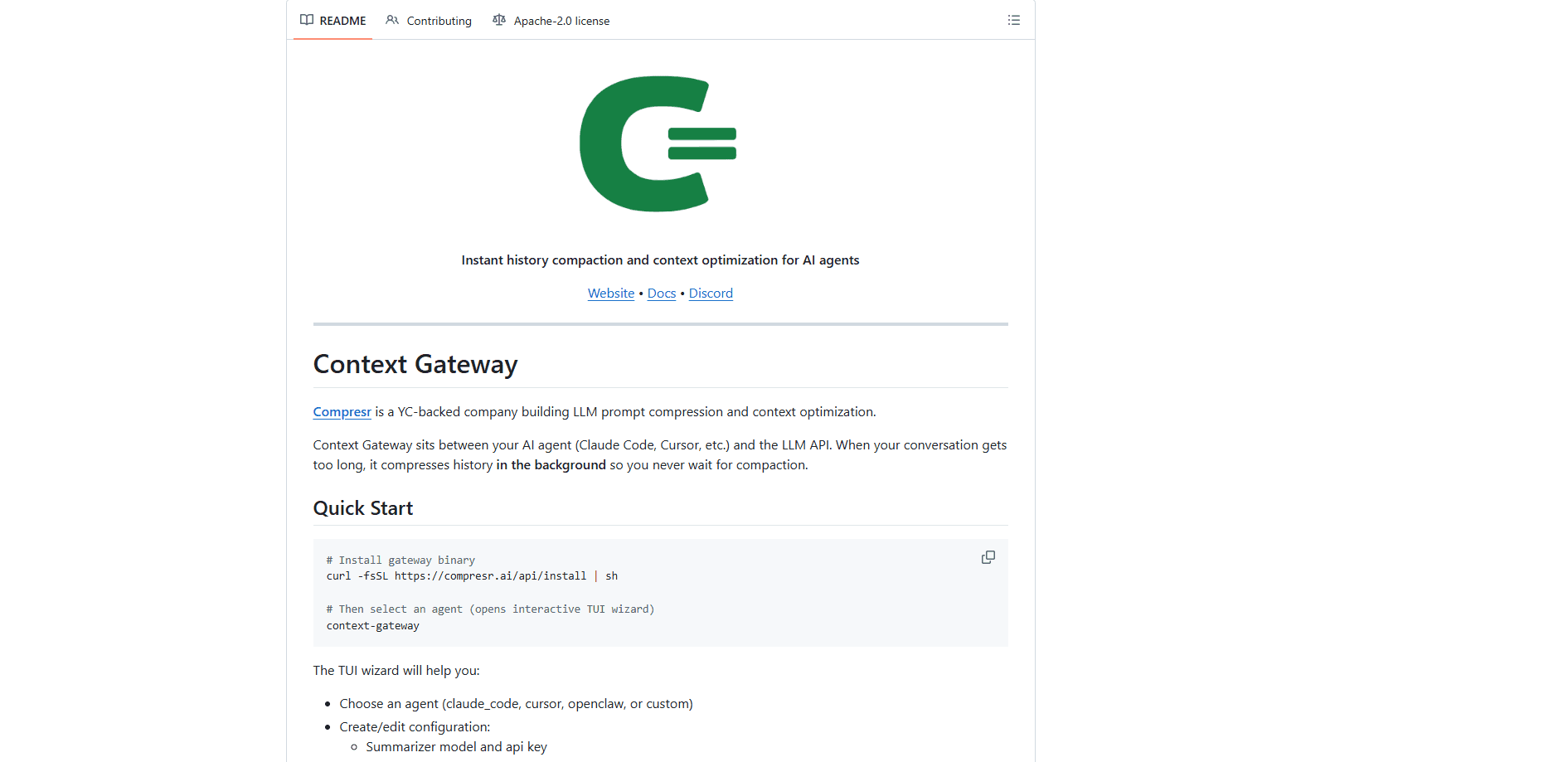
About Context Gateway
What Is Context Gateway
Context Gateway is a local proxy for people who run long AI coding sessions. It installs as a small binary, then routes your agent's traffic through itself on the way to the LLM. When the conversation grows long enough, it compresses older history in the background, well before the model runs out of room. Simple idea. Real payoff.
The problem it targets is familiar to anyone using Claude Code or Cursor all day. Sessions crawl to a halt near the context limit, and the tool stops to summarize before it can continue. Context Gateway moves that work off the critical path. When the threshold is crossed, the compaction is already sitting there. Context window management stops being a chore you wait on.
The catch is that it's still an early-stage developer tool. You install it from the command line, you pick a summarizer model and supply an API key, and you tune the trigger threshold yourself. So what do you actually get for that setup work? Some assembly is required.
Getting Started
- Run the install script to fetch the gateway binary:
curl -fsSL https://compresr.ai/api/install | sh. - Launch it with the
context-gatewaycommand, which opens an interactive setup wizard. - Pick your agent from the list:
claude_code,cursor,openclaw, orcustomfor a bring-your-own setup. - Set your summarizer model, API key, and compression trigger threshold (75% is the default).
- Optionally turn on Slack notifications, then check
logs/history_compaction.jsonlto watch what gets compressed.
Product Information
A quick look at Context Gateway's pricing, supported platforms, and performance.
Best for
The users, tasks, and scenarios where this tool fits best.
Users
- Developers running long Claude Code or Cursor sessions
- AI teams shipping agents into production
- Cost-conscious engineers on large codebases
Tasks
- Keeping multi-hour coding sessions inside the context window
- Compressing retrieved chunks in a RAG pipeline
- Trimming noisy tool outputs
Scenarios
- A long refactor where the conversation keeps growing and you don't want to restart the agent.
- Legal, medical, or financial document analysis where a single question sits on top of dense source material.
- Any workflow that routinely runs into the context window limit and pays for tokens the model never reads.
Key features
Background History Compaction
Timing is everything here. Instead of waiting until your conversation hits the limit and then pausing to summarize, Context Gateway pre-computes the summary in the background as the session grows. When you cross the threshold, compaction is instant because the work is already done. For anyone who has watched a coding agent freeze mid-task, that shift is the whole point. No more staring at a spinner.
Works With Major AI Coding Agents
The wizard ships with presets for claude_code and cursor, the two most common AI coding environments, plus openclaw and a custom option for your own configuration. You don't rewrite your agent to adopt it. AI context compression happens as a proxy in front of the LLM API, and your existing tools stay in place.
Question-Aware Compression
Underneath the gateway is Compresr's compression API, which scores your context against the actual query you're asking. That's LLM context optimization done properly. It keeps the spans that carry the answer and drops the rest, rather than compressing blindly. The company's own benchmark on FinanceBench claims accuracy holds at light compression and can even improve. Those numbers come from the vendor where they're worth treating as marketing until independent results land.
Configurable Trigger Threshold
The compression threshold defaults to 75% of the context window, but you set it yourself during setup. Lower it if you'd rather compress early and stay well clear of the limit. Raise it if you want to keep more raw history around. Slack notifications can ping you when a compression event fires.
Visible Logs
Every compaction is written to logs/history_compaction.jsonl, so you can inspect what was compressed and when. That transparency matters when you're trusting a tool to quietly rewrite your conversation history. If the output looks wrong, you have a record to check. Not ideal to find out any other way.
Hosted SDK and On-Prem Deployment
Beyond the gateway, Compresr ships a prompt compression API as a hosted SDK, with TypeScript and Python clients and a per-million-token price. An on-prem option runs inside your own VPC when your data can't leave the network. The on-prem route comes with custom throughput and latency SLAs and dedicated support.
Pros and cons
Pros
- Instant compaction removes the pause that interrupts long agent sessions.
- Presets for Claude Code, Cursor, and openclaw mean fast setup, no code changes.
- Logs every compaction so you can audit what was rewritten.
- Question-aware compression targets the tokens that matter, not a blind cut.
- Free credits on sign-up let you test the API without a credit card.
Cons
- Requires a terminal install and a summarizer API key, so it isn't a click-to-run app.
- Compression can drop context the model later needs, and you won't always notice until an answer goes wrong.
- Benchmark claims come from the vendor and haven't been independently verified.
- On-prem deployment means talking to sales rather than signing up.
Frequently asked questions
It's a proxy that sits between your AI agent and the LLM API. When your conversation gets long, it compresses the older history in the background so the session never stalls waiting for a summary at the context limit.
Related content
Explore related tools, skills, and articles for Context Gateway.
Context Gateway Alternatives
Forefront
Forefront · CodingForefront is a web platform for building with open-source AI. It lets you fine-tune leading open-source language models on your own data, evaluate how they perform, and run them through an API or export them to host yourself. Developers who want the convenience of a closed-source platform but insist on owning their models and data are the target audience here.

Startkit
StartKit.AI · CodingStartkit is a boilerplate for building AI SaaS and AI wrapper products. Think of it as an AI startup boilerplate with the boring parts already wired up: authentication, Stripe and Lemon Squeezy payments, usage limits, transactional email, and an AI API starter that talks to OpenAI, Anthropic, Groq, or Llama. You clone the repo, set your price, and start on the part of your product that people actually pay for. It's Next.js under React and Tailwind, so most of the boilerplate code already feels familiar.
Testim
Tricentis · CodingTestim is an AI-powered test automation platform for building and running end-to-end tests across web, mobile, and Salesforce applications. It leans on machine learning to keep tests stable when an interface changes, so teams spend less time fixing broken selectors. Not bad for an automated testing tool you can start using today. You create tests by recording actions in a browser, then optionally add JavaScript when you need more control. It's a solid pick for busy QA teams.