

Context Link
Context Link · Productivity · Leaning
Context Link is a tool that gives ChatGPT, Claude, and other AI agents a single way to reach the knowledge your business already keeps in separate places. Instead of copying notes into one more app, you connect your docs, websites, inboxes, files, and workspaces once, and every answer pulls from those sources with citations. It's built for teams who want their AI to work from current internal context rather than guesswork. You can even connect Notion to ChatGPT without exporting a single page by hand. That's the whole point. Plenty of tools promise business context for AI. This one pulls it from the docs you already wrote.
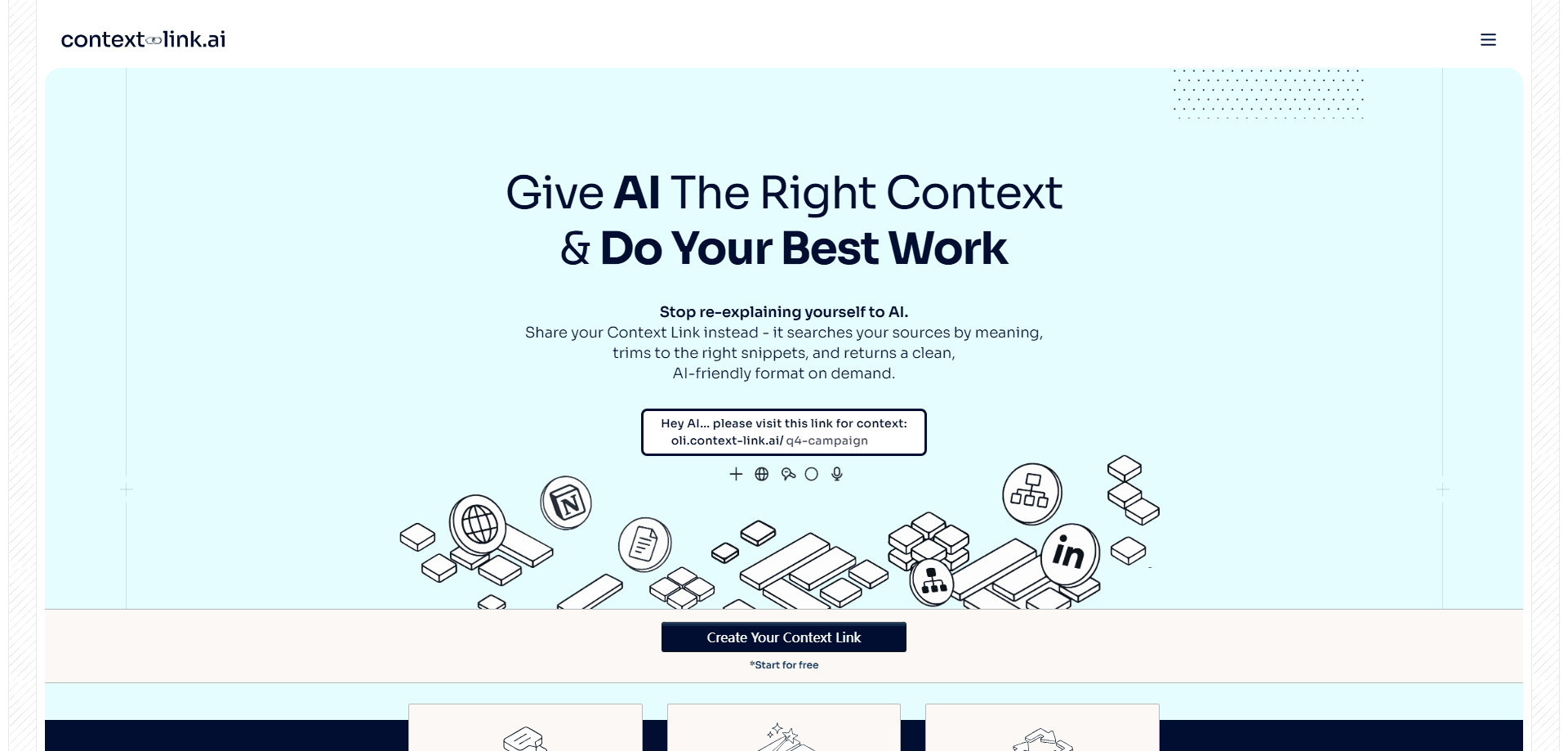
About Context Link
What Is Context Link
Context Link is a connected knowledge base that sits between your scattered business content and the AI tools you already use. Notion pages, Google Docs, websites, emails, and files all sync into one search layer that works by meaning instead of exact keywords. When you ask a question, Context Link finds the relevant material wherever it lives and hands the AI grounded business context.
The problem it solves is context sprawl. A Notion connector can only search Notion, and a Drive connector can only search Drive, so getting a real answer often means pasting in the right doc yourself. Context Link runs one search across everything you've connected, then returns source-backed AI answers.
The main limit is scope. It's an internal knowledge tool, not a general chat assistant, so its value depends on what you connect and how often those sources change. Sources sync every 24 hours, so very recent edits may take a day to show up.
Connect it. Forget it exists.
So what happens when a source changes? Context Link re-indexes it on the next 24-hour sync, which keeps every connected AI tool reading the same updated version rather than a snapshot from the day you set the workspace up.
Getting Started
- Sign up and create a workspace for your team at context-link.ai.
- Connect your sources, such as Notion, Google Drive, websites, email, and files.
- Let the initial sync run so Context Link can chunk and index your content.
- Open ChatGPT, Claude, or an MCP-aware agent and add Context Link as a connection.
- Ask a question, then check the cited sources behind each answer.
Product Information
A quick look at Context Link's pricing, supported platforms, and performance.
Best for
The users, tasks, and scenarios where this tool fits best.
Users
- Small teams with content spread across Notion, Drive, and email
- Founders and marketers who ask AI about positioning and pricing
- Support and ops staff answering repeat questions
Tasks
- Pulling a specific past decision out of an old email thread or doc
- Asking an AI agent for onboarding context across several workspaces
- Pushing custom data like a to-do app into your AI
- Querying product docs from within ChatGPT or Claude
Scenarios
- A new hire asks "what's our refund policy" and gets an answer traced to the official doc.
- A team spends a week building a knowledge base, then reuses it across every AI chat.
- Someone returns after months away and re-asks a settled question without re-reading old threads.
- A marketer checks last quarter's positioning without messaging a teammate.
Key features
One Connected Knowledge Base
Context Link keeps your separate sources in sync as a single searchable layer. Notion, Google Docs, websites, inboxes, files, and project tools are indexed together, so you search all of them in one pass. That saves you from opening one connector per app just to find an answer. One search. Every source.
Works Inside the AI You Already Use
The tool plugs into ChatGPT, Claude, and any MCP-aware agent, so you don't switch tools to get your company context. You ask questions in the same chat you already use, and Context Link supplies the background it needs. Each response is grounded in your latest content rather than the model's memory. No new chat app. No copy-paste.
Semantic Search, Not Keyword Matching
Context Link retrieves material by meaning, which helps when you can't recall the exact wording. Ask about "customer pain" and it can surface a complaint thread you never labeled that way. Think of it less as a keyword box and more as a semantic search tool for your own business. This is the core difference from single-app connectors that only match on keywords.
Memories for Settled Decisions
You can save a finished decision as a Memory, and every AI tool reads the latest version of it. That keeps a rolling record of what your team has already agreed on. It's useful when the same question keeps coming back. Answer it once, and every tool stays current. Save it once, and the next teammate who asks gets the same settled answer instead of reopening a debate your team already finished.
Source-Backed Answers With Citations
Every answer shows its working, listing the exact sources behind it. You can verify a claim instead of trusting it blindly. That matters when the answer drives a real decision. Want to check a number before you quote it in a meeting? The citations are right there, and they tell you exactly which connected source the answer came from. Citations also make it easier to spot when your sources are out of date.
24-Hour Sync
Sources refresh every 24 hours, so AI reads what your business says today. That's more current than a one-time snapshot from months ago. Same-day edits might not appear until the next sync. Small delay, real upside.
Custom Connections API
Beyond pre-built connectors, you can build your own using the Custom Connections API or the ready-made skill. A model fetches data from any reachable service, converts it to markdown, and pushes it in. From there Context Link handles chunking, embeddings, and search, with quotas of 1,000 posts and 100MB per connection. If Claude can read a service, you can push it into Context Link, which means the practical limit on what your AI can reach is less about the tool's built-in list and more about what your own scripts or agents can pull down.
Organisation-Wide Sharing
Connections are organisation-wide by default, letting teammates search the synced content, with a personal scope option for private items. The creator is recorded, so org connections stay controlled. Some sources are for everyone. Others aren't. Pick the scope that fits.
Pros and cons
Pros
- Searches across Notion, Drive, websites, email, and files in one query instead of one app at a time.
- Works inside ChatGPT, Claude, and MCP-aware agents, so there's no new chat interface to learn.
- Every answer includes citations, which makes verification quick.
- The Custom Connections API lets you push data from services that don't have a pre-built connector.
- Sources stay current with 24-hour syncs rather than a fixed snapshot.
Cons
- No public pricing page, so you have to start a workspace to confirm what a paid plan costs.
- Setup effort scales with your sources; connecting and indexing many tools takes time before answers improve.
- The 24-hour sync means same-day edits may not appear right away.
- It only answers from what you connect, so anything left out won't be found.
Frequently asked questions
Context Link gives AI tools one place to pull accurate context from your business content. You connect sources like Notion, Google Docs, websites, and email, then ask ChatGPT, Claude, or an MCP agent questions and get answers with citations.
Related content
Explore related tools, skills, and articles for Context Link.
Context Link Alternatives

Swms
Swms AI · Writing · Productivity · BusinessSwms is an AI safety compliance tool that turns a plain description of a job into ready-to-use safety documents. Describe your project, trade, and known hazards, and it writes a safe work method statement, job hazard analysis, safe work procedure, RAMS, or safety data sheet in seconds. It also ships with Oscar, a chat assistant that answers workplace safety questions in any language. Teams in construction, mining, transport, and warehousing use it to cut the paperwork that usually eats into a workday.

Wordly AI Translation
Wordly · Voice & Language · ProductivityWordly AI Translation is a real-time AI translation and captioning platform built for meetings, conferences, and events. It delivers live translation, captions, transcripts, and summaries in more than 60 languages, and attendees join by scanning a QR code or opening a link instead of using dedicated headsets. The platform works with Zoom, Microsoft Teams, Google Meet, and Webex, and it's designed for organizations that want multilingual access without hiring human interpreters for every session. Simple as that.

Rows
Rows (Superhuman) · Productivity · BusinessRows is an AI spreadsheet and data analysis tool that imports live data from more than 50 sources, then lets you work with it using plain language instead of SQL queries or nested formulas. You can pull numbers out of PDFs, connect ad platforms, databases, and bank accounts, and ask the AI to build reports, merge datasets, or set up models that recalculate themselves. It runs in the browser, works like a spreadsheet, and now sits under the Superhuman umbrella.