

Continua AI
Continua AI · Productivity
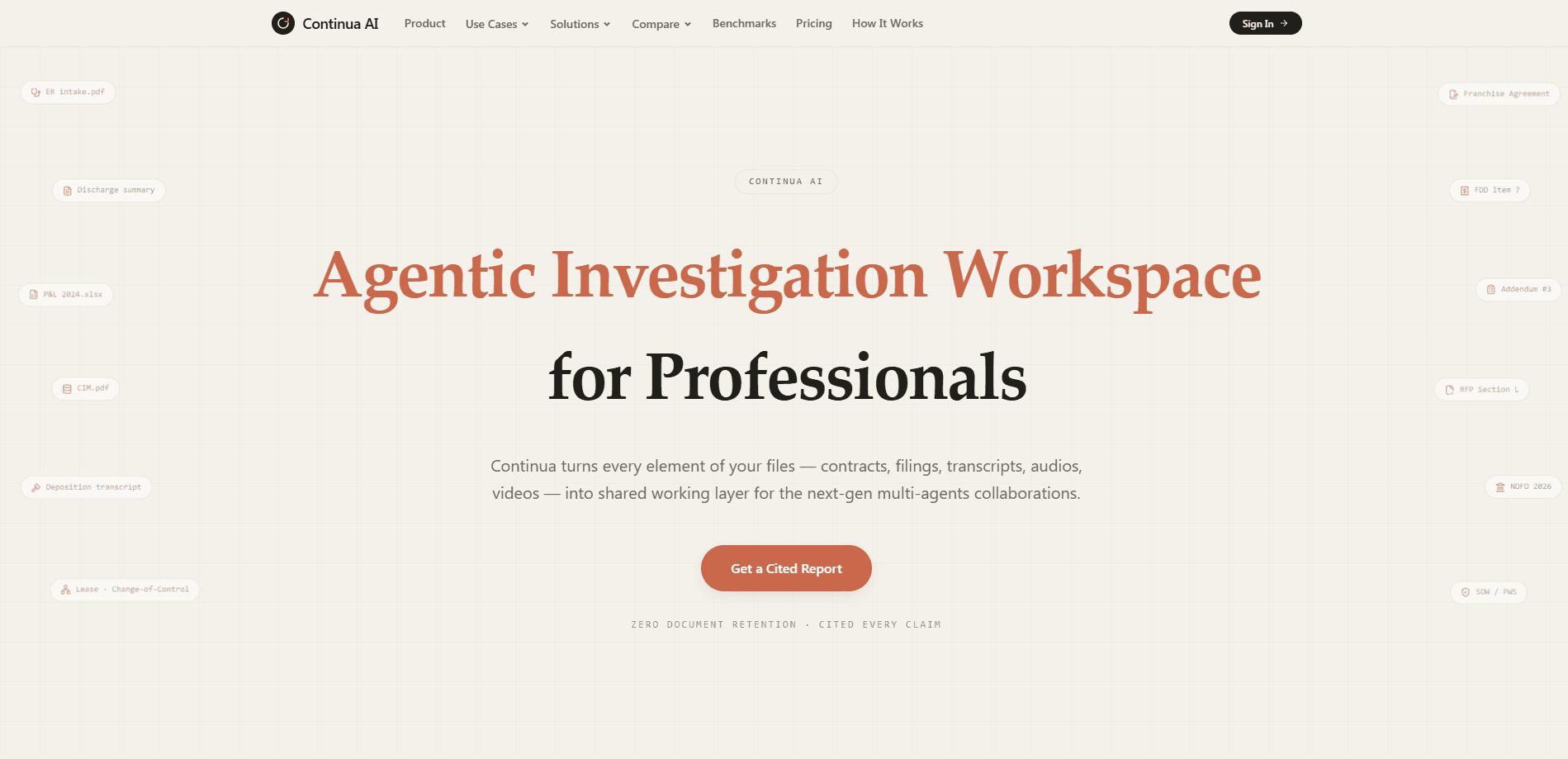
Continua AI is an agentic investigation workspace that reads entire document sets, not samples, and returns reviewable reports where every claim carries a citation. Built for finance, legal, healthcare, and government teams, it ingests contracts, filings, transcripts, spreadsheets, audio, and video into one shared working layer. The pitch is simple. Point it at a full record, get back a report your team can verify line by line. Long document analysis usually means skimming and hoping.
About Continua AI
What Is Continua AI
Continua AI is an AI document analysis platform for professionals who work with large, messy records. Instead of reading a handful of pages and guessing at the rest, it reads 100% of the pages you upload and connects findings across files. Underwriters, lawyers, auditors, and compliance teams use it to turn months of records into one report with every conflict flagged. That's the gap most document review AI still leaves open.
The product's defining feature is evidence lineage. Every material finding points back to its exact source location, so reviewers can check the work rather than trust it blindly. It separates established facts from inference and keeps unresolved conflicts visible instead of smoothing them over.
The main limits are scope and trust. Continua is built around agentic workflows that expect a well-defined investigation prompt, so it fits structured review tasks better than open-ended brainstorming, and it rewards users who already know what they're looking for before they upload a single page. It also runs as a web workspace, and the free tier works pay-as-you-go, which means heavy users will need a paid plan for recurring capacity. No free lunch.
Getting Started
- Sign up at app.askcontinua.com, no credit card required for free tasks.
- Upload your file set, from PDFs and spreadsheets to audio and video, using the workspace uploader.
- Describe the investigation: what to reconcile, which inconsistencies matter, and what the final report should contain.
- Run the data collection and review agents, then open the cited report.
- Verify findings against source locations and export or share the report with your team.
Product Information
A quick look at Continua AI's pricing, supported platforms, and performance.
Best for
The users, tasks, and scenarios where this tool fits best.
Users
- Underwriters and credit analysts
- Lawyers and paralegals
- Compliance and audit teams
- Researchers and analysts
Tasks
- Due diligence review
- Contract term analysis
- Claims and records review
- Grant and RFP screening
- Transcript review
Scenarios
- Underwriting a commercial loan package spread across a dozen files and formats.
- Pre-signing a franchise or M&A deal where terms live in several addenda.
- Onboarding a new client file and needing a fast, verifiable summary.
- Auditing vendor agreements for change-of-control or renewal clauses.
Key features
End-to-End Reading of Complete Records
Continua AI reads 100% of the pages you upload rather than sampling a subset, so findings reflect the whole file set. The workspace advertises a 1 billion token context window for long, multimodal document sets. For reviewers, that means fewer gaps where a missed page quietly changes the answer.
Citation-Backed Reports
Every material finding links to its exact source location, and reports regularly carry 100+ citations, which is the difference between a summary you have to trust and one you can actually check. This is the feature that makes agent output reviewable: instead of trusting a summary, your team can jump to the page and confirm that the quoted figure came from the schedule it claims. It separates established facts from inference so uncertainty stays visible. No citation, no claim.
Zero Document Retention
Files attached to a normal investigation are temporary and deleted after the task completes, so the default posture is that nothing lingers unless you decide it should. Documents stay only when you add them to a Project for repeated investigations, which gives you a persistent working set you chose to keep. Continua also states it doesn't use customer documents or prompts to train AI models.
Multi-Agent Data Collection and Review
The workspace splits work between data collection and review agents, so gathering evidence and checking it are separate steps. Teams can collaborate on the same investigation layer rather than emailing drafts around. Learning from past decisions and workflow automation help recurring reviews stay consistent.
Multimodal File Support
Continua ingests contracts, filings, transcripts, spreadsheets, audio, and video in one place, which suits records that arrive in mixed formats and rarely land in a single clean PDF. A finance review might pull from PDFs, Excel schedules, and a recorded call at once. This breadth is what separates it from tools that only handle text documents. Not every reviewer needs it.
Team Collaboration and Governance
The Team plan adds centralized billing, shared workspaces, and a team marketplace for internal rules, skills, and plugins. Enterprise buyers get custom workflows plus private cloud or on-premises deployment. That addresses the governance questions most regulated teams raise before adopting AI.
Pros and cons
Pros
- Reads entire document sets instead of sampling, which reduces missed findings on long records.
- Citation-backed output lets reviewers verify each claim at its source location.
- Zero retention on standard tasks and a stated no-training policy suit sensitive material.
- Supports text, spreadsheets, audio, and video in one workspace.
- Free tier needs no credit card, so you can test it on a real file set before paying.
Cons
- Results depend on writing a clear investigation prompt, so vague requests return weaker reports.
- Credit-based pricing means heavy recurring use climbs quickly past the free tier.
- Runs as a web workspace only, with no public API, so it won't drop into an existing pipeline.
- Some capability details, like launch dates and update timing, aren't clearly published.
Frequently asked questions
It reads full document sets you upload and returns a report where every material finding is cited to its source. You use it for investigation-style reviews, such as underwriting, due diligence, or contract analysis, rather than casual Q&A over a file.
Related content
Explore related tools, skills, and articles for Continua AI.
Continua AI Alternatives

Swms
Swms AI · Writing · Productivity · BusinessSwms is an AI safety compliance tool that turns a plain description of a job into ready-to-use safety documents. Describe your project, trade, and known hazards, and it writes a safe work method statement, job hazard analysis, safe work procedure, RAMS, or safety data sheet in seconds. It also ships with Oscar, a chat assistant that answers workplace safety questions in any language. Teams in construction, mining, transport, and warehousing use it to cut the paperwork that usually eats into a workday.

Wordly AI Translation
Wordly · Voice & Language · ProductivityWordly AI Translation is a real-time AI translation and captioning platform built for meetings, conferences, and events. It delivers live translation, captions, transcripts, and summaries in more than 60 languages, and attendees join by scanning a QR code or opening a link instead of using dedicated headsets. The platform works with Zoom, Microsoft Teams, Google Meet, and Webex, and it's designed for organizations that want multilingual access without hiring human interpreters for every session. Simple as that.

Rows
Rows (Superhuman) · Productivity · BusinessRows is an AI spreadsheet and data analysis tool that imports live data from more than 50 sources, then lets you work with it using plain language instead of SQL queries or nested formulas. You can pull numbers out of PDFs, connect ad platforms, databases, and bank accounts, and ask the AI to build reports, merge datasets, or set up models that recalculate themselves. It runs in the browser, works like a spreadsheet, and now sits under the Superhuman umbrella.