

Cosmic-light
Praveen and Arunachalam (LearnChain) · Coding
Cosmic-light is a free, open-source Dynamic Island control center for Windows that packs media controls, live weather, your calendar, and an AI chat panel into one floating desktop widget. Instead of juggling separate apps for Spotify, forecasts, and meeting reminders, you get a single island that expands when something needs your attention. It tucks away when it doesn't. It's built for Windows users who want fast, glanceable access to daily info without leaving whatever they're working on.
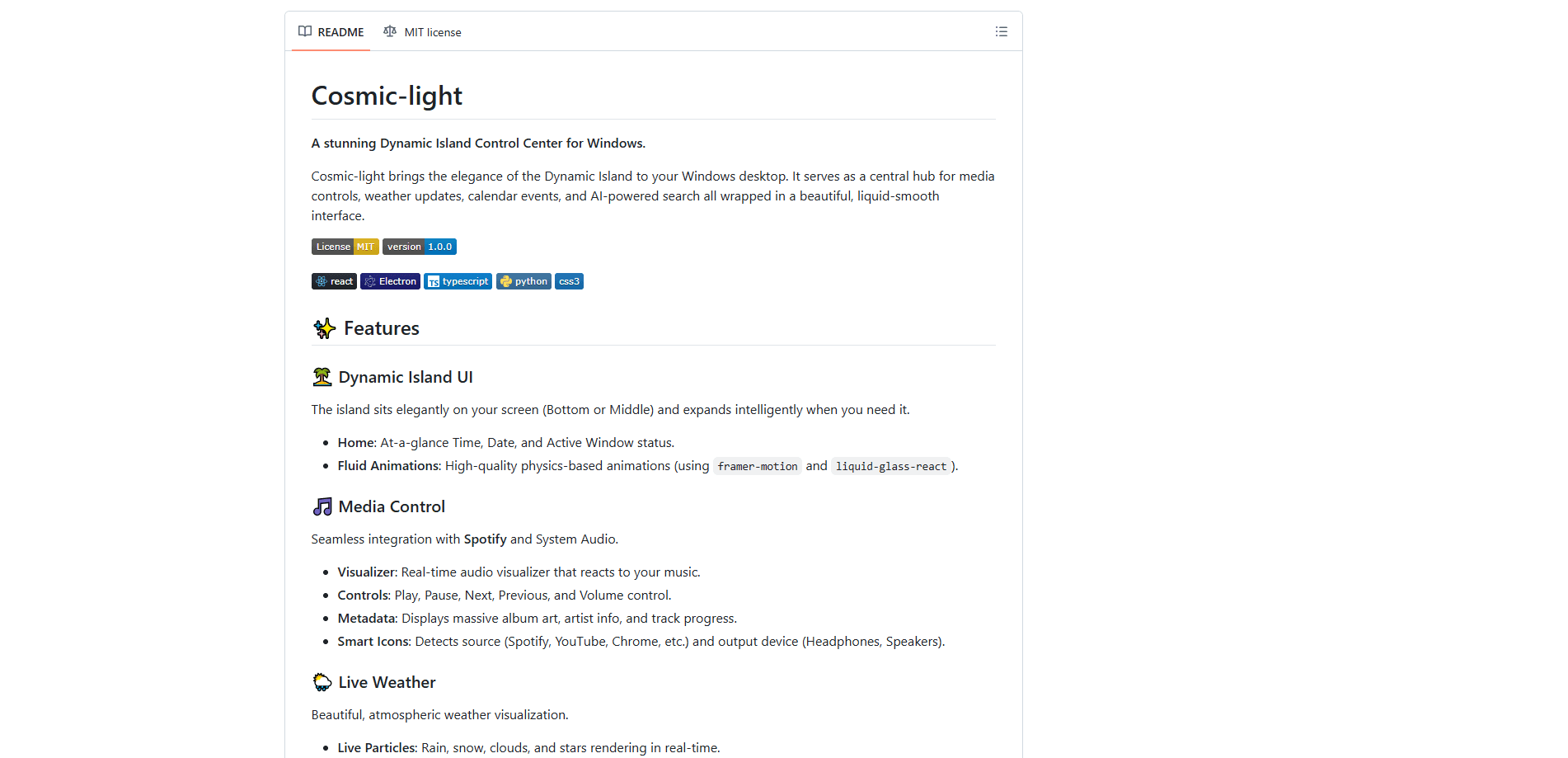
About Cosmic-light
What Is Cosmic-light
Cosmic-light takes the pill-shaped Dynamic Island made famous on the iPhone and rebuilds it for Windows desktops. The island rests at the bottom or center of your screen, stays compact when idle, and fluidly expands to show media details, weather particles, upcoming events, or an AI prompt box. Nice. Developer Praveen and Arunachalam released it under an MIT license, so you can run the code yourself or build your own Windows installer from it.
Under the hood it's an Electron and React app with Python scripts bridging Windows system data like media playback and audio devices. That matters for you in a practical way: it can read what Spotify or a browser tab is playing, detect your output device, and render album art without you wiring anything up. No setup needed. Google Calendar sync works by pasting a private iCal link, and the AI features connect to your own Gemini or Perplexity API key.
The most useful part isn't the looks, it's the timing.
The biggest caveat is setup. This isn't a double-click installer you grab from a store. You need Node.js 20 or higher and Python 3.10 or higher, then run a few commands to get it going. The AI chat also won't work until you bring your own API key, so there's no built-in model to fall back on. Want AI without a key? Not an option here.
Getting Started
- Clone the repository from GitHub and move into the project folder with your terminal.
- Run
npm installto pull the frontend dependencies, thenpip install -r requirements.txtfor the Python system bridges. - Start it locally with
npm run dev, or runnpm run buildto produce a standalone.exeinstaller in therelease/folder. - Click the island to expand it, open the Settings gear, and paste in a Gemini or Perplexity API key to switch on the AI chat.
- For events, copy the secret iCal address from Google Calendar settings and drop it into the app's Google Calendar field.
Product Information
A quick look at Cosmic-light's pricing, supported platforms, and performance.
Best for
The users, tasks, and scenarios where this tool fits best.
Users
- Windows power users
- Developers and tinkerers
- Remote workers juggling meetings
Tasks
- Controlling music without alt-tabbing
- Checking the weather at a glance
- Getting quick AI answers
Scenarios
- Focused work sessions
- Multi-monitor desks
- Late-night coding
Key features
Dynamic Island Interface
The core of the app is the island itself, a pill that expands and collapses with physics-based animations. The home view shows time, date, and your active window status, and you choose whether it sits at the bottom or the center of the screen. It's the piece that ties every other feature together.
Media Control with Visualizer
Cosmic-light hooks into Spotify and general system audio, giving you play, pause, next, previous, and volume control right from the island. It pulls in large album art, artist info, and track progress, plus a real-time audio visualizer that reacts to the music. Smart icons detect whether the sound comes from Spotify, YouTube, Chrome, or another source. It even knows your output device.
Live Weather Visualization
Weather gets a full atmospheric treatment with animated particles for rain, snow, clouds, and stars. You get temperature, wind speed, humidity, and precipitation chance, all updating live. Severe warnings like thunderstorms or heavy snow show up instantly. That's the kind of alert you'd otherwise miss in a browser tab.
Smart Calendar Sync
Paste your private Google Calendar iCal link and events flow into the island. The neat part is the timing: it automatically expands five minutes before an event starts to nudge you. There's also a full month view you can interact with. It doubles as a light calendar app.
Built-in AI Chat
The island includes a chat panel with two modes, and it's the main AI-powered search feature here. Gemini mode talks to Google's model and supports Markdown, code blocks, and math through KaTeX. Perplexity mode runs live web searches and returns answers with citations and sources. Both remember your conversation history, which is stored locally on your machine.
Local-First Privacy
Your data stays on your computer rather than a company server, and any API keys you enter are encrypted. That's a real difference from web-based dashboards that hold your calendar and query history in the cloud. The trade-off is that you own the setup and updates. No managed service handles it for you.
Customization Options
You can place the island at the bottom or center, choose which monitor it appears on, and tune opacity along with a "Stayback" time that controls the auto-collapse delay. It's a small set of options, but they cover the placement choices most people actually care about. Nothing more you'd need.
Pros and cons
Pros
- Combines media, weather, calendar, and AI chat in a single always-available widget, cutting down on alt-tabbing.
- Free and open source under the MIT license. The full Electron and React codebase is available to fork.
- Local-first design keeps your data and encrypted API keys on your own machine.
- Responsive, physics-based animations make the island feel fast rather than sluggish.
Cons
- Installation isn't beginner-friendly. You need Node.js 20+ and Python 3.10+ and have to run build commands yourself.
- The AI chat requires your own Gemini or Perplexity API key, so there's no included model and no cost-free AI out of the box.
- It's Windows only. Mac and Linux users are left out.
- Calendar sync depends on a Google Calendar iCal link, which means events from other services won't show up.
Frequently asked questions
Yes. It's released under the MIT license and the software itself costs nothing. Your only cost is the AI side, since you pay for your own Gemini or Perplexity API usage if you use the chat features.
Related content
Explore related tools, skills, and articles for Cosmic-light.
Cosmic-light Alternatives
Forefront
Forefront · CodingForefront is a web platform for building with open-source AI. It lets you fine-tune leading open-source language models on your own data, evaluate how they perform, and run them through an API or export them to host yourself. Developers who want the convenience of a closed-source platform but insist on owning their models and data are the target audience here.

Startkit
StartKit.AI · CodingStartkit is a boilerplate for building AI SaaS and AI wrapper products. Think of it as an AI startup boilerplate with the boring parts already wired up: authentication, Stripe and Lemon Squeezy payments, usage limits, transactional email, and an AI API starter that talks to OpenAI, Anthropic, Groq, or Llama. You clone the repo, set your price, and start on the part of your product that people actually pay for. It's Next.js under React and Tailwind, so most of the boilerplate code already feels familiar.
Testim
Tricentis · CodingTestim is an AI-powered test automation platform for building and running end-to-end tests across web, mobile, and Salesforce applications. It leans on machine learning to keep tests stable when an interface changes, so teams spend less time fixing broken selectors. Not bad for an automated testing tool you can start using today. You create tests by recording actions in a browser, then optionally add JavaScript when you need more control. It's a solid pick for busy QA teams.