

create-api.dev by Kong
Kong Inc. · Coding
create-api.dev is Kong's AI-powered OpenAPI spec builder. Describe an API in plain words and it drafts a full specification you can share, test, and ship in seconds.
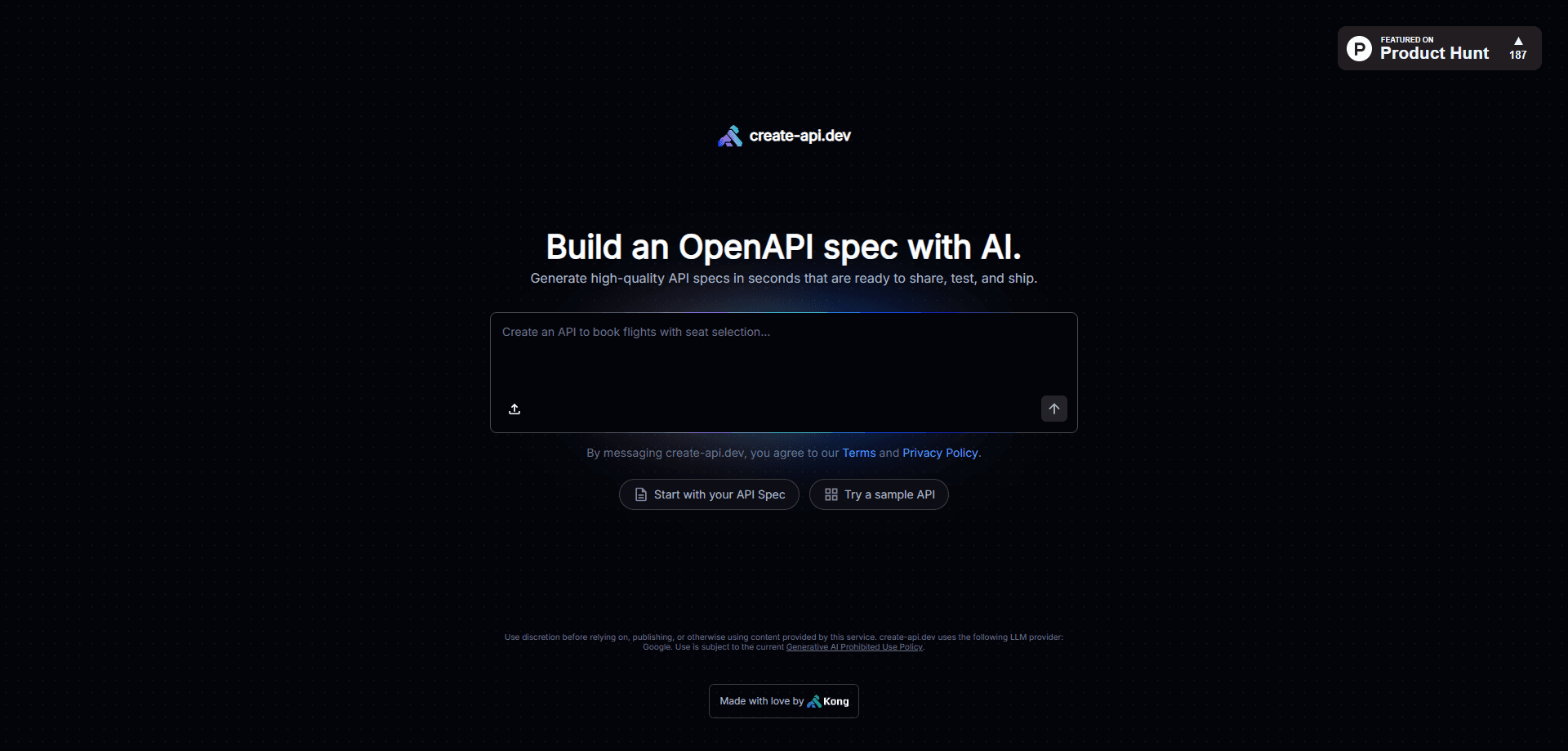
About create-api.dev by Kong
What Is create-api.dev
create-api.dev is an AI tool from Kong, the company behind Kong Gateway and Insomnia. It turns a written description of an API into a working OpenAPI specification, the standard file that tells tools how your endpoints, parameters, and responses fit together. You don't hand-write YAML. You explain what the API should do, and the builder drafts the spec for you. In practice it works as an AI-generated API spec you can edit, not a finished contract you trust blindly.
The tool runs as a Kong Labs project. That means it's an experimental preview rather than a fully supported product. Kong can change it or shut it off at any time, and there's no uptime promise or formal support channel. It also runs on Google's language models, so prompts and outputs pass through a third-party provider.
The main limit is precision. AI-drafted specs look complete but can carry wrong field types, missing edge cases, or invented examples. Treat the output as a strong first draft you still review line by line before anyone builds against it.
Getting Started
- Open create-api.dev in your browser and start a session. There's no install and no signup form to fill out first.
- Describe the API in plain language: what it does, which endpoints exist, what each one takes in and returns.
- Send the description and let the builder draft an OpenAPI specification from it.
- Review the result. Check paths, methods, parameters, and response shapes, then ask for changes in follow-up messages.
- Export or copy the finished spec into your repo, then load it into Insomnia, Swagger UI, or your own pipeline.
Product Information
A quick look at create-api.dev by Kong's pricing, supported platforms, and performance.
Best for
The users, tasks, and scenarios where this tool fits best.
Users
- Backend and platform engineers
- Solo developers and small teams
- Technical writers and API product owners
Tasks
- Drafting an OpenAPI spec from a rough idea
- Filling gaps in an existing spec
- Prototyping before code exists
Scenarios
- Early design reviews
- Bootstrapping a new service
- Learning OpenAPI structure
Key features
Plain-language spec generation
You describe the API in everyday words and the builder turns it into an OpenAPI document. It works as an OpenAPI spec generator that fills in paths, methods, parameters, and response schemas so you're not staring at empty YAML. The value is speed: a rough draft in seconds beats a blank file.
Iterative refinement through chat
The spec isn't one and done. You keep the conversation going, point out what's wrong, and ask for changes. Each round updates the document, so the spec moves toward what you actually meant instead of freezing at the first answer.
Share-ready and test-ready output
Output lands as a standard OpenAPI spec, the format most API tools already read. That means you can drop it into Insomnia, Swagger UI, or a CI lint step without conversion. Kong pitches it as ready to share, test, and ship, and the format supports that.
Built on Kong's API tooling
It comes from the team behind Kong Gateway and Insomnia, so it fits a common developer workflow. If you already use Insomnia for design and mocking, a generated spec slots straight in without extra setup.
Pros and cons
Pros
- Turns a short text description into a structured OpenAPI spec fast, which removes the blank-page problem for new APIs.
- Output uses the standard OpenAPI format, so it works with Insomnia, Swagger UI, and other common tools.
- Fits naturally into a Kong and Insomnia workflow for teams already on that stack.
- No setup barrier: you open it in a browser and start describing an API right away.
Cons
- It's a Kong Labs experimental project, so Kong can change or retire it at any time, and there's no support commitment.
- AI-drafted specs can carry wrong field types, missing edge cases, or invented examples, so every output needs a careful review before use.
- Prompts and generated specs go through Google's language models, which matters if your API details are sensitive.
Frequently asked questions
It's an AI tool from Kong that writes OpenAPI specifications from a plain-text description of an API. You explain what the API does and it drafts a spec you can review, edit, and export. It's a way to generate OpenAPI with AI instead of typing it out by hand.
Related content
Explore related tools, skills, and articles for create-api.dev by Kong.
create-api.dev by Kong Alternatives
Forefront
Forefront · CodingForefront is a web platform for building with open-source AI. It lets you fine-tune leading open-source language models on your own data, evaluate how they perform, and run them through an API or export them to host yourself. Developers who want the convenience of a closed-source platform but insist on owning their models and data are the target audience here.

Startkit
StartKit.AI · CodingStartkit is a boilerplate for building AI SaaS and AI wrapper products. Think of it as an AI startup boilerplate with the boring parts already wired up: authentication, Stripe and Lemon Squeezy payments, usage limits, transactional email, and an AI API starter that talks to OpenAI, Anthropic, Groq, or Llama. You clone the repo, set your price, and start on the part of your product that people actually pay for. It's Next.js under React and Tailwind, so most of the boilerplate code already feels familiar.
Testim
Tricentis · CodingTestim is an AI-powered test automation platform for building and running end-to-end tests across web, mobile, and Salesforce applications. It leans on machine learning to keep tests stable when an interface changes, so teams spend less time fixing broken selectors. Not bad for an automated testing tool you can start using today. You create tests by recording actions in a browser, then optionally add JavaScript when you need more control. It's a solid pick for busy QA teams.