

Cube
Cube Dev, Inc. · Coding · Marketing
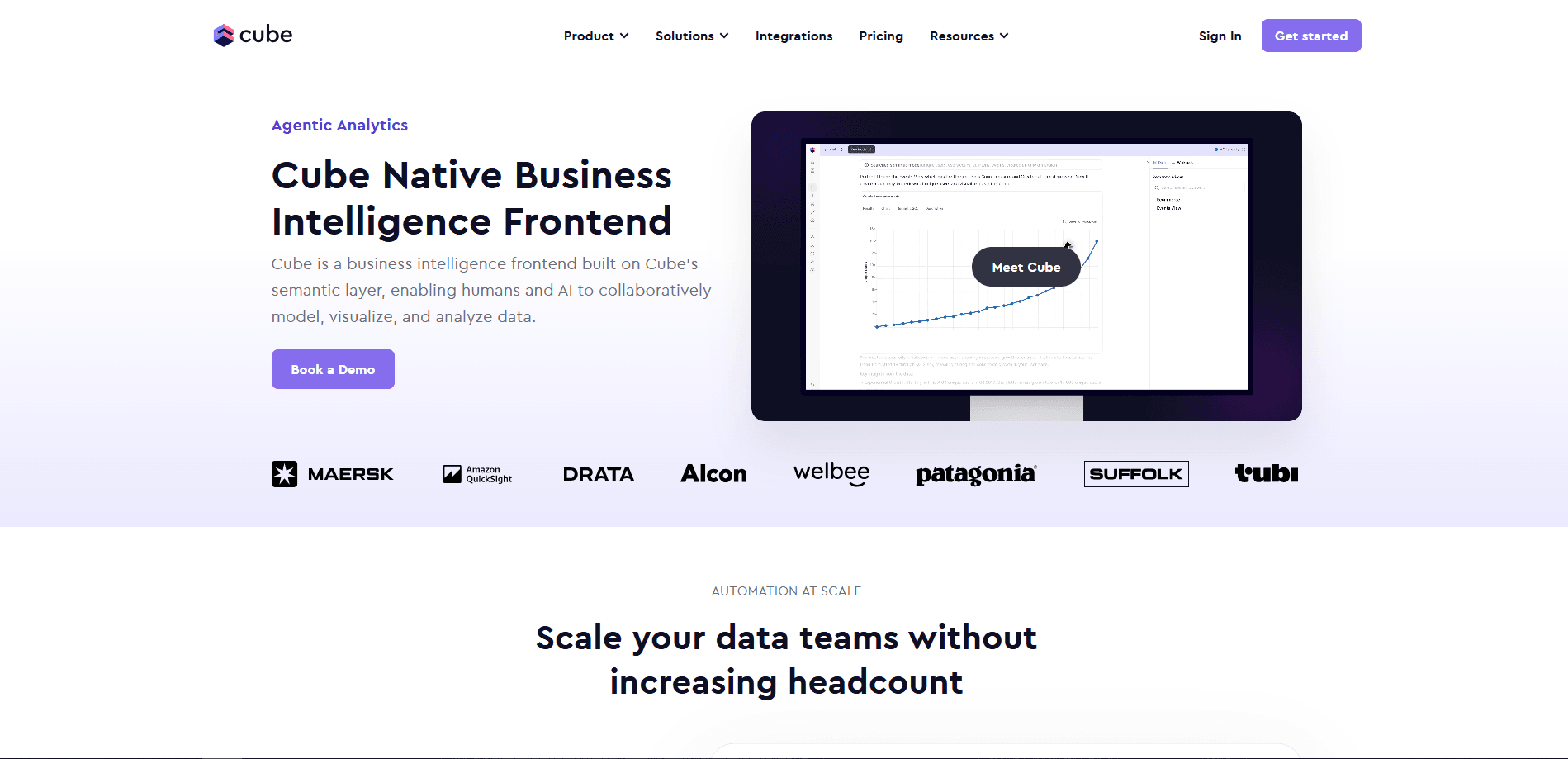
Cube is a semantic layer platform that sits between a company's data warehouse and every tool that reads from it. Dashboards, embedded reports, and AI agents all pull from the same governed definitions. Raw tables become metrics and dimensions, so a revenue number means the same thing no matter who asks. Teams use Cube for internal business intelligence, for analytics they embed inside their own products, and increasingly as the trusted data source behind AI agents.
About Cube
What Is Cube
Cube is an analytics platform built on top of an open-source semantic layer. The semantic layer is a modeling layer that defines what your metrics and dimensions actually mean, then serves those definitions over REST, GraphQL, and SQL. That way, a BI dashboard, an embedded report, and an AI agent all pull from the same set of rules instead of each one guessing at the raw warehouse.
The problem it targets is familiar to anyone who's sat in a meeting where two teams disagree about the same number. Marketing counts revenue one way. Finance counts it another. Nobody can tell which is right. Cube centralizes those definitions in code, so there's one version of the truth.
The open-source core, Cube Core, is free and self-hostable. Cube Cloud adds production features on top: managed deploys, caching through Cube Store, governance controls, and the agentic BI tools. The main catch is that Cube isn't a place to view data by itself. Not on its own, anyway. Most teams still pair it with a BI tool or build their own front end, so it's a developer-facing product, not a plug-and-play dashboard app.
Getting Started
- Sign up for a Cube Cloud account or self-host Cube Core with Docker.
- Connect a data source such as Snowflake, BigQuery, Postgres, or Databricks.
- Define your data model in the semantic layer IDE, writing metrics, dimensions, and joins as code.
- Explore the model in workbooks, or query it through the REST, GraphQL, or SQL API.
- Publish a workbook as a dashboard, or embed the analytics surfaces inside your own product.
Product Information
A quick look at Cube's pricing, supported platforms, and performance.
Best for
The users, tasks, and scenarios where this tool fits best.
Users
- Data engineers and analytics engineers
- Product teams shipping analytics features
- Teams wiring AI agents to business data
Tasks
- Standardizing metric definitions across a company
- Building a natural-language analytics experience
- Adding dashboards or workbooks inside a SaaS product
- Feeding clean business context to an LLM or agent
Scenarios
- A finance and marketing team that keeps ending meetings with two different revenue numbers, and wants one agreed definition.
- A SaaS company that needs per-customer dashboards without standing up a whole separate BI stack.
- A data team experimenting with agentic workflows, where an assistant answers recurring questions like "how did churn move last week."
Key features
Semantic Layer Modeling
This is the foundation everything else runs on. Why does that matter? Because you define metrics, dimensions, and joins in code, either YAML or JavaScript, and Cube compiles those into queries for your warehouse. The payoff shows up over time. Change a definition once, and every report, dashboard, and embedded surface updates with it. Anyone who's hunted down a stale metric in five different spreadsheets will feel the difference.
Analytics Chat
Analytics Chat lets people ask questions in plain English and get answers built against the semantic model rather than raw tables. Because the queries resolve through your governed definitions, the same question returns the same answer no matter who asks. That consistency is the whole point. An AI agent guessing at a schema is how you get confident, wrong numbers.
Workbooks and the Workbook Agent
Workbooks combine SQL, a visual editor, and an AI assistant in one surface. The Workbook Agent drafts queries and iterates on them with you, all against the governed model. Write SQL by hand. Or use the drag-and-drop view. You don't have to pick one here.
Conversational Dashboards
The Dashboard Agent builds dashboards through conversation. You describe what you want to see, and it assembles the charts. Pre-aggregations and caching keep the results fast, with sub-second performance on the numbers teams check most often. Fast matters. The charts still resolve against your definitions, so speed doesn't come at the cost of consistency.
Embedded Analytics
Cube's embedded surfaces, including iframes and the Analytics Chat API, let you put analytics inside your own product without rebuilding a BI stack. It's multi-tenant by construction, so governance flows from your model down to each customer's permissions. Your branding carries through, which matters when the analytics are part of what you sell.
Pre-aggregations and Cube Store
Query speed is often the difference between a dashboard people use and one they abandon. Cube pre-computes aggregates and caches them in Cube Store, a purpose-built caching layer, so repeat queries don't hit the warehouse every time. Slow dashboards are a real tax on adoption.
Governance and Access Control
Custom roles, single sign-on, and audit logging are available on higher plans. This is what makes Cube credible for regulated teams: the same model that defines a metric can also define who's allowed to see it. Governance flows end to end, from the model through to the person viewing a chart.
Agent-Ready APIs and MCP
Cube exposes its model over REST, GraphQL, and SQL, and supports MCP so agents can query governed data directly. A custom agent reads your business context instead of hallucinating table names. It's the bridge between the analytics stack and the agentic layer most teams are still figuring out.
Pros and cons
Pros
- Open-source core means you can self-host and inspect the whole thing, with no vendor lock-in on the modeling layer.
- One set of definitions feeds dashboards, embedded analytics, and AI agents, which cuts down on the reconciliation work that eats analyst time.
- Embedding is genuinely production-ready, with multi-tenant governance built into the model rather than bolted on later.
- Pre-aggregations and Cube Store caching deliver fast queries on large datasets without hammering the warehouse.
- Strong support for agentic workflows through MCP and APIs, which is where a lot of BI is heading.
Cons
- It's a developer tool, not a finished dashboard app. If you want to click around and see charts on day one, you'll need to bring a BI front end or build one.
- The learning curve is real. Modeling in YAML or JavaScript assumes some data engineering background, and a non-technical analyst will likely get stuck early.
- Costs scale with seats and compute. The Free tier is generous for testing, but request limits and a single day of query history mean production use lands on a paid plan quickly.
- Advanced governance, SSO, and audit logging sit behind the Premium and Enterprise tiers, so smaller teams may pay more than expected for those controls.
Frequently asked questions
A semantic layer is a modeling tier that defines what your metrics and dimensions mean, then serves those definitions to whatever tool asks. Cube uses one so that a dashboard, an embedded report, and an AI agent all get the same answer instead of each interpreting raw tables differently.
Related content
Explore related tools, skills, and articles for Cube.
Cube Alternatives
Forefront
Forefront · CodingForefront is a web platform for building with open-source AI. It lets you fine-tune leading open-source language models on your own data, evaluate how they perform, and run them through an API or export them to host yourself. Developers who want the convenience of a closed-source platform but insist on owning their models and data are the target audience here.

Startkit
StartKit.AI · CodingStartkit is a boilerplate for building AI SaaS and AI wrapper products. Think of it as an AI startup boilerplate with the boring parts already wired up: authentication, Stripe and Lemon Squeezy payments, usage limits, transactional email, and an AI API starter that talks to OpenAI, Anthropic, Groq, or Llama. You clone the repo, set your price, and start on the part of your product that people actually pay for. It's Next.js under React and Tailwind, so most of the boilerplate code already feels familiar.
Testim
Tricentis · CodingTestim is an AI-powered test automation platform for building and running end-to-end tests across web, mobile, and Salesforce applications. It leans on machine learning to keep tests stable when an interface changes, so teams spend less time fixing broken selectors. Not bad for an automated testing tool you can start using today. You create tests by recording actions in a browser, then optionally add JavaScript when you need more control. It's a solid pick for busy QA teams.