

Cursor
Anysphere · Coding
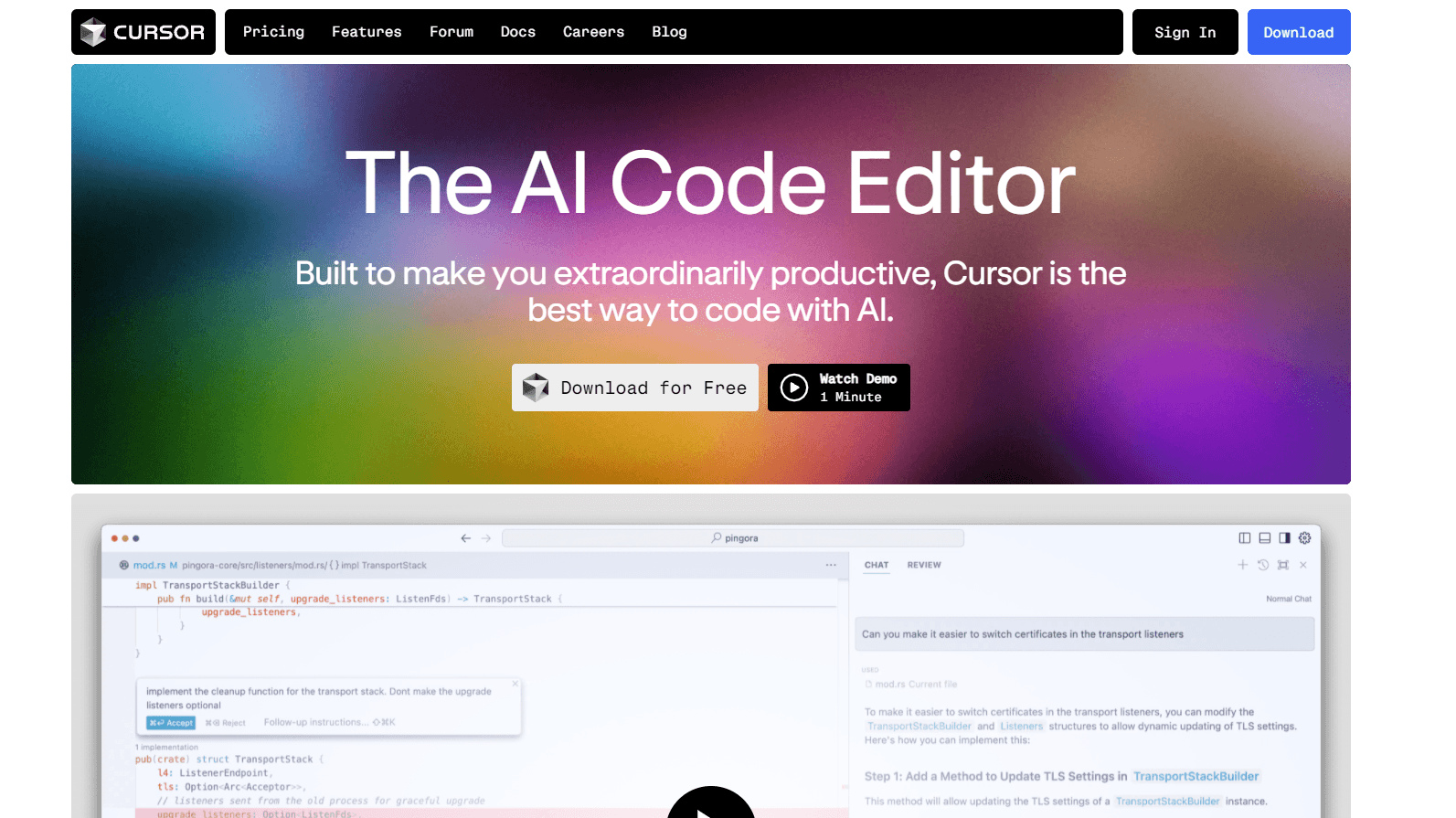
Cursor is an AI code editor that helps developers write, edit, and review code faster with built-in AI agents and smart code completion.
About Cursor
What Is Cursor
Cursor is an AI code editor built by Anysphere. It acts as an AI pair programmer that sits at the center of your workflow, not off to the side. Ask it about a codebase, request a change in plain English, or hand a bigger task to an agent that runs on its own computer. Simple. That's the whole pitch.
The main problem it solves is context, because most coding assistants only see the single file you happen to have open while Cursor reads across your whole project and understands how the pieces connect before it suggests anything at all, and that difference matters most when you land in an unfamiliar repository or a codebase that's quietly grown for years.
It isn't a free-for-all. The Hobby plan caps how many agent requests you get, and the heavier agent features lean on paid tiers. Want agents running for hours, or several working in parallel? You'll need a paid plan. The gap between what the free tier covers and what a heavy agent workflow actually consumes is wider than most people expect going in.
Getting Started
- Download Cursor for macOS, Windows, or Linux and sign in with your account.
- Pick a folder or open an existing project so the editor can index your files.
- Press Cmd I (or Ctrl I) to open Agent and ask it to explain your codebase.
- Ask for one small change, review the diff it proposes, and accept or reject it.
- Add models, MCP servers, or team rules once you're comfortable with the basics.
Product Information
A quick look at Cursor's pricing, supported platforms, and performance.
Best for
The users, tasks, and scenarios where this tool fits best.
Users
- Professional developers
- Teams shipping together
- Newcomers to a codebase
Tasks
- Refactoring across files
- Grepping for bugs
- Writing boilerplate
Scenarios
- Onboarding onto a legacy project
- Weekend side projects
- Code review on a busy PR queue
Key features
Codebase-Aware AI Coding Agent
The Agent reads your project, not just the open file. It searches for relevant code, proposes edits across files, and shows a diff you approve or reject. For teams that adopt it, this is where most of the time savings show up.
Tab Completion
Cursor predicts your next edit, not just your next line. This code completion tool suggests multi-line changes and jumps you to the spot that needs attention. Let me be honest. The first week it feels intrusive. Then you stop noticing it working.
Model Choice
You pick the frontier model for each task, drawn from OpenAI, Anthropic, Google, and Cursor's own Grok and Composer models, and the Cursor Models pool gives more included usage on Grok and Composer while third-party models bill at their API price per token.
Agentic Coding
Agents get their own computers to build, test, and demo features end to end, and you can run several of them in parallel and review the finished work later, which suits long tasks that would otherwise eat your entire afternoon.
Bugbot Code Review
Bugbot reviews pull requests and comments on problems before a human does. It runs on usage-based billing above the included amount, so high-volume teams should watch that line. Not cheap at scale. For a busy repository where reviewers are always behind, catching issues before a human opens the diff saves more time than it sounds like.
In Your Existing Tools
Cursor runs in the terminal, works inside Slack, and reviews PRs on GitHub. Bots can sign in to your other tools and use them the way you would, and that matters if your team lives in Slack and never wants to leave it just to run a small code task. No context switching.
Pros and cons
Pros
- Repo-wide context makes AI suggestions far more relevant than file-only assistants.
- Free Hobby plan is genuinely usable, and needs no credit card.
- Cursor pricing stays flexible: pick the model per task, cheap or frontier.
- Team and enterprise tiers add SSO, access controls, and shared billing.
Cons
- Agent limits on paid plans reset monthly, so heavy users hit usage-based billing.
- Two separate usage pools make it hard to predict a monthly bill.
- It's a desktop editor, so there's no mobile or browser-only version.
Frequently asked questions
Cursor is an AI code editor for writing, editing, and reviewing code. It reads your whole project, so it can explain a codebase, make multi-file changes, and run coding agents that work on their own.
Related content
Explore related tools, skills, and articles for Cursor.
Cursor Alternatives
Forefront
Forefront · CodingForefront is a web platform for building with open-source AI. It lets you fine-tune leading open-source language models on your own data, evaluate how they perform, and run them through an API or export them to host yourself. Developers who want the convenience of a closed-source platform but insist on owning their models and data are the target audience here.

Startkit
StartKit.AI · CodingStartkit is a boilerplate for building AI SaaS and AI wrapper products. Think of it as an AI startup boilerplate with the boring parts already wired up: authentication, Stripe and Lemon Squeezy payments, usage limits, transactional email, and an AI API starter that talks to OpenAI, Anthropic, Groq, or Llama. You clone the repo, set your price, and start on the part of your product that people actually pay for. It's Next.js under React and Tailwind, so most of the boilerplate code already feels familiar.
Testim
Tricentis · CodingTestim is an AI-powered test automation platform for building and running end-to-end tests across web, mobile, and Salesforce applications. It leans on machine learning to keep tests stable when an interface changes, so teams spend less time fixing broken selectors. Not bad for an automated testing tool you can start using today. You create tests by recording actions in a browser, then optionally add JavaScript when you need more control. It's a solid pick for busy QA teams.