
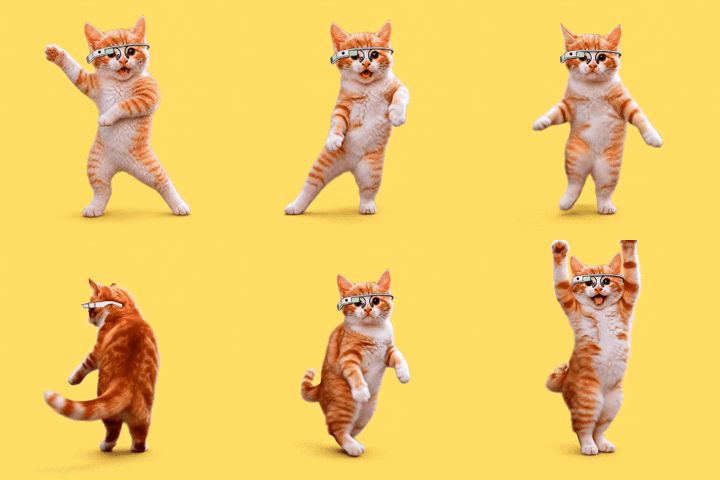
DANCING CATS App
Damjanski · Video · AI Assistant
DANCING CATS App is an iPhone app that turns your cat photos into short dancing video clips. You upload a picture of your cat, let the AI animate it, and get a shareable clip in return. Think of it as a dedicated AI cat video maker, or a niche AI pet video app that sticks to one animal. It sits in the same space as other photo to video app tools, but it stays narrow: cats, dancing, short clips. If you want a quick laugh for a group chat or a Reel, that focus is the point. If you need general video editing, it isn't the tool for that.
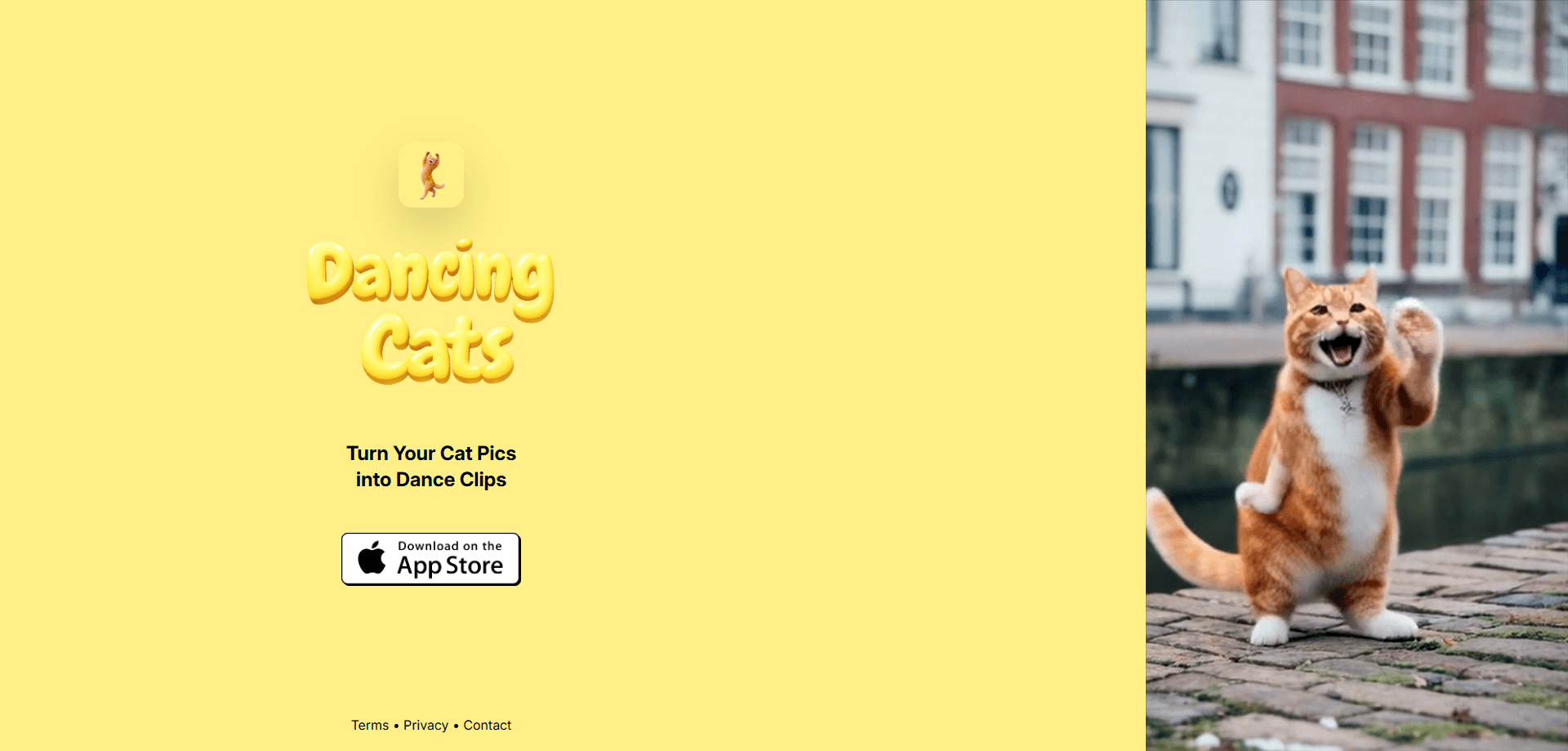
About DANCING CATS App
What Is DANCING CATS App
DANCING CATS App is an AI app for iOS built around one job: taking a still photo of a cat and generating a short clip where the cat appears to dance. The developer is Damjanski, and the app lives at dancingcats.damjanski.com, with a download link pointing to the Apple App Store.
The appeal is simple. Cat content travels fast, and the hardest part of making a cat dancing video has always been getting the cat to do anything on command. This app sidesteps that entirely, because the cat performs its moves on screen based on a photo you already have sitting in your library rather than anything you have to stage in real life. The cat does the moves on screen, based on a photo you already have.
The limits matter just as much. It's iOS only, and it's built for cats rather than pets in general. Everything runs around short clips, so don't expect long-form editing, layered timelines, or the kind of manual control you'd get from a full video editor, because the app is deliberately narrow in what it tries to do. I couldn't confirm the exact pricing tiers from the official page, which only shows the tagline and the store link, so treat any plan details as something to check in the App Store before you commit.
Getting Started
- Download DANCING CATS App from the App Store on your iPhone (the official site links directly to the listing).
- Open the app and grant photo access so it can read the pictures you want to use.
- Pick a clear, front-facing photo of your cat where the whole body is visible.
- Choose or let the app apply a dance style, then start the generation and wait for the clip to render.
- Save the finished video to your camera roll or share it straight to your social apps.
Product Information
A quick look at DANCING CATS App's pricing, supported platforms, and performance.
Best for
The users, tasks, and scenarios where this tool fits best.
Users
- Cat owners
- Casual content creators
- Meme makers
Tasks
- Turning a single cat photo into a short dancing video
- Making a quick share for a group chat
- Building a running library of cat clips
Scenarios
- You snapped a good cat photo and want to post something with motion instead of a static shot.
- A friend's birthday and you want a personal, silly clip starring their pet.
- Filling a slow afternoon with a low-effort creative project that still looks fun to share.
Key features
Photo to Dancing Video
The core of the app is a single conversion: take one cat photo and produce a short video of that cat dancing. No filming. No dance skills. You supply the image, and the AI handles all of the motion from there, which is what makes the whole thing feel less like work and more like pressing a button and waiting a few seconds for something funny to land in your camera roll.
Cat-Focused AI
Most AI video tools animate any subject and hope for the best. DANCING CATS App narrows the target to cats, which is where the results tend to look right instead of uncanny. If your subject is a dog or a person, look elsewhere. Ever tried to get a real cat to sit still for a camera? Exactly.
Short Clip Format
Output is built around short videos, the kind that fit a Story, a Reel, or a text message. That keeps generation fast and the results easy to share without cropping or trimming. Short and done.
One-Tap Sharing
Once a clip renders, you can save it to your iPhone or push it straight to your social apps. The app doesn't force you through a separate editor first, which keeps the whole loop short and means you can go from a photo in your library to something posted in a matter of a couple of minutes. That low friction is most of the reason people keep coming back to it.
Simple, Guided Flow
The steps stay minimal: pick a photo, choose a style, generate. It's aimed at people who want a result in a couple of minutes rather than a full editing suite. Nothing to learn. Just tap and wait.
Pros and cons
Pros
- Narrowly focused on cats, so the dancing clips tend to look convincing.
- Runs entirely on iPhone, with no desktop software or account juggling.
- Fast loop from photo to shareable clip.
- No editing experience needed to get a usable result.
Cons
- iOS only, so Android users are left out entirely.
- Because the official page lists no confirmed pricing, you'll need to check the App Store for current plans before buying.
- Limited beyond cats and short clips, so it won't replace a general video editor.
Frequently asked questions
It turns a still cat photo into a short video clip where the cat appears to dance. You upload a photo, the AI animates it, and you get a clip you can save or share. That's the whole loop: turn cat photos into videos with one tap.
Related content
Explore related tools, skills, and articles for DANCING CATS App.
DANCING CATS App Alternatives

Vadu AI
Vadu AI · Image · VideoVadu AI is a web-based AI video generator that turns written prompts or still images into short clips, and it can also generate images on its own. You type what you want, pick a model and style, and the platform renders the result in minutes. A free plan covers light testing, while paid tiers run from $9 to $77.40 per month based on how many credits you burn.

Mykaraoke Video
MyKaraoke Video · VideoMykaraoke Video is an online karaoke video maker and lyric video maker that turns any song into a finished, lyrics-synced video right in your browser. It handles the slow part for you. The AI pulls vocals out of the mix and locks the lyrics to the beat, then lets you customize background, fonts, and colors before exporting in 1080p MP4. If you make lyric videos for social media, party nights, or music promotion, it skips the software installs and manual timing work entirely. Want a karaoke video generator that doesn't eat your whole evening? That's the pitch here.

Finalframe
Finalframe · VideoFinalframe is a set of free, browser-based tools for grabbing exact frames out of a video clip. Its best-known feature, the Final Frame Extractor, lets you extract the last frame of any video so you can use it as the starting image for AI video tools like Luma Dream Machine, Runway, or Kling. Want to keep a clip going? That last frame is your starting point. The tool runs locally in your browser, needs no sign-up, and costs nothing. A separate paid AI video-generation app from the same team is currently offline while it's rebuilt.