

Decoherence
Decohere · Image · Video
Decohere is an AI generator for turning text prompts into videos, images, and art, and it markets itself as one of the fastest tools of its kind. It runs in the browser, so you don't install anything. You sign in, type what you want, and get a finished image or clip in seconds. The draw is speed and range: realtime image generation sits next to video creation, upscaling, and AI character tools in the same workspace.
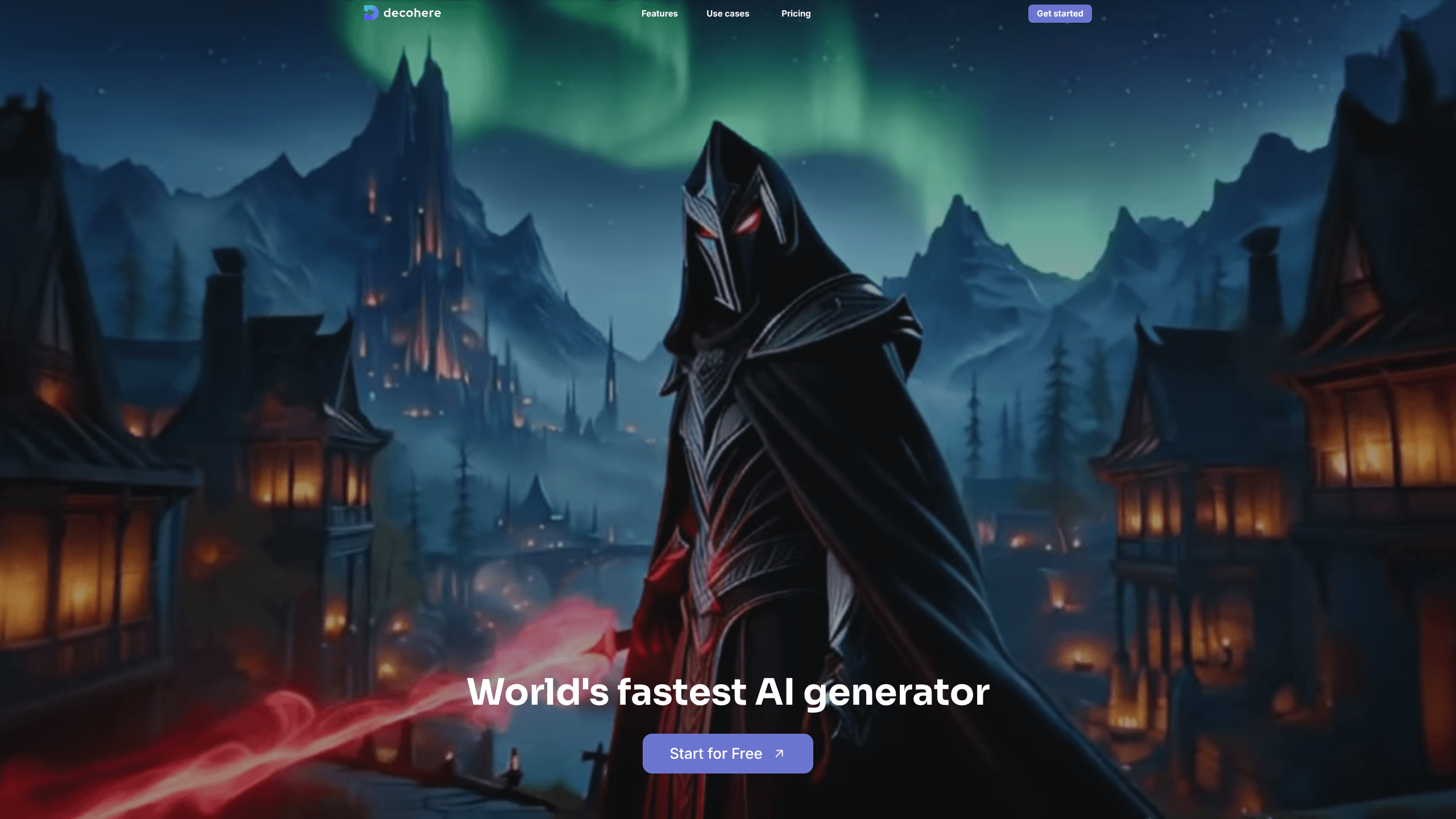
About Decoherence
What Is Decohere
Decohere is a browser-based AI art generator and AI video generator aimed at people who want quick visual results without learning pro software. You feed it a text prompt, and it returns a rendered image or short video. The company leans hard on one claim: it's the world's fastest AI generator. Speed matters here because the usual complaint about AI tools is the wait between prompts.
The product covers more than static images. Paid tiers add video generation, image upscaling, watermark removal, and an AI Character feature, which points to content creators, social media managers, and hobbyists who churn through lots of visuals. One thing worth flagging: it's web only, so there's no standalone mobile app and you work from a desktop browser.
The catch is the credit system. Free users get a limited number of realtime images per day and have to wait between generations. Everything heavier, like video, upscaling, or removing the watermark, sits behind a paid plan. If you only want the occasional AI image, that's fine. If you want video, expect to pay.
Getting Started
- Go to decohere.co and create an account, or sign in with a linked provider.
- Open the creation workspace and type a text prompt describing the image or video you want.
- Pick your generation mode: quick realtime images, video, or an upscale pass on an existing result.
- Generate and review the output, then refine the prompt or rerun it if the first result misses.
- Download your image or clip, or keep iterating until it fits your project.
Product Information
A quick look at Decoherence's pricing, supported platforms, and performance.
Best for
The users, tasks, and scenarios where this tool fits best.
Users
- Hobbyists exploring AI art
- Content creators
- Social media managers
Tasks
- Text to image
- Text to video
- Upscaling images
- Building AI characters
Scenarios
- Brainstorming visual concepts
- Making social posts
- Prepping product or thumbnail art
- Drafting storyboard frames
Key features
Realtime Image Generation
The headline feature is realtime image generation, billed as the fastest part of the tool. You enter a prompt and the image appears almost immediately, which changes how you work: instead of carefully composing one prompt, you fire off several and keep the best. Free users get a daily allowance of these. Fair warning: the free tier throttles you with wait times.
AI Video Generation
Paid plans add video generation from prompts. It's a bigger step up than images in terms of compute, and it's why video sits behind the paywall. The feature targets short, simple clips rather than long footage, so think social snippets and loopable motion, not a full edit suite. Wait times apply here too.
Image Upscaling
Upscaling takes a finished image and raises its resolution, which matters if you want to print something or post it at larger sizes. It's a paid feature. Without it, you're stuck with whatever resolution the generator returns, and that ceiling gets hit fast if your output is headed anywhere beyond a phone screen. That limit arrives sooner than you'd expect.
Watermark Removal
Free and lower outputs carry a watermark; removing it requires a paid plan. For anyone using the images commercially or on a professional feed, a watermark kills the deal, because a visible mark turns a polished social or marketing asset into something you'd be embarrassed to publish under your own brand. This is often the feature that pushes people onto a paid tier. It's a small thing that decides whether the output is usable.
AI Character Creation
The Creator and Director plans add an AI Character tool for building recurring figures you can reuse across generations. If you're making a series of posts with the same persona, this saves you from rebuilding the look every time. It's a deliberate nod to creators who need consistency, not just one-off images. Consistency is the whole point.
Commercial License and Safety Filter
Creator and Director plans include a commercial license, meaning you can use the output in paid work, plus an optional safety filter you can toggle. The commercial license is the real difference-maker for freelancers and small studios. Without it, generated images are for personal use, which limits what you can do with them.
Pros and cons
Pros
- Free plan covers daily realtime images, so you can try the AI art generator before paying anything.
- Runs entirely in the browser, with no download or install step.
- Video generation, upscaling, and watermark removal arrive in one workspace instead of separate tools.
- Commercial license on Creator and Director tiers makes output usable for paid work.
- Speed is the core selling point, and quick generation makes prompt iteration painless.
Cons
- No mobile app, so you're tethered to a desktop browser for every generation.
- Credits, not unlimited access, drive the paid plans, so heavy video use burns through them fast.
- Watermark removal and video sit behind a paywall, which limits what free users can actually publish.
- Public info on the underlying models and API access is thin, so technical buyers get few answers.
Frequently asked questions
Decohere is an AI image generator and AI video generator that turns text prompts into images, videos, and art. You type a description, and it renders the result in seconds. It's built for quick visual production rather than precise, layer-by-layer editing. Speed is the pitch, not fine control.
Related content
Explore related tools, skills, and articles for Decoherence.
Decoherence Alternatives

X Ray Interpreter
X-ray Interpreter · ImageX Ray Interpreter is a web-based AI radiology tool that turns X-rays, CT scans, MRI, ultrasound, and PET images into plain-language reports. You upload a scan, get a preliminary X-ray interpretation in moments, then ask follow-up questions if something needs explaining. It works as a second opinion and a learning aid, not as a medical diagnosis.

Aieasypic
AIEasyPic · ImageAIEasyPic is an AI image generator that turns plain text prompts into finished artwork in seconds. You can also train custom models on your own photos, swap faces in existing images, and create short video clips from text, all from a browser. It suits casual creators who want quick visuals and hobbyists who want to build a personal model without touching any code.

Chargen
Chargen · ImageChargen is an AI character generator and worldbuilding toolkit built for Dungeons & Dragons and other tabletop RPGs. It turns a one-line idea into a painted character portrait, spins up NPCs, monsters, maps and encounters from the same session, and keeps every creature's details close at hand. The tabletop RPG art side runs on a credit system called Gold, while the text generators stay free for everyone.