

Deepany AI Deepnude Deepfake Face Swap
DeepAny.AI · Image · Video
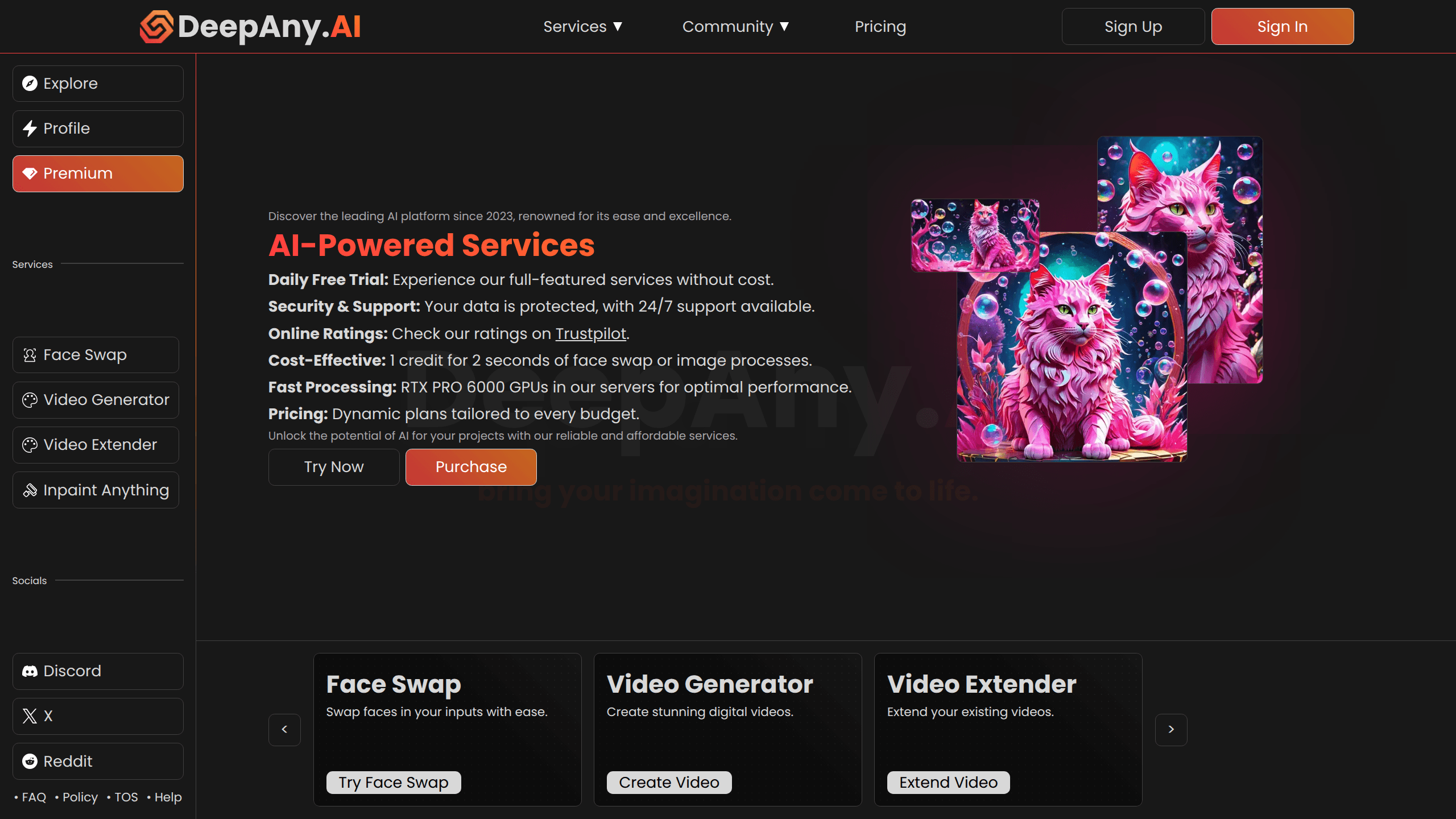
Deepany AI Deepnude Deepfake Face Swap is a web-based AI face swap tool that runs in your browser and drops one face onto another in a photo. You upload a source image and a target image, let the model line up the features, and download the result. The platform also bundles a wider set of online AI utilities under the DeepAny.AI umbrella, so a single account covers more than one kind of edit. It targets casual users who want a face swap online for a meme, an avatar, or a party photo, not studios doing frame-by-frame video work.
About Deepany AI Deepnude Deepfake Face Swap
What Is Deepany AI Deepnude Deepfake Face Swap
Deepany AI Deepnude Deepfake Face Swap is the face-swapping tool inside DeepAny.AI, an online AI toolkit that offers several image and media utilities from one site. Face swap is the headline act: you hand it a face and a target photo, and the AI blends the two so the source face lands on the target body with matching light and angle.
The selling point is convenience. There's no install. No model download. No GPU to buy. You open the page, upload two images, and get a result back in a browser tab. Just like that. That makes it handy for quick creative edits. It also means you're trusting a third-party server with your photos rather than processing them locally.
The biggest limit is what it doesn't claim to do. DeepAny.AI markets itself around image-focused tools. So anyone expecting broadcast-grade video face swap or real-time webcam replacement should treat that as out of scope until the site says otherwise. Face swap photos are also sensitive to image quality. A clear, front-facing source face gives a clean result. A blurry or side-on shot tends to show seams.
Getting Started
- Open the DeepAny.AI site in a browser and go to the face swap tool.
- Sign in or create an account if the tool asks for one before processing.
- Upload a source image for the face you want to use, then upload the target photo where that face should go.
- Start the swap and wait for the AI to process the images.
- Preview the result and download it if you're happy, then repeat with a new pair.
Product Information
A quick look at Deepany AI Deepnude Deepfake Face Swap's pricing, supported platforms, and performance.
Best for
The users, tasks, and scenarios where this tool fits best.
Users
- Casual creators making memes and funny photos
- Social media users building avatars and profile pics
- Curious newcomers exploring AI image tools
Tasks
- Swapping one face onto another in a single photo
- Making joke images for friends
- Creating stylized profile images
Scenarios
- A quick edit on a lunch break
- Preparing images for a group chat or social post
- Experimenting with a new AI tool before committing
Key features
Photo Face Swap in the Browser
The core function takes two images, a source face and a target photo, and merges them so the source face appears on the target. Because it runs in a browser, you skip installers, model files, and hardware checks. Upload. Process. Download. That simplicity is most of the appeal.
No Install and No GPU Required
Most serious face swap setups ask for Python, model weights, and a decent graphics card. DeepAny.AI moves all that to its servers, so the only thing on your machine is a browser tab. It's the main reason casual users pick a hosted AI face swap tool over open-source alternatives.
Free Entry Point to Test Output
The site advertises free online AI tools, and the pricing page talks about multiple tiers. That combination means you can usually try a swap before deciding whether the paid plans are worth it. Testing first matters here, since output quality depends heavily on the photos you supply.
One Account Across Multiple AI Tools
DeepAny.AI is a toolkit, not a single-purpose app. Face swap sits alongside other AI utilities, so signing up once can serve several tasks. If you also need other image edits, keeping them under one login saves account juggling.
Web-Based Access on Any Device
Since everything runs online, the tool works from a laptop, a desktop, or any machine with a modern browser and an internet connection. There's no platform lock to Windows or macOS, which helps if you switch devices often.
Simple Upload and Download Workflow
The interface keeps the steps minimal: pick images, start the swap, grab the file. The free AI face swap flow is built for people who want results without touching sliders or layer masks.
Pros and cons
Pros
- No installation or GPU needed, so almost anyone can run a face swap.
- Browser-based workflow works across Windows, macOS, and other systems.
- Free tier lets you evaluate output quality before paying.
- Part of a broader AI toolkit, so one account covers several tools.
- Straightforward upload-and-download process that suits quick edits.
Cons
- Results depend on photo quality, so blurry or side-facing images can look off, and you'll need to reshoot or pick better sources.
- Processing happens on DeepAny.AI's servers, which means uploading personal photos to a third party instead of working offline.
- The tool is image-focused, so anyone needing video or real-time face swap will have to look elsewhere.
Frequently asked questions
It's used to swap one face onto another in a photo through a browser. People use it for memes, avatars, and creative edits where they want a specific face on a specific body.
Related content
Explore related tools, skills, and articles for Deepany AI Deepnude Deepfake Face Swap.
Deepany AI Deepnude Deepfake Face Swap Alternatives

X Ray Interpreter
X-ray Interpreter · ImageX Ray Interpreter is a web-based AI radiology tool that turns X-rays, CT scans, MRI, ultrasound, and PET images into plain-language reports. You upload a scan, get a preliminary X-ray interpretation in moments, then ask follow-up questions if something needs explaining. It works as a second opinion and a learning aid, not as a medical diagnosis.

Aieasypic
AIEasyPic · ImageAIEasyPic is an AI image generator that turns plain text prompts into finished artwork in seconds. You can also train custom models on your own photos, swap faces in existing images, and create short video clips from text, all from a browser. It suits casual creators who want quick visuals and hobbyists who want to build a personal model without touching any code.

Chargen
Chargen · ImageChargen is an AI character generator and worldbuilding toolkit built for Dungeons & Dragons and other tabletop RPGs. It turns a one-line idea into a painted character portrait, spins up NPCs, monsters, maps and encounters from the same session, and keeps every creature's details close at hand. The tabletop RPG art side runs on a credit system called Gold, while the text generators stay free for everyone.