

DeepTagger
DeepTagger · Productivity
DeepTagger is a no-code AI platform for document processing and information extraction, built around a highlight-and-label training flow instead of scripts or machine learning code. You mark the text you care about across a handful of sample pages, tag what each highlight means, and the system learns to pull the same fields from new files on its own. Think of it as information extraction software you teach by pointing at examples. The pitch is simple: turn a pile of invoices, contracts, or forms into clean structured data for automated data extraction, without writing a single line of code.
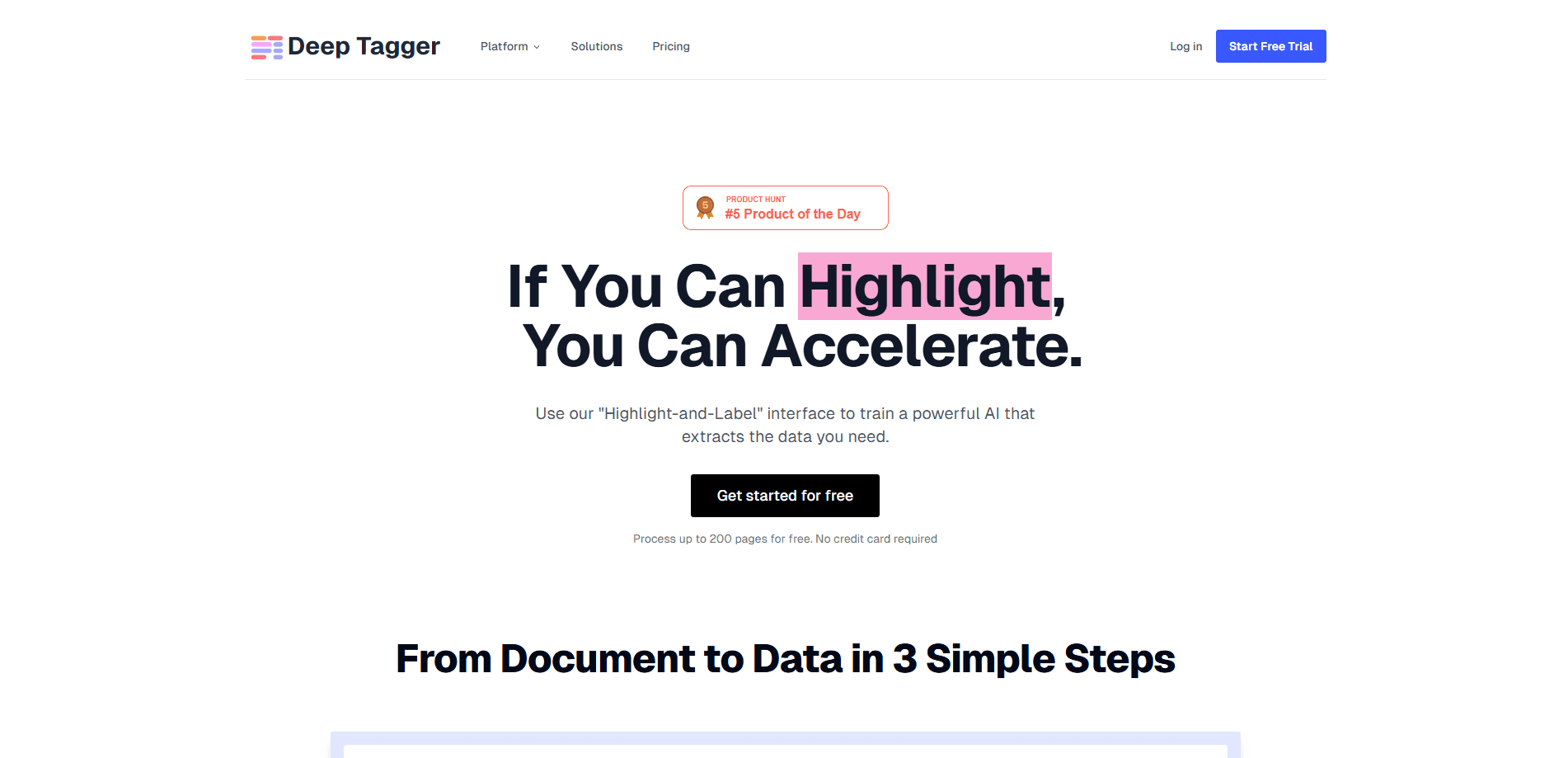
About DeepTagger
What Is DeepTagger
DeepTagger sits in the category of AI document processing tools that promise to read documents the way a person does. The difference is the training method. Most extraction platforms ask you to configure rules, regex patterns, or layout templates before they can pull a single field. It learns by watching where you point instead.
You open a document, select the span that holds a value you want, and assign it a label like "invoice total" or "due date." After a few examples, its deep-learning and LLM stack generalizes the pattern and applies it to the rest of your files. That means the platform doesn't just match a fixed position on a page. It reads context to decide what a piece of text means. That handles the messy, inconsistent documents that rule-based tools choke on.
The catch is worth stating up front. DeepTagger is currently pivoting, and its website is a placeholder rather than a live product page. So the details around pricing, plan tiers, and the current feature set are limited. Treat this page as a look at what the platform is built to do, not a confirmed spec sheet.
Getting Started
- Sign up for an account so you have a workspace to hold your documents and trained models.
- Upload a batch of sample documents that represent the files you want to process, ideally 10 to 30 examples.
- Highlight the values you care about in each sample and assign a label to every highlight.
- Review the model's predictions on a new file and correct anything it gets wrong to sharpen the results.
- Connect the trained model to your workflow and export the extracted fields as structured data.
Product Information
A quick look at DeepTagger's pricing, supported platforms, and performance.
Best for
The users, tasks, and scenarios where this tool fits best.
Users
- Operations teams buried in invoices, receipts, and purchase orders
- Small businesses without a developer
- Analysts who need structured data out of PDFs
Tasks
- Pulling key fields from contracts, such as parties, effective dates, renewal terms, and dollar amounts, into a spreadsheet or database that the rest of your team can actually use.
- Turning scanned forms into rows of clean data for reporting or reconciliation.
- Sorting incoming documents by what they contain rather than by filename or folder.
Scenarios
- Monthly close, when finance has to reconcile hundreds of supplier documents and the formats are never quite the same from one vendor to the next.
- Onboarding a new client whose paperwork doesn't match anyone else's template.
- Digitizing an archive of scanned records that were never tagged or organized.
Key features
Highlight-and-Label Training
Instead of building rule sets, you select the exact text you want extracted and assign it a label. After a few annotated samples, the model picks up on the visual and linguistic cues that signal a field. It's the kind of flow a person can learn in an afternoon. No training manual required.
No-Code Workflow
There's no Python, no regex, and no model configuration to manage. The software treats document processing as a labeling task. That opens it up to people who spend their day with files rather than code.
Context-Aware Extraction
DeepTagger uses deep learning plus LLM technology to read documents by meaning, not by fixed coordinates. That matters when the same value appears in different places across files, or when a page layout shifts between file versions. Fixed coordinates break. Meaning holds.
Automated Processing at Scale
Once a model is trained, it applies the same extraction logic to new documents without manual input. You feed in files. It returns structured output. And your team stops copying values by hand, which is where automated data extraction earns its keep.
Document Type Flexibility
The platform is designed around unstructured and semi-structured files, the formats that make traditional parsers struggle. As long as you can label the field once, the model can look for it again. That flexibility is the selling point.
Structured Data Output
Extracted fields come out organized, ready to drop into a spreadsheet, database, or downstream system. That's the whole contract of information extraction software. Clean data you can query, not a folder full of pages.
Pros and cons
Pros
- The labeling interface is easy to grasp. Training a document model doesn't require a technical background.
- Context-aware reading handles inconsistent layouts that break rule-based extraction tools, including the minor formatting shifts that show up between document versions from the same vendor.
- Less setup than platforms that expect you to write and maintain custom parsing rules.
- The workflow scales. Label once, then process new files automatically.
Cons
- The official site is currently a placeholder, so you can't confirm current pricing, plan tiers, or feature specifics before signing up.
- Because the company is pivoting, the product roadmap and long-term availability are unclear.
- Public documentation on API access and integrations is thin. That makes it hard to judge how well it fits an existing pipeline.
- As a newer player, it has less of a track record than established extraction platforms.
Frequently asked questions
It's a no-code AI platform that reads documents and pulls out the information you tell it to look for. You highlight and label example values, and the model learns to find them in new files.
Related content
Explore related tools, skills, and articles for DeepTagger.
DeepTagger Alternatives

Swms
Swms AI · Writing · Productivity · BusinessSwms is an AI safety compliance tool that turns a plain description of a job into ready-to-use safety documents. Describe your project, trade, and known hazards, and it writes a safe work method statement, job hazard analysis, safe work procedure, RAMS, or safety data sheet in seconds. It also ships with Oscar, a chat assistant that answers workplace safety questions in any language. Teams in construction, mining, transport, and warehousing use it to cut the paperwork that usually eats into a workday.

Wordly AI Translation
Wordly · Voice & Language · ProductivityWordly AI Translation is a real-time AI translation and captioning platform built for meetings, conferences, and events. It delivers live translation, captions, transcripts, and summaries in more than 60 languages, and attendees join by scanning a QR code or opening a link instead of using dedicated headsets. The platform works with Zoom, Microsoft Teams, Google Meet, and Webex, and it's designed for organizations that want multilingual access without hiring human interpreters for every session. Simple as that.

Rows
Rows (Superhuman) · Productivity · BusinessRows is an AI spreadsheet and data analysis tool that imports live data from more than 50 sources, then lets you work with it using plain language instead of SQL queries or nested formulas. You can pull numbers out of PDFs, connect ad platforms, databases, and bank accounts, and ask the AI to build reports, merge datasets, or set up models that recalculate themselves. It runs in the browser, works like a spreadsheet, and now sits under the Superhuman umbrella.