

Deforge
Deforge · Coding
Deforge is a no-code AI agent builder that turns chat prompts and drag-and-drop flows into deployable agents you can share as web forms.
About Deforge
What Is Deforge
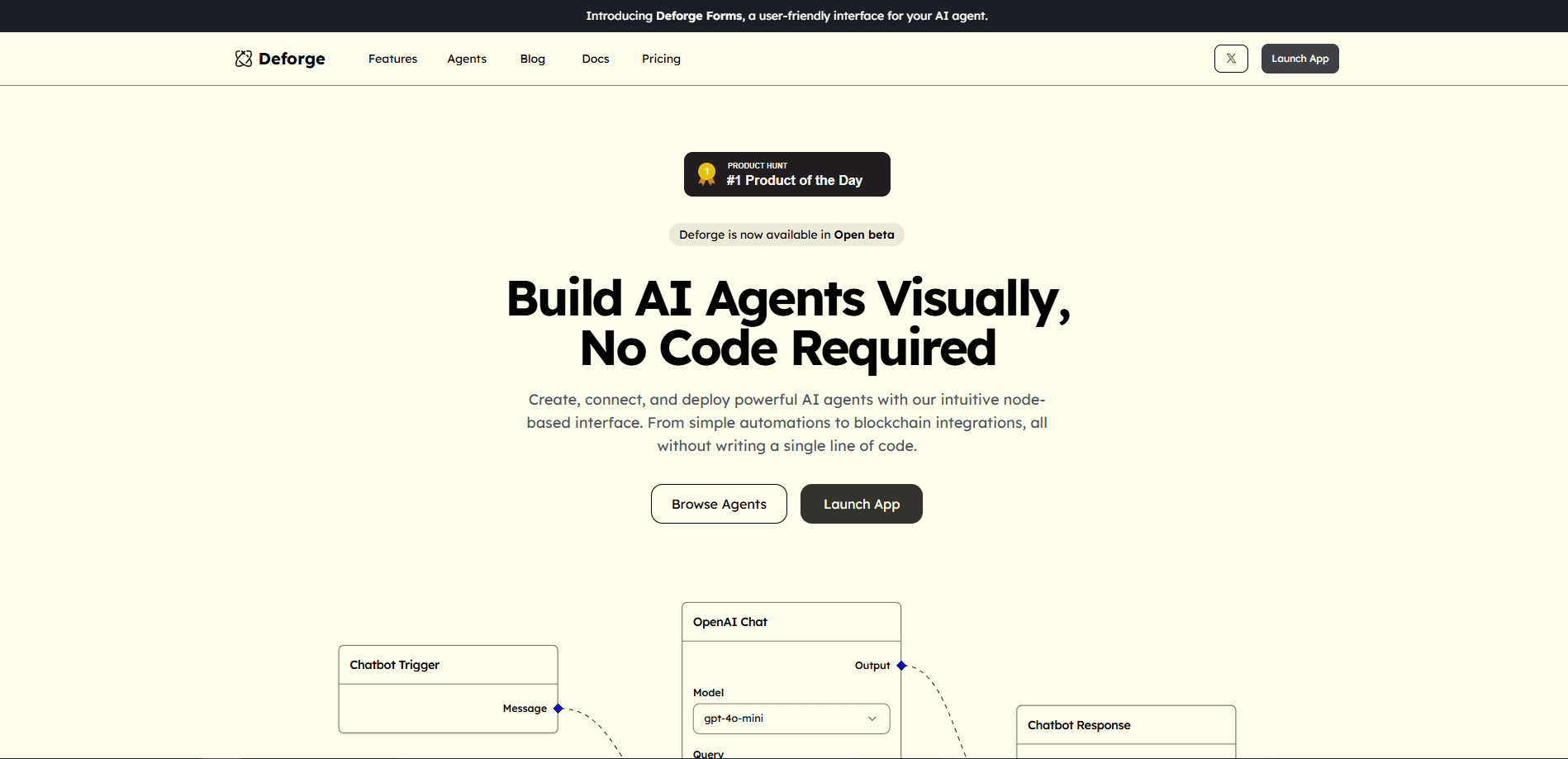
Deforge lets you build AI agents and automations without code. You describe what you want in a chat, or drag nodes onto a visual canvas, and the platform wires the pieces into a working agent. The pitch is speed: the team markets agents that go from idea to a shareable link in minutes, not days of setup work.
The builder is aimed at people who feel locked out of tools like n8n or Langflow. Instead of hunting for API endpoints and writing glue code, you pick from pre-built forms and templates, connect the models you already pay for, and hit deploy. Deforge hosts the result and gives you a link you can send to anyone, so the agent lives as a simple form rather than a private script on your laptop.
The limits show up in the details. The free plan caps you at three apps and a one-time credit bundle, so heavier use pushes you toward a paid seat. And because a lot of the real work happens inside pre-built templates, teams with unusual requirements still end up checking whether a custom node can cover the gap.
Getting Started
- Sign up at deforge.io and land on a workspace with the free plan attached.
- Start from a template, such as the job search alerter or the Gmail summarizer, or open a blank agent and describe what you want in the chat builder.
- Add model nodes and connect the services the agent should touch, dragging and linking steps on the visual editor.
- Test the flow in the builder, then deploy it with one click so it runs on Deforge's hosting and gets a shareable form link.
- Adjust triggers, prompts and follow-up actions as the agent runs, and scale the workspace up if the free credit runs out.
Product Information
A quick look at Deforge's pricing, supported platforms, and performance.
Best for
The users, tasks, and scenarios where this tool fits best.
Users
- Non-technical operators
- Small teams testing automation ideas
- Solo builders with a clear task
Tasks
- Turning a repeated chore into a form
- Summarizing incoming messages
- Routing requests to the right channel
Scenarios
- Prototyping an internal tool
- Automating a personal routine
- Building a client-facing intake flow
Key features
Chat to build
You describe the agent you want in plain language and Deforge sketches the flow for you. The chat sits next to the visual editor, so a sentence becomes nodes you can then adjust by hand. It lowers the starting point for anyone who does not want to think in diagrams first.
Visual node editor
A drag-and-drop canvas holds the logic of the agent. You add nodes for models, conditions and services, then connect them to define the order of steps. Decision trees and conditional branches are built by linking nodes, which covers the kind of logic that otherwise needs code.
Multi-model support
Deforge connects to GPT-4o, Claude, Llama and other large language models through one interface. You can switch the model behind a step without rebuilding the flow, which helps when one model handles a task better or cheaper than another. The same canvas keeps the rest of the agent intact.
Pre-built forms and templates
Dozens of ready templates cover common jobs, from an automated job search alerter to a Gmail summarizer that posts to Telegram. Each one deploys with a click, and the agent surfaces to users as a simple form. It is the fastest route in when a template already matches your task.
One-click deployment
Agents deploy to production on Deforge's hosting with a single click and scale as usage grows. The output is a shareable form link, so you hand someone a URL instead of walking them through an install. No server of your own is needed to keep the agent running.
Custom logic without code
You build decision trees and conditional branches by arranging nodes, not by writing functions. This is where the no-code promise does the most work, since branching logic is usually the first place a non-developer gets stuck. Complex flows still take care to lay out, but they stay inside the visual editor.
Pros and cons
Pros
- No coding is needed to ship an agent, since flows are built by chat and dragging nodes on a canvas.
- One-click deployment returns a shareable form link, so an agent reaches users as a URL rather than an install.
- Templates such as the job alerter and Gmail summarizer give a working starting point instead of a blank page.
- Multi-model support lets you swap between GPT-4o, Claude and Llama without rebuilding the workflow.
Cons
- The free plan caps agents at three apps and a one-time credit bundle, so anything beyond a trial needs a paid plan.
- The free tier's credit allowance is finite, which means a busy agent can run out and stall until you upgrade.
- Deploying on Deforge's hosting ties the agent to the platform, and moving it elsewhere means rebuilding the flow.
Frequently asked questions
Deforge is used to build AI agents and automations without code. You combine language models, forms and conditions into a flow that runs a task, such as alerting you to new job posts or summarizing email, then share it as a link.
Related content
Explore related tools, skills, and articles for Deforge.
Deforge Alternatives
Forefront
Forefront · CodingForefront is a web platform for building with open-source AI. It lets you fine-tune leading open-source language models on your own data, evaluate how they perform, and run them through an API or export them to host yourself. Developers who want the convenience of a closed-source platform but insist on owning their models and data are the target audience here.

Startkit
StartKit.AI · CodingStartkit is a boilerplate for building AI SaaS and AI wrapper products. Think of it as an AI startup boilerplate with the boring parts already wired up: authentication, Stripe and Lemon Squeezy payments, usage limits, transactional email, and an AI API starter that talks to OpenAI, Anthropic, Groq, or Llama. You clone the repo, set your price, and start on the part of your product that people actually pay for. It's Next.js under React and Tailwind, so most of the boilerplate code already feels familiar.
Testim
Tricentis · CodingTestim is an AI-powered test automation platform for building and running end-to-end tests across web, mobile, and Salesforce applications. It leans on machine learning to keep tests stable when an interface changes, so teams spend less time fixing broken selectors. Not bad for an automated testing tool you can start using today. You create tests by recording actions in a browser, then optionally add JavaScript when you need more control. It's a solid pick for busy QA teams.