

Demoflow
DemoFlow AI · Video
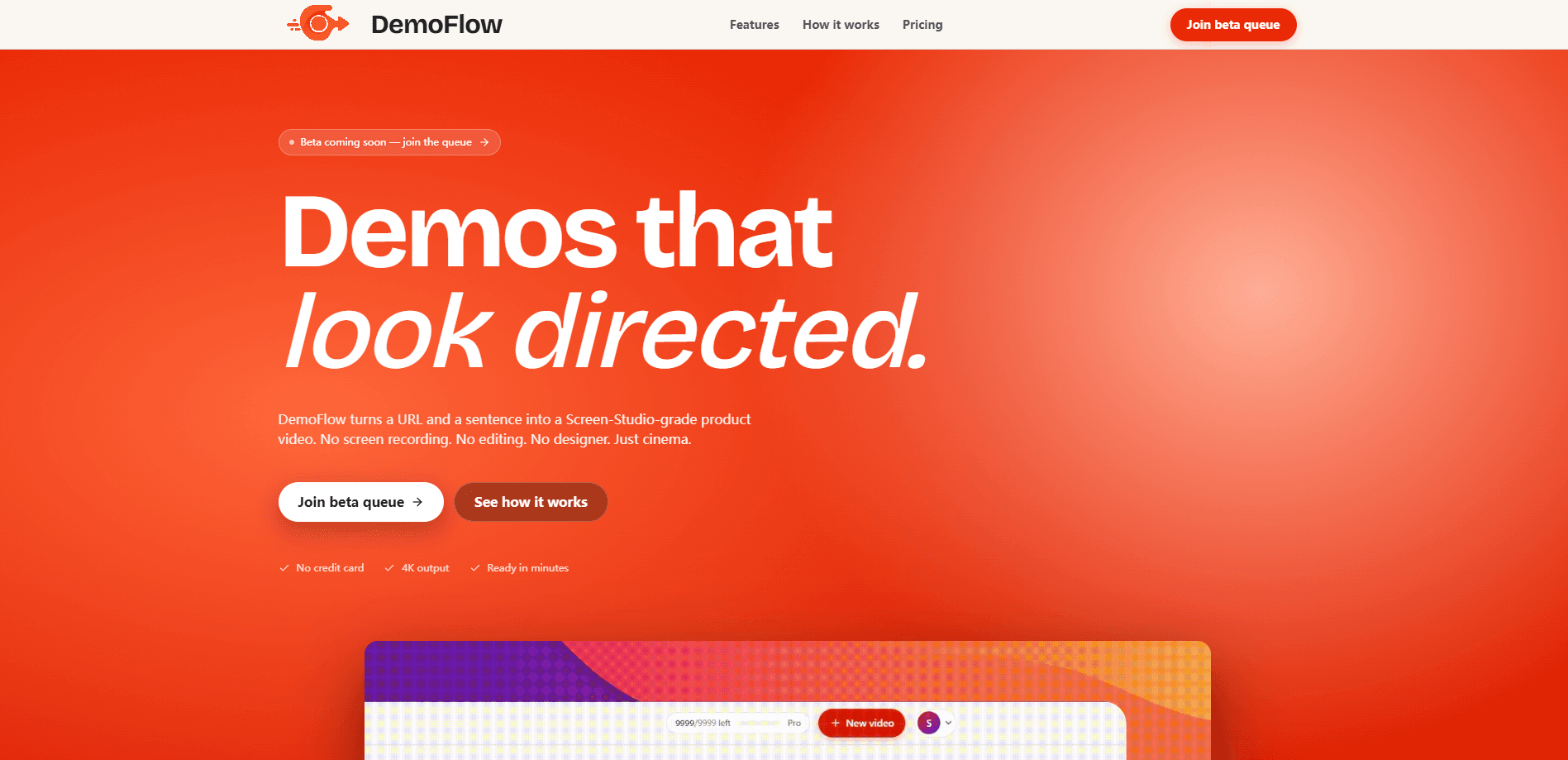
DemoFlow is an AI demo video generator that turns a website URL and a short plain-English prompt into a cinematic product demo video. You describe the clicks, scrolls, and highlights you want, and its agent navigates the site, captures the footage, and renders an MP4 with smooth zooms, parallax pans, motion blur, and eased cursor movement. It's built for founders and teams who need a launch trailer or landing-page clip without a screen recorder, an editor, or a designer.
About Demoflow
What Is DemoFlow
DemoFlow is a web-based AI tool that produces product demo videos from two inputs: a URL and a written description of the flow you want shown. There's no timeline to learn. You point it at a marketing page, a JavaScript-heavy single-page app, or an authenticated dashboard, and the agent plans the route, scrolls, clicks, and hovers on its own.
So how does it actually work? You give it a URL. You give it a prompt. It gives you an MP4.
The appeal is speed and consistency. It's an automated demo video pipeline with almost nothing to configure. Teams that would normally spend hours in a screen recorder, then more hours cutting the result, can get a polished clip back in a few minutes. Output scales from a laptop-sized 1440×900 frame up to 4K UHD, so the same video works on a landing page, in a social post, or in a YouTube launch.
The main catch is maturity. DemoFlow is still in beta, and access runs through a queue rather than instant signup, so you might wait before you can render anything. The free Hobby tier also caps you at three lifetime videos with a watermark at 1440×900. Fine for a test drive. Not much else.
Getting Started
- Join the beta queue on the official site and wait for your invite email.
- Paste the URL of the page or web app you want to demo.
- Write a prompt describing the exact actions to capture, such as scrolling to a pricing table, pausing, hovering a plan, and clicking a button.
- Let the agent move through the site and capture the footage.
- Wait for the email that says your rendered MP4 is ready, then download it in your chosen resolution.
Product Information
A quick look at Demoflow's pricing, supported platforms, and performance.
Best for
The users, tasks, and scenarios where this tool fits best.
Users
- Founders shipping launch trailers
- Product marketers running paid campaigns
- Developer advocates who demo dashboards
Tasks
- Turning a pricing page into a short walkthrough
- Producing a landing-page hero clip
- Repurposing one demo across channels
Scenarios
- A launch week where you need a polished video before the wait-list email goes out
- A support team recording a dashboard walkthrough for docs
- An indie developer without design help
Key features
Plain-English demo scripting
You describe the demo in a sentence or two, and DemoFlow's agent plans the route, scrolls, and clicks like a human reviewer. There's no timeline to drag, no keyframes to set, and no manual screen capture. The prompt carries the intent, and the agent turns it into a recorded flow. Think of it as a URL to video converter that reads your instructions instead of asking you to script each step. It's the opposite of AI screen recording. Nothing gets captured by hand.
Cinematic motion on autopilot
Rendered videos get smooth zooms, parallax pans, motion blur, and eased cursor movement without any manual motion work. On the Pro tier, motion blur is applied as part of the render. The result mimics the look of a hand-cut Screen Studio project. That's the whole point. If you've priced out a Screen Studio alternative or a freelance motion designer, DemoFlow is chasing the same cinematic product video look for a fraction of the cost.
Works on almost any site
Public marketing pages, JavaScript-heavy single-page apps, and authenticated dashboards are all supported. Protected pages are captured through cookie or Playwright storage-state handling, so you don't need a public demo URL to show real product screens.
Renders in two to five minutes
Most videos finish in two to five minutes. Paid plans sit in a priority lane that, according to DemoFlow, typically halves wait time during launch peaks. You get an email when the MP4 is ready, so you don't have to babysit a progress bar.
4K output with multiple frame sizes
You pick the capture frame: laptop at 1440×900, Full HD, QHD, or 4K UHD. Higher resolutions and watermark removal are reserved for paid tiers, while the free tier stays at 1440×900 with a subtle watermark. That gives you a 4K demo video option most screen recorders charge extra for, or skip entirely.
Credential handling
Auth payloads for protected pages are encrypted at rest, used once, and then discarded. According to DemoFlow, credentials and session cookies are never logged. That matters if you're demoing an internal tool where a leaked session would be a real problem.
Team workspace and API access
The Studio plan adds custom branding, a five-seat team workspace, and API access for teams producing launch reels at scale. Custom needs beyond 50 videos a month, along with SSO and custom SLAs, go through a sales conversation.
Pros and cons
Pros
- No screen recorder, editor, or designer needed; the URL and prompt do the work.
- Up to 4K UHD output with no watermark on Pro and Studio.
- Handles JS-heavy apps and logged-in dashboards instead of only static pages.
- Fast turnaround, with a priority lane that cuts render time on paid plans.
- Plain-English prompts keep the learning curve low.
Cons
- It's still in beta, and access runs through a queue, so you can't start rendering immediately.
- The free Hobby tier is limited to three lifetime videos at 1440×900 with a watermark, which rules it out for ongoing use.
- There's no timeline editing, so once the prompt is off, you re-run rather than fine-tune clips.
- High-volume needs (200+ videos a month, SSO, custom SLAs) require talking to sales.
Frequently asked questions
Most videos finish in two to five minutes. Pro and Studio plans get a priority lane that DemoFlow says typically halves wait time during launch peaks. You receive an email when the MP4 is ready.
Related content
Explore related tools, skills, and articles for Demoflow.
Demoflow Alternatives

ngram 2.0
ngram · Video · Marketingngram 2.0 is an AI video generator for teams. It turns a prompt, a screen recording, or a product URL into a narrated explainer, product demo, or AI avatar video, and every scene stays editable.

OpenScreen 2
OpenScreen (open-source project) · Video · ProductivityOpenScreen 2 is a free, open-source screen recorder and demo video editor for Windows, macOS, and Linux, with automatic zooms, styled frames, local captions, and agent edits.

Skreno
Skreno · Video · ProductivitySkreno is a browser screen recorder that captures a tab, a window or your whole display, then attaches AI transcripts, summaries and console logs to one share link.