

DesignLumo
DesignLumo · Image
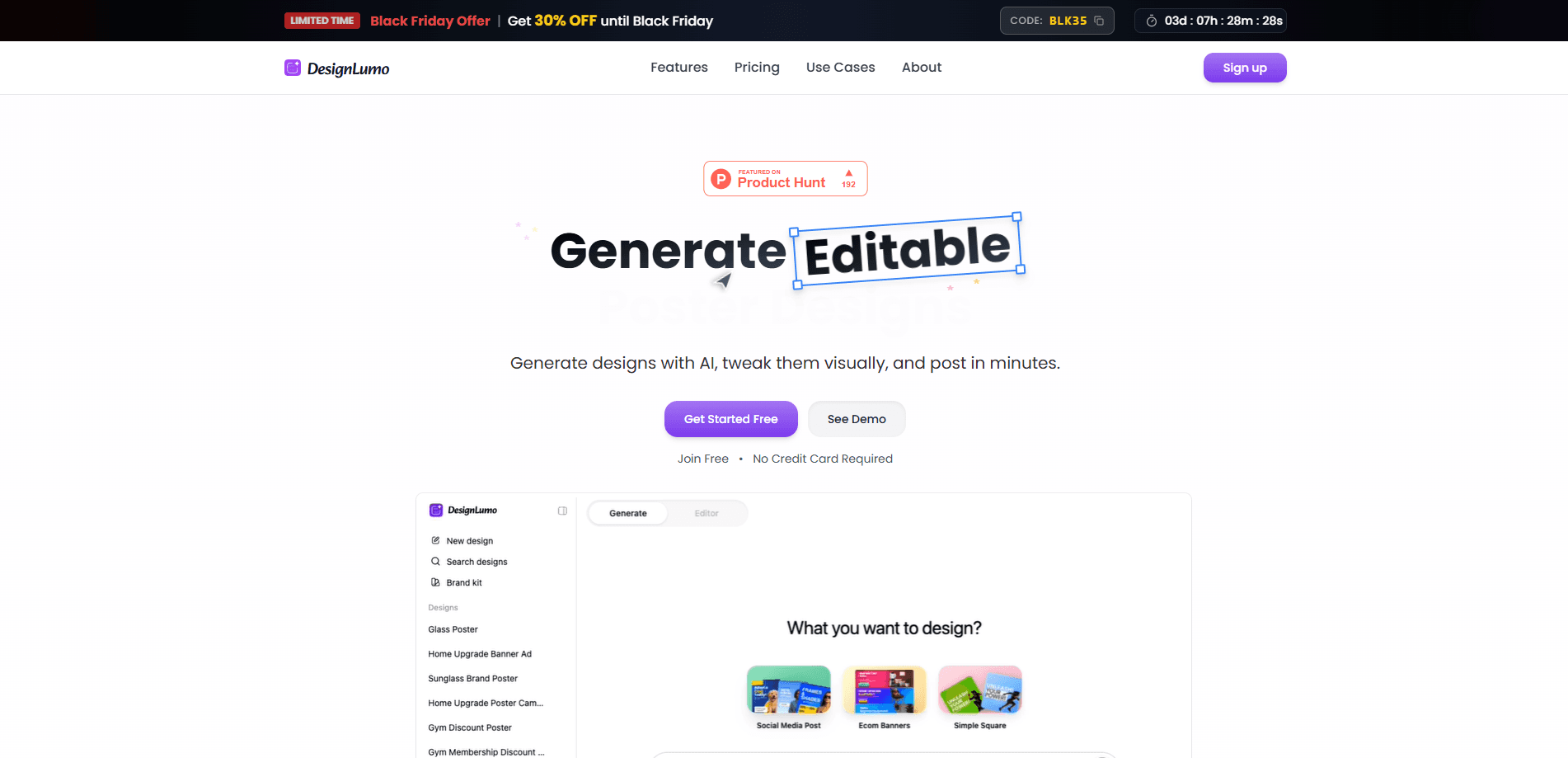
DesignLumo is an AI-first design platform that turns a text description into a fully editable design in seconds. It works as an AI poster maker and social post maker that builds layered posters, ad creatives, and social posts with editable text, colors, shapes, and images. Marketers, agencies, and founders use it to skip template hunting and go straight from an idea to an on-brand visual they can refine on a canvas.
About DesignLumo
What Is DesignLumo
DesignLumo is an AI design generator built around a simple complaint: most AI image tools hand back a picture you can't really change. Its output is different. You get a layered layout where every element stays editable, so tweaking a headline or swapping a logo doesn't mean starting the whole design over. Put another way, it's closer to an AI poster maker that hands you a working file than a black box that spits out a finished image.
The platform targets the repetitive part of a marketer's day. Writing copy for a promo banner, resizing the same ad for three channels, keeping colors consistent across a campaign: that's the grind DesignLumo tries to absorb. Type what you want, and it drafts the layout. Paste a URL, and it lifts the brand kit from that page so new visuals match what's already live.
The biggest limitation is scope. DesignLumo is built for graphics like posters, ads, and social posts, not for illustration, photo retouching, or print-ready vector work at a specialist level. Keep that in mind before you buy. It's a fast first draft and an editing surface, so treat it as a shortcut to a starting point rather than a replacement for a full design suite.
Getting Started
- Go to the DesignLumo site and start free. No credit card is required to begin.
- Describe the poster, ad, or social post you want, or paste a URL so DesignLumo pulls the brand details from that page.
- Review the generated design, then edit it on the canvas: change text, drop in uploaded images, and adjust colors and shapes.
- Resize the design for other platforms or resolutions, since the tool works at any size.
- Export the finished file, including SVG output for graphics that need to scale cleanly.
Product Information
A quick look at DesignLumo's pricing, supported platforms, and performance.
Best for
The users, tasks, and scenarios where this tool fits best.
Users
- Marketers who ship promo banners and ad creatives on a weekly cadence and want a fast first draft instead of a blank canvas.
- Agencies juggling several client brands at once, since saved brand kits keep colors and logos consistent across accounts.
- Founders and small teams without a dedicated designer who still need polished posters and social posts.
- Content creators producing thumbnails and social graphics who want editable files, not one-off images.
Tasks
- Turning a one-line brief into a poster layout you can refine, rather than building it from scratch.
- Using the AI ad creative generator to draft a campaign image, then swapping in final copy later.
- Resizing a single design across social post, ad creative, and banner formats.
- Pulling a brand kit from a live website so new visuals match the existing look.
- Editing an existing image with AI prompts instead of reaching for a separate photo tool.
- Exporting SVG when a graphic needs to stay sharp at large sizes.
Scenarios
- Launching a promo banner for a sale when the copy isn't final yet, because the layout stays editable until you publish.
- Keeping a multi-channel ad campaign visually consistent without rebuilding each asset by hand.
- Onboarding a new client and recreating their visual style quickly from their existing site.
- Making a last-minute social post when there's no time to brief a designer.
- Handing a client an editable AI design tool draft they can tweak themselves.
Key features
Text-to-Design Generation
Type a description and DesignLumo builds a complete layout. Not just an image. The result arrives as editable layers, so text, colors, images, and shapes remain yours to move and change. That's the core difference from AI image generators that return a flat file, and it's what lets you keep refining instead of regenerating from zero.
Paste Any URL
Paste a link and DesignLumo extracts the brand details from that page into a brand kit. Colors, logos, and key elements come across automatically, which saves the manual step of hunting down hex codes or re-uploading assets. For anyone working across multiple brands, it turns setup into a single paste.
Brand Kit
DesignLumo keeps brand elements in one place so new designs start on-brand. Instead of re-entering the same colors and logos for every visual, the kit applies them as you generate. Setup once. Reuse everywhere. It doesn't cover every possible brand asset, so complex systems may still need a manual pass, but it removes most of the repeated work for teams that ship a lot of graphics.
AI Image Editing
You can upload images and ask for changes in plain language, then keep the result inside the same editable canvas. This matters because it saves hopping between a photo tool and a layout tool. The editing runs on the design itself, so the change becomes part of the layered file rather than a flattened replacement. No export-import dance required.
Fully Editable Canvas
Every element stays adjustable after generation. Text, color, image, and shape controls sit on a full canvas, so the AI gives you a draft and you keep final say. This is the feature that separates a real design tool from a picture generator, and it's the reason the output is usable for campaigns. The AI drafts. You decide.
Any Size and SVG Exports
Designs aren't locked to a fixed pixel size, so you can resize the same layout for different platforms and formats. SVG export is available when you need graphics that stay sharp at any scale. Together they cut the usual resize-and-rebuild loop that eats time on multi-channel work. One design. Many sizes.
Pros and cons
Pros
- Output is layered and editable, so you can refine text and colors instead of regenerating a whole image.
- Pasting a URL pulls in brand details fast, which is handy for agencies juggling multiple clients.
- The same design resizes across formats, reducing the rebuild work for multi-channel campaigns.
- SVG export keeps graphics sharp at large sizes.
- Starting is free with no credit card, so you can test the workflow before paying.
Cons
- It's built for posters, ads, and social posts, so it won't cover illustration or print-ready vector work at a specialist level.
- Brand kit support is partial, so complex brand systems may still need manual adjustment.
- Pricing details aren't listed publicly, which makes it hard to compare plans before signing up.
Frequently asked questions
It turns a text description or a URL into a fully editable design for posters, ads, and social posts. The output is a layered layout you can keep editing, not a flat image.
Related content
Explore related tools, skills, and articles for DesignLumo.
DesignLumo Alternatives

X Ray Interpreter
X-ray Interpreter · ImageX Ray Interpreter is a web-based AI radiology tool that turns X-rays, CT scans, MRI, ultrasound, and PET images into plain-language reports. You upload a scan, get a preliminary X-ray interpretation in moments, then ask follow-up questions if something needs explaining. It works as a second opinion and a learning aid, not as a medical diagnosis.

Aieasypic
AIEasyPic · ImageAIEasyPic is an AI image generator that turns plain text prompts into finished artwork in seconds. You can also train custom models on your own photos, swap faces in existing images, and create short video clips from text, all from a browser. It suits casual creators who want quick visuals and hobbyists who want to build a personal model without touching any code.

Chargen
Chargen · ImageChargen is an AI character generator and worldbuilding toolkit built for Dungeons & Dragons and other tabletop RPGs. It turns a one-line idea into a painted character portrait, spins up NPCs, monsters, maps and encounters from the same session, and keeps every creature's details close at hand. The tabletop RPG art side runs on a credit system called Gold, while the text generators stay free for everyone.