
Diffusion Studio
Diffusion Studio · Video · Coding
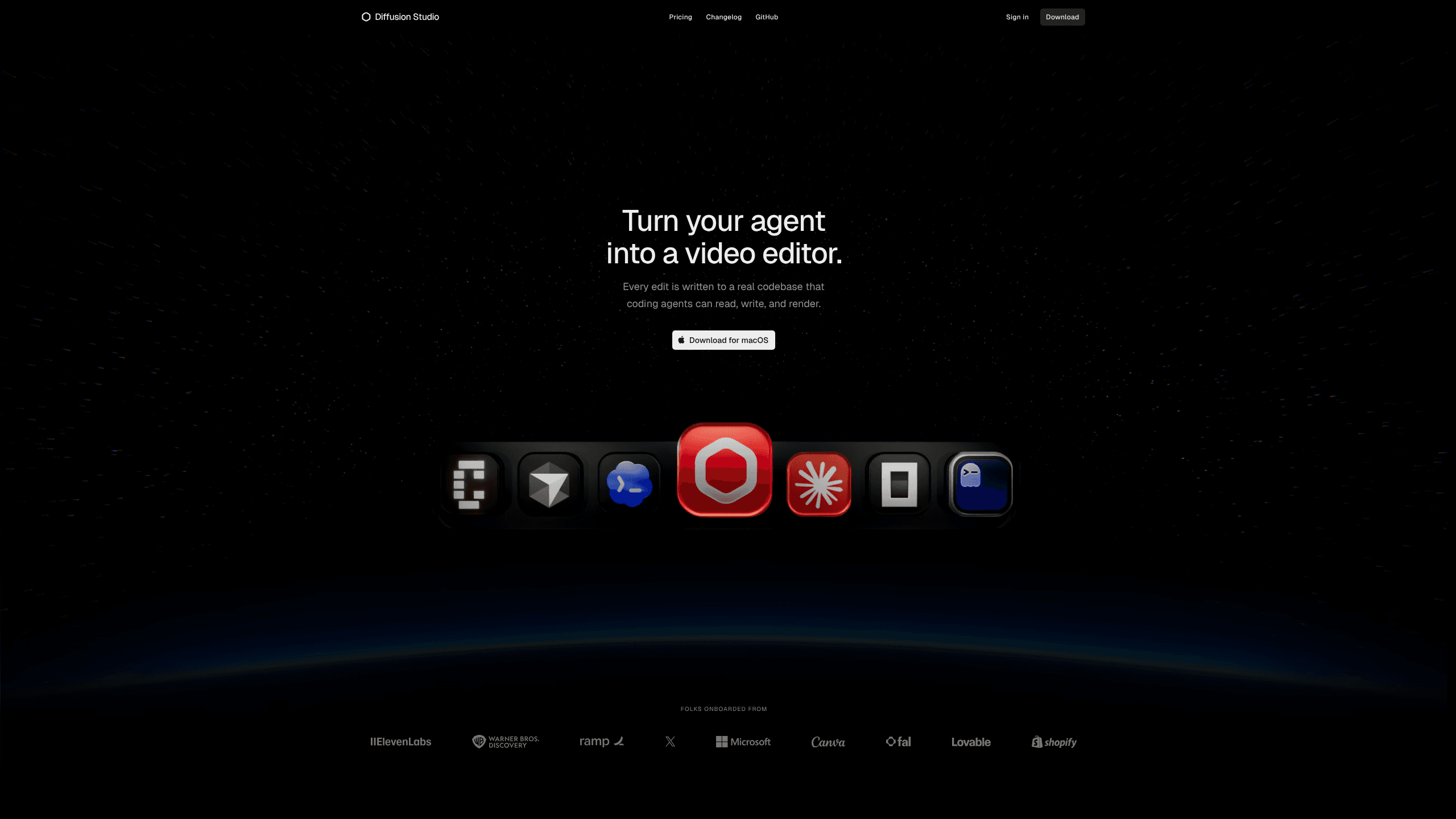
Diffusion Studio is a professional AI video editor that turns your coding agent into a video editor. It comes as a browser editor, a macOS desktop app, and an open-source codebase. It lets Claude Code, Codex, Cursor, or any other coding agent analyze footage, cut clips, transcribe audio, generate media, and build motion graphics. This is agentic video editing in the plainest sense. Every edit gets written into a real codebase, so you can review it, change it, and reuse it later. It also happens to be an open source video editor, which is rare for this category.
About Diffusion Studio
What Is Diffusion Studio
Diffusion Studio is a video editing tool built for two kinds of users at once: people who want to edit footage by hand and people who'd rather hand the work to an AI agent. The project leans on a simple idea. Instead of hiding your edit inside a closed timeline format, it writes every change into real code that agents can read, write, and render. That's what makes the "ask your agent to cut this" workflow possible in the first place.
The interface splits into an infinite canvas for arranging scenes and a timeline for sequencing and timing. Everything stays connected between the two views, so you can move an asset on the canvas and keep its position on the timeline. Scenes go beyond plain video too. The tool supports HTML, WebGL, 3D, and shaders for effects you wouldn't normally get in a standard editor.
The biggest catch is platform support. The browser version runs on Windows, macOS, and Linux, and that part is free. But the agentic editing workflow needs the desktop app, and the desktop app only ships for macOS (macOS 12+ on an M1 chip or newer). There's no Windows desktop build yet. So if you're on Windows and want agents doing your edits, you're waiting for now. You can still sign in and edit in the browser. You'll just miss the part that makes the product unusual, which is the whole reason most people would pick Diffusion Studio over a standard editor in the first place.
Getting Started
- Open the web app and sign in or create a Diffusion Studio account.
- Download the macOS app if you want agentic editing, and confirm you're on macOS 12+ with an M1 chip or later.
- Activate
dapifrom the Diffusion Studio menu and add the Diffusion Studio skill to your coding agent once. - Import your footage, arrange scenes on the canvas, then sequence them on the timeline.
- Ask your agent for changes, or edit by hand, then export up to 4K straight from the same workspace.
Product Information
A quick look at Diffusion Studio's pricing, supported platforms, and performance.
Best for
The users, tasks, and scenarios where this tool fits best.
Users
- Developers already using Claude Code, Codex, or Cursor
- Solo creators who want less repetitive cutting
- Small production teams
- Motion graphics designers
Tasks
- Rough cutting long footage
- Auto captioning and localization
- Generating B-roll and audio
- Building reusable edit recipes
Scenarios
- Recurring social content
- Localized campaigns
- Prototyping an idea fast
Key features
Agentic editing with coding agents
Diffusion Studio works with Claude Code, Codex, Cursor, Copilot, Gemini CLI, and other coding agents. You install the macOS app, activate dapi from the menu, and add the skill once, then keep using whichever agent you prefer. From there the agent can analyze footage, make edits, and build compositions while you stay in the loop. Anything the agent creates stays editable by you. Your agent can keep working from whatever you change. Nothing gets locked. That matters.
Code as the source of truth
Every edit is written into a real codebase, and projects now live locally with code acting as the database. That means your editing decisions can become reusable skills, and every change can be tracked with Git. Compositions are written as TSX, so teams can keep reusable components in GitHub as a shared reference. If you've ever wanted version history for your edits, this is what that looks like. It's Git, basically.
Canvas and timeline in one
The editor starts with an infinite canvas for arranging scenes and assets spatially, then switches to a timeline for sequencing and timing. The two views stay connected, so you can organize and iterate without losing visual context. It's a design-tool feel rather than a traditional NLE layout. The pan, zoom, and scrub response sits under 120ms according to the company. That's quick.
AI footage analysis and transcription
Let the agent watch your footage and understand what's happening, either visually or through transcripts. It can find the best moments, remove boring parts, and clean up silences and filler words, then build edits around what's on screen or what's being said. This is the part that saves the most time on long interview or vlog footage. Huge time saver.
Media generation inside the editor
You can generate video, images, music, speech, and sound effects from a prompt, both in the editor and through your agent. Auto captions land in any language with precise timing, styled text, and animation presets. Credits only get spent when an AI model runs. So building motion graphics by hand doesn't cost anything extra. Free means free here.
Precise property and motion control
A single inspector handles timing, position, scale, and layout. Visual effects stack, audio mixes, and filters apply without leaving the editor. For motion, you get bezier curves, spring easing, and motion presets. So easing a title in feels deliberate rather than guessed.
Custom controls for recurring projects
You can define the content, design, and editing rules for a data-driven project, then switch between versions with one selection or ask your agent to produce variants in bulk. The same project can serve localized videos, product catalogs, recurring reports, or social posts. Teams that ship the same format over and over get the most out of this. Big payoff for them.
Pros and cons
Pros
- Free and open source under MPL 2.0. It covers the editor, `dapi` CLI, and skills, with unlimited 4K exports and no watermark.
- Works with the coding agent you already use, so there's no new agent to adopt.
- Every agent-made edit stays fully editable by hand, and the agent can pick up your manual changes.
- Motion graphics, WebGL, and 3D support give it range a plain video editor doesn't have.
- Browser version covers Windows, macOS, and Linux for manual editing.
Cons
- Agentic editing needs the macOS desktop app, and there's no Windows desktop build yet. So Windows users can't use the core agent workflow at all.
- The Mac app requires macOS 12+ with an M1 chip or later, which rules out older Intel Macs. That's a hard stop for a lot of people.
- AI actions burn credits, so heavy generation and transcription work pushes you onto a paid plan fast.
- Monthly credits don't roll over, so unused credits are lost at each billing date.
Frequently asked questions
Yes. The editor is completely free and open source. It covers the full editor, the dapi CLI, agent skills, agentic workflows, and unlimited exports up to 4K with no watermark. You only spend credits when Diffusion Studio runs an AI model, such as analyzing footage, transcribing, or generating media. Paid plans buy credits for those AI actions, not access to the editor.
Related content
Explore related tools, skills, and articles for Diffusion Studio.
Diffusion Studio Alternatives

Vadu AI
Vadu AI · Image · VideoVadu AI is a web-based AI video generator that turns written prompts or still images into short clips, and it can also generate images on its own. You type what you want, pick a model and style, and the platform renders the result in minutes. A free plan covers light testing, while paid tiers run from $9 to $77.40 per month based on how many credits you burn.

Mykaraoke Video
MyKaraoke Video · VideoMykaraoke Video is an online karaoke video maker and lyric video maker that turns any song into a finished, lyrics-synced video right in your browser. It handles the slow part for you. The AI pulls vocals out of the mix and locks the lyrics to the beat, then lets you customize background, fonts, and colors before exporting in 1080p MP4. If you make lyric videos for social media, party nights, or music promotion, it skips the software installs and manual timing work entirely. Want a karaoke video generator that doesn't eat your whole evening? That's the pitch here.

Finalframe
Finalframe · VideoFinalframe is a set of free, browser-based tools for grabbing exact frames out of a video clip. Its best-known feature, the Final Frame Extractor, lets you extract the last frame of any video so you can use it as the starting image for AI video tools like Luma Dream Machine, Runway, or Kling. Want to keep a clip going? That last frame is your starting point. The tool runs locally in your browser, needs no sign-up, and costs nothing. A separate paid AI video-generation app from the same team is currently offline while it's rebuilt.