

Diggy Miner AI Web Scraper
Diggy Miner · Coding
Diggy Miner AI is a Chrome extension that scrapes data from almost any website without writing a single line of code. You point it at a page, tell it what you want, and the AI pulls back lead lists, prices, reviews, and product details. It's built for sales teams, ecommerce sellers, and researchers who need fresh web data but don't want to babysit fragile scraping scripts.
About Diggy Miner AI Web Scraper
What Is Diggy Miner AI
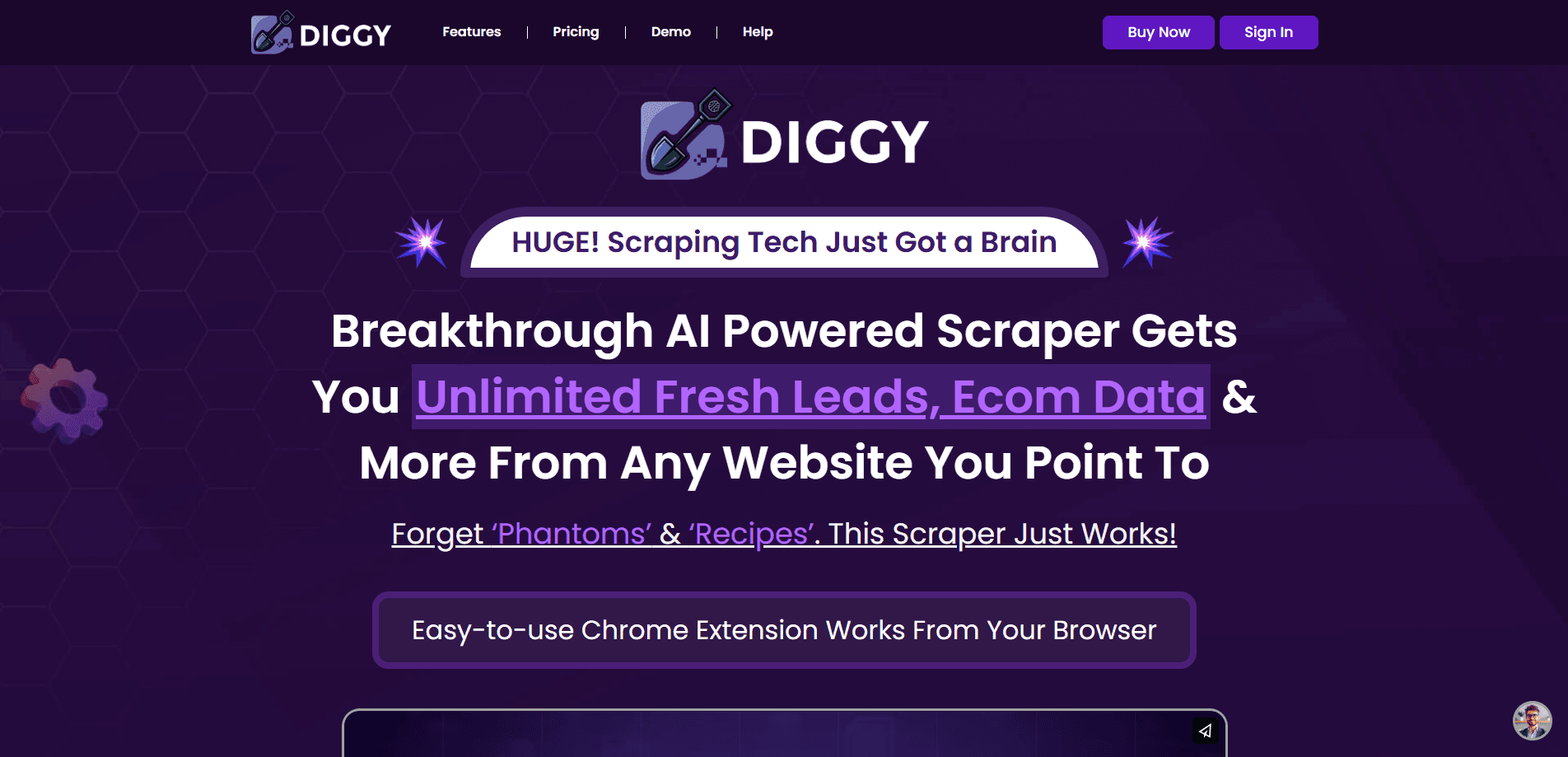
Diggy Miner AI is an AI web scraper that runs as a Chrome extension. Older scrapers made you build "phantoms" or "recipes" for every site, and those setups broke the moment a page changed. Diggy Miner skips that. You describe the data you want in plain language and the AI figures out where on the page it lives.
The tool is aimed at people who need data more than they need a scraping framework. Sales reps pull contact lists, ecommerce sellers track competitor pricing, and marketers scrape reviews to read sentiment. That's a wide net, and it shows in how the tool is sold: broad use cases, minimal setup. This is no-code data extraction at its simplest. You type a request, the AI parses the page, and rows come back.
So what's the catch?
The honest limit is that it's a browser extension, not a server-side crawler. It works while you're browsing, from your own Chrome session. If you need to scrape ten million pages overnight on autopilot, this isn't that kind of tool. There's no public API, and pricing isn't listed on the site either, so you'll need to confirm plans directly with the vendor. Not ideal for pipelines. Fine for everyday research.
Getting Started
- Install the Diggy Miner AI extension from the Chrome Web Store and pin it to your toolbar.
- Open the website you want to scrape in a new tab.
- Click the extension icon and describe what data you need (for example, "get all business names and phone numbers").
- Let the AI locate the fields and preview the results in the panel.
- Export the data you gathered and repeat on the next site.
Product Information
A quick look at Diggy Miner AI Web Scraper's pricing, supported platforms, and performance.
Best for
The users, tasks, and scenarios where this tool fits best.
Users
- Sales and lead-gen teams
- Ecommerce sellers and dropshippers
- Market researchers and analysts
Tasks
- Building a lead list from a directory or Maps listing
- Tracking competitor pricing across product pages
- Pulling product details like titles, prices, images, and descriptions
- Gathering reviews from sites like Trustpilot for sentiment analysis
Scenarios
- One-off research where you need data from a handful of pages, not a full crawl.
- Quick competitive checks before a pricing or listing decision, when you don't want to wait on a developer.
- Ongoing lead collection from pages you visit regularly, as long as the sites permit it.
Key features
No-Code Scraping From Your Browser
Diggy Miner AI runs entirely inside Chrome. You install the extension, open a site, and describe the data you want in plain language. There's no selector syntax, no XPath, and no setup wizard to learn. That's the whole pitch: scraping without the scripting. No code required.
AI That Figures Out the Page For You
Instead of a per-site recipe, the tool uses AI to locate fields on the page. Old scrapers needed a custom setup for every website, and they broke whenever the site owner pushed a layout change that shifted the HTML around. Diggy Miner reads the page and adapts, which cuts down the maintenance that normally comes with scraping tools.
Wide Range of Data Types
The tool is built to pull many kinds of content, including lead lists, price data, real estate listings, reviews, search results, product lists, email lists, phone numbers, and ecommerce and social data. You're not locked to one data shape, which makes it flexible across industries.
Built-In Use Case Coverage
Diggy Miner ships with examples that show what it can do. You can scrape local businesses from Maps, pull industry leads from LinkedIn groups, grab tweets and follower data, collect Amazon product details, capture listing titles and locations, and extract product data from Trustpilot reviews. These give you a starting point instead of a blank slate.
Simple Three-Step Workflow
The site narrows the process to three moves: choose your website, feed in what data you want, and get your data back. That simplicity is the point here. If you've been put off by scraping tools that feel like developer software and require setup before you see any payoff, this one is aimed squarely at you.
Refund Window and Support
Diggy Miner offers a 30-day refund and 24/6 chat support, according to the vendor. Those are vendor claims, but a refund window matters a lot when you're buying a tool you can't fully test before paying. It lowers the risk of trying it.
Pros and cons
Pros
- No coding required, so non-technical users can start scraping within minutes of installing the extension.
- AI-driven field detection means fewer broken scrapers when a site changes its layout.
- Handles a broad mix of data types, from leads and phone numbers to reviews and product prices.
- A 30-day refund and chat support reduce the risk of paying for a tool before you've tested it.
Cons
- It's a Chrome extension, so it runs while you browse rather than crawling pages in the background at scale.
- No public API means you can't plug it into an automated data pipeline.
- Pricing isn't published on the site, so you'll need to contact the vendor to know what you'd actually pay.
Frequently asked questions
It's a Chrome extension that scrapes data from websites using AI. You tell it what you want, and it locates and extracts that data for you without any coding, so you never touch a selector or write a script. Typical uses include lead lists, competitor prices, and reviews.
Related content
Explore related tools, skills, and articles for Diggy Miner AI Web Scraper.
Diggy Miner AI Web Scraper Alternatives
Forefront
Forefront · CodingForefront is a web platform for building with open-source AI. It lets you fine-tune leading open-source language models on your own data, evaluate how they perform, and run them through an API or export them to host yourself. Developers who want the convenience of a closed-source platform but insist on owning their models and data are the target audience here.

Startkit
StartKit.AI · CodingStartkit is a boilerplate for building AI SaaS and AI wrapper products. Think of it as an AI startup boilerplate with the boring parts already wired up: authentication, Stripe and Lemon Squeezy payments, usage limits, transactional email, and an AI API starter that talks to OpenAI, Anthropic, Groq, or Llama. You clone the repo, set your price, and start on the part of your product that people actually pay for. It's Next.js under React and Tailwind, so most of the boilerplate code already feels familiar.
Testim
Tricentis · CodingTestim is an AI-powered test automation platform for building and running end-to-end tests across web, mobile, and Salesforce applications. It leans on machine learning to keep tests stable when an interface changes, so teams spend less time fixing broken selectors. Not bad for an automated testing tool you can start using today. You create tests by recording actions in a browser, then optionally add JavaScript when you need more control. It's a solid pick for busy QA teams.