

Dinamo Notebook
Sergei Arlov / Dinamo 1945 Pančevo · Video
Dinamo Notebook is a free, open-source browser extension that turns football footage on YouTube, Twitch, and Dailymotion into a tactical workspace. You pause a clip, draw arrows and player positions right on the frame, and build slide-by-slide breakdowns without downloading or re-uploading anything. No export, no re-upload. Coaches, analysts, and fans who study the game frame by frame get a local-first football analysis tool that keeps their work next to the video instead of inside a separate editor. It's a tactical drawing tool that lives inside the tab where the match already plays.
About Dinamo Notebook
What Is Dinamo Notebook
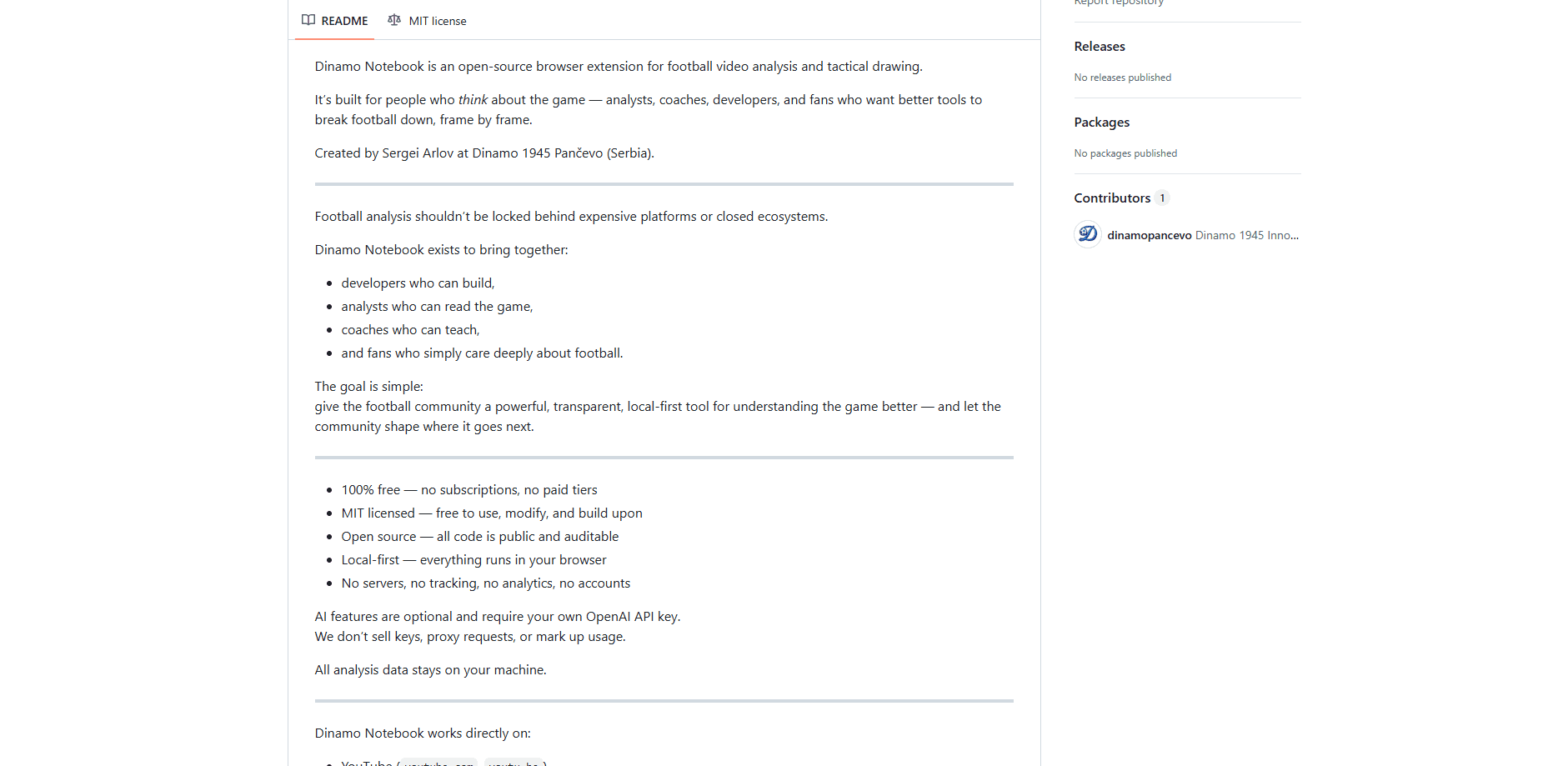
Dinamo Notebook is a browser extension made for anyone who thinks hard about football. Instead of forcing you to export clips into a heavy editing suite, it overlays drawing tools on the video playing in your browser. According to the project's README, it was created by Sergei Arlov at Dinamo 1945 Pančevo in Serbia and released under the MIT license.
The tool targets the gap between expensive video-analysis platforms and raw footage. Open-source football tools like this tend to be honest about their limits. You analyze a match where the video already lives, mark up formations and movement on paused frames, and organize the results into projects you can search later. Everything stays on your machine by default.
The main catch is scope. Dinamo Notebook is a Chrome and Edge extension, so it won't run in Safari or Firefox without extra work, and the optional AI features require your own OpenAI API key. There's no cloud sync, which means losing your browser data can mean losing your analysis unless you export a backup. That trade-off is deliberate.
Getting Started
- Download or clone the repository from the project's GitHub page on a Chrome or Edge browser.
- Open the extensions page, turn on developer mode, and load the unpacked folder.
- Open a football clip on YouTube, Dailymotion, or Twitch and pause it on the moment you want to study.
- Use the drawing tools to add arrows, shapes, and player positions, then build out more slides for later phases of play.
- Export your breakdown as a PDF, image, GIF, or JSON file, or keep it stored in a project inside the extension.
Product Information
A quick look at Dinamo Notebook's pricing, supported platforms, and performance.
Best for
The users, tasks, and scenarios where this tool fits best.
Users
- Football coaches
- Video analysts
- Football fans and content creators
Tasks
- Marking up formations and pressing structures
- Building multi-slide breakdowns
- Producing shareable reports
Scenarios
- Preparing a training session after a weekend match
- Study sessions for fans who want to understand tactics
- Quick turnaround social content
Key features
Tactical drawing on live video
The extension lets you draw directly on paused frames in YouTube, Dailymotion, and Twitch. YouTube video analysis usually means exporting clips into editing software. Here you skip that step entirely. Arrows, shapes, highlights, and standard football pitch templates are built in, so you can sketch a pressing shape or a passing lane without leaving the browser tab. Layer-based drawings keep separate ideas from tangling into one mess.
Optional AI-assisted analysis
If you bring your own OpenAI API key, the tool adds tactical explanations of formations, notes on player movement, and breakdowns of defensive and attacking patterns. You decide when to ask and what to ask, so it works as an assistant rather than an automatic verdict. No key, no AI. The makers don't sell keys or proxy requests, which keeps the cost tied to your own OpenAI usage.
Project-based local storage
Every analysis lives in a project organized around matches, teams, or sessions, and it's all stored in your browser. There's no account to create and no cloud dependency. You can search and filter across projects, keep a version history for iterative work, and export or import the whole database when you want a backup.
Export and presentation tools
Breakdowns come out as PDF reports, high-resolution PNG or JPEG images, animated GIFs for tactical sequences, or raw JSON and CSV data. A presentation mode is there for meetings and coaching sessions. That range covers everything from a quick GIF on social media to a printed dossier for staff. Pick the format your audience actually watches.
Multi-language interface
The extension ships with English, German, Spanish, French, Portuguese, and Serbian, which fits a sport with a genuinely global audience. The project invites community contributions for more languages, so the list can grow over time.
Open and auditable code
Dinamo Notebook is MIT licensed and fully open source. Anyone can read the code, modify it, or build on top of it. For a tool that handles your own match data, that transparency is the point rather than a bonus. Want to check what leaves your machine? Read the source.
Pros and cons
Pros
- Completely free with no subscriptions or paid tiers, so there's no cost barrier for a coach or a fan.
- Works directly on YouTube, Dailymotion, and Twitch, which means no downloading or re-uploading footage.
- Local-first storage and no accounts keep your analysis private and available offline.
- MIT license and public code let you inspect, modify, or extend the tool.
- Export options cover PDF, images, GIFs, and raw data, so you can share work in whatever format fits.
Cons
- Limited to Chrome and Edge, so Safari and Firefox users can't run it without extra setup.
- AI features need your own OpenAI API key, which adds a separate account and potential cost if you want them.
- No cloud sync means losing browser data can wipe your projects unless you export backups regularly.
Frequently asked questions
Yes. It's released under the MIT license with no subscriptions or paid tiers. The only possible cost is your own OpenAI usage if you turn on the optional AI features with your own API key.
Related content
Explore related tools, skills, and articles for Dinamo Notebook.
Dinamo Notebook Alternatives

ngram 2.0
ngram · Video · Marketingngram 2.0 is an AI video generator for teams. It turns a prompt, a screen recording, or a product URL into a narrated explainer, product demo, or AI avatar video, and every scene stays editable.

OpenScreen 2
OpenScreen (open-source project) · Video · ProductivityOpenScreen 2 is a free, open-source screen recorder and demo video editor for Windows, macOS, and Linux, with automatic zooms, styled frames, local captions, and agent edits.

Skreno
Skreno · Video · ProductivitySkreno is a browser screen recorder that captures a tab, a window or your whole display, then attaches AI transcripts, summaries and console logs to one share link.