

Director
VideoDB · Video
Director is an open-source framework from VideoDB that lets developers build AI video agents driven by natural language. Instead of clicking through a timeline, you describe a task like "clip the funniest scene and post it to Slack," and Director's reasoning engine picks the right agents to carry it out. It runs locally or in the cloud. A hosted version is also available. Try that first if you want a feel for AI video editing before setting up your own instance.
About Director
What Is Director
Director is a framework for building video agents that can reason through complex video tasks. Search, editing, compilation, and generation all sit under one roof, and the whole thing rests on VideoDB's "video-as-data" infrastructure, which treats video as something you can query and manipulate rather than a file you scrub through frame by frame.
The project targets developers, creators, and teams who need to automate media workflows. A single prompt like "upload this video and send the highlights to my Slack" spins up a chain of agents that upload, detect scenes, clip, and share without any manual timeline work. It ships with more than 20 pre-built agents for summarizing, dubbing, translating, indexing, and generating video from a script.
The catch is that Director is a developer tool, not a finished consumer app. You need to run a Python backend and connect it to a VideoDB account, so there's real setup involved. Costs also scale with usage. VideoDB bills per minute of processing, storage, and tokens rather than charging a flat monthly fee. Is that a problem? For heavy workloads, yes. For a small test, not really.
Getting Started
- Create a VideoDB account and grab an API key from the console.
- Clone the video-db/Director repository and install the Python backend dependencies.
- Add your VideoDB API key and any connected AI provider keys (for example, an LLM or a translation API) to the environment config.
- Start the backend and open the chat-based interface.
- Upload a video and type a task in plain language, then watch the agents run and stream their results.
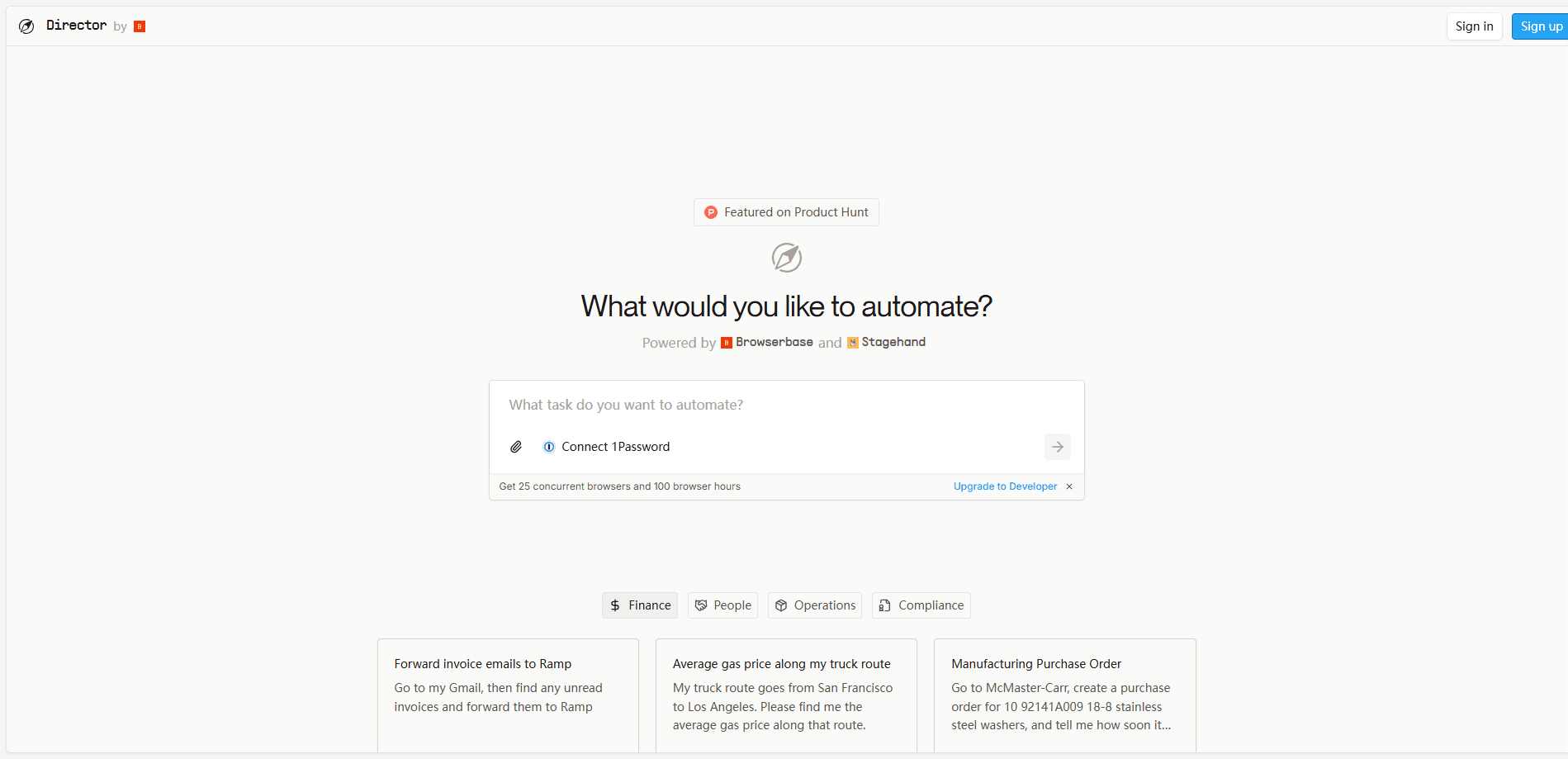
If you'd rather skip the setup, the hosted version at chat.videodb.io lets you try the same agents in your browser before running anything yourself.
Product Information
A quick look at Director's pricing, supported platforms, and performance.
Best for
The users, tasks, and scenarios where this tool fits best.
Users
- Developers building video automation
- Content teams drowning in footage
- Indie creators testing AI workflows
Tasks
- Turning a script into a narrated video
- Finding a specific moment in long footage
- Dubbing and subtitling across languages
Scenarios
- Repurposing a webinar into clips
- Building a retrieval app over a video archive
- Live monitoring
Key features
Natural language video tasks
Director's reasoning engine reads a plain instruction and decides which agents to run. You don't wire up a pipeline yourself. You describe the outcome and the framework assembles the steps. It keeps context across a conversation, so follow-up commands build on what came before.
Over 20 pre-built agents
The framework ships with agents for summarizing, searching, clipping, dubbing, translating, and generating video. You can use them as-is or copy and modify them for your own workflow. A Highlight Creator and a Text to Movie agent are among the examples the team documents.
Chat-based interface with playback
Instead of a traditional editor, Director pairs a conversational UI with a built-in video player. You see the agents' progress and the results in the same window, which makes reviewing and iterating on clips feel closer to asking an assistant than operating software.
VideoDB video-as-data backend
Everything rides on VideoDB's infrastructure, which handles storage, indexing, and streaming. That's what lets agents query a library semantically and stream results back quickly. The upside is reliability at scale. The tradeoff? You're tied to VideoDB's pricing and platform.
Extensible and self-hosted
You can add your own agents and tools, connect external LLMs and GenAI APIs, and run the whole stack on your own cloud or machine. The project is MIT-licensed and written in Python. Fork it. Adapt the orchestration to your needs.
Pros and cons
Pros
- Open source under the MIT license, so you can inspect, fork, and self-host the whole framework.
- Handles a wide spread of video jobs, from search and clipping to dubbing and generation, in one place.
- Natural language orchestration means less plumbing than wiring separate tools together by hand.
- A hosted version and free credits lower the barrier for trying it out.
Cons
- Requires developer setup with a Python backend and a VideoDB account, so it's not a click-and-go app.
- Costs scale with usage through VideoDB's per-minute, per-GB, and token rates, which can add up for heavy workloads.
- Best results depend on connecting your own LLM and GenAI keys, adding configuration and potential spend.
Frequently asked questions
Director is a framework for building AI video agents. You use it to automate tasks like summarizing footage, searching for moments, creating clips, dubbing, translating, and generating video, all from natural language commands.
Related content
Explore related tools, skills, and articles for Director.
Director Alternatives

Vadu AI
Vadu AI · Image · VideoVadu AI is a web-based AI video generator that turns written prompts or still images into short clips, and it can also generate images on its own. You type what you want, pick a model and style, and the platform renders the result in minutes. A free plan covers light testing, while paid tiers run from $9 to $77.40 per month based on how many credits you burn.

Mykaraoke Video
MyKaraoke Video · VideoMykaraoke Video is an online karaoke video maker and lyric video maker that turns any song into a finished, lyrics-synced video right in your browser. It handles the slow part for you. The AI pulls vocals out of the mix and locks the lyrics to the beat, then lets you customize background, fonts, and colors before exporting in 1080p MP4. If you make lyric videos for social media, party nights, or music promotion, it skips the software installs and manual timing work entirely. Want a karaoke video generator that doesn't eat your whole evening? That's the pitch here.

Finalframe
Finalframe · VideoFinalframe is a set of free, browser-based tools for grabbing exact frames out of a video clip. Its best-known feature, the Final Frame Extractor, lets you extract the last frame of any video so you can use it as the starting image for AI video tools like Luma Dream Machine, Runway, or Kling. Want to keep a clip going? That last frame is your starting point. The tool runs locally in your browser, needs no sign-up, and costs nothing. A separate paid AI video-generation app from the same team is currently offline while it's rebuilt.