

Dola AI
ByteDance · Chatbot · China AI
Dola AI is ByteDance's free multilingual chat assistant, spanning web, Android and iOS. It handles conversations, translations, writing help, image generation and homework questions in one app.
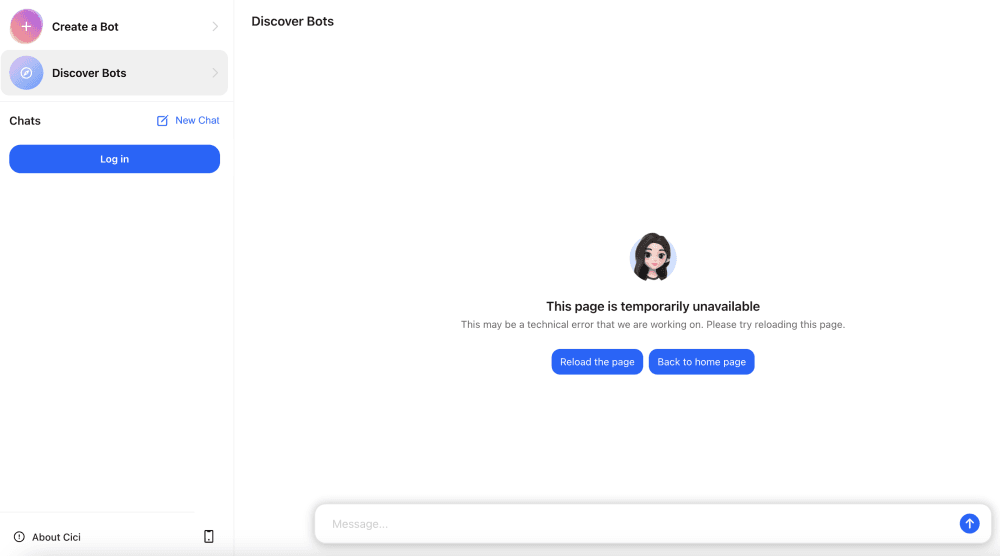
About Dola AI
What Is Dola AI
Dola AI is a general AI assistant built by ByteDance for users outside China. If the name looks new, that's because the app spent its first two years as Cici AI. ByteDance rebranded it to Dola in late 2025 as growth in Mexico, Indonesia and Southeast Asia took off. The official site now sits at ciciai.com.
The app collects several everyday AI tasks in one place: chatting, translating between languages, drafting and polishing text, generating images from prompts, and working through homework problems. It runs on phones and in a browser, and it keeps the same account and conversation history across devices.
The catch is availability. Dola is aimed at select overseas markets, so users in some regions hit a location restriction when signing in. And while basic use is free, the most demanding features lean on daily limits rather than unlimited access.
Getting Started
- Open ciciai.com in a browser, or install the Dola app from the App Store or Google Play.
- Sign in with an email, Google, or TikTok account.
- Add your name and pick a display language; the assistant replies in whichever language you type.
- Start a chat by typing or speaking, or tap the plus icon to attach a photo or generate an image.
Product Information
A quick look at Dola AI's pricing, supported platforms, and performance.
Best for
The users, tasks, and scenarios where this tool fits best.
Users
- Students
- Travelers
- Casual writers
Tasks
- Translating text and voice between languages
- Generating simple images from a description
- Summarizing or rewriting a passage
Scenarios
- Homework help after class when a tutor isn't around.
- Quick research questions on the go, using voice while walking or commuting.
- Light content work for social posts when you don't want to pay for a pro tool.
Key features
Multilingual Conversations
Dola chats in more than a dozen languages and matches whichever one you write in, so you rarely need to switch settings. It reads the language of your message and answers in kind. For mixed households or cross-border work, that removes a lot of copy-pasting between services.
Voice Interaction
You can talk to Dola instead of typing. The app handles spoken questions and can read answers back, which suits hands-busy moments like cooking or driving. Voice recognition is solid for common languages. Thick accents or rare languages trip it up more often.
AI Image Generation
Describe a scene and Dola's AI image generation produces a picture from the text prompt. It covers portrait, scenery and poster styles well enough for social posts and quick mockups. Fine detail and readable text inside images remain weak points, so it's not a replacement for a dedicated design tool.
Writing and Translation Help
The AI writing tool drafts emails, essays and captions, and cleans up grammar on text you paste in. Its translation goes beyond word-for-word swaps by adjusting phrasing to fit the target language. Results are usable as a first draft, but you'll still want to review formal or technical writing.
Homework and Study Support
Photograph a problem, and Dola walks through the steps rather than just handing over an answer. That makes it useful for checking your own work. Accuracy depends on the subject, so treat it as a study aid and verify anything important.
Cross-Device Sync
Your account and chat history follow you from phone to browser. Start a conversation on Android and pick it up on the web later. It means you're not locked to one screen. You do need a steady connection to keep sessions in step.
Pros and cons
Pros
- Free to use for everyday chatting, translation and writing, with no upfront payment.
- Handles text, voice and images in a single app, cutting down on tool-switching.
- Supports more than a dozen languages, useful for travel and multilingual work.
- Runs on web, Android and iOS with the same account and synced history.
Cons
- Location restrictions block sign-in in some regions, so it isn't available everywhere.
- Heavier use runs into daily limits, which can interrupt a long session.
- Image quality lags behind dedicated design tools, especially for text inside pictures.
- No public API, so developers can't build Dola into their own products.
Frequently asked questions
It's a free AI assistant for chatting, translating, writing, generating images and working through homework questions. You use it much like other AI chatbots, but with a stronger tilt toward multilingual and overseas users.
Related content
Explore related tools, skills, and articles for Dola AI.
Dola AI Alternatives

Knocket
Knocket (Tencent RTC team) · Productivity · Business · ChatbotKnocket is a free live chat and contact page tool that lets visitors message you from your website, app, or a shareable link, with every reply handled from Telegram or one inbox.
Agibot
Agibot · Productivity · AI Assistant · ChatbotAgibot is a personal AI agent for Mac that keeps running after you close the window, runs routines on a schedule, and works from Telegram or Slack with your own API keys.

Melete
Melete · Productivity · AI Assistant · ChatbotMelete is an AI workspace for teams where agents research, draft, and act in Slack, Notion, Linear, and GitHub. Shared memory and approval gates keep people in control.