

Dolphin AI
Dolphin AI · Productivity · Marketing
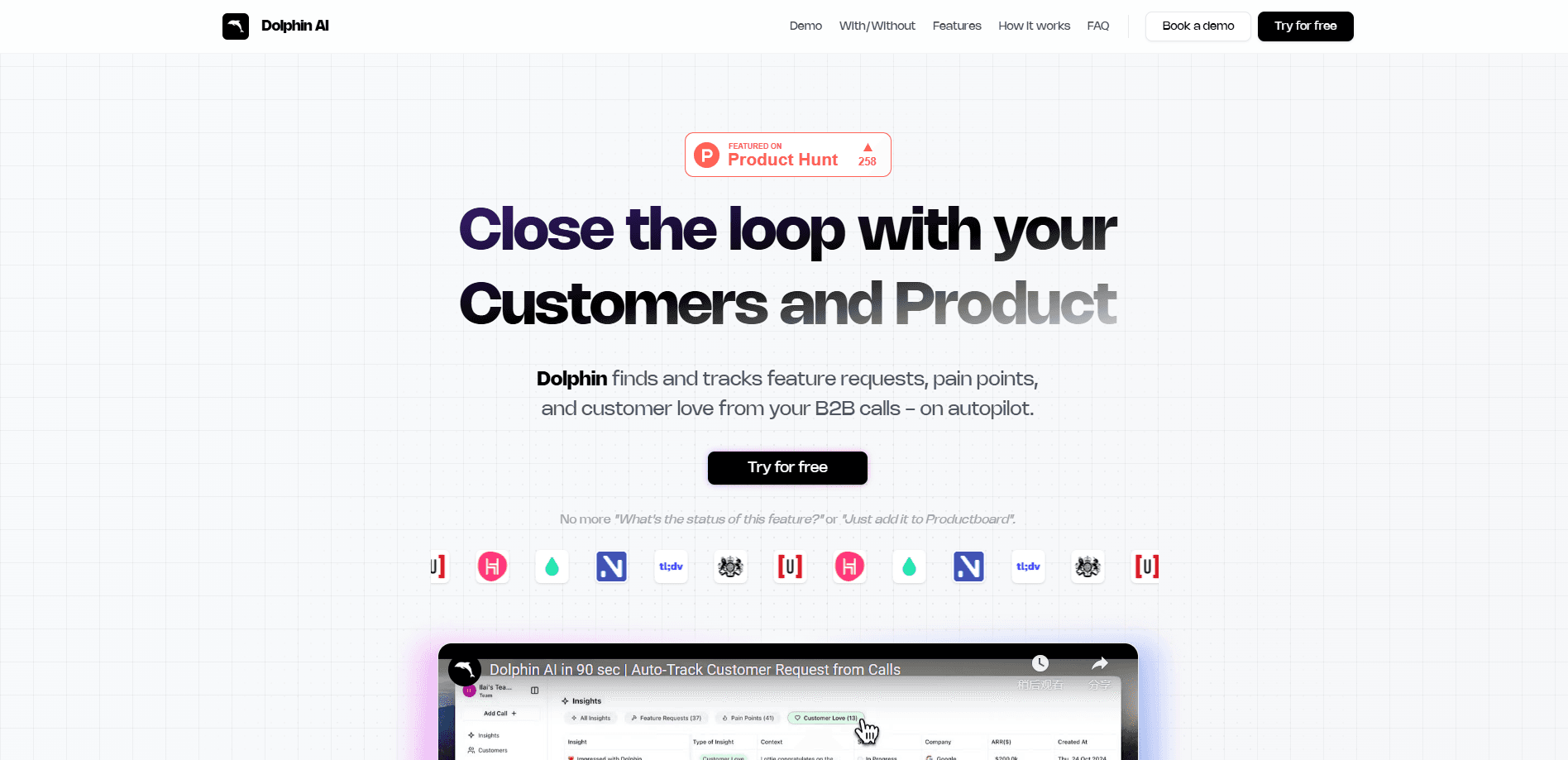
Dolphin AI is an automated customer feedback analysis tool that turns B2B customer calls into insights, surfacing feature requests, pain points, and customer praise without manual note taking.
About Dolphin AI
What Is Dolphin AI
Dolphin AI is a product feedback tool aimed at B2B teams that record sales calls, onboarding sessions, and support conversations. Instead of asking someone to sit through hours of audio, the tool turns call recording insights into the moments that matter: what customers want built, what frustrates them, and what they already love.
The problem it addresses is volume. A growing B2B company runs hundreds of customer calls a month, and the useful signals inside them get lost the moment the call ends. Dolphin AI keeps those signals in one reviewable feed, so product, sales, and customer success teams all read from the same source instead of trading recollections.
The main limitation is scope. Dolphin AI is built around voice conversations, so it suits teams that already record B2B calls. It won't replace a support ticketing system, and it needs a steady stream of recorded calls to be worth the setup. Public pricing and platform details are not documented on the official site, so teams should confirm current plans directly with the vendor.
Getting Started
- Connect a call source, such as your meeting recorder or call storage, to Dolphin AI.
- Let the tool process the recordings and group customer feedback by theme.
- Review the surfaced clips, then approve or reject each insight as you go.
- Push confirmed items into your workflow, for example by creating a Jira ticket or updating a CRM record.
- Revisit the feed as new calls land, since similar requests merge into existing threads over time.
Product Information
A quick look at Dolphin AI's pricing, supported platforms, and performance.
Best for
The users, tasks, and scenarios where this tool fits best.
Users
- Product managers at B2B software companies
- Customer success and account managers
- Founders and product marketers in small teams
Tasks
- Feature request tracking
- Pain point detection
- Voice of customer reporting
Scenarios
- Post-call review on a busy week
- Roadmap prioritization
- Handoff between sales and product
Key features
Autopilot Call Analysis
Dolphin AI listens to recorded B2B calls and extracts the claims, requests, and complaints inside them without anyone tagging the audio by hand. The point is to remove the listen-back step that eats hours every week, so a review happens from a short list instead of a full recording.
Automatic Insight Classification
Each extracted insight gets sorted by type, separating business impact from similar requests and from video moments. Sorting means a reviewer can jump straight to the category that matters to them instead of scrolling a mixed pile.
Approve and Reject Review Flow
You stay in control of what counts as a real signal. Each surfaced insight can be approved or rejected, so a wrong read gets dismissed before it reaches the roadmap. The review flow keeps a human in the loop rather than treating every AI pick as final.
Similar Request Merging
When the same ask shows up across many calls, Dolphin AI merges the mentions into one thread and tracks how often it recurs. That count turns a vague "customers keep asking" into a number you can weigh against other work.
Highlight Clips and Shareable Links
The tool cuts short clips around each insight so a stakeholder can hear the customer's own words. Those clips sit behind shareable links, which helps when someone asks for proof without sitting through a full call.
Workflow Handoff to Jira and CRM
Confirmed insights move into the tools your team already uses, which is where Jira integration and CRM updates come in. Creating a Jira ticket or updating a CRM record closes the loop between hearing feedback and acting on it, so insights don't stall in a dashboard nobody reopens.
Automated Tracking Over Time
Dolphin AI keeps watching as new calls arrive, so a request that was rare last month can rise as more customers mention it. Tracking over time shows which themes are growing and which have gone quiet, without a manual refresh.
Pros and cons
Pros
- Turns hours of recorded calls into a short, reviewable list, so the team spends time on decisions instead of listening back.
- Groups similar requests together and counts them, which gives roadmap talks a number instead of an anecdote.
- Approval and rejection steps keep a human deciding what counts, so AI misfires don't slip straight into planning.
- Handoff into Jira and CRM means an insight can become a ticket or a record without retyping it.
- Short clips behind shareable links let stakeholders hear the customer directly.
Cons
- It works on voice conversations, so teams that don't record their B2B calls won't get much from it.
- Public pricing isn't documented on the official site, so you have to contact the vendor to find out what a plan costs.
- Accuracy depends on call audio quality, and a noisy or heavily accented recording can produce weaker extractions.
- It analyzes feedback rather than resolving it, so it won't replace a support desk or a CRM as your system of record.
Frequently asked questions
Dolphin AI is used to analyze recorded B2B customer calls automatically. It listens for feature requests, pain points, and praise, then groups them into a reviewable feed so product and customer teams can act on what customers actually said.
Related content
Explore related tools, skills, and articles for Dolphin AI.
Dolphin AI Alternatives

Swms
Swms AI · Writing · Productivity · BusinessSwms is an AI safety compliance tool that turns a plain description of a job into ready-to-use safety documents. Describe your project, trade, and known hazards, and it writes a safe work method statement, job hazard analysis, safe work procedure, RAMS, or safety data sheet in seconds. It also ships with Oscar, a chat assistant that answers workplace safety questions in any language. Teams in construction, mining, transport, and warehousing use it to cut the paperwork that usually eats into a workday.

Wordly AI Translation
Wordly · Voice & Language · ProductivityWordly AI Translation is a real-time AI translation and captioning platform built for meetings, conferences, and events. It delivers live translation, captions, transcripts, and summaries in more than 60 languages, and attendees join by scanning a QR code or opening a link instead of using dedicated headsets. The platform works with Zoom, Microsoft Teams, Google Meet, and Webex, and it's designed for organizations that want multilingual access without hiring human interpreters for every session. Simple as that.

Rows
Rows (Superhuman) · Productivity · BusinessRows is an AI spreadsheet and data analysis tool that imports live data from more than 50 sources, then lets you work with it using plain language instead of SQL queries or nested formulas. You can pull numbers out of PDFs, connect ad platforms, databases, and bank accounts, and ask the AI to build reports, merge datasets, or set up models that recalculate themselves. It runs in the browser, works like a spreadsheet, and now sits under the Superhuman umbrella.