

Donely
Donely, Inc. · Coding
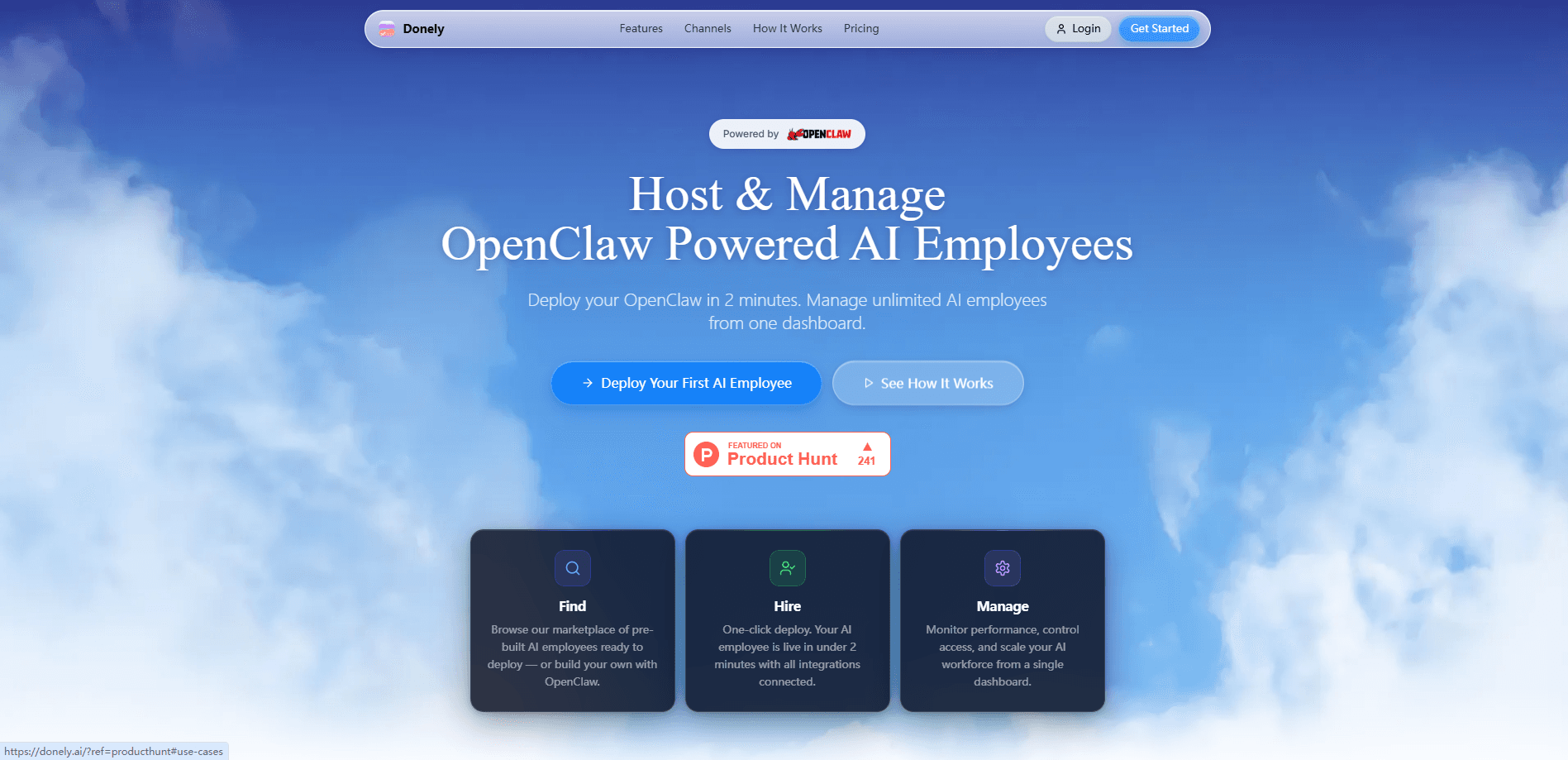
Donely is a managed AI agent hosting platform for running OpenClaw AI agents without touching a server. You deploy agent instances from a single dashboard, give each one its own tools, and watch them work across email, CRMs, messaging apps, and 980+ other integrations. The whole point of this AI agent platform is turning an agent from a weekend project into something your team can actually operate. Donely handles the infrastructure, scaling, and updates so you can focus on what the agents do rather than where they run.
About Donely
What Is Donely
Donely is a hosting layer for OpenClaw, the open-source framework for building AI agents. OpenClaw itself is powerful, but you have to run it somewhere, keep it patched, and babysit the process. Donely takes that job off your plate. You sign up, spin up instances from a web dashboard, and connect them to the accounts your agents need to reach. That's it. No servers to provision, no deployment scripts to maintain.
The platform targets people who want agents doing real work rather than demos. A support agent that reads your inbox, a research agent that pulls from your CRM, a reporting agent that posts to Slack, all of them living in one place with shared users, roles, and storage. It also leans on Composio for its integration library, which is where the 980+ tool connections come from. That scope is unusual.
The honest limits matter here. Donely is a managed service, so you're renting infrastructure rather than owning it, and the lower tiers cap how much storage and how many users you get. Larger models still need your own API keys on paid plans, which means the subscription is for the platform, not the model usage. Is that a dealbreaker? Not necessarily. Treat the free tier as a test drive and budget for a paid plan if you want agents running around the clock.
Getting Started
- Create an account at donely.ai and pick a plan, starting with the free tier if you just want to look around.
- Spin up your first agent instance from the dashboard and name it after the job it should do.
- Connect the tools it needs, such as Gmail, Slack, or your CRM, from the integrations catalog.
- Add your own OpenAI or Anthropic API key on paid plans so the agent has a model to think with.
- Give it a task or a schedule, then watch the run logs to confirm it's doing what you expected.
Product Information
A quick look at Donely's pricing, supported platforms, and performance.
Best for
The users, tasks, and scenarios where this tool fits best.
Users
- Small teams without a DevOps person
- Founders running OpenClaw locally
- Ops and support leads
Tasks
- Inbox triage
- CRM upkeep
- Scheduled reporting
- Research sprints
Scenarios
- A support team that wants an agent answering routine tickets overnight while the audit log tracks every action.
- A solo founder testing whether an agent can handle research before hiring for the role.
- A business that needs several specialized agents, each with its own tools, managed from one dashboard instead of five separate servers.
Key features
Multi-Instance Agent Management
Donely is built around running more than one agent at a time, which makes it a real multi-instance AI agents setup rather than a single bot. Each instance gets its own tools and configuration, and you manage all of them from a single dashboard rather than a stack of terminals. For teams where different agents do different jobs, that separation keeps one agent's mistakes from bleeding into another. The team tier adds parallel execution, so instances don't have to wait in line for each other.
980+ Tool Integrations
Agents are only as useful as the systems they can reach, and Donely connects to over 980 tools through Composio. That covers the usual suspects like Gmail, Slack, Salesforce, HubSpot, and Notion, plus developer and analytics tools most people forget about until they need them. You add a connection from the catalog and the agent can use it in its runs. The breadth is the selling point. It means fewer custom scripts between your agent and the apps it touches.
Bring Your Own Model Keys
On paid plans you supply your own ChatGPT or Claude API key, or any provider key you prefer. Donely runs the infrastructure, but the model calls go through your account, which keeps you in control of costs and which model each agent uses. It also means you're not locked to one vendor's model. Swap the key and the agent switches brains without a rebuild.
Users, Roles, and Audit Logs
The Team plan adds user management, role assignments, and audit logs. Roles let you decide who can change an agent's configuration versus who can only see results. Audit logs record what agents and users did, which matters once agents start acting on real accounts. Priority support and faster processing round out the tier for teams that need agents acting quickly. Someone to call matters too.
Persistent Cloud Hosting
Agents on Donely keep running whether or not your computer is on. The platform handles uptime, scaling, and updates to the underlying OpenClaw stack. Storage starts at 10GB on the Personal plan and rises to 25GB on Team, with unlimited storage on Enterprise. For anyone who has watched a locally hosted agent die with a closed laptop, that persistence is the real difference. It just keeps going.
Enterprise Controls
The Enterprise tier targets companies with stricter requirements. It adds dedicated infrastructure, custom integrations, unlimited storage, single sign-on, SOC 2 alignment, and a service-level agreement with priority support. Custom integrations matter when the tool your agent needs isn't in the public catalog yet. SSO and SOC 2 are what get a security team to sign off. Both matter in a real procurement.
Pros and cons
Pros
- Removes server setup and maintenance, so agents run without a DevOps effort.
- Runs many agents side by side from one dashboard, each with its own tools.
- 980+ integrations cut out most custom glue code between agents and your apps.
- Bring-your-own model key keeps you free to choose and switch providers.
- Free tier lets you test the platform before paying.
Cons
- You rent the infrastructure rather than own it, so you depend on Donely staying up and in business.
- Model usage isn't included on paid plans, so your real cost is the subscription plus your own API bills.
- The free tier caps storage and users, which limits how much you can run before upgrading.
Frequently asked questions
Donely is used to host and manage OpenClaw AI agents in the cloud. Instead of running agents on your own machine, you deploy instances on Donely, connect them to the tools they need, and manage everything from one dashboard. It suits teams that want agents doing ongoing work rather than one-off demos.
Related content
Explore related tools, skills, and articles for Donely.
Donely Alternatives
Forefront
Forefront · CodingForefront is a web platform for building with open-source AI. It lets you fine-tune leading open-source language models on your own data, evaluate how they perform, and run them through an API or export them to host yourself. Developers who want the convenience of a closed-source platform but insist on owning their models and data are the target audience here.

Startkit
StartKit.AI · CodingStartkit is a boilerplate for building AI SaaS and AI wrapper products. Think of it as an AI startup boilerplate with the boring parts already wired up: authentication, Stripe and Lemon Squeezy payments, usage limits, transactional email, and an AI API starter that talks to OpenAI, Anthropic, Groq, or Llama. You clone the repo, set your price, and start on the part of your product that people actually pay for. It's Next.js under React and Tailwind, so most of the boilerplate code already feels familiar.
Testim
Tricentis · CodingTestim is an AI-powered test automation platform for building and running end-to-end tests across web, mobile, and Salesforce applications. It leans on machine learning to keep tests stable when an interface changes, so teams spend less time fixing broken selectors. Not bad for an automated testing tool you can start using today. You create tests by recording actions in a browser, then optionally add JavaScript when you need more control. It's a solid pick for busy QA teams.