

DopaFlow: AI Video Generator
KONON BLACKROCK By ARDI KURNIAWAN · Video
DopaFlow is an Android app that turns a still photo into a short animated clip. You pick a template, upload a picture and the AI renders motion in a few minutes.
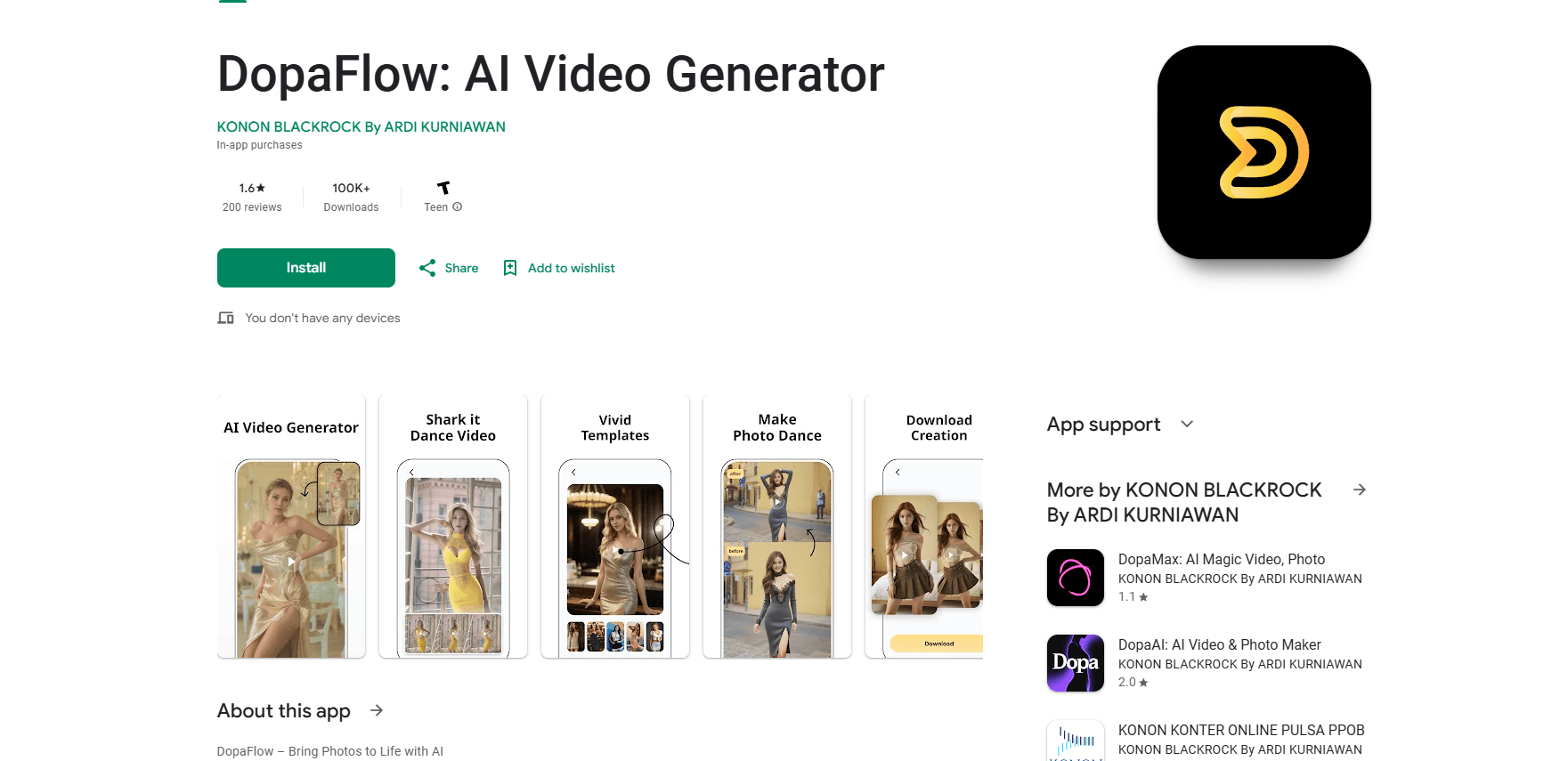
About DopaFlow: AI Video Generator
What Is DopaFlow
DopaFlow is a photo to video app for Android that turns a still image into a short animated clip. As an AI animation app, you pick a template, upload a picture and the render finishes in a few minutes.
The app keeps the workflow to three steps: select a template, customize it, then generate. As an Android video maker, templates include trending styles such as dances, and each one shows a preview before you commit, so you can judge the result before spending credits. The template video generator handles the motion, so the AI photo animation lands in minutes.
The limits matter here. DopaFlow is Android only, with no iOS or web version, and the free download is metered by paid credits that start at $1.99 and run to $69.99 per item. AI animation apps like this one shine on single subjects in clear lighting and struggle with busy group shots, so the output depends heavily on the source image you feed it.
Getting Started
- Install DopaFlow: AI Video Generator from Google Play on an Android phone running Android 8.0 or newer.
- Open a template that fits your goal, such as a trending dance or a simple motion style.
- Upload the photo you want to animate; a clear, well-lit subject gives the best result.
- Customize the template if it offers options, then start generation and wait for the render to finish.
- Download the finished clip and post it straight to your social feed.
Product Information
A quick look at DopaFlow: AI Video Generator's pricing, supported platforms, and performance.
Best for
The users, tasks, and scenarios where this tool fits best.
Users
- Casual creators who want animated clips without editing skills
- Social media users chasing trending formats
- People turning personal photos into keepsakes
Tasks
- Animating a single portrait into a short clip
- Making a quick dance video for a social post
- Creating a moving image from a static picture
- Producing short entertainment clips in bulk
Scenarios
- A user sees a viral dance clip and wants their own photo in the same style
- Someone wants to surprise a friend with an animated birthday post
- A small creator needs filler posts between bigger uploads
- A hobbyist testing AI animation for the first time
Key features
One-click video generation
Upload a photo and the app turns it into a dynamic video with a single action, so you skip the editing step that most video tools require. The pitch is speed: the AI handles the motion, and you only choose the template and the picture.
Three-step workflow
The process is select, customize, generate. Each step is short, which keeps the app usable for people with no editing background. You land on a finished clip in minutes rather than working frame by frame.
Vivid template library
DopaFlow ships with trending templates, including viral dance styles, and each one offers an instant preview. Previews let you gauge the animation before rendering, so you spend credits on styles you actually want.
Photo animation that reads pose and expression
The app analyzes the pose and expression in your photo to add motion, aiming for lifelike movement rather than a generic pan or zoom. This is the core of the product: it animates the subject, not just the frame.
Short-form output for social posts
Finished clips are sized for social feeds, so they slot into short-video platforms without extra cropping. That focus on shareable shorts is why the app targets social creators first.
Credit-based access
The app is free to download and unlocks more renders through in-app purchases that range from $1.99 to $69.99 per item. That keeps the entry cost low while charging for heavier use.
Pros and cons
Pros
- Free to download, so you can test the app and spend on credits only when you want more renders.
- Three-step flow makes AI video generation approachable for people who have never edited a clip.
- Trending templates with instant previews let you see the animation before you commit credits.
- Pose and expression analysis produces motion that fits the subject rather than a plain zoom.
- Output is built for short-form social posts, so clips are ready to share without resizing.
Cons
- Android only, so there's no iOS or web version for users on other devices.
- Renders are metered by paid credits, and the top in-app purchase runs to $69.99, which adds up for regular use.
- Output quality depends on the source photo, so busy group shots or dim pictures tend to animate poorly.
- The template library decides what styles you can make, so you can't design a custom animation from scratch.
Frequently asked questions
DopaFlow: AI Video Generator is an Android app that turns a still photo into a short animated video. You pick a template, upload a picture and the AI adds motion based on the subject's pose and expression.
Related content
Explore related tools, skills, and articles for DopaFlow: AI Video Generator.
DopaFlow: AI Video Generator Alternatives

ngram 2.0
ngram · Video · Marketingngram 2.0 is an AI video generator for teams. It turns a prompt, a screen recording, or a product URL into a narrated explainer, product demo, or AI avatar video, and every scene stays editable.

OpenScreen 2
OpenScreen (open-source project) · Video · ProductivityOpenScreen 2 is a free, open-source screen recorder and demo video editor for Windows, macOS, and Linux, with automatic zooms, styled frames, local captions, and agent edits.

Skreno
Skreno · Video · ProductivitySkreno is a browser screen recorder that captures a tab, a window or your whole display, then attaches AI transcripts, summaries and console logs to one share link.