

Dream Machine AI
Luma AI · Video
Dream Machine AI is Luma's AI video generator: type a prompt or upload a photo and it renders a short cinematic clip. Ray3.2, keyframe control, and HDR output are the main draws.
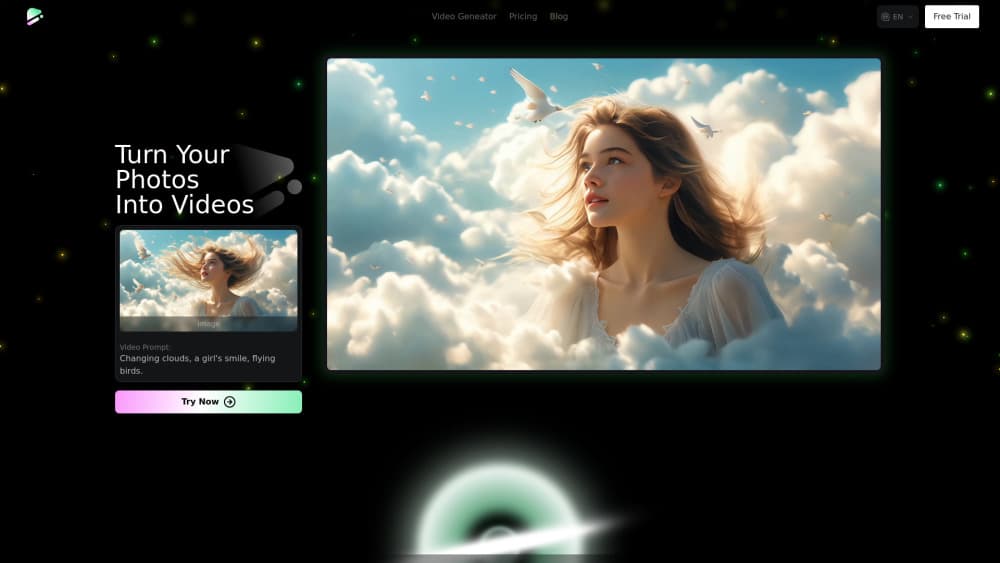
About Dream Machine AI
What Is Dream Machine AI
Dream Machine AI is the video side of Luma AI, a company that builds generative media models. You describe a shot in plain language, or hand it a photo, and the model returns a few seconds of moving footage with camera work and lighting that hold together from frame to frame.
It solves a narrow but expensive problem. Stock footage never quite matches the idea in your head, and a real shoot costs days. A prompt costs minutes. Agencies use it for pitches, solo creators use it for social clips, and studios use it to test a scene before committing crew time.
The limits matter as much as the upside. Clips are short, so anything past 20 seconds means stitching or extending. Credits run out fast at 1080p and HDR settings. And the model still bends under vague prompts, so the people who get good results write like a cinematographer, not like a caption writer.
Getting Started
- Open the Luma app in a browser and sign in with Google or an email address.
- Pick a mode: text to video, image to video, or keyframes if you have both a first and last frame in mind.
- Write the shot, not the story. Name the subject, the action, the lens, and the light, then set duration and resolution.
- Check the credit cost shown before you hit generate, then queue the render and download the file once it lands.
Product Information
A quick look at Dream Machine AI's pricing, supported platforms, and performance.
Best for
The users, tasks, and scenarios where this tool fits best.
Users
- Solo content creators
- Indie filmmakers and motion designers
- Marketing teams at small brands
Tasks
- Turning a script beat into a moving storyboard frame, which is faster to judge than a static sketch.
- Producing vertical hooks for TikTok, Reels, and Shorts, where a three second opening decides whether anyone keeps watching.
- Animating product stills for landing pages, so a single photo becomes a slow push in or a light sweep.
- Filling b-roll gaps in a YouTube edit without licensing a stock library.
Scenarios
- Testing a scene concept the night before a shoot, when a wrong lens choice would cost a call sheet rewrite.
- Client pitches that need motion, not mood boards, in a meeting that starts in an hour.
- Localizing one campaign across markets, where the same shot gets new text and a new aspect ratio.
Key features
Text to Video From a Single Prompt
Type a scene description and the model returns a finished clip with subject motion, camera movement, and lighting already resolved. Good prompts borrow film language: lens, angle, speed, and time of day. The output is judged in one viewing, which is why the first attempt usually teaches you what to fix in the second.
Image to Video With Keyframe Control
Upload a still and the model animates it, keeping the composition and palette you already approved. Keyframe mode goes further: give it a first and a last frame and it builds the movement between them, which is the closest thing here to directing a shot instead of wishing for one.
Ray3.2 Visual Quality With HDR and EXR Output
Ray3.2 is the current model line, and it handles the parts that used to fall apart: hands, fast motion, reflections, and light that behaves like light. HDR renders keep highlight detail that 8-bit video clips away, and EXR export drops a clip into a color grading timeline without a round trip through a converter.
Video Extension and Restyling
Clips do not have to end where the model stopped. You can extend a shot forward, rework an existing clip with a new prompt, or hold a character steady across cuts. For anything longer than a social post, this turns a pile of five second fragments into a sequence.
Credit Pricing Tied to Clip Length
Every plan works on credits, and the cost of a render follows duration, resolution, and dynamic range. A 720p SDR clip at five seconds costs a fraction of a 1080p HDR one of the same length. The price is visible before you generate, which makes budgeting a video schedule possible instead of a guess.
API Access for Developers
Luma sells an AI video API with the same models, billed per request instead of per month. A five second 1080p SDR generation runs about $1.20 at list price, so a pipeline that produces a hundred clips has a knowable cost. Teams wire it into their own tools when the browser stops being the bottleneck.
Pros and cons
Pros
- Motion and physics hold up in ordinary shots, so fewer takes get thrown away.
- Keyframe control gives real directorial input instead of rerolling until something works.
- HDR and EXR output slot into a professional post pipeline without extra conversion.
- Credit costs are shown before each render, which keeps budgets predictable.
- The API exposes the same models, so volume work does not depend on a browser tab.
Cons
- Credits disappear quickly at 1080p and HDR, and heavy users hit the ceiling of mid plans within a week.
- Clips are short by design, so longer sequences need extension or editing in another tool.
- Vague prompts produce flat, drifting footage, which puts a real learning curve in front of beginners.
- The free allowance is small enough that you cannot judge the paid tiers from it alone.
Frequently asked questions
It generates short video clips from text or images. People use it for ads, social posts, storyboards, product shots, and b-roll that would otherwise need a shoot or a stock license.
Related content
Explore related tools, skills, and articles for Dream Machine AI.
Dream Machine AI Alternatives

ngram 2.0
ngram · Video · Marketingngram 2.0 is an AI video generator for teams. It turns a prompt, a screen recording, or a product URL into a narrated explainer, product demo, or AI avatar video, and every scene stays editable.

OpenScreen 2
OpenScreen (open-source project) · Video · ProductivityOpenScreen 2 is a free, open-source screen recorder and demo video editor for Windows, macOS, and Linux, with automatic zooms, styled frames, local captions, and agent edits.

Skreno
Skreno · Video · ProductivitySkreno is a browser screen recorder that captures a tab, a window or your whole display, then attaches AI transcripts, summaries and console logs to one share link.