

Dreamer
Dreamer · Coding · Productivity
Dreamer is a beta platform for building, remixing, and running AI agents, the little apps that take a goal and carry it out on their own. You browse a gallery of agents other people made, open one, and change it until it fits your own work. Its system agent, Sidekick, helps you build and iterate without writing much code. So what's the catch? Dreamer is still early, so features and availability can shift.
About Dreamer
What Is Dreamer
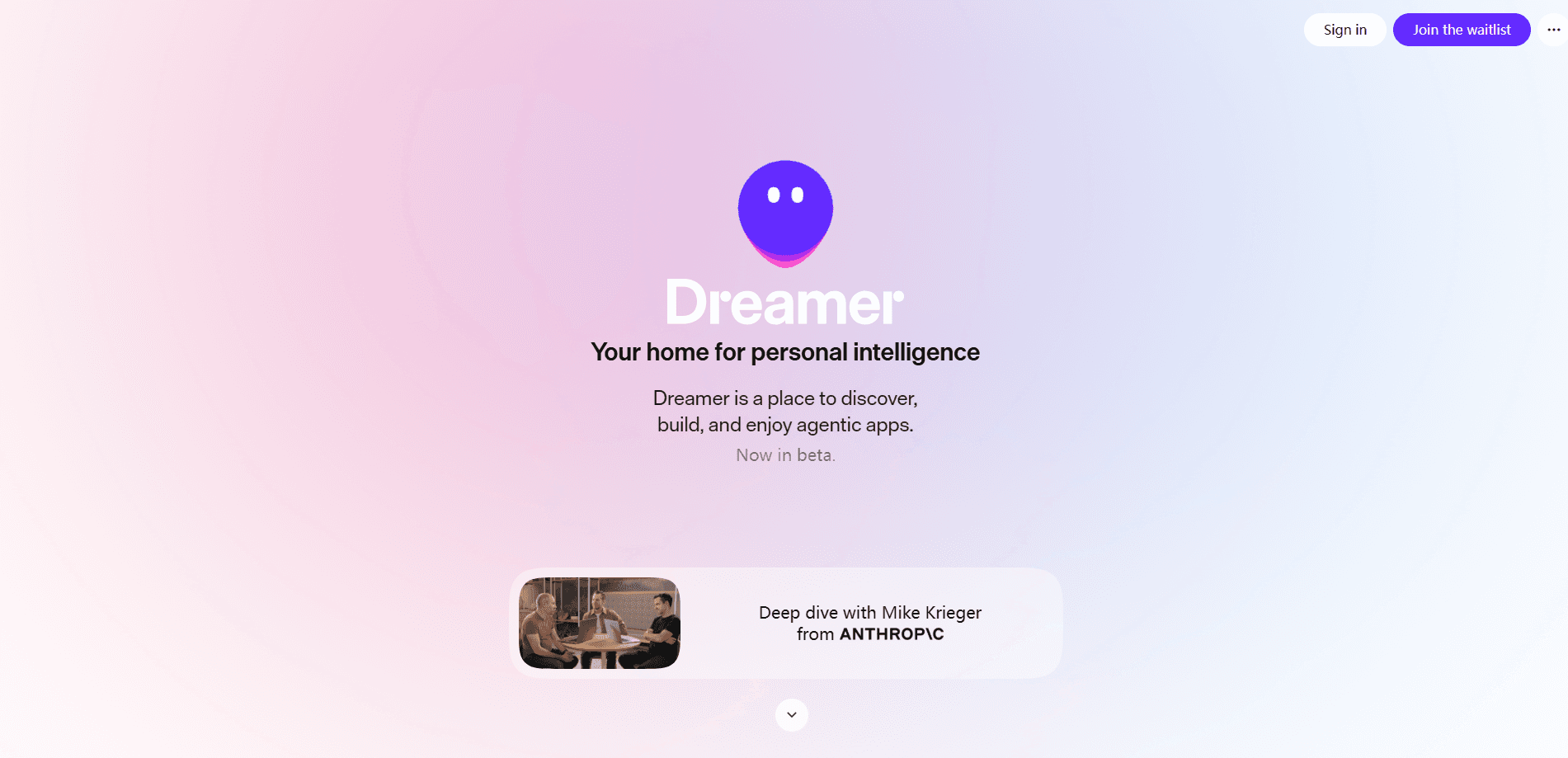
Dreamer is a place to discover, build, and enjoy agentic apps. Instead of prompting a chatbot and copying the answer out by hand, you get an AI agent that holds tools and data and works through a task on its own. The gallery is the front door. Early builders made agents for research, planning, and other everyday jobs, then shared them.
The platform leans on remixing. You find an agent that's close to what you need, fork it, and adjust the instructions, tools, or data until it does the job your way. That's how you remix AI agents rather than start from nothing. It's a much shorter path than a blank page, especially if you don't code.
The biggest limit right now is maturity. Dreamer's team joined Meta Superintelligence Labs in March 2026, and the product is still labeled beta. Track how the platform evolves before you build anything you can't afford to move later.
Getting Started
- Go to dreamer.com and look through the gallery for an agent close to what you want.
- Open that agent and study what it does, which tools it uses, and what data it reads.
- Remix it, then rewrite the instructions and swap tools so it matches your task.
- Build a new agent from scratch with Sidekick if nothing in the gallery fits.
- Run it on a real task and adjust until the output is steady enough to rely on.
Product Information
A quick look at Dreamer's pricing, supported platforms, and performance.
Best for
The users, tasks, and scenarios where this tool fits best.
Users
- Curious beginners
- Tinkerers and small teams
- Anyone already using AI chat tools
Tasks
- Personal research agents
- Repeatable work routines
- Prototyping a workflow idea
Scenarios
- Weekend experimentation
- Lighten a recurring chore
- Early-stage product ideas
Key features
An Agent Gallery You Can Actually Use
Dreamer's gallery holds agents built by early users, each powered by real tools and data rather than a bare chatbot prompt. You browse, open one, and watch how it works instead of guessing from a description. It's the fastest way to see what an agent can do. No setup required.
Remix Instead of Rebuild
Any agent you find can be forked and changed. You rewrite the instructions, adjust the tools, and point it at your own data. Starting from something that already runs cuts the build down to editing. That's the whole pitch of an AI agent builder. It matters most if you don't code.
Sidekick, the System Agent
Sidekick is Dreamer's built-in system agent, and it's the one you work with while building. It helps you put an agent together and iterate on it. It can also connect your own agents so they work together on a shared goal. Think of Sidekick as the AI agent that builds other agents.
Agents That Reach Real Tools and Data
Agents on Dreamer aren't sealed off from the outside world. They call tools and read data, so they can pull live information and take actions instead of just talking. That's the difference between an agent and a long chat reply. It's a big one.
Build From Scratch When You Need To
If the gallery has nothing close to your idea, you can build a new agent from the ground up with Sidekick, telling it what the agent should do and working through the pieces one at a time until the behavior is close. Remix is the shortcut. Building fresh is the fallback.
A Beta That's Still Moving
Dreamer is honest about being early, and its team has moved into Meta Superintelligence Labs while keeping the product independent. That means the platform can change shape quickly, and it probably will. Treat anything you build as easy to move, and watch for updates before you commit to it.
Pros and cons
Pros
- Remixing working agents is far faster than building an AI agent from scratch.
- The gallery doubles as research, since you can inspect how each agent is wired.
- Sidekick lowers the barrier for people who don't write code.
- Agents call real tools and data, so they do work rather than just answer.
- Free to try in beta, which makes experimentation low-risk.
Cons
- It's a beta, so features and behavior can change without much warning.
- The site is JavaScript-heavy, and pricing details aren't easy to pin down from the outside.
- No public API or documented integrations, so it's hard to connect Dreamer to your existing stack.
- Building anything serious means living with some uncertainty about the platform's direction.
Frequently asked questions
Dreamer is for building and running agentic apps, the AI agents that carry out a task with tools and data instead of just replying in chat. You browse a gallery, remix an agent that fits, or build one from scratch with Sidekick.
Related content
Explore related tools, skills, and articles for Dreamer.
Dreamer Alternatives
Forefront
Forefront · CodingForefront is a web platform for building with open-source AI. It lets you fine-tune leading open-source language models on your own data, evaluate how they perform, and run them through an API or export them to host yourself. Developers who want the convenience of a closed-source platform but insist on owning their models and data are the target audience here.

Startkit
StartKit.AI · CodingStartkit is a boilerplate for building AI SaaS and AI wrapper products. Think of it as an AI startup boilerplate with the boring parts already wired up: authentication, Stripe and Lemon Squeezy payments, usage limits, transactional email, and an AI API starter that talks to OpenAI, Anthropic, Groq, or Llama. You clone the repo, set your price, and start on the part of your product that people actually pay for. It's Next.js under React and Tailwind, so most of the boilerplate code already feels familiar.
Testim
Tricentis · CodingTestim is an AI-powered test automation platform for building and running end-to-end tests across web, mobile, and Salesforce applications. It leans on machine learning to keep tests stable when an interface changes, so teams spend less time fixing broken selectors. Not bad for an automated testing tool you can start using today. You create tests by recording actions in a browser, then optionally add JavaScript when you need more control. It's a solid pick for busy QA teams.