

Dropstone
Blankline · Coding
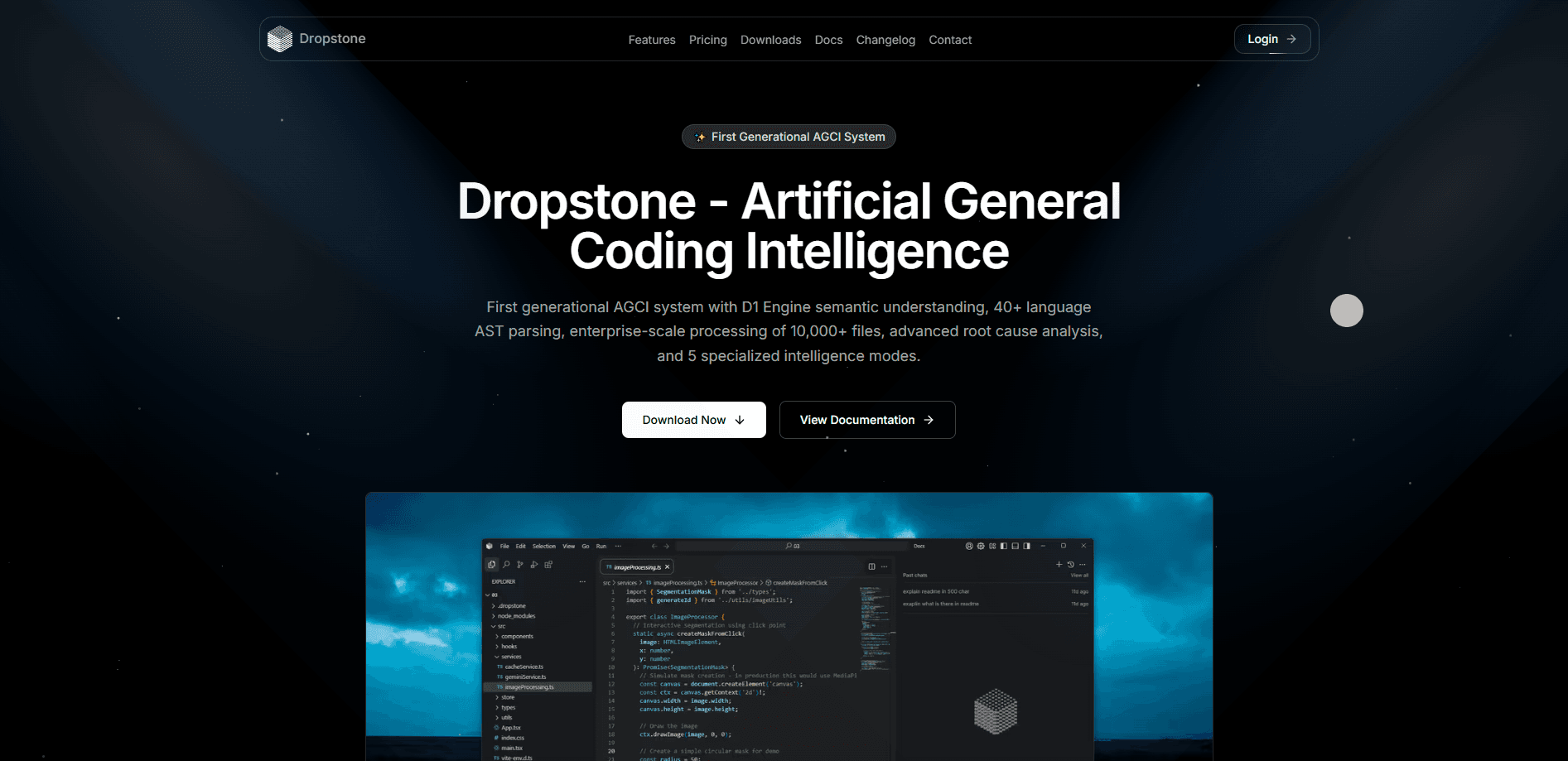
Dropstone is an agentic coding tool that lives in your terminal and works across your whole project. You describe a change in plain language, and it reads the relevant files, proposes a plan, edits across the codebase, runs your tests, and opens a pull request if you want one. It's built by Blankline as a single self-hosted binary, with model tiers for everything from quick inline edits to repository-scale work.
About Dropstone
What Is Dropstone
Dropstone is a command-line AI coding agent from Blankline, and Blankline bills it as a self-hosted AI assistant for code and the real world. It runs as a single binary inside your project, so you start it in a folder and it operates directly on the files there. No runtime to install. No editor to switch into. The pitch is simple: you talk to it like a teammate, and it does the file edits, command runs, and git work for you.
The product stands apart on two fronts. First, it's approval-gated. Before it edits a file or runs a shell command, it asks. Approve once in a session and the same operation stops re-prompting. Second, Blankline markets a zero-retention data policy across every tier. The docs say prompts, code, and output aren't retained, and your data isn't routed through labs that train on customer data. Treat those as the vendor's claims, since they're hard to verify from the outside.
The main limit is that it's a terminal tool. If you live in a visual IDE, you'll want the VS Code, Cursor, or Windsurf extension rather than the raw CLI. It also isn't free beyond a usage cap, and the higher tiers cost more as your task volume grows.
Getting Started
- Install the CLI. On macOS, use Homebrew (
brew tap blankline-org/dropstone-clithenbrew install dropstone), or run the install script withcurl -fsSL https://dropstone.io/install | bash. - Sign in on first launch. Continue in the browser, or paste an account token for SSH and headless sessions.
- Move into a project folder and start a session by typing
dropstone. Ask it to explain the project or point out the main entry points. - Describe your first change in plain language, review the proposed diff, and approve it before anything writes to disk.
- Let it verify the result through your type checks, tests, and lints, then generate a commit or pull request.
Product Information
A quick look at Dropstone's pricing, supported platforms, and performance.
Best for
The users, tasks, and scenarios where this tool fits best.
Users
- Professional developers who spend hours on multi-file refactors
- Small engineering teams that want an auditable coding agent
- Privacy-conscious developers
Tasks
- Understanding an unfamiliar codebase
- Building features and fixing bugs
- Writing commits and pull requests
- Wiring up external tools
Scenarios
- Running the agent inside CI or pre-commit hooks
- Piping a file into a prompt
- Cleaning up a messy repo
Key features
Terminal-Native Agent
Dropstone runs as one binary in your shell, and every capability is available from a one-shot invocation. That makes it scriptable in CI, pre-commit hooks, and your own workflows, not just an interactive session. No TTY required. If you'd rather keep it beside your code as a panel, the VS Code extension covers that.
Approval Gates on Every Tool Call
Each file edit or shell command waits for your approval the first time it comes up. Why does that matter? Because an agent that edits files without asking can wreck a working repo in seconds. Approve once and the same operation runs without re-prompting for the rest of the session. It's a straightforward way to keep an autonomous agent from running something you didn't intend.
Multi-File Planning and Edits
Dropstone reads files on demand, plans a change, and edits across multiple files rather than one at a time. It shows you the diffs before anything lands, so you stay the reviewer. This is the core of its pitch: real projects, not toy snippets.
Automatic Verification Loop
When your project has type checks, tests, or lints, the agent runs them and feeds failures back into its plan. You get a result that's already green instead of a patch you have to debug yourself. It keeps going until the build is clean.
Model Tiers by Task Size
Blankline exposes the same approval-gated CLI across three tiers: Dropstone Fast for inline completion and short edits, Dropstone Pro as the default coding model, and Dropstone Heavy for repository-scale work and agent swarms. The company says tiers refresh monthly as the open-weight leaderboard moves, and Pro is included on every plan, even free.
MCP Connectors
Any Model Context Protocol server becomes a tool the agent can call. That covers databases, internal APIs, and ticketing systems, which turns Dropstone from a code editor into something closer to a workflow manager.
Rules and Reusable Skills
Drop an AGENTS.md file at the repo root to teach it your conventions, or package a repeated workflow as a skill. It's how you keep the agent aligned with a team's style without repeating yourself in every prompt.
Pros and cons
Pros
- Runs as a self-hosted binary, so you start it in any project without a runtime or editor lock-in.
- Approval gate on every tool call keeps an autonomous agent under your control, and approvals persist per session.
- One-shot and JSON modes make it usable in CI and shell pipelines, not just chat.
- Automatic test, type, and lint loops reduce the cleanup you'd otherwise do by hand.
- Zero data retention and no training on customer data, per Blankline.
Cons
- No native visual interface in the CLI itself, so developers who work in an IDE need the separate extension.
- The free tier is usage-limited, and heavier repository-scale work pushes you onto the paid Max tier.
- It's a newer product, so the community and third-party integrations around it are thinner than those of more established coding agents.
Frequently asked questions
It's an agentic coding tool for your terminal. You describe a change in plain language, and it reads the relevant code, plans the edit, changes files across the project, runs your tests, and can open a pull request. It works on real codebases rather than isolated snippets.
Related content
Explore related tools, skills, and articles for Dropstone.
Dropstone Alternatives
Forefront
Forefront · CodingForefront is a web platform for building with open-source AI. It lets you fine-tune leading open-source language models on your own data, evaluate how they perform, and run them through an API or export them to host yourself. Developers who want the convenience of a closed-source platform but insist on owning their models and data are the target audience here.

Startkit
StartKit.AI · CodingStartkit is a boilerplate for building AI SaaS and AI wrapper products. Think of it as an AI startup boilerplate with the boring parts already wired up: authentication, Stripe and Lemon Squeezy payments, usage limits, transactional email, and an AI API starter that talks to OpenAI, Anthropic, Groq, or Llama. You clone the repo, set your price, and start on the part of your product that people actually pay for. It's Next.js under React and Tailwind, so most of the boilerplate code already feels familiar.
Testim
Tricentis · CodingTestim is an AI-powered test automation platform for building and running end-to-end tests across web, mobile, and Salesforce applications. It leans on machine learning to keep tests stable when an interface changes, so teams spend less time fixing broken selectors. Not bad for an automated testing tool you can start using today. You create tests by recording actions in a browser, then optionally add JavaScript when you need more control. It's a solid pick for busy QA teams.