

DropStories: Links to Stories
Harivignesh (dev.harivignesh) · Image · Marketing
DropStories: Links to Stories is an Android app that turns any web link into a shareable Instagram Story card. Paste a URL and it pulls the page title, main image, and description, then drops them into a clean template you can edit and post in a few taps. It works as a focused Instagram Story maker rather than a full design tool. If you constantly share articles, products, or blog posts to Stories and hate fiddling with screenshots and text boxes, this removes most of that work.
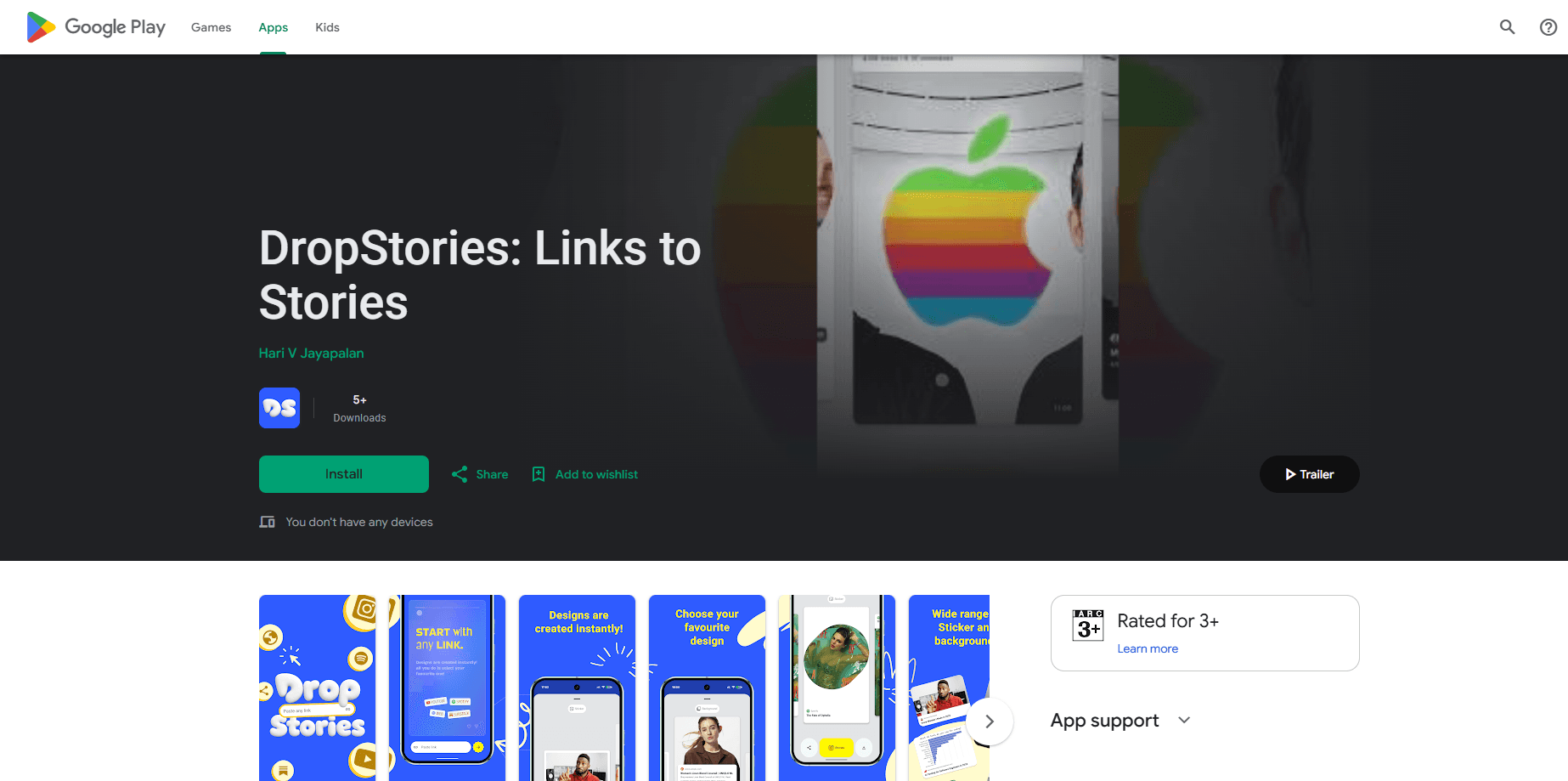
About DropStories: Links to Stories
What Is DropStories: Links to Stories
DropStories solves a small but annoying problem. Instagram doesn't let you post a proper clickable card for an article or product page without a workaround, and the manual route means screenshots, crop tools, and typing out a headline by hand. DropStories automates that whole chain on Android.
Paste a link, and the app reads the page's metadata: its title, lead image, and short description. Those pieces land in a Story-ready layout with your own tweaks on top. The point isn't to design anything from scratch. It's to get a clean URL to Story card out in under a minute, with a template you can reuse every time you share links on Instagram. Ever spent twenty minutes cropping a screenshot for a single link? That's the job this app deletes.
The trade-offs are worth knowing up front. It's built for Instagram Stories specifically, not a general social scheduler, and it leans on whatever metadata a page actually publishes. A site with a weak preview image gives you a weak card. You'll still want a template you like before you post anything important.
Getting Started
- Install DropStories from Google Play and open it.
- Copy the link you want to share, then paste it into the app.
- Let the app fetch the page title, image, and description automatically.
- Pick a template, adjust the text or layout if you want, and preview the card.
- Save the card and share it straight to your Instagram Story.
Product Information
A quick look at DropStories: Links to Stories's pricing, supported platforms, and performance.
Best for
The users, tasks, and scenarios where this tool fits best.
Users
- Content creators
- Small business owners
- Social media managers
Tasks
- Turning a blog post into a Story card
- Promoting a product or affiliate link
- Resharing an article with your own caption
Scenarios
- Sharing a news story the moment it breaks
- Posting a weekly roundup of links
- Promoting a small shop's latest drop
Key features
Automatic link scraping
Paste any URL and DropStories reads the page's title, lead image, and description on its own. That's the core of the app. No copy-pasting headlines or hunting for a thumbnail. What you get depends on what the page publishes, so big sites with proper preview data look best.
Story-ready templates
The app drops your pulled content into pre-built card layouts sized for Instagram Stories, so what you really get is a ready-made Story template app with a handful of looks to choose from. You get a finished-looking graphic without touching a design tool. Templates keep your posts visually consistent, which matters if you're posting links regularly and want the account to read as one voice.
Editable text and layout
Pulled text isn't locked. You can rewrite the headline, trim the description, and move things around until the card says what you want. Useful when a page's own title is clunky or too long for a Story.
One-tap sharing to Stories
Want to share links on Instagram without a pile of steps? When the card looks right, send it to Instagram Stories directly. The flow is short on purpose: link in, card out, posted. There's no export-and-import dance through your camera roll unless you want one.
Works from any link
News articles, product pages, blog posts, event listings. If it's a URL with preview metadata, DropStories can turn it into a card. That range is what makes it more useful than apps locked to one platform's content.
Pros and cons
Pros
- Removes the screenshot-and-type routine for link sharing on Instagram Stories.
- Pulls title, image, and description automatically, so a card comes together in seconds.
- Templates keep posts looking consistent without design skills.
- Text is editable, so you can fix a weak headline before posting.
- Free to use, with no sign-up wall mentioned before you start.
Cons
- Card quality depends on the source page's metadata, so weak preview data means a weak card.
- Android-only, so iPhone users can't use it.
- Built for Instagram Stories, not a general scheduling or multi-network tool.
Frequently asked questions
It turns a web link into a formatted card you can post to Instagram Stories. You paste a URL, and the app builds the card from the page's title, image, and description.
Related content
Explore related tools, skills, and articles for DropStories: Links to Stories.
DropStories: Links to Stories Alternatives

X Ray Interpreter
X-ray Interpreter · ImageX Ray Interpreter is a web-based AI radiology tool that turns X-rays, CT scans, MRI, ultrasound, and PET images into plain-language reports. You upload a scan, get a preliminary X-ray interpretation in moments, then ask follow-up questions if something needs explaining. It works as a second opinion and a learning aid, not as a medical diagnosis.

Aieasypic
AIEasyPic · ImageAIEasyPic is an AI image generator that turns plain text prompts into finished artwork in seconds. You can also train custom models on your own photos, swap faces in existing images, and create short video clips from text, all from a browser. It suits casual creators who want quick visuals and hobbyists who want to build a personal model without touching any code.

Chargen
Chargen · ImageChargen is an AI character generator and worldbuilding toolkit built for Dungeons & Dragons and other tabletop RPGs. It turns a one-line idea into a painted character portrait, spins up NPCs, monsters, maps and encounters from the same session, and keeps every creature's details close at hand. The tabletop RPG art side runs on a credit system called Gold, while the text generators stay free for everyone.