

DynamicLake
Aviorrok · Productivity
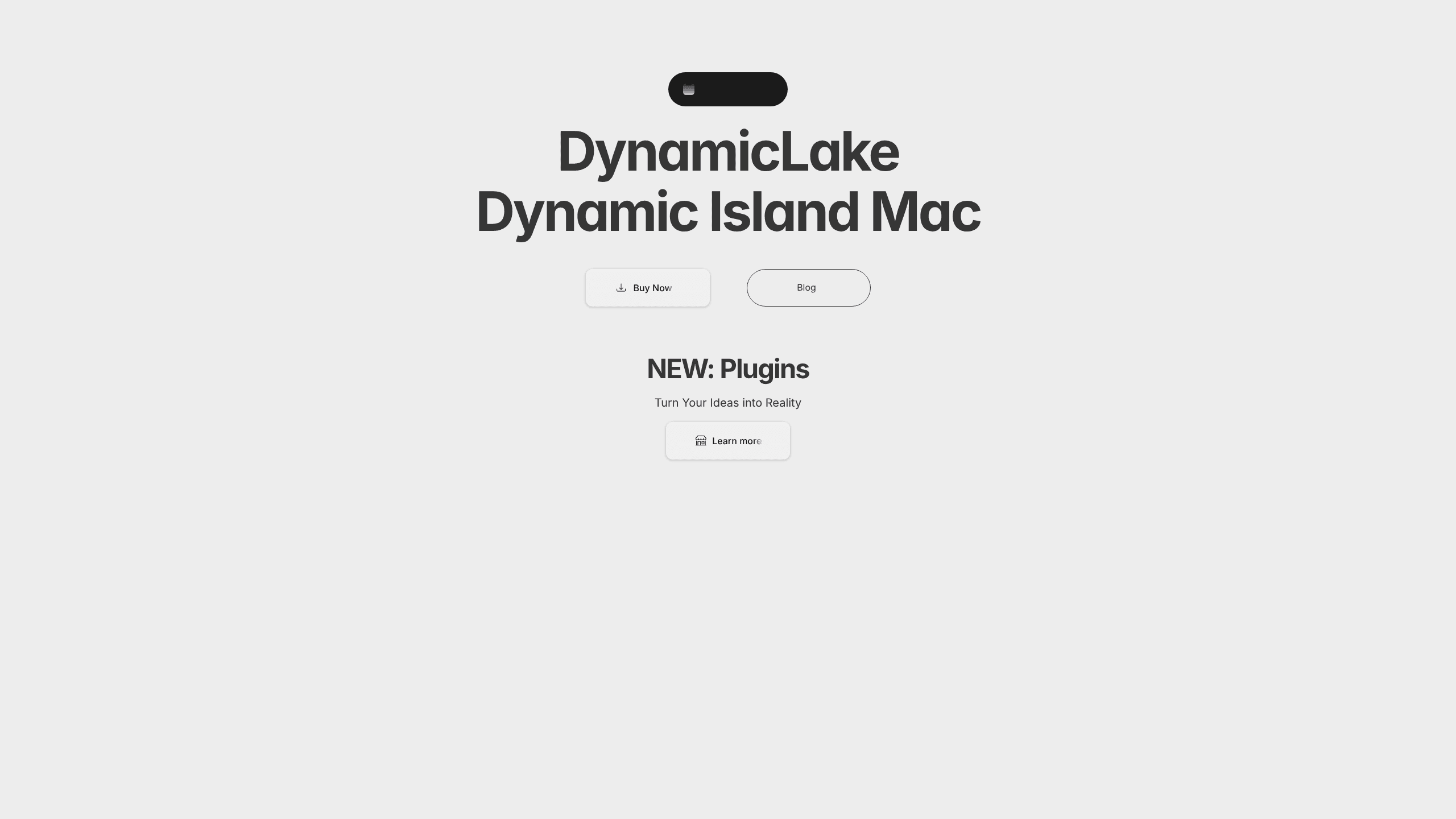
DynamicLake puts an interactive Dynamic Island on your Mac, living in the notch at the top of the screen. Instead of a static black bar, you get a small hub for music playback, file drops, timers, air-drop actions, calendar and battery alerts, and live activities that update as events happen. It runs on Apple Silicon and Intel Macs. It works with or without a physical notch. And it ships as a paid Mac utility with a free Playground for testing plugins.
About DynamicLake
What Is DynamicLake
DynamicLake is a Mac utility that recreates Apple's iPhone Dynamic Island on macOS. The notch, or the top-center of your display, becomes a live, clickable strip. That strip reacts to what your Mac is doing: playing music, taking a message, running a timer, or syncing a file. The developer Aviorrok sells it through the official site and Gumroad.
The app targets people who keep their Mac in full-screen work and hate leaving it to check small things. Volume levels, brightness, the next calendar event, a Bluetooth device connection, an AirDrop transfer, a file conversion. All of it can surface in the same spot without opening a separate window. For anyone who spends the day bouncing between a dozen open windows, that small convenience adds up faster than you'd expect. That's the pitch, and for a lot of users it holds up.
The catch? DynamicLake is a paid product. There's no free tier for the full app outside the Playground, and a few features lean on specific macOS versions. So if you're on an older Mac that stopped receiving updates years ago, or you already use a menu-bar utility you like, the value proposition gets thinner fast.
Getting Started
- Download DynamicLake from the official site or the developer's Gumroad page and open the app.
- Grant the permissions it asks for, typically accessibility and notifications, so it can read system events.
- Pick your device setup: physical notch, no-notch MacBook, or external display.
- Enable the modules you want, such as DynaMusic, DynaClip, DynaDrop, timers, or calendar alerts.
- Buy a DynamicLake Pro license to get the full feature set beyond the trial and Playground.
Product Information
A quick look at DynamicLake's pricing, supported platforms, and performance.
Best for
The users, tasks, and scenarios where this tool fits best.
Users
- MacBook owners with a notch
- Music listeners
- People who multitask heavily
- External display users
Tasks
- Controlling volume, brightness, and playback
- Dropping and sharing files
- Tracking meetings and reminders
- Converting media on the fly
Scenarios
- A long work session where you want track info and calendar nudges without leaving your editor.
- Sharing a file with someone nearby and using DynaDrop to AirDrop it in a couple of clicks.
- Timed focus blocks
- Watching battery and charging changes when you unplug, since DynamicLake can show a remaining-time alert.
Key features
Dynamic Island in the Mac notch
Want a Mac notch app that actually does something? The core feature turns the notch into a live strip that expands whenever something important happens and collapses back down when nothing on your Mac needs your attention at all. Simple. Useful. You can also switch to Liquid Glass styling. The developer says that look was inspired by iOS Liquid Glass.
DynaMusic playback controls
DynaMusic shows your current track and puts play, pause, skip, and volume control right in the island. It supports Apple Music and Spotify. There's a queue view too, plus an "Auto Mix" animation for some sources. You still need the source app open, so this is a control layer rather than a full replacement player that handles your library on its own.
DynaClip file shelf
DynaClip is a holding shelf for files and folders. You drag items in, keep them there, and move, open, edit, or share them later. AirDrop, shareable links, and the built-in macOS share menu all work straight from the shelf, which is handy when you're juggling several files across windows and don't want to go hunting through Finder all over again.
DynaDrop drop target and converter
DynaDrop is a single drop zone for common actions. Drop a file to AirDrop it, copy the latest share link with a shortcut, or convert audio and video between formats. The converter runs on FFmpeg under the hood, which means it handles a wider range of codecs than most simple Mac converters you'll find bundled with other apps.
Live activities, alerts, and timers
Notifications from messaging apps, meeting reminders, calendar events, battery warnings, and Bluetooth connections can all appear as live activities in the island. So can timers. Timers made in the macOS Clock app show up automatically, so you don't have to keep a separate timer window open. It's a small thing. It saves real time.
DynaKeys and customization
DynaKeys adds shortcuts tied to live activities, and the Settings panel lets you decide which modules appear and how the island behaves. The developer has reworked the settings layout over several releases, pulling most of the useful options into one place instead of leaving them scattered across different menus.
Extensions and plugins
DynamicLake supports extensions and plugins so you can build your own island behaviors. There's a documented DynamicLakeKit, a plugin playground you can use before buying the full app, and a small market for plugins. It's aimed at people who want the island to match some workflow that the developer never shipped in the first place.
Built like a macOS menu bar app
Under the hood, DynamicLake behaves like a macOS menu bar app that also paints into the notch. It reads system events. It doesn't replace built-in features, so your existing notifications and timers keep working just as before. The result is a lightweight layer that sits on top of macOS, and it never tries to take over your whole desktop.
Pros and cons
Pros
- Turns unused notch space into a genuinely useful control strip.
- Bundles music controls, file actions, timers, and alerts in one place instead of several menu-bar apps.
- Supports no-notch Macs and external displays, not just MacBooks with a physical notch.
- Frequent updates: the changelog shows regular releases through 2026 with new features and macOS compatibility work.
- Plugin and extension support lets you extend it beyond the built-in modules.
- Handles more than the basics. It covers timers, battery alerts, and Bluetooth events too.
Cons
- There's no free tier for the full app, so you pay before you can use it properly; only the Playground is free.
- Some features depend on recent macOS versions, so older Macs may miss out on newer capabilities.
- It overlaps with built-in macOS features like notifications and timers, which can feel redundant if you already rely on those, and paying for something your Mac already does is a hard sell for some users.
- A tool that lives in the notch is only useful when the notch or menu bar is visible, so full-screen apps can hide it.
Frequently asked questions
DynamicLake is a Mac app that adds an interactive Dynamic Island to the top of your screen. It shows music controls, file actions, timers, notifications, and live activities inside the notch area, all without you needing to open another window.
Related content
Explore related tools, skills, and articles for DynamicLake.
DynamicLake Alternatives

Swms
Swms AI · Writing · Productivity · BusinessSwms is an AI safety compliance tool that turns a plain description of a job into ready-to-use safety documents. Describe your project, trade, and known hazards, and it writes a safe work method statement, job hazard analysis, safe work procedure, RAMS, or safety data sheet in seconds. It also ships with Oscar, a chat assistant that answers workplace safety questions in any language. Teams in construction, mining, transport, and warehousing use it to cut the paperwork that usually eats into a workday.

Wordly AI Translation
Wordly · Voice & Language · ProductivityWordly AI Translation is a real-time AI translation and captioning platform built for meetings, conferences, and events. It delivers live translation, captions, transcripts, and summaries in more than 60 languages, and attendees join by scanning a QR code or opening a link instead of using dedicated headsets. The platform works with Zoom, Microsoft Teams, Google Meet, and Webex, and it's designed for organizations that want multilingual access without hiring human interpreters for every session. Simple as that.

Rows
Rows (Superhuman) · Productivity · BusinessRows is an AI spreadsheet and data analysis tool that imports live data from more than 50 sources, then lets you work with it using plain language instead of SQL queries or nested formulas. You can pull numbers out of PDFs, connect ad platforms, databases, and bank accounts, and ask the AI to build reports, merge datasets, or set up models that recalculate themselves. It runs in the browser, works like a spreadsheet, and now sits under the Superhuman umbrella.