

EasyVeo AI
EasyVeo · Video
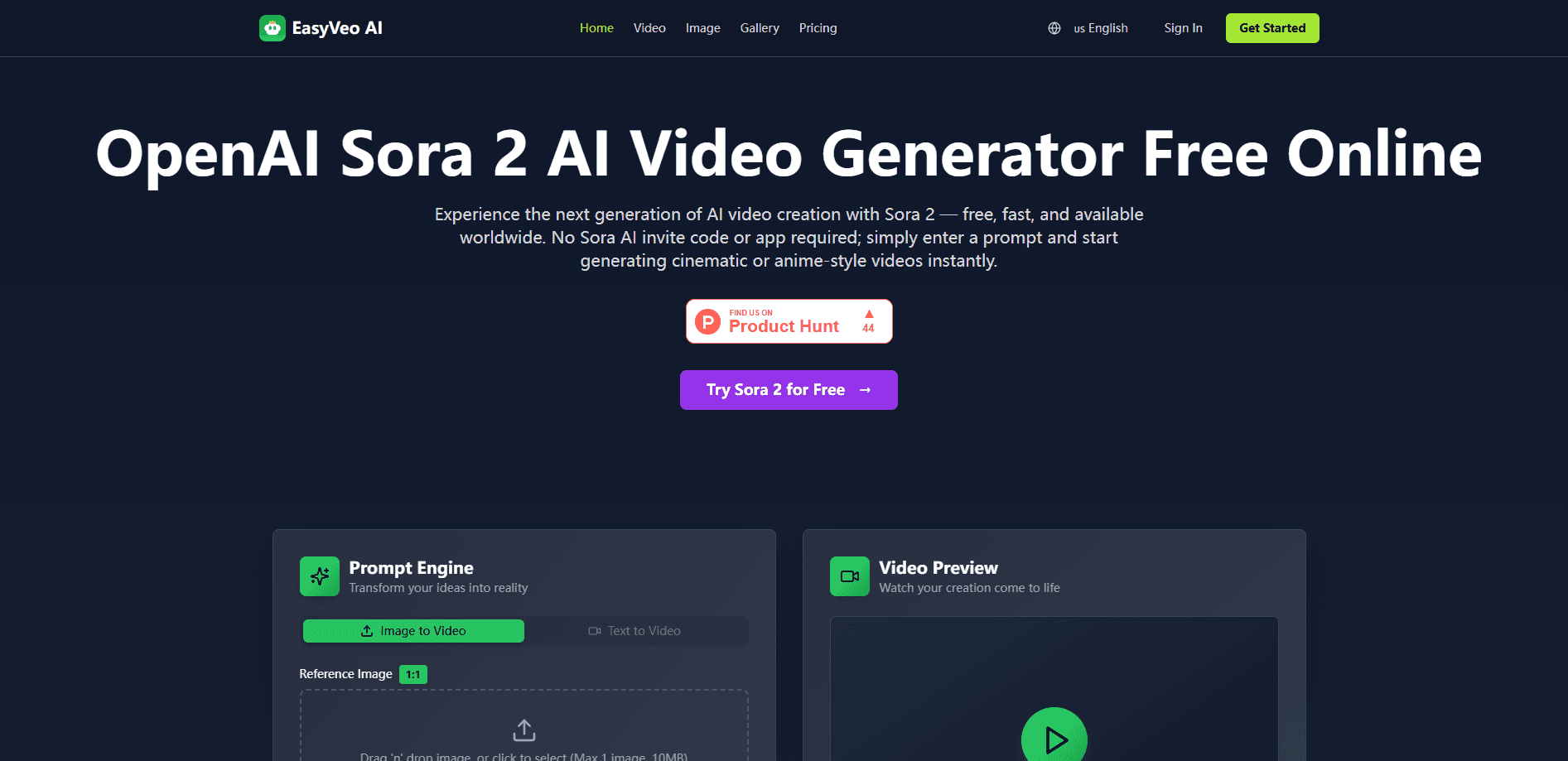
EasyVeo AI is a browser-based AI video generator for turning a text prompt, a still image, or a reference ad into a short video you can publish. It works as both a text to video and image to video tool, so you can start from words or a single frame. It's also a handy AI video maker that keeps the whole job in the browser. You pick from leading models like Veo 3, Seedance, and MiniMax per shot instead of juggling separate tools. You pay by credit packs, not subscriptions, and the credits stay in your account until you spend them.
About EasyVeo AI
What Is EasyVeo AI
EasyVeo AI is a web platform that generates short videos from everyday descriptions. You type what you want to see, add a reference image or a winning ad if you have one, and the tool produces a finished clip with camera movement, lighting, and mood baked in.
The pitch is simple: remake an ad that already works, but keep your own product. Instead of rebuilding a campaign from scratch, you drop in the reference, adjust the prompt, and generate a version built around your brand. Why bother? Because a proven format already knows how to hold attention, and the hard part is usually adapting it to your product rather than inventing a new concept from nothing.
The biggest limit is that it runs entirely in a browser and produces short-form clips, not long-form content. No timeline, no multicam, no color grading. If you need a full-length film or frame-accurate editing, you'll still finish the job in a separate editor.
Getting Started
- Open the EasyVeo AI site and sign in with your email through a one-time login link.
- Describe your shot in plain language, covering subject, action, camera, light, and mood.
- Choose a video model for the shot. Options currently include Veo 3, Seedance, and MiniMax.
- Set the format and duration, and add a reference image or ad if you want to guide the look.
- Generate the clip, then remix or export the result when it's ready to publish.
Product Information
A quick look at EasyVeo AI's pricing, supported platforms, and performance.
Best for
The users, tasks, and scenarios where this tool fits best.
Users
- Small business owners
- Social media marketers
- Solo creators
- Agencies testing concepts
Tasks
- Remaking a winning reference ad
- Turning a text prompt into a clip
- Animating a still image
- Producing campaign variations
Scenarios
- Launching a product with a quick promo video before a full production is ready.
- Filling a social content calendar with regular short clips without a video editor.
- Testing ad concepts cheaply by sampling a few directions in one afternoon.
- Localizing a promo for different platforms by switching between vertical, widescreen, and square formats.
Key features
Multi-model video generation
EasyVeo AI lets you switch between leading video models in the same workflow. That matters because no single model wins every shot, and the model that nails a close-up of a product often struggles with fast action or a crowd scene. You can try Veo 3 for one scene and Seedance or MiniMax for another, then keep whichever result works. Model availability can change as providers ship updates.
Reference ad remixing
You can bring in a reference ad, keep your own product, and rebuild the piece around your brand. This is the core idea behind the tool: rather than starting from a blank prompt, you work from something that already proved it can hold attention. What if the winning ad isn't yours? You still borrow the structure and mood, then swap in your own footage and product. It's a fast route to a first draft you can refine.
Plain-language prompting
Shots are described in everyday words. You cover subject, action, camera, light, and mood, and the platform handles the technical translation. There's no need to learn prompt syntax or camera jargon to get a usable clip, which is a real advantage if you've ever stared at a blank prompt box wondering where to start.
Format and duration control
You set the output format before you generate. Choose 9:16 for vertical, 16:9 for widescreen, or 1:1 for square video. So the same idea can be shaped for TikTok-style feeds, YouTube, or a square social post without a second render setup, and you can rerun it in a different aspect ratio when a campaign needs to run across more than one channel.
Credit packs that never expire
Generation runs on credits you buy in one-time packs of 1,000, 2,000, or 5,000. There's no subscription and nothing renews on its own. Purchased credits stay in your account until you use them, so a slow month doesn't burn your balance. Buy once. Use them whenever you're ready.
All creation modes included
Every credit pack unlocks the full set of creation modes rather than gating features behind a higher tier, so the cheaper $10 pack gives you the same generator types as the $50 one. You don't have to upgrade to reach a specific generator type. The difference between packs is simply how many generations you can run.
Pros and cons
Pros
- No subscription; you buy credits once and they don't expire.
- Multiple video models available inside one workspace.
- Simple text, image, and reference-based inputs suit non-editors.
- Vertical, widescreen, and square formats built in.
- All creation modes come with every pack, so there's no feature paywall.
Cons
- No free plan, so you can't test the output before paying.
- Only short-form clips; long-form or frame-level editing needs another tool.
- Model availability can shift as providers change what they offer, so your favorite option might not always be listed.
- API availability isn't documented, which rules it out for teams that want to automate generation.
Frequently asked questions
It's used to generate short videos, especially ad-style clips, from a text prompt, a still image, or a reference ad. You describe the shot, pick a model, and export the result. It's built for people who want a finished short clip without editing software.
Related content
Explore related tools, skills, and articles for EasyVeo AI.
EasyVeo AI Alternatives

Vadu AI
Vadu AI · Image · VideoVadu AI is a web-based AI video generator that turns written prompts or still images into short clips, and it can also generate images on its own. You type what you want, pick a model and style, and the platform renders the result in minutes. A free plan covers light testing, while paid tiers run from $9 to $77.40 per month based on how many credits you burn.

Mykaraoke Video
MyKaraoke Video · VideoMykaraoke Video is an online karaoke video maker and lyric video maker that turns any song into a finished, lyrics-synced video right in your browser. It handles the slow part for you. The AI pulls vocals out of the mix and locks the lyrics to the beat, then lets you customize background, fonts, and colors before exporting in 1080p MP4. If you make lyric videos for social media, party nights, or music promotion, it skips the software installs and manual timing work entirely. Want a karaoke video generator that doesn't eat your whole evening? That's the pitch here.

Finalframe
Finalframe · VideoFinalframe is a set of free, browser-based tools for grabbing exact frames out of a video clip. Its best-known feature, the Final Frame Extractor, lets you extract the last frame of any video so you can use it as the starting image for AI video tools like Luma Dream Machine, Runway, or Kling. Want to keep a clip going? That last frame is your starting point. The tool runs locally in your browser, needs no sign-up, and costs nothing. A separate paid AI video-generation app from the same team is currently offline while it's rebuilt.