

Elqi
6th Management Sense OU · Productivity · AI Assistant
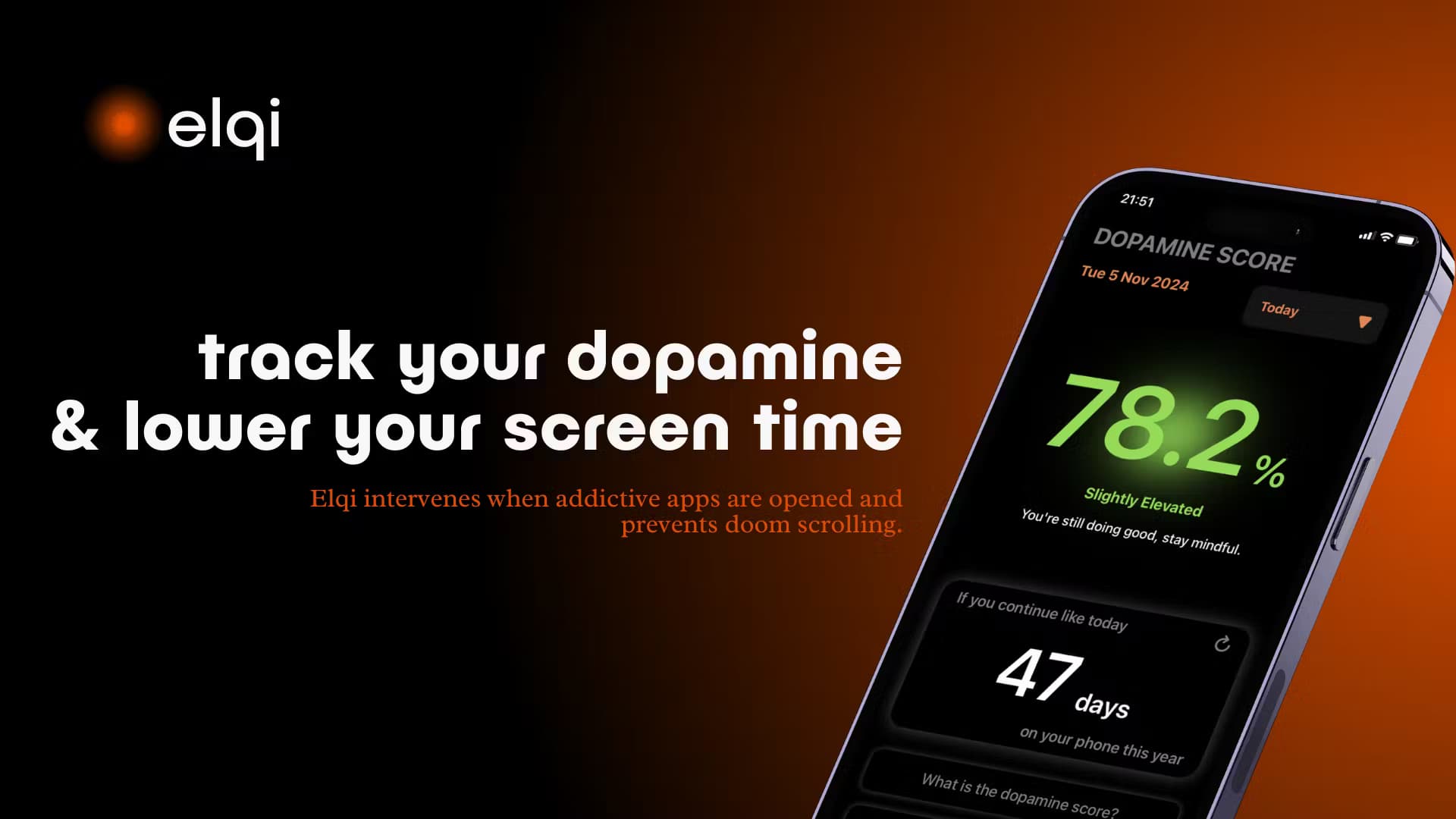
Elqi is a dopamine detox app for iOS that blocks distracting apps, tracks screen time, and adds breathwork and AI guidance to help you cut back on phone use.
About Elqi
What Is Elqi
Elqi is a dopamine detox app that runs on iPhone and iPad. It watches how much time you spend in apps like social media, blocks the ones you pick, and pushes short mindfulness and breathing exercises when you try to open them. The pitch is to catch a scrolling habit before it takes over a study session or a workday.
The idea behind it is simple. Instead of only locking an app, Elqi adds a pause. Open Instagram and the app asks you to breathe or check in before it lets you through. Over time, that pause is meant to make mindless opening harder. A dopamine tracker turns your phone usage into a running picture of how your habits shift.
The limits matter too. Elqi is iOS only, so Android users are out. The useful features sit behind a subscription, sold through the App Store as a free trial that rolls into a paid plan. A separate product, Elqi Guardian, adds parental controls for kids and schools, and an Elqi Business tier targets teams.
Getting Started
- Download Elqi from the App Store and install it on an iPhone or iPad running iOS 16 or later.
- Pick the apps you want to block, such as Instagram, TikTok, or YouTube, using the built-in restrictions.
- Start a free trial to unlock the full app blocking and tracking features.
- Let Elqi interrupt an attempted open, then work through the breathing or mindfulness prompt it offers.
- Check the dashboard over the following days to see screen time and dopamine trends build up.
Product Information
A quick look at Elqi's pricing, supported platforms, and performance.
Best for
The users, tasks, and scenarios where this tool fits best.
Users
- Students
- Knowledge workers
- People worried about phone habits
Tasks
- Blocking distracting apps
- Tracking usage
- Running a guided reset
Scenarios
- A study session before a deadline
- An evening wind-down
- A workplace focus push
Key features
App blocking with a mindfulness pause
The core feature blocks the apps you choose. Try to open one it is guarding, and Elqi steps in with a prompt instead of letting you straight through. You can take a breath, answer a short check-in, or decide to move on. The point is not a hard wall, it is a speed bump that gives you a moment to change your mind. Restrictions are customizable, so you set which apps and when.
Dopamine tracking
Elqi labels itself a dopamine app, and the tracker is what sets it apart from a plain app blocker. It estimates your dopamine picture from phone usage and shows how that changes as you use certain apps less. Acting as a screen time tracker and dopamine tracker in one, it shows daily screen time, social media usage, and how often you take on the mindful exercises in a single view. According to the developer, the goal is to track brain health over time, not to score a single day.
Breathing and cognitive exercises
When you try to open a blocked app, Elqi offers short exercises drawn from mindfulness and breathwork. Deep breathing is the anchor: a few guided rounds meant to ease stress and pull you back to focus. The developer says each breathing technique is built to help you reconnect and make a conscious call before you scroll. Users who want a calmer break instead of a feed get one without leaving the phone.
AI companion
Elqi describes itself as a second mind, and that shows up as a companion you can talk to. You can ask questions, vent, or ask for guidance on a habit, and it answers in a calm tone. It is not a replacement for professional mental health care, and the developer frames it as everyday support rather than treatment. For someone who wants a nudge without a human on the other end, it fills a gap.
Progress tracking and streaks
The app keeps a running record of how your habits shift. Screen time, app usage, and exercise streaks roll into a view of progress over days and weeks. That history is what makes a detox feel like a curve instead of a single good day. It also gives you something to check when a week slips, without guessing why.
Guardian and business tiers
Beyond the individual app, the maker sells Elqi Guardian for parents and schools, with app blocking, scheduled restrictions, activity monitoring, and school collaboration. Elqi Business targets teams and claims lower distraction and higher focus. These are separate offers from the consumer app, and the business tier is sold through a direct contact rather than the App Store.
Pros and cons
Pros
- Adds a pause, not just a lock: the mindfulness step gives you a chance to change a habit instead of hitting a wall.
- Dopamine framing: tracking usage through a dopamine lens suits people who want a habit view, not just a timer.
- Breathing tools built in: exercises sit inside the flow, so a blocked app turns into a short reset.
- Tiered options: separate Guardian and Business plans mean parents, schools, and teams have a fit.
- Simple input: choosing apps and reading the dashboard takes little setup.
Cons
- iOS only: there is no Android version, so the app is closed to a large group of users.
- Paywall for the real features: blocking and tracking sit behind the subscription, and the free trial turns into a paid plan.
- Dopamine estimates are indirect: the tracker works from phone usage rather than a medical measure, so treat the numbers as a habit signal.
- Not a clinical tool: the AI companion and exercises support everyday habits and do not replace professional care.
Frequently asked questions
Elqi is a dopamine detox app for iPhone and iPad aimed at smartphone addiction and heavy screen time. It blocks the apps you choose, adds a mindfulness or breathing pause when you try to open them, and tracks screen time and dopamine trends so you can see your habits change.
Related content
Explore related tools, skills, and articles for Elqi.
Elqi Alternatives

Swms
Swms AI · Writing · Productivity · BusinessSwms is an AI safety compliance tool that turns a plain description of a job into ready-to-use safety documents. Describe your project, trade, and known hazards, and it writes a safe work method statement, job hazard analysis, safe work procedure, RAMS, or safety data sheet in seconds. It also ships with Oscar, a chat assistant that answers workplace safety questions in any language. Teams in construction, mining, transport, and warehousing use it to cut the paperwork that usually eats into a workday.

Wordly AI Translation
Wordly · Voice & Language · ProductivityWordly AI Translation is a real-time AI translation and captioning platform built for meetings, conferences, and events. It delivers live translation, captions, transcripts, and summaries in more than 60 languages, and attendees join by scanning a QR code or opening a link instead of using dedicated headsets. The platform works with Zoom, Microsoft Teams, Google Meet, and Webex, and it's designed for organizations that want multilingual access without hiring human interpreters for every session. Simple as that.

Rows
Rows (Superhuman) · Productivity · BusinessRows is an AI spreadsheet and data analysis tool that imports live data from more than 50 sources, then lets you work with it using plain language instead of SQL queries or nested formulas. You can pull numbers out of PDFs, connect ad platforms, databases, and bank accounts, and ask the AI to build reports, merge datasets, or set up models that recalculate themselves. It runs in the browser, works like a spreadsheet, and now sits under the Superhuman umbrella.