

Emergent
Emergent · Coding
Emergent is an AI app builder that turns a written description into a working full-stack application. You type what you want in plain language, and its coding agents write the frontend, backend, and database, then deploy the result. It sits between traditional no-code tools and hiring a developer. The appeal is simple. You skip the code and still own a real app. Think of it as an AI coding platform that treats your prompt as the spec. People use it for dashboards, storefronts, internal tools, and mobile apps they could never build alone.
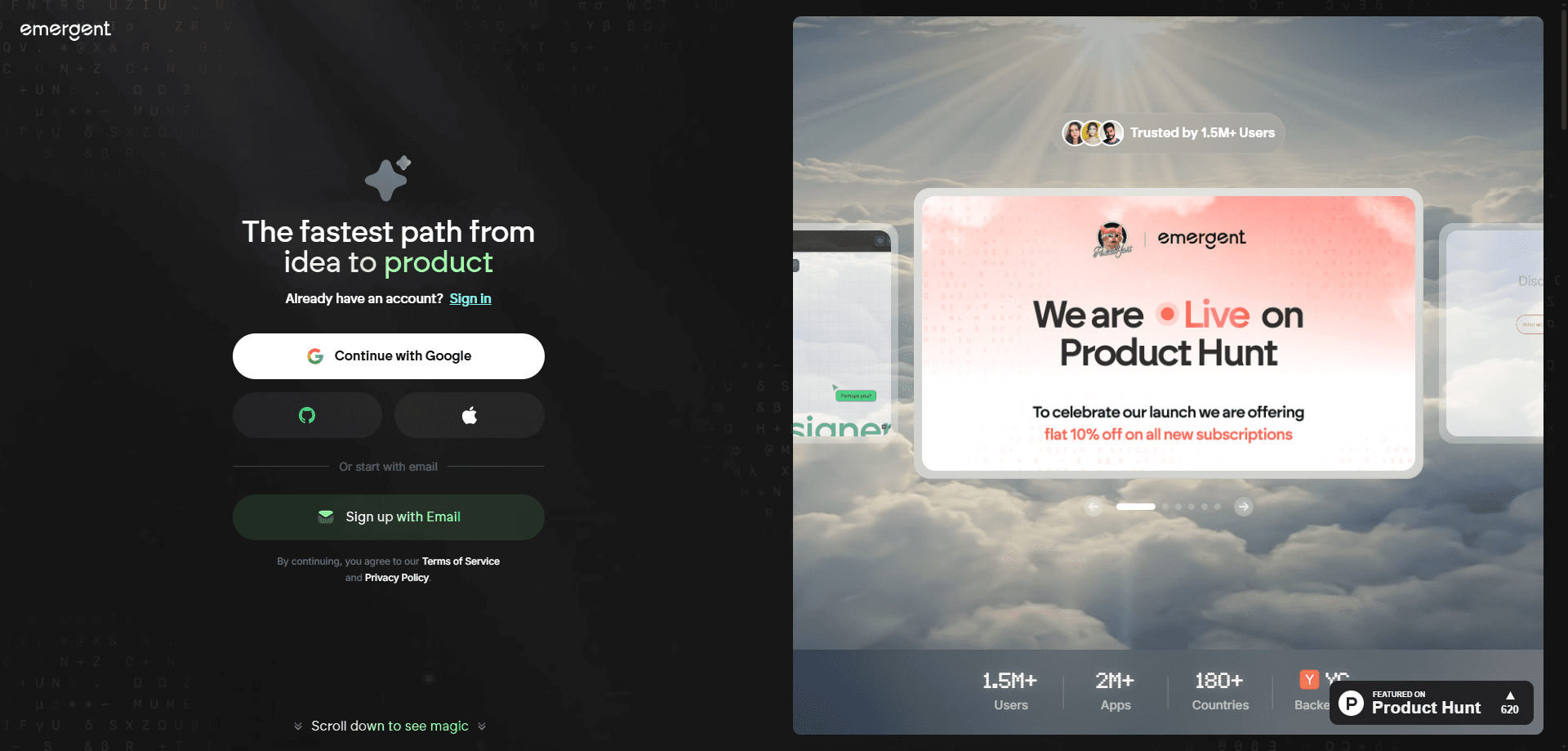
About Emergent
What Is Emergent
Emergent is a vibe coding platform from Emergent, a startup backed by Y Combinator, Khosla Ventures, and SoftBank. Instead of dragging components around a canvas, you describe the app you want the way you'd explain it to a friend. The platform's agents handle design, code, and deployment, and the output is production-ready code you can download or host yourself. No wiring diagrams. No drag-and-drop maze.
That last point matters. Many no-code app builder tools lock your work inside their editor. Emergent hands you the actual source code and connects to GitHub, so you're not stuck if you outgrow the platform or want a developer to take over later. Big difference.
The catch is that it runs on credits, and complex projects burn through them fast. It's also a young product, so you should expect some rough edges around very specialized requirements. If your app needs unusual integrations or strict compliance work, a human developer still earns their keep. That's just reality.
Getting Started
- Create an account at emergent.sh with your email or a Google sign-in, no credit card needed on the free tier.
- Describe the app you want in the prompt box, being as specific as you can about features and the people who'll use it.
- Review the first build in the live preview and send follow-up prompts to adjust layout, logic, or data handling.
- Connect a GitHub repo if you want version control, or export the code to host it on your own infrastructure.
- Deploy from the platform when it looks right, then keep iterating with more prompts as your needs change.
Product Information
A quick look at Emergent's pricing, supported platforms, and performance.
Best for
The users, tasks, and scenarios where this tool fits best.
Users
- Non-technical founders
- Solo makers and indie hackers
- Product managers and designers
Tasks
- Building full-stack web apps
- Creating mobile apps
- Prototyping dashboards and internal tools
Scenarios
- Validating a business idea over a weekend
- Replacing a bloated spreadsheet workflow
- Shipping an MVP before a funding round
Key features
Natural Language App Building
Want to build apps with AI instead of writing them by hand? You describe the app in a prompt and the platform writes the code. The agents handle structure, styling, and logic together, which means you can build a functioning product without touching a single line of source yourself. Follow-up prompts refine what's there, so the build evolves conversationally rather than through menus.
Full-Stack Output With a Real Backend
Emergent doesn't stop at a mockup. It ships a real backend. It generates working databases and integrations, then deploys the whole thing. That's the difference between a prototype that looks right in a screenshot and an app that actually stores data, handles logins, and survives real users clicking around.
Code Ownership and GitHub Integration
Everything Emergent produces is yours. You can download the code, modify it, or host it wherever you like, and GitHub integration keeps versions under control. This matters if you ever want to bring in a developer or move off the platform without rebuilding from scratch.
One-Click Model and Integration Access
The platform plugs into leading AI models and common services without lengthy setup, so you can add chatbot features or connect an external tool in a few steps. For builders who want AI baked into their app, that removes a lot of plumbing work.
Custom AI Agents
On higher plans you can edit the system prompt and create custom agents tailored to your project. That lets you shape how the build behaves in ways a generic prompt won't reach, useful once you've moved past a first draft.
Team and Enterprise Controls
The top tiers add shared workspaces, real-time co-editing, role-based access, single sign-on, and audit logs. Larger organizations get user-level credit limits and options to deploy into their own cloud, which is what makes it viable beyond a solo hobby project.
Pros and cons
Pros
- Turns plain-language descriptions into working full-stack apps, cutting out the coding step for non-developers.
- You own the generated code and can export it or sync with GitHub, so there's no lock-in.
- Handles both web and mobile targets from the same platform.
- Free tier with monthly credits lets you test the workflow before paying anything.
- Enterprise options cover SSO, audit logs, and self-hosted database support.
- For a no-code app builder, the output goes further because you keep the real source code.
Cons
- Credits are the real limit: a complex app can drain a month's allowance in one long session, and extra credits cost more.
- The paid plans aren't cheap. The FAQ's headline prices differ from the pricing page, so check current rates first.
- Very specialized requirements can still stall the agents. You may need a developer for edge cases.
- Real-time support only shows up on the pricier tiers, so free users are mostly on their own.
Frequently asked questions
Emergent is used to build web and mobile applications from natural language prompts. You describe what you want, and its coding agents generate the code and deploy the app, which makes it useful for founders, makers, and teams who want to ship software without writing it by hand.
Related content
Explore related tools, skills, and articles for Emergent.
Emergent Alternatives
Forefront
Forefront · CodingForefront is a web platform for building with open-source AI. It lets you fine-tune leading open-source language models on your own data, evaluate how they perform, and run them through an API or export them to host yourself. Developers who want the convenience of a closed-source platform but insist on owning their models and data are the target audience here.

Startkit
StartKit.AI · CodingStartkit is a boilerplate for building AI SaaS and AI wrapper products. Think of it as an AI startup boilerplate with the boring parts already wired up: authentication, Stripe and Lemon Squeezy payments, usage limits, transactional email, and an AI API starter that talks to OpenAI, Anthropic, Groq, or Llama. You clone the repo, set your price, and start on the part of your product that people actually pay for. It's Next.js under React and Tailwind, so most of the boilerplate code already feels familiar.
Testim
Tricentis · CodingTestim is an AI-powered test automation platform for building and running end-to-end tests across web, mobile, and Salesforce applications. It leans on machine learning to keep tests stable when an interface changes, so teams spend less time fixing broken selectors. Not bad for an automated testing tool you can start using today. You create tests by recording actions in a browser, then optionally add JavaScript when you need more control. It's a solid pick for busy QA teams.