

Envelope
Envelope · Productivity
Envelope is an AI event planning platform that helps event planners and teams manage guests, build event pages, collect registrations, and track performance in one workspace. You describe what you want in plain language, like in ChatGPT, and the AI drafts pages, forms, and emails for you. It's built for people who run conferences, weddings, corporate retreats, and other recurring events. The goal is to cut the manual busywork. That's the whole point.
About Envelope
What Is Envelope
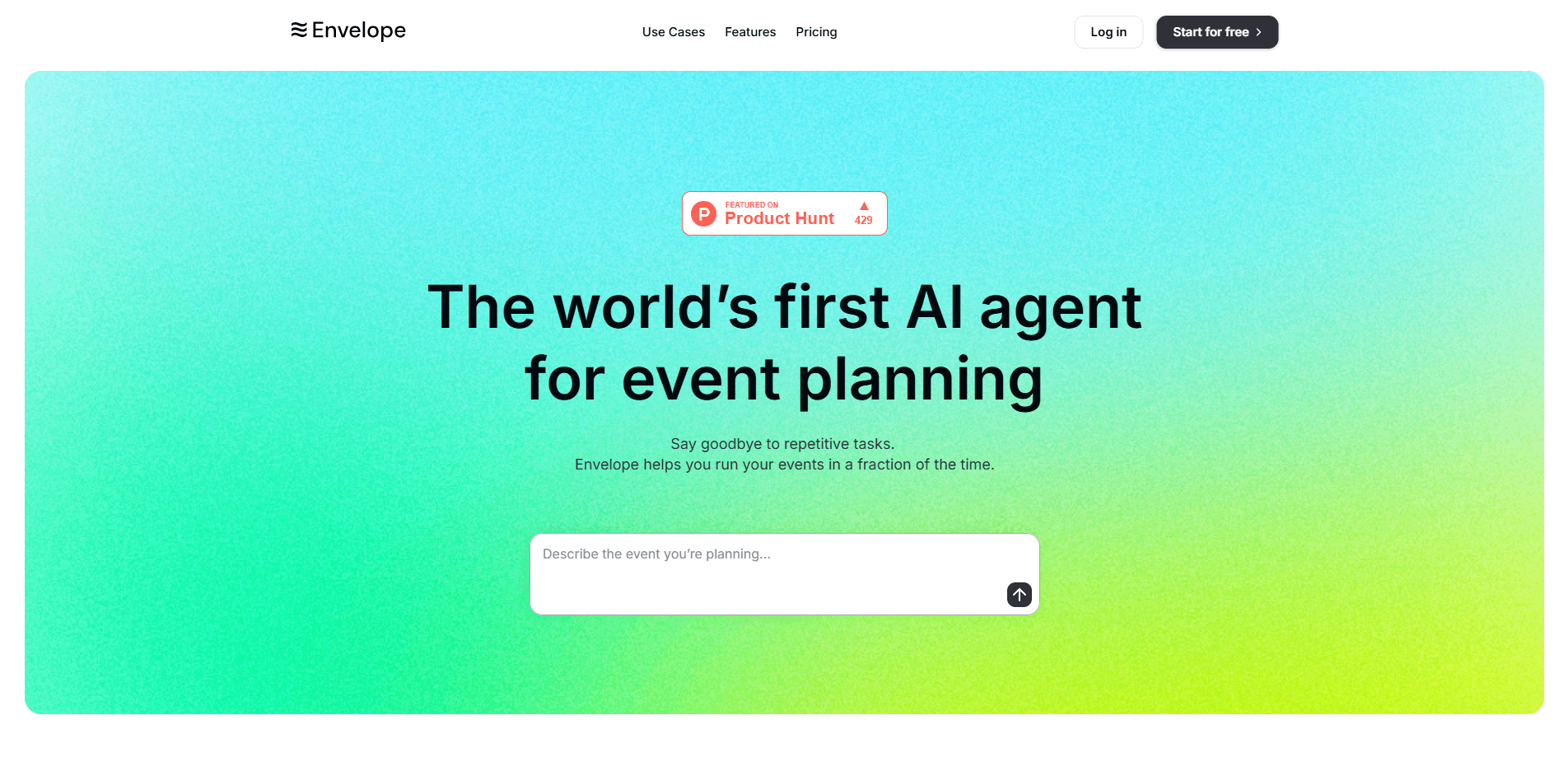
Envelope is a web-based event planning software that wraps the usual checklist of tasks into a single AI-assisted workspace. Instead of juggling a spreadsheet for the guest list, a separate page builder, and a third tool for emails, you handle all of it in one place. One login. One workspace. The company calls it the world's first AI agent built for event planners, and the core idea is simple: you type a request, and the platform generates the page, form, or email you need.
The pitch is speed. Repetitive work like tagging guests, writing reminder emails, and pulling attendance reports eats up hours that planners would rather spend elsewhere. Envelope handles those tasks with prompts and tracks the results in its own analytics dashboard. So what does that look like in practice? Popular workflows include tech conferences with paid tickets, wedding receptions with RSVP forms, and multi-day corporate retreats with session capacity limits.
The biggest limit is the learning curve and the pricing opacity. Paid tiers (Pro, Teams, Enterprise) show "Custom" pricing, so you must book a demo to learn the real cost. That slows budgeting. A new user also needs to trust the AI to produce usable copy and forms, which won't always match a fully hand-built page on the first try.
Getting Started
- Create a free account at envelope.so using the Start for free button, which unlocks 10 monthly AI credits and 50 email credits.
- Describe your event in a prompt, including the date, guest count, ticket price, and any capacity limits per session.
- Build the registration page and forms with prompts or drag-in components, then add your branding and payment method.
- Import or upload your guest list, tag VIPs, and assign owners to specific contacts.
- Send invitations and reminders, then watch signups, opens, and attendance in the analytics view.
Product Information
A quick look at Envelope's pricing, supported platforms, and performance.
Best for
The users, tasks, and scenarios where this tool fits best.
Users
- Event planners
- Small business owners
- Marketing and community teams
Tasks
- Managing a growing guest list
- Collecting registrations and payments
- Sending branded event emails
Scenarios
- Planning a tech conference with paid tickets
- Setting up a wedding reception
- Organizing a corporate retreat
Key features
AI Prompt Builder
Envelope's headline feature lets you describe an event in a sentence and get a starting page, form, or email back. A prompt like "plan a tech conference for 250 developers" produces structure you can then edit. It's a first draft tool. Not a finished product. Plan to spend time refining the copy.
Guest List Management
You can upload contacts, tag VIPs, assign owners, and have several people edit the same list at once. Every entry is searchable and structured from the moment it lands, which beats a shared spreadsheet once your list climbs past a few hundred names. Big difference. Real-time collaboration means two coordinators won't overwrite each other's notes.
Event Pages
The page builder uses prompts or prebuilt components to assemble branded event sites with agendas, speaker bios, and ticket sections. Because it's component-based, you don't need design skills to ship something that looks intentional. That matters. Custom branding keeps the page consistent with the rest of your materials.
Registration and Payments
Custom forms support conditional logic, so follow-up questions only appear when they're relevant. You can offer multiple ticket types and connect your preferred payment method for paid events. That's flexible. The free plan already includes paid events, which is unusual for entry-tier event tools.
Email Templates
You build invitations, reminders, and follow-ups that match your brand, then personalize them per guest. The platform tracks opens, clicks, and replies, so you can tell whether a reminder actually moved anyone. Email credits are metered: 50 a month on Free, 500 on Pro, and 1,000 on Teams. Watch the limit.
Analytics
The dashboard monitors signups, email performance, attendance, and engagement, and you can also ask the AI a direct question about your event data. Instead of exporting to a spreadsheet and building a pivot table, you type the question and read the answer. Not ideal for heavy number-crunching, but fine for weekly reporting. That's a real time-saver.
Pros and cons
Pros
- Combines guest list management, page building, registration, email, and analytics in a single workspace, which removes app-switching.
- The free plan is genuinely usable, with unlimited events, custom branding, and paid events at $0.
- AI prompt building speeds up first drafts of pages, forms, and emails.
- Real-time guest list collaboration suits teams with more than one coordinator.
- Metered email and AI credits scale with the plan, so light users don't overpay.
Cons
- Paid tiers show "Custom" pricing, so you can't estimate Pro or Teams costs without booking a demo. That slows budgeting.
- AI-generated pages and emails usually need manual editing before they match a polished brand, which adds work rather than removing it.
- No public API documentation is listed, so teams wanting to pipe event data into their own stack have no confirmed path.
- There's no mobile app, so on-site check-in happens through a browser.
Frequently asked questions
Envelope is an AI event planning platform for managing guest lists, building event pages, collecting registrations, and sending branded emails. It fits conferences, weddings, corporate retreats, and other events where you need one place to run the whole workflow.
Related content
Explore related tools, skills, and articles for Envelope.
Envelope Alternatives

Swms
Swms AI · Writing · Productivity · BusinessSwms is an AI safety compliance tool that turns a plain description of a job into ready-to-use safety documents. Describe your project, trade, and known hazards, and it writes a safe work method statement, job hazard analysis, safe work procedure, RAMS, or safety data sheet in seconds. It also ships with Oscar, a chat assistant that answers workplace safety questions in any language. Teams in construction, mining, transport, and warehousing use it to cut the paperwork that usually eats into a workday.

Wordly AI Translation
Wordly · Voice & Language · ProductivityWordly AI Translation is a real-time AI translation and captioning platform built for meetings, conferences, and events. It delivers live translation, captions, transcripts, and summaries in more than 60 languages, and attendees join by scanning a QR code or opening a link instead of using dedicated headsets. The platform works with Zoom, Microsoft Teams, Google Meet, and Webex, and it's designed for organizations that want multilingual access without hiring human interpreters for every session. Simple as that.

Rows
Rows (Superhuman) · Productivity · BusinessRows is an AI spreadsheet and data analysis tool that imports live data from more than 50 sources, then lets you work with it using plain language instead of SQL queries or nested formulas. You can pull numbers out of PDFs, connect ad platforms, databases, and bank accounts, and ask the AI to build reports, merge datasets, or set up models that recalculate themselves. It runs in the browser, works like a spreadsheet, and now sits under the Superhuman umbrella.