

EraseVideo
EraseVideo · Video
EraseVideo is a free video watermark remover for Mac that runs a local AI model on your own machine. It handles clips from seven platforms, including Sora, Veo, Runway, Pika, KlingAI, TikTok, and Wan, and it rebuilds the pixels behind the watermark instead of blurring or cropping the frame. Nothing gets uploaded. No account is needed. The catch? It's macOS only, and it wants an Apple Silicon chip.
About EraseVideo
What Is EraseVideo
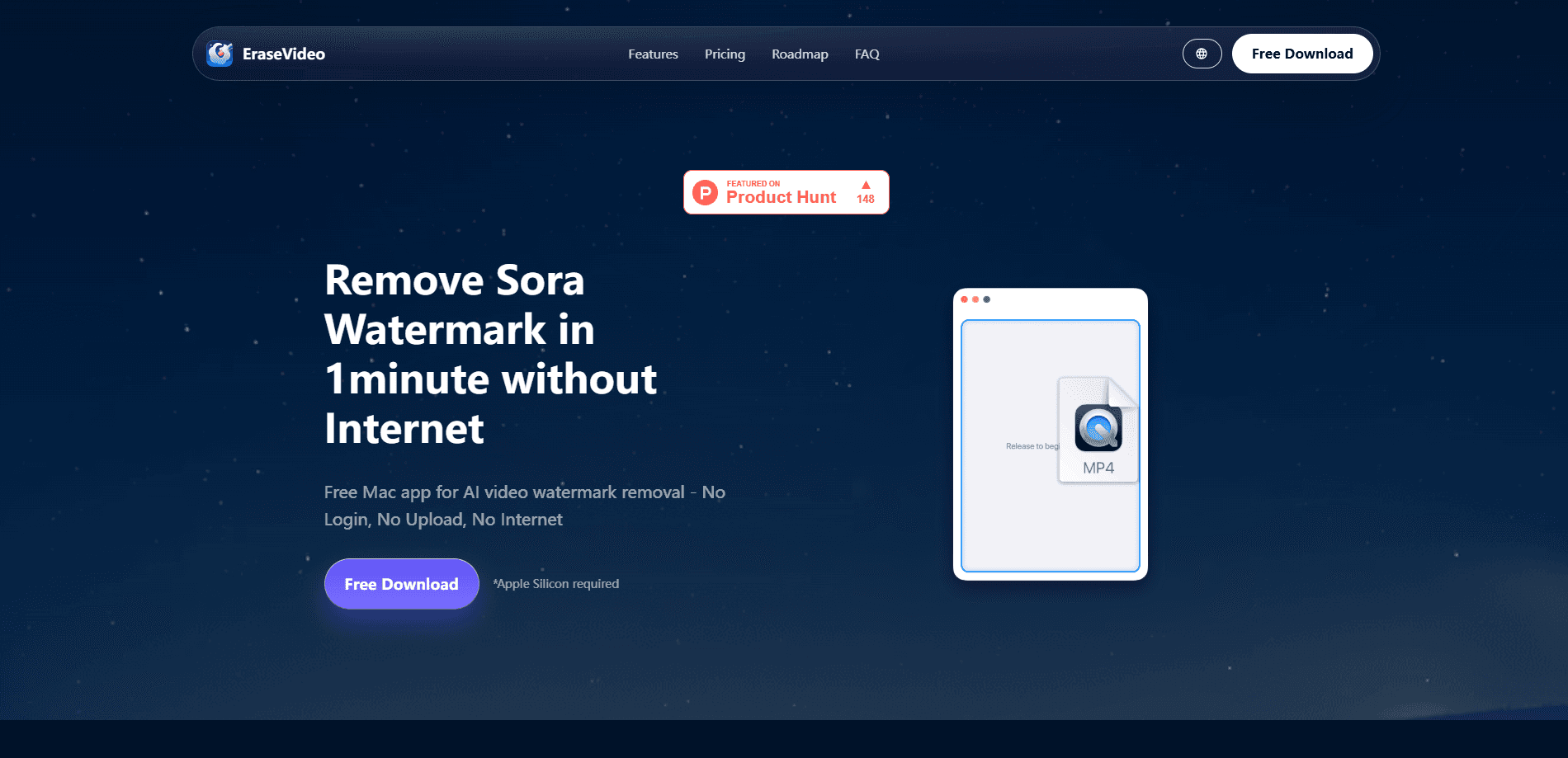
EraseVideo is a native Mac watermark remover built for one job: cleaning the watermark off AI-generated video. You drag a clip in. The app figures out which platform produced it, and it rebuilds the covered area from the surrounding pixels, which is a step most browser tools skip entirely because they can't see the frame behind the badge. No manual box-drawing, no guessing which corner to hide.
The pitch here is privacy. Online tools for AI video watermark removal make you upload your footage to a server, which is a hard sell if the clip is unreleased or client work. EraseVideo runs the whole thing offline on your machine, so the video never leaves your drive. For an offline watermark remover, that matters more than raw speed. It's the main reason people pick it over a browser tool.
The limits are worth knowing up front. It's macOS only, and the site says Apple Silicon is required, so Intel Macs are out. Batch processing wasn't live at the last check, and Windows or Linux versions don't exist yet. So what happens if you're on a PC? This app just isn't an option right now.
Getting Started
- Download the free app from the EraseVideo website and open it on your Mac.
- Drag an AI-generated video onto the window, or use the file picker to select a clip.
- Let the app auto-detect the source platform and run its removal pass.
- Preview the cleaned result and save the output video to your drive.
- Upgrade to a paid plan if you need more than two videos a day.
Product Information
A quick look at EraseVideo's pricing, supported platforms, and performance.
Best for
The users, tasks, and scenarios where this tool fits best.
Users
- Solo creators who publish AI-generated clips
- Marketers handling unreleased footage
- Privacy-conscious editors
Tasks
- Removing the Sora watermark from a finished clip
- Cleaning TikTok-style overlays off short AI videos
- Preparing AI clips for a montage
Scenarios
- Polishing a batch of AI videos before a client review where clean frames matter.
- Offline work on a plane or in a spot with no reliable connection, since nothing needs the internet.
- Quick one-off cleanups when you don't want to sign up for yet another account.
Key features
Automatic Platform Detection
EraseVideo spots which AI platform made a clip and removes the right watermark without you marking it. It covers Sora, Veo, Runway, Pika, KlingAI, TikTok, and Wan out of the box. That saves the fiddly step of positioning a selection box on every video.
Pixel Rebuilding Instead of Blur
Most cheap tools blur or crop the watermark out, which leaves a smudge or chops the frame. Not ideal. EraseVideo rebuilds the pixels behind the mark using the surrounding footage, so the fixed area matches the rest of the shot. The site claims results that are near-invisible on most clips, and it says the model keeps improving.
Fully Offline Processing
The app does all its work on your Mac with no upload and no cloud server in the loop. You can run it with Wi-Fi off. For anyone handling unreleased or private footage, that's the whole point of using an offline watermark remover: the video never leaves your own drive.
No Login or Account
There's no sign-up wall. You open the app, drop in a video, and get a result. The free tier lets you process two videos a day before any payment comes up, which is enough to test whether the output holds up on your own footage before you commit.
Native Mac Speed
EraseVideo is built for macOS rather than wrapped in a browser, and the site says a 15-second clip takes about a minute on an M1 chip, which is quick for a removal pass that rebuilds pixels rather than just covering them. Native apps also skip the upload and download wait that browser tools add to every job.
Simple Drag-and-Drop Flow
The workflow is short by design: drag, drop, wait, save. There's no timeline, no layer stack, and nothing to learn if you've used any Mac app before. It's about as simple as it gets.
Pros and cons
Pros
- Runs entirely offline, so your videos never leave your Mac.
- No account or login needed to start removing watermarks.
- Handles seven AI video platforms automatically, without manual selection.
- Free tier gives you two videos a day at no cost.
Cons
- macOS only and needs Apple Silicon, so Intel Mac and Windows users are shut out.
- Batch processing isn't available yet, which means one video at a time.
- Free tier caps you at two videos a day, so heavy users have to pay.
Frequently asked questions
Yes. Sora is one of the seven platforms it detects automatically, along with Veo, Runway, Pika, KlingAI, TikTok, and Wan. You drop the clip in and it handles the rest.
Related content
Explore related tools, skills, and articles for EraseVideo.
EraseVideo Alternatives

Vadu AI
Vadu AI · Image · VideoVadu AI is a web-based AI video generator that turns written prompts or still images into short clips, and it can also generate images on its own. You type what you want, pick a model and style, and the platform renders the result in minutes. A free plan covers light testing, while paid tiers run from $9 to $77.40 per month based on how many credits you burn.

Mykaraoke Video
MyKaraoke Video · VideoMykaraoke Video is an online karaoke video maker and lyric video maker that turns any song into a finished, lyrics-synced video right in your browser. It handles the slow part for you. The AI pulls vocals out of the mix and locks the lyrics to the beat, then lets you customize background, fonts, and colors before exporting in 1080p MP4. If you make lyric videos for social media, party nights, or music promotion, it skips the software installs and manual timing work entirely. Want a karaoke video generator that doesn't eat your whole evening? That's the pitch here.

Finalframe
Finalframe · VideoFinalframe is a set of free, browser-based tools for grabbing exact frames out of a video clip. Its best-known feature, the Final Frame Extractor, lets you extract the last frame of any video so you can use it as the starting image for AI video tools like Luma Dream Machine, Runway, or Kling. Want to keep a clip going? That last frame is your starting point. The tool runs locally in your browser, needs no sign-up, and costs nothing. A separate paid AI video-generation app from the same team is currently offline while it's rebuilt.