

Everywhere
Sylinko Inc. · Productivity
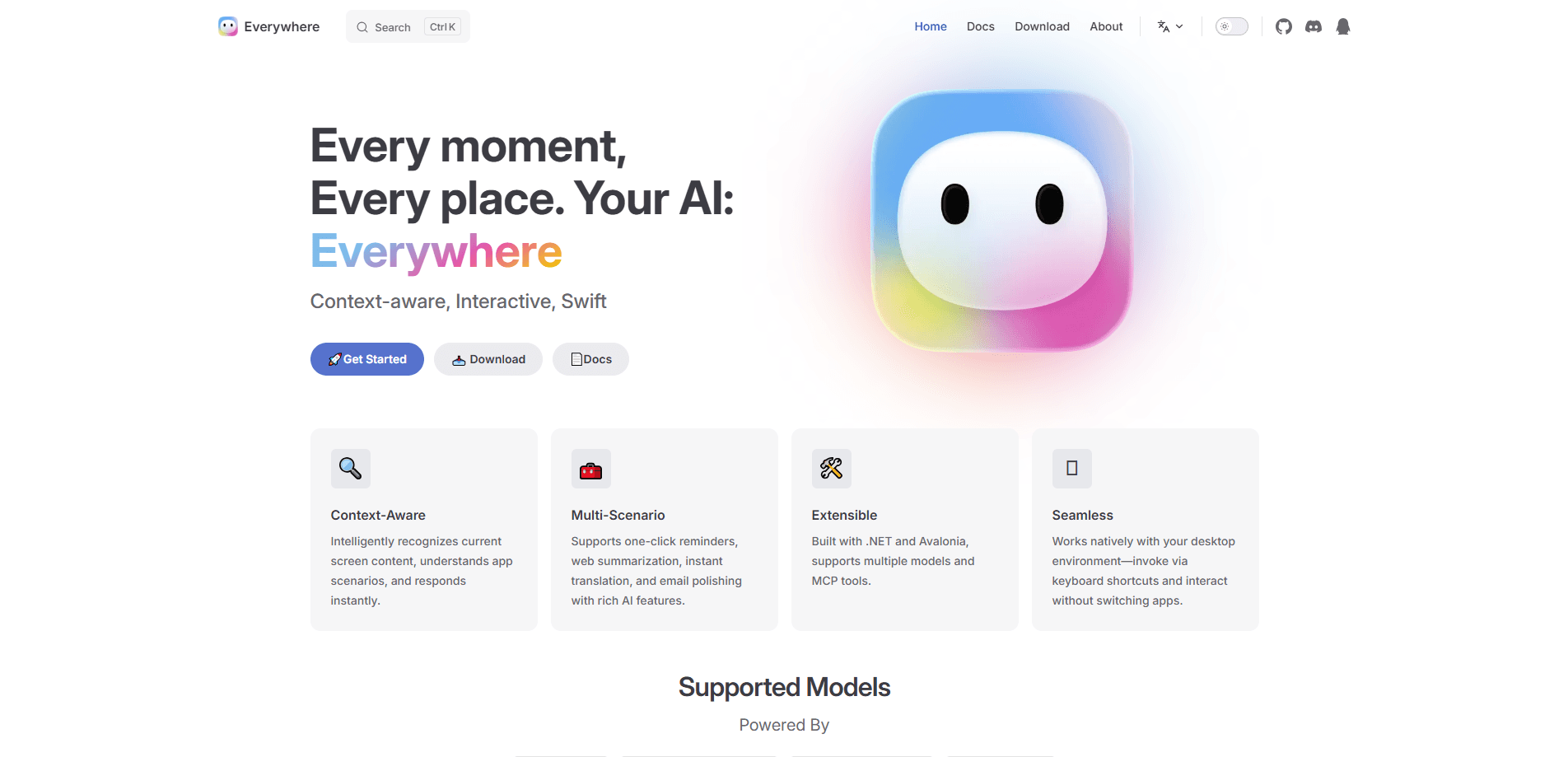
Everywhere is a free, open-source AI desktop assistant from Sylinko Inc. that sits on top of whatever you're doing and reads the screen when you call it. Press a shortcut, and a floating chat bubble opens next to the window you're already in, with the focused text pulled in as context. It works with the language model you already pay for (or a local one), and it keeps translation, summarising, debugging and rewriting inside the app you're using.
About Everywhere
What Is Everywhere
Everywhere is a context-aware AI assistant that lives in your desktop rather than in a browser tab. The core idea is simple: when you need help with something on screen, you shouldn't have to copy the text, switch windows, paste it into a chat app, and explain what you were doing. The assistant grabs the context itself.
It was built by independent developer DearVa and shipped under Sylinko Inc., and it's open source on GitHub, first under Apache 2.0 and later under the Business Source License 1.1. That open code matters because it means your prompts and screen data go straight to the model provider you picked, not through a middleman server.
The catch is reach. Everywhere runs on Windows and macOS, and the Linux build has been listed as in progress for a while. If you're on Windows 10 or newer, setup takes a few minutes. If you're on an older machine or a Linux box, you're waiting.
Getting Started
- Download the installer from the official site, or grab the portable build if you'd rather not install anything.
- Pick a model provider on first launch. OpenAI, Anthropic, Google, DeepSeek, Moonshot, MiniMax and Ollama are all supported.
- Paste your API key and test the connection so you know it works before you start relying on it.
- Set your shortcut if
Ctrl + Shift + Eclashes with something else, and adjust the bubble's transparency and theme. - Open any app, place your cursor near the text you care about, press the shortcut, and type your question. That's the whole loop.
Product Information
A quick look at Everywhere's pricing, supported platforms, and performance.
Best for
The users, tasks, and scenarios where this tool fits best.
Users
- Developers
- Writers and editors
- Translators and language learners
Tasks
- Troubleshooting on-screen errors
- Summarising long articles or docs
- Rewriting emails
Scenarios
- Working through a session in one app without alt-tabbing to a chatbot every few minutes.
- Verifying a claim or headline you just saw, with web search enabled as a tool.
- Pulling a command you half-forgot while you're still sitting in the terminal.
Key features
Screen Context Awareness
This is the reason people install the Everywhere app. It uses accessibility APIs and UI automation to read the focused window, so the text you're looking at becomes an attachment, the way you'd attach a file in Cursor or GitHub Copilot. You don't select anything first. The assistant just knows what's in front of you, which is what makes the bubble feel instant instead of procedural.
Bring Your Own Model
So what actually runs behind the bubble? You connect the provider you already use: OpenAI, Anthropic, Google, DeepSeek, Moonshot, MiniMax or a local Ollama instance. That's cheaper if you already have API credits, and it means you can switch providers when one gets expensive or slow. Your data goes to that provider directly.
Tool Use and Plugins
Beyond chat, this screen-aware AI tool can act. Web search, a Puppeteer-based page fetcher, file read/write and terminal execution are the built-ins, and you toggle them per conversation. A web search tool turns the assistant into something closer to a research buddy, while the terminal plugin lets it run and interpret commands without you retyping them. Support for custom MCP tools has been in development.
Multilingual Interface, 11 Languages
The interface ships in Simplified Chinese, Traditional Chinese, English, German, Spanish, French, Italian, Japanese, Korean, Russian and Turkish. English users get a fully translated experience, and if you work across languages day to day, you're not stuck reading menus in a language you don't use.
Markdown and Image Attachments
Responses render in Markdown, so tables and code blocks stay readable instead of collapsing into plain text. You can also attach images, and work on other attachment formats is underway. For anything that involves a diagram or a screenshot you can't copy as text, the image path fills the gap.
Portable and Installable Builds
Everywhere offers both a standard installer and a portable version, which is handy if you want to run it from a USB drive or on a machine where you don't have admin rights. The same project ships separate macOS packages for Apple Silicon and Intel, so the Mac build isn't a single binary you have to pray about.
Pros and cons
Pros
- Free to use, with the source code public on GitHub under a source-available license.
- Reads on-screen context automatically, so no copy-paste or screenshot step.
- Works with whatever model you already pay for, including local Ollama models.
- Tool plugins (web search, terminal, file access) extend it past simple Q&A.
- UI translated into 11 languages, with both installer and portable builds.
Cons
- Windows and macOS only. The Linux build has no firm date, so Linux users can't use it today.
- No built-in model. You need your own API key, and costs land on your provider account.
- Tool use needs a model that supports it, and some cheaper models won't run the plugins at all.
- It can read your screen, so you're trusting the app and your chosen model provider with what's on it.
Frequently asked questions
Yes. The app itself is free to download and use, and the source code is public. Your only cost is whatever you pay your model provider for API calls, unless you point it at a local model.
Related content
Explore related tools, skills, and articles for Everywhere.
Everywhere Alternatives

Swms
Swms AI · Writing · Productivity · BusinessSwms is an AI safety compliance tool that turns a plain description of a job into ready-to-use safety documents. Describe your project, trade, and known hazards, and it writes a safe work method statement, job hazard analysis, safe work procedure, RAMS, or safety data sheet in seconds. It also ships with Oscar, a chat assistant that answers workplace safety questions in any language. Teams in construction, mining, transport, and warehousing use it to cut the paperwork that usually eats into a workday.

Wordly AI Translation
Wordly · Voice & Language · ProductivityWordly AI Translation is a real-time AI translation and captioning platform built for meetings, conferences, and events. It delivers live translation, captions, transcripts, and summaries in more than 60 languages, and attendees join by scanning a QR code or opening a link instead of using dedicated headsets. The platform works with Zoom, Microsoft Teams, Google Meet, and Webex, and it's designed for organizations that want multilingual access without hiring human interpreters for every session. Simple as that.

Rows
Rows (Superhuman) · Productivity · BusinessRows is an AI spreadsheet and data analysis tool that imports live data from more than 50 sources, then lets you work with it using plain language instead of SQL queries or nested formulas. You can pull numbers out of PDFs, connect ad platforms, databases, and bank accounts, and ask the AI to build reports, merge datasets, or set up models that recalculate themselves. It runs in the browser, works like a spreadsheet, and now sits under the Superhuman umbrella.