

Extrapolate
Extrapolate · Image
Extrapolate is a web app that uses AI to show how your face will age. Upload one photo and get older versions at 10, 20 or 60 years ahead.
About Extrapolate
What Is Extrapolate
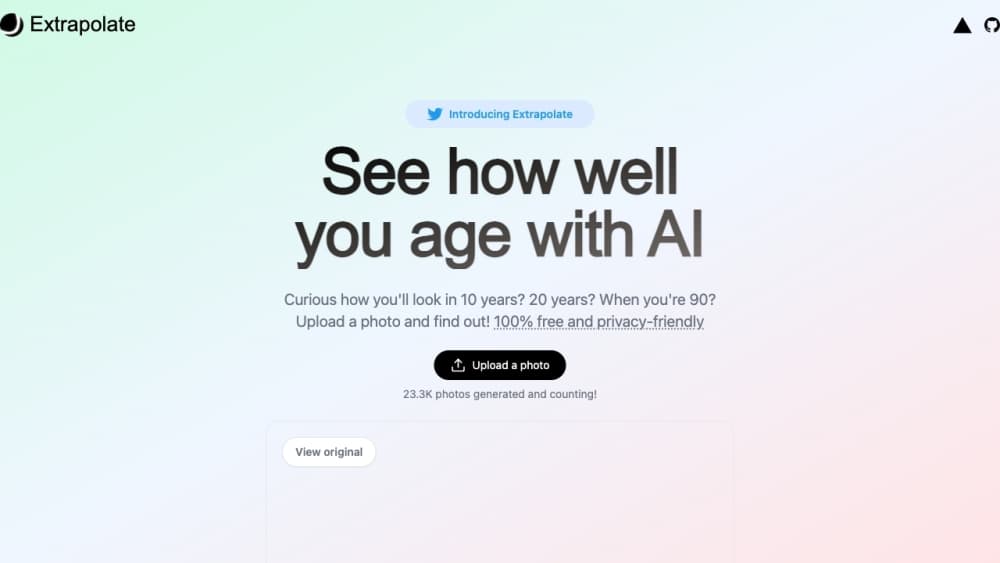
Extrapolate is a browser based face aging app built by a small independent team and signed by Steven Tey, a developer known for Vercel side projects. The pitch sits on the homepage in plain words: see how well you age with AI. You sign in, buy credits, upload a photo, and the model returns a face aged by the interval you pick. It works as an AI face generator in the narrow sense: a photo to older face pipeline with one lever.
The homepage still runs a counter that read 377.9K photos generated at the time of writing, which gives you a sense of scale. This isn't a lab demo that shipped once and stalled. People are still paying per image to see a future version of their own head.
The whole product is deliberately thin. There's a sign in button, an upload flow, a personal gallery, and a credits counter that gates each generation. No timeline editor, no filters, no social feed. You get the aging trick and nothing else, which is either exactly what you want or a reason to look elsewhere.
Getting Started
- Open extrapolate.app and click Sign in at the top right to create an account.
- Click your user icon and buy credits. Every generation spends credits, so you need a balance before the upload button works.
- Hit Upload a Photo and add a portrait that follows the size limit shown in the form. The clearer the face, the better the result.
- Wait for the model to finish. The output lands in your gallery, which you can revisit any time you want to compare shots.
- Download or share the frame. Run it again with a different photo or a different age gap if you want a second look.
Product Information
A quick look at Extrapolate's pricing, supported platforms, and performance.
Best for
The users, tasks, and scenarios where this tool fits best.
Users
- Curious people with a spare photo
- Gift shoppers hunting a novelty
- Content creators filling a post
Tasks
- Aging a portrait a fixed number of years
- Building a side by side comparison
- Testing how a hairstyle or angle holds up
Scenarios
- A party trick at a family dinner
- A quick check before a profile update
- A short social experiment
Key features
Face Aging at Three Intervals
The core function is AI age progression, and it pushes a portrait forward by 10, 20, or 60 years. Ten and twenty are the believable lanes, small shifts to skin, hair, and weight that read as your face a few birthdays later. The 60 year option is the spectacle, and it behaves like one: dramatic, occasionally uncanny, and the one people screenshot.
Credit Based Generation
You buy credits before you generate, and each image spends from that balance. The site doesn't publish a price list we could verify, so check the purchase sheet inside the app before you budget. Running out of credits stops the upload flow rather than quietly failing, which at least tells you where you stand.
Personal Gallery
Every result stays in your account's gallery. That's the part that makes the app useful more than once. You can line up shots taken across different sessions, compare which angle aged better, and re-download an old frame without regenerating it.
Simple Upload Flow
One photo, one prompt free interface. There's no prompt box to fill and no style menu to learn. Upload, wait, look. For a novelty app this restraint matters, because the fun dies fast if you have to read instructions.
Account Deletion and Data Control
The FAQ is blunt about privacy: images aren't shared with third parties, and deleting your account wipes the account data and images with it. For a tool that wants pictures of your face, being able to close the door behind you is table stakes, and it's good that it's stated up front.
Browser Only Access
There's no installed app to manage. Extrapolate runs in a tab, which means it works on any machine you can sign into, and nothing sits on a phone you might hand to someone else. The trade off is that every session needs a login and a working connection.
Pros and cons
Pros
- One photo and one click is the entire workflow, so someone who has never touched an AI tool can get a result on the first try.
- Three fixed intervals cover the common questions, from a believable decade to the full 90 year old reveal.
- The gallery keeps past generations, which turns a novelty into something you can compare over time.
- The privacy answer is specific: no third party sharing, and account deletion removes your images.
Cons
- There's no free trial and no published pricing, so you commit credits before you know what an image looks like.
- Generation needs credits in the account first, which adds a payment step to what looks like a one click tool.
- Faces change a lot between 20 and 90, and the model only knows what's in the photo, so dramatic ages drift toward guesswork.
- It's a single trick. Anyone wanting filters, video, or a full editing suite will run out of things to do quickly.
Frequently asked questions
Extrapolate is used to see what a face might look like later in life. You upload a portrait, and the AI returns versions of that face aged by 10, 20, or 60 years, which people use for fun, for gifts, and for social posts.
Related content
Explore related tools, skills, and articles for Extrapolate.
Extrapolate Alternatives

Tractionwave
TractionWave · Image · MarketingTractionWave is an AI attention heatmap tool for static ads. Upload a PNG or JPG and it returns predicted attention, ranked hotspots, and fixes before you spend budget.

Imejis.io
Imejis.io · Image · MarketingImejis.io is an AI design studio for agents and marketing teams. Describe an image in plain words, and it writes the copy, builds the layout, reflows it to every size, then exports a finished file.

Layoutr
Van Dijk Ontwikkeling · Image · China AILayoutr is a browser floor plan tool that scales your own plan, places furniture at true size, shows the room in 3D and renders it with AI.