

Ezeditor AI Free Photo Edit
EzEditor AI · Image
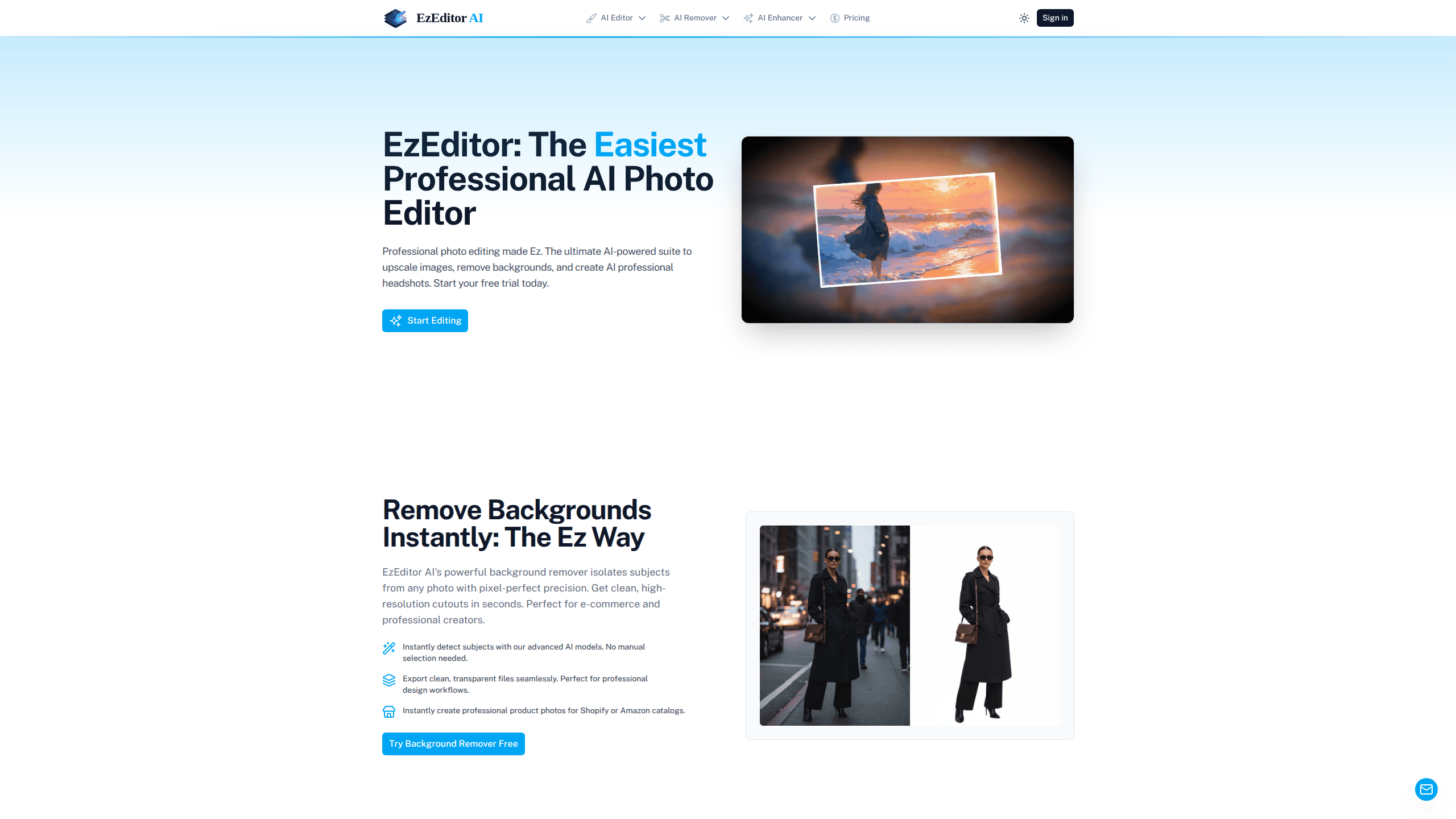
EzEditor AI Free Photo Edit is a web-based AI photo editor that removes backgrounds, upscales images to 4K, erases unwanted objects, and generates professional AI headshots. It runs in your browser, so you don't install anything, and it processes heavy jobs on remote servers to keep your device free. The tool targets e-commerce sellers, marketers, and creators who need clean, catalog-ready images without learning a desktop suite.
About Ezeditor AI Free Photo Edit
What Is EzEditor AI Free Photo Edit
EzEditor AI Free Photo Edit is an online AI photo editing tool built around four core jobs: cutting out backgrounds, fixing blurry images, removing distracting objects, and turning selfies into professional headshots. You upload a picture, pick a tool, and the platform handles the pixel-level work on its own servers.
The pitch is accessibility. Most professional retouching either costs a monthly subscription or demands real skill in software like Photoshop. This editor skips both. You sign up, get a free trial, and then buy credits as you go instead of committing to a recurring plan.
So what's the catch? Scope. It's a focused AI editor, not an all-in-one design platform. There's no layer system and no vector tools. If your work needs precise manual control or a full creative suite, this won't replace it.
Getting Started
- Open ezeditor.io in your browser and sign up to claim the free trial.
- Upload a photo in JPG, PNG, or WebP format.
- Pick a tool: background remover, 4K upscaler, object eraser, headshot generator, or batch editor.
- Let the AI process the image. Large 4K jobs run asynchronously, so the tab stays responsive.
- Download the finished file at full resolution and share or publish it.
Product Information
A quick look at Ezeditor AI Free Photo Edit's pricing, supported platforms, and performance.
Best for
The users, tasks, and scenarios where this tool fits best.
Users
- E-commerce sellers
- Small business owners
- Content creators
- Marketing teams
Tasks
- Removing backgrounds from product shots
- Upscaling blurry or low-resolution photos
- Erasing objects, text, and watermarks
- Generating professional headshots
- Batch processing image sets
Scenarios
- Preparing a Shopify or Amazon listing
- Updating a LinkedIn profile
- Repairing old family photos
- Meeting a deadline for a campaign
Key features
AI Background Remover
This tool isolates the subject from any photo and exports a clean, transparent cutout. No manual masking. No pen tool. It detects the subject on its own. For sellers, that means fast product images ready for a storefront.
4K Image Upscaler
The upscaler rebuilds detail in blurry or low-resolution pictures and increases resolution up to 4K, roughly four times the original size. It sharpens edges and cuts noise, which helps with motion blur and compression artifacts. The whole point? Saving shots that are simply too small to print.
AI Professional Headshots
Feed the headshot generator an everyday selfie and it returns a polished, professional portrait. You can pick from different backgrounds and lighting setups to match your industry. The company says selfies are processed securely and deleted right after the headshot is generated.
Object & Watermark Eraser
The object eraser removes unwanted elements like objects, text, or watermarks. It reads the surrounding pixels and fills the empty space so the edit leaves no obvious trace. The method is called in-painting. That's why the patch usually blends in rather than smearing.
Batch Photo Editor
The batch editor processes 100 or more images at once. You queue up background removal or 4K upscaling across entire folders and let the servers do the work. Agencies and sellers use it to standardize a whole catalog quickly, and it turns a job that would take an afternoon of clicking into a single upload.
Browser-Based Async Processing
Everything runs in the browser, and heavy 4K jobs are handled asynchronously on remote servers. Your laptop or phone doesn't carry the load, so the screen stays smooth while a big batch finishes in the background. That matters on older hardware.
Pros and cons
Pros
- Works fully in the browser with no software to install.
- Handles background removal, upscaling, erasing, and headshots in one place.
- Async server processing keeps your device responsive during heavy 4K jobs.
- Pay-as-you-go credits avoid locking you into a monthly subscription.
- Batch mode covers large image sets that would take hours to edit by hand.
Cons
- No layer system or manual retouching tools, so fine creative control is limited to the AI output.
- Credit costs scale with usage, and heavy batch work can add up for high-volume sellers.
- Results vary by image quality, and tricky cutouts like fine hair may still need a touch-up.
Frequently asked questions
It's used for quick AI edits on photos: removing backgrounds, upscaling to 4K, erasing objects, and creating professional headshots. It's aimed at sellers, marketers, and creators who want clean results without a desktop editing suite.
Related content
Explore related tools, skills, and articles for Ezeditor AI Free Photo Edit.
Ezeditor AI Free Photo Edit Alternatives

X Ray Interpreter
X-ray Interpreter · ImageX Ray Interpreter is a web-based AI radiology tool that turns X-rays, CT scans, MRI, ultrasound, and PET images into plain-language reports. You upload a scan, get a preliminary X-ray interpretation in moments, then ask follow-up questions if something needs explaining. It works as a second opinion and a learning aid, not as a medical diagnosis.

Aieasypic
AIEasyPic · ImageAIEasyPic is an AI image generator that turns plain text prompts into finished artwork in seconds. You can also train custom models on your own photos, swap faces in existing images, and create short video clips from text, all from a browser. It suits casual creators who want quick visuals and hobbyists who want to build a personal model without touching any code.

Chargen
Chargen · ImageChargen is an AI character generator and worldbuilding toolkit built for Dungeons & Dragons and other tabletop RPGs. It turns a one-line idea into a painted character portrait, spins up NPCs, monsters, maps and encounters from the same session, and keeps every creature's details close at hand. The tabletop RPG art side runs on a credit system called Gold, while the text generators stay free for everyone.