

Face AI
FaceAI · Image
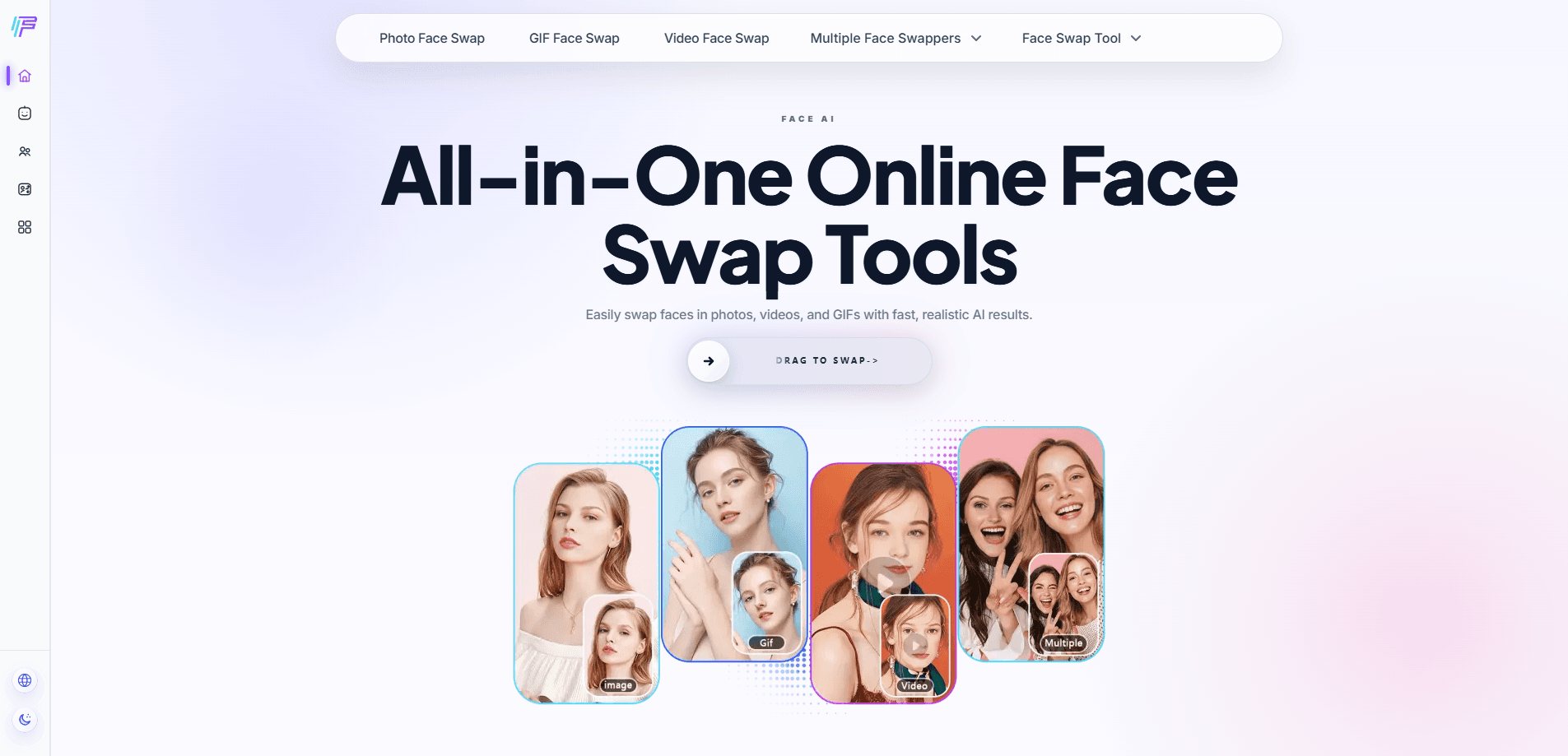
Face AI is an online face swap tool that swaps faces in photos, videos, and GIFs in seconds, built for casual creators and social posters.
About Face AI
What Is Face AI
Face AI is a browser-based creative platform from FaceAI that turns a selfie or portrait into a swapped image, clip, or loop. You upload a source photo and a target face, pick a workflow, and the AI handles the alignment, lighting, and blending. No editing skills required.
The core appeal is speed. Photo face swap finishes in seconds. Video swaps work frame by frame. So why not just use a single-purpose editor?
The same workspace also covers image generation, avatars, characters, and voice tracks, and that range is the real reason people stay on one site instead of juggling four different tools for one small project.
The main limits are practical. Free use runs on a daily guest allowance, heavier work draws on paid credits, and how good the final result looks depends almost entirely on how clear and well-lit your original photo or clip happens to be. Blurry input or odd angles give weaker output. The service also deletes uploads and results within 24 hours, so you should save what you like right away.
Getting Started
- Open faceai.art in your browser and start as a guest, or log in to track today's quota and past projects.
- Choose a face swap workflow: photo, video, GIF, multiple face, or head swap.
- Upload your source image and the target face or clip.
- Generate the swap, then review the result and download it before the 24-hour deletion window closes.
Product Information
A quick look at Face AI's pricing, supported platforms, and performance.
Best for
The users, tasks, and scenarios where this tool fits best.
Users
- Casual creators who want quick, funny edits for social posts without learning a desktop editor.
- Meme makers and group-chat regulars who lean on the GIF face swap and reaction clips.
- Small marketing teams that need a profile image, product visual, or short clip in one place, with the caveat that credits gate heavier use.
Tasks
- Swapping one face in a photo for a joke or a polished portrait, with results ready in seconds.
- Replacing faces across a group shot with the multiple face swap tool, useful for family or team pictures.
- Turning a short clip or meme into a face-swapped video or GIF for sharing.
Scenarios
- Making a reaction GIF for friends on a phone during a commute, since the whole thing runs in a browser.
- Prepping a playful profile picture or creator avatar before posting to social media.
- Testing a fun concept on a podcast or video team without booking edit time.
Key features
Photo Face Swap
Upload a selfie or portrait and get a natural-looking swap in about five seconds. Fast. The tool matches skin tone and lighting so the replaced face sits in the scene instead of floating over it. It's the entry point most people try first, and it needs no editing background.
Video Face Swap
Face AI swaps faces across a moving clip frame by frame, keeping expressions and head motion consistent. Short reels and skits come out smooth without manual tracking. The tradeoff is that video work burns credits faster than a single photo.
GIF Face Swap
You can drop a face into an animated GIF for memes, reaction loops, and shareable edits, and the workflow is basically the same as the photo tool except it points at a moving source instead of a still frame. It's aimed at people who want the joke to move.
Multiple Face Swap
Group shots are handled by swapping more than one face in the same picture, whether that's a family portrait or a party selfie. Each swapped face is blended to match the others, so the edit stays consistent. There are matching video and GIF versions for clips with several faces.
Broader AI Toolkit
Beyond face swap, the platform bundles an AI image generator, photo editor, avatar maker, character generator, and text to speech. You can switch tools without leaving the site. It's handy if one project needs a portrait, a swap, and a voice track in sequence.
Pros and cons
Pros
- Works in the browser on desktop and mobile with no install, so you can swap faces on the go.
- Free tier covers the main face swap tools with a daily guest allowance and no sign-up to try.
- Covers photos, videos, and GIFs, plus a dedicated multiple face workflow for group shots.
- Privacy policy states uploads and results are deleted within 24 hours and never used for third-party AI training.
- Credits are account-wide, so you can spend them across the image, video, and swap tools.
Cons
- The 24-hour deletion means you have to download results promptly or lose them, which is a real annoyance for slow projects.
- Paid work runs on credit packages that start at $9.99, and video or high-resolution outputs consume credits faster than you might expect.
- No API is documented for developers who want to automate swaps, so it stays a manual, browser-only tool.
Frequently asked questions
Yes. The core face swap tools are free with a daily guest allowance, and you can try them without registering. Paid credit packages only matter once you need more output than the free quota covers.
Related content
Explore related tools, skills, and articles for Face AI.
Face AI Alternatives

Tractionwave
TractionWave · Image · MarketingTractionWave is an AI attention heatmap tool for static ads. Upload a PNG or JPG and it returns predicted attention, ranked hotspots, and fixes before you spend budget.

Imejis.io
Imejis.io · Image · MarketingImejis.io is an AI design studio for agents and marketing teams. Describe an image in plain words, and it writes the copy, builds the layout, reflows it to every size, then exports a finished file.

Layoutr
Van Dijk Ontwikkeling · Image · China AILayoutr is a browser floor plan tool that scales your own plan, places furniture at true size, shows the room in 3D and renders it with AI.