

Faceless Ninja AI
Faceless Ninja AI · Video
Faceless Ninja AI is an AI faceless video generator that turns a topic into ready-to-post shorts for TikTok, YouTube Shorts and Instagram Reels, handling scripts, voiceovers, visuals and auto-posting.
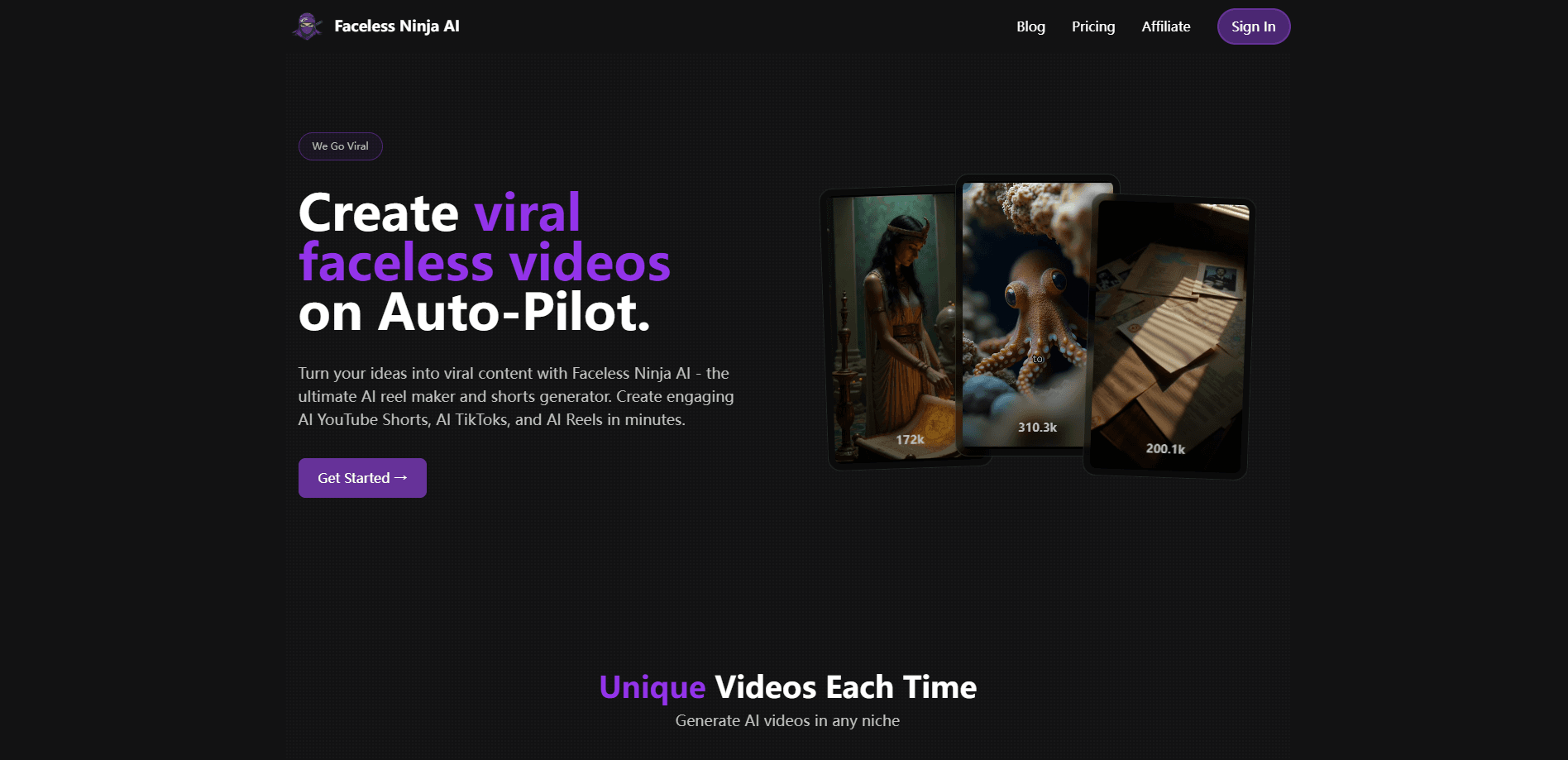
About Faceless Ninja AI
What Is Faceless Ninja AI
Faceless Ninja AI is a web-based AI video generator built for creators who want to publish short-form video without ever appearing on camera. You describe a series concept, and the system produces recurring videos around it, matching each script segment with AI visuals, a text-to-speech voiceover and timed captions. It belongs to the "faceless channel" category, where a channel grows on narration and stock or generated footage rather than a presenter.
The appeal is consistency. A single concept can produce one new video per day, which suits people running entertainment, history, motivational or scary-story channels on a schedule. Its main limit is control: heavy automation means less fine-grained influence over every cut, and the results carry the usual AI-video look unless you spend time correcting them.
Getting Started
- Sign up on the Faceless Ninja AI site and pick a plan, since the tool has no free tier.
- Enter a series concept, such as "Interesting stories about Ancient Greek heroes."
- Let the AI expand it into a series outline and individual video scripts.
- Review the generated visuals, voiceover and text overlays, then adjust what you want.
- Connect your social accounts and let the platform publish on a schedule.
Product Information
A quick look at Faceless Ninja AI's pricing, supported platforms, and performance.
Best for
The users, tasks, and scenarios where this tool fits best.
Users
- Camera-shy creators
- Solo channel operators
- Social media managers
Tasks
- Producing daily short-form videos
- Scripting and narrating faceless shorts
- Filling a niche content calendar
Scenarios
- Testing a new channel idea before committing
- Running a channel alongside a full-time job
- Launching short-form for small businesses
Key features
AI Reel Maker and Shorts Generator
The core engine turns a written concept into a finished vertical video, sized for Instagram Reels, YouTube Shorts and TikTok. It handles scene assembly, timing and transitions, so the output is publish-ready rather than a pile of clips. That matters if you're not comfortable in an editor.
AI Script Writing
Give the platform a series idea and it expands it into an outline, then writes individual scripts that match short-form pacing. Each segment is built to fit the length limits those platforms reward, which removes the blank-page problem for creators posting daily. This is where the tool's short-form video automation starts.
AI Voiceovers
Every video ships with a text-to-speech narration and word-level timing, so captions and visuals line up with the spoken track. The voiceovers are designed to carry tone, which is the difference between a flat read and a video people finish.
AI-Generated Visuals
The tool matches each script segment with AI-generated images, and it draws on stock footage too depending on the format. You don't need a camera, a shoot or a stock library subscription to fill the frame.
Dynamic Text Overlays
On-screen text is added automatically and timed to the narration. Since most short-form viewers watch on mute first, text that lands at the right moment is doing a lot of the retention work.
Multi-Platform Publishing
Videos are formatted for TikTok, YouTube Shorts and Instagram Reels, and the platform supports scheduled auto-posting. One concept can feed all three channels without separate exports.
Niche Flexibility
Any topic works, from history and mythology to motivation and horror, so a single account can shift themes as a niche develops. That range is what separates it from tools locked to one content style.
Pros and cons
Pros
- Fully automated pipeline means you can publish daily without editing skills or a camera.
- Covers script, voiceover, visuals, captions and transitions in one pass.
- Output is sized for TikTok, YouTube Shorts and Instagram Reels from the same concept.
- Works across niches, so you can test a channel idea before committing to it.
- Scheduled posting keeps a channel active even when you're not around.
Cons
- No free tier, so you pay from $12/mo before you can judge whether it fits your content.
- Heavy automation leaves little control over individual cuts, and correcting them takes time.
- Generated videos carry a recognisable AI look unless you edit afterward.
- No public API, so teams can't wire the generator into their own workflow.
Frequently asked questions
It creates faceless short-form videos for TikTok, YouTube Shorts and Instagram Reels from a written concept. The platform handles scripts, voiceovers, visuals and publishing, so you can run a channel without appearing on camera.
Related content
Explore related tools, skills, and articles for Faceless Ninja AI.
Faceless Ninja AI Alternatives

Vadu AI
Vadu AI · Image · VideoVadu AI is a web-based AI video generator that turns written prompts or still images into short clips, and it can also generate images on its own. You type what you want, pick a model and style, and the platform renders the result in minutes. A free plan covers light testing, while paid tiers run from $9 to $77.40 per month based on how many credits you burn.

Mykaraoke Video
MyKaraoke Video · VideoMykaraoke Video is an online karaoke video maker and lyric video maker that turns any song into a finished, lyrics-synced video right in your browser. It handles the slow part for you. The AI pulls vocals out of the mix and locks the lyrics to the beat, then lets you customize background, fonts, and colors before exporting in 1080p MP4. If you make lyric videos for social media, party nights, or music promotion, it skips the software installs and manual timing work entirely. Want a karaoke video generator that doesn't eat your whole evening? That's the pitch here.

Finalframe
Finalframe · VideoFinalframe is a set of free, browser-based tools for grabbing exact frames out of a video clip. Its best-known feature, the Final Frame Extractor, lets you extract the last frame of any video so you can use it as the starting image for AI video tools like Luma Dream Machine, Runway, or Kling. Want to keep a clip going? That last frame is your starting point. The tool runs locally in your browser, needs no sign-up, and costs nothing. A separate paid AI video-generation app from the same team is currently offline while it's rebuilt.