

Face Swap AI
DeepSwap LLC · Image · Video
Face Swap AI (FaceSwapAI) is a browser tool that swaps faces in photos, group shots, videos and GIFs. It runs pay-as-you-go credits from $9.99, needs no app install, and ships a documented API.
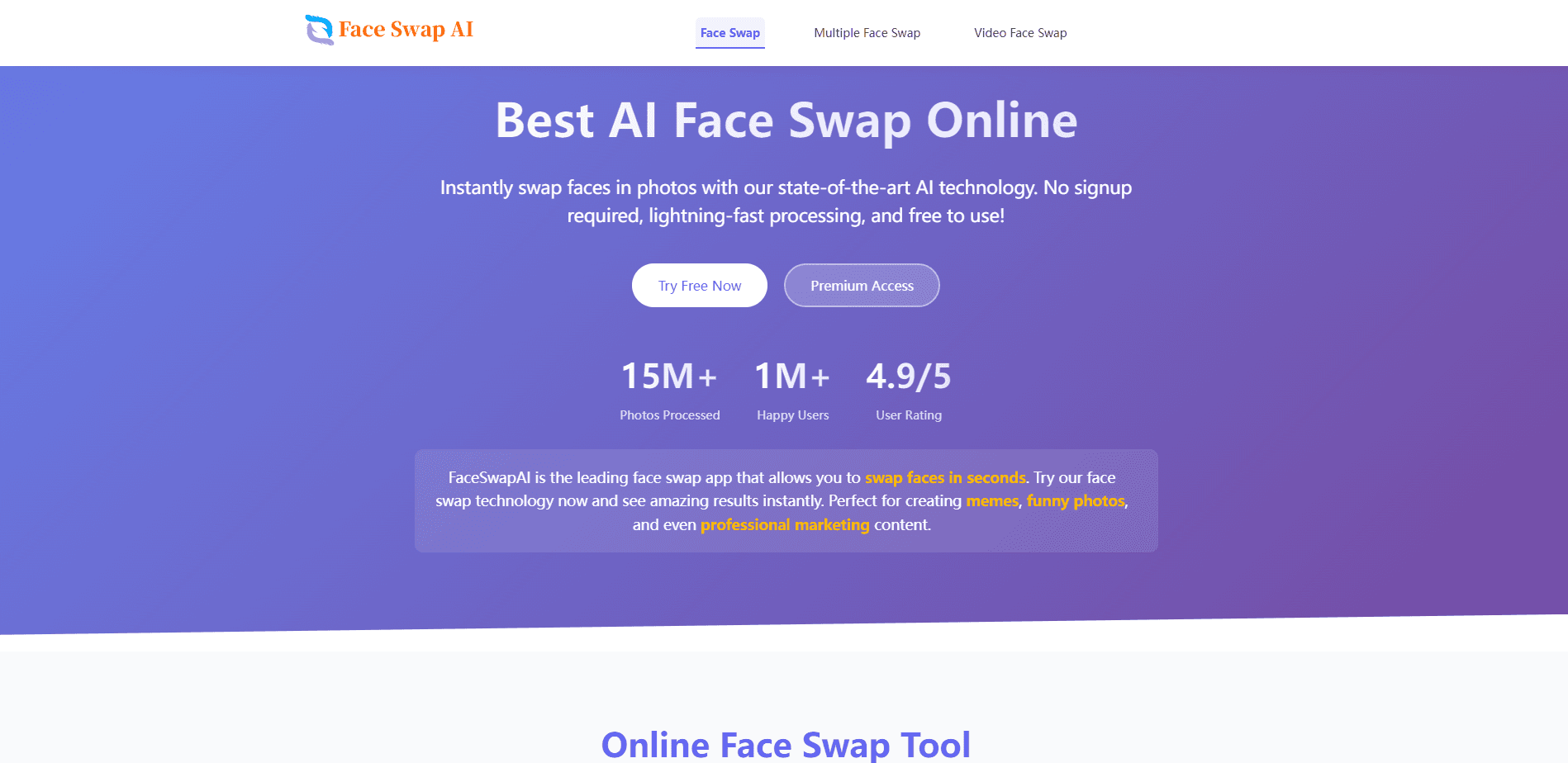
About Face Swap AI
What Is Face Swap AI
Face Swap AI is the product name for FaceSwapAI, a browser-based service at faceswapai.com operated by DeepSwap LLC. It puts one face onto another photo, video or GIF without desktop software, and each task shows its exact credit cost before you submit. The pitch is speed and clarity: swap a photo in about 20 seconds, pay only for what you create, and skip the subscription.
The service splits into four workflows so you do not guess which tool fits your file. Photo mode handles one source face and one target image. Multiple face swap covers two people, one face across a group, or a different portrait on each of up to ten faces. Video clips run up to 600 seconds, and GIF loops cap at 30 seconds.
The main limits are practical. You need to sign in to generate, and a verified email gets you only one watermarked photo trial. The trial stamps FaceSwapAI.com plus your full account email across the image, so paid credits are the only way to output clean results. Videos are capped at 100 MB, GIFs at 30 MB, and task files are deleted within 24 hours.
Getting Started
- Open the Face Swap AI site and upload a clear, front-facing source photo, then add the target photo, video or GIF.
- Confirm you have permission to use every face, check the displayed credit cost, and sign in with Google or email.
- Start the swap and let the AI process it, which usually takes about 20 seconds for a photo.
- Preview the result, then download or share it once processing finishes.
Product Information
A quick look at Face Swap AI's pricing, supported platforms, and performance.
Best for
The users, tasks, and scenarios where this tool fits best.
Users
- Social media creators
- Casual hobbyists
- Small teams
Tasks
- Swapping faces in a single photo
- Reworking group photos
- Editing short video and GIF clips
Scenarios
- Making meme and party content
- Doing a quick commercial mockup
- Estimating cost before committing
Key features
Credit-Based Pay-As-You-Go Pricing
Face Swap AI charges per task instead of a subscription, so a one-time $9.99 pack of 200 credits covers about 33 paid photo swaps. Larger packs drop the unit price, and credits never expire. Every workflow publishes its credit formula before you submit, which makes spending predictable.
Four Dedicated Face Swap Workflows
The site separates photo, multiple-face, video and GIF swapping into distinct studios. You match the tool to the media you want to keep, rather than toying with one generic page. Multiple face swap is the flexible one, since it handles a two-person exchange, a group, or up to 10 individually mapped faces.
Documented REST API
A versioned v1 API mirrors the web pipeline, with endpoints for image, video, GIF and multiple-face swaps. You create a bearer key in a verified account, submit media as multipart, then poll the task route with the returned id. The docs list exact credit formulas, file limits and failure behavior.
Free Pre-Upload Planning Tools
Six free tools run before you spend anything: a readiness score, file compatibility checker, cost calculator, video frame picker, workflow selector and a commercial-use rights check. They catch weak source images and wrong formats early, which saves credits on failed guesses.
Fast Browser-Based Processing
Swaps happen in the browser on desktop and mobile, with no app to install. FaceSwapAI reports a median of about 20 seconds for a photo swap, and tasks that fail on a queue or provider issue are refunded automatically through an idempotent path.
Privacy-First File Handling
Uploaded and generated task files are scheduled for deletion within 24 hours and may be removed sooner, alongside any upstream provider policy. You can stage photos before signing in, and a signed-in account is only required at the point of generation.
Pros and cons
Pros
- No subscription or recurring fee, so you pay once for a credit pack and keep unused credits indefinitely
- Clear per-task credit math published up front, including a minimum of 9 credits for video and GIF jobs
- Four workflows plus a free planning toolset cover photos, groups, video and GIF in one place
- Documented v1 API with bearer keys makes light automation realistic for small teams
- Browser-only access works on desktop and mobile without any install
Cons
- Generation requires an account, and the single free trial is limited to a watermarked photo that exposes your full email
- Photo swaps cost 6 credits each, so heavy use adds up faster than the headline $9.99 pack suggests
- Media caps are firm at 100 MB for video and 30 MB for GIF, which rules out long or high-bitrate files
- No detailed public launch history, which makes long-term reliability harder to judge
Frequently asked questions
Face Swap AI offers separate browser workflows for a single photo, selected faces in a group photo, a short video clip and an animated GIF. Pick the workflow that matches the media you want to preserve. Video runs up to 600 seconds and GIF up to 30 seconds.
Related content
Explore related tools, skills, and articles for Face Swap AI.
Face Swap AI Alternatives

Tractionwave
TractionWave · Image · MarketingTractionWave is an AI attention heatmap tool for static ads. Upload a PNG or JPG and it returns predicted attention, ranked hotspots, and fixes before you spend budget.

Imejis.io
Imejis.io · Image · MarketingImejis.io is an AI design studio for agents and marketing teams. Describe an image in plain words, and it writes the copy, builds the layout, reflows it to every size, then exports a finished file.

Layoutr
Van Dijk Ontwikkeling · Image · China AILayoutr is a browser floor plan tool that scales your own plan, places furniture at true size, shows the room in 3D and renders it with AI.