
Facewow
Everimaging · Image
Facewow is an AI portrait toolkit from Everimaging that turns ordinary selfies into polished headshots, creative portraits, and face swaps. You upload a photo, pick a style, and the tool generates high-resolution images in the browser. Nothing to install. It runs in the cloud, works for casual profile pictures and professional branding alike, and the core features are free to try without a watermark.
About Facewow
What Is Facewow
Facewow works as an AI photo editor and is a web-based AI portrait generator built for people who want better photos without a studio, a photographer, or design skills. You feed it a clear selfie and it produces studio-style headshots, artistic portraits, and face swaps that keep your actual features recognizable. That last part matters, because a lot of AI portrait tools drift into uncanny territory where the result looks like a stranger, not you.
Everimaging, the company behind the tool, positions it as an all-in-one portrait creator that covers LinkedIn-ready headshots, face swaps, style transfers, and general image enhancement, with the headshot generator as the flagship feature while the same engine still powers the rest.
The main trade-off is control. Facewow is built for speed and simplicity, so you get preset styles and a short workflow rather than fine-grained sliders or manual retouching. If you want pixel-level control over lighting, skin, and composition, a dedicated editor serves you better. What Facewow does well is get you a usable result in minutes. That's the whole point.
Getting Started
- Open facewow.ai in a browser and sign in with Google or an email address.
- Pick a tool, such as the AI headshot generator or a face swap, from the app menu.
- Upload a clear, front-facing photo (JPG, PNG, HEIC, or WebP all work).
- Choose a style, then let the AI generate your portrait in a few seconds.
- Download the high-resolution image, free and watermark-free.
Product Information
A quick look at Facewow's pricing, supported platforms, and performance.
Best for
The users, tasks, and scenarios where this tool fits best.
Users
- Job seekers
- Content creators
- Casual users
Tasks
- Generating a LinkedIn headshot
- Creating creative portraits
- Swapping faces in photos
- Enhancing image clarity
Scenarios
- Updating a professional profile before a job search or networking push, when you need a decent photo fast.
- Making profile art for a game account, a Discord server, or a social feed.
- Building a small set of brand visuals for a freelancer or one-person business without hiring a designer.
- Turning a group of everyday photos into shareable, stylized portraits for an event recap.
Key features
AI Headshot Generator
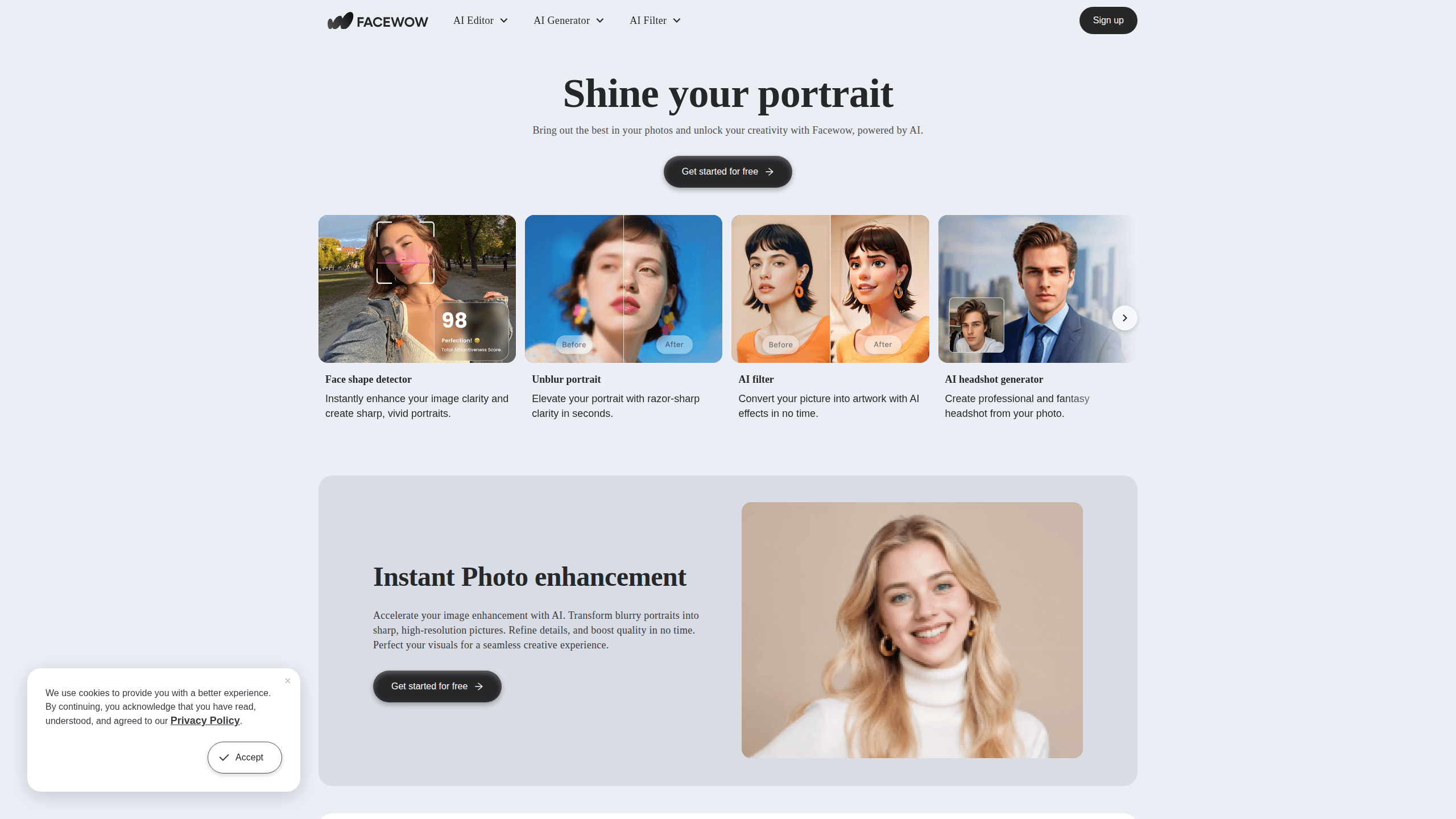
The flagship tool turns a single ordinary photo of you into a business-ready headshot. You drop in a selfie and the model rebuilds the shot around your features, so the final image still looks like you rather than a generic AI face. It's aimed at people who need a credible professional profile but have no studio access or budget for a photographer.
Face Swap
Facewow lets you do a face swap online by placing a face from one photo onto a scene or template in another. Use it for fun edits, quick mock-ups, or creative projects where you want a familiar face in a new setting. Results come out fast. If the first pass doesn't land, swap in a different source photo and try again.
AI Portrait Styles
The style library covers professional looks, artistic treatments, and entertainment angles, so the same source photo can produce a polished corporate headshot for a job application or a stylized, dramatic piece for a gaming profile or a social feed. This is handy when you want one image for work and a completely different one for social. You pick a style, and the AI handles the rest of the rendering.
Photo Enhancement
Built-in enhancement works as a quick photo enhancer, cleaning up and sharpening a portrait while keeping the person recognizable. It's a fast fix for photos that are soft, flat, or taken in poor light. That saves you from opening a full editing suite just to make an image presentable.
No Watermark, High-Resolution Output
Finished images come out at high resolution and without a watermark on the free path, which is unusual for portrait tools that usually gate quality behind a paywall. You can use the output directly on a profile, a website, or a print piece without paying to remove branding.
Browser-Based Workflow
There's nothing to install. Facewow runs entirely in the browser, so it works from a laptop or a desktop without eating storage or requiring a specific OS. You upload, generate, and download in the same tab.
Beginner-Friendly by Design
The whole flow is upload, pick, generate, download. No complex parameters. No prompt engineering. That's why the tool works for people who have never touched an AI image generator before.
Pros and cons
Pros
- Free to start, with high-resolution output and no watermark on the free path.
- Runs in the browser with no install and no OS restrictions.
- Keeps your recognizable features, so results don't look like a stranger.
- Covers headshots, face swaps, and enhancement in one place.
- Beginner-friendly workflow with no prompt writing or editing skills needed.
Cons
- Style presets mean less fine-grained control than a manual photo editor, so precise retouching isn't possible.
- It's a web tool only, with no desktop or mobile app, so you need a browser and a connection to use it.
- Exact paid tier pricing isn't clearly published up front, so you may need to check inside the app before committing.
Frequently asked questions
Facewow generates portraits from your photos. Its main uses are creating professional headshots, swapping faces between images, applying artistic styles, and enhancing portrait clarity, all from a single uploaded photo.
Related content
Explore related tools, skills, and articles for Facewow.
Facewow Alternatives

X Ray Interpreter
X-ray Interpreter · ImageX Ray Interpreter is a web-based AI radiology tool that turns X-rays, CT scans, MRI, ultrasound, and PET images into plain-language reports. You upload a scan, get a preliminary X-ray interpretation in moments, then ask follow-up questions if something needs explaining. It works as a second opinion and a learning aid, not as a medical diagnosis.

Aieasypic
AIEasyPic · ImageAIEasyPic is an AI image generator that turns plain text prompts into finished artwork in seconds. You can also train custom models on your own photos, swap faces in existing images, and create short video clips from text, all from a browser. It suits casual creators who want quick visuals and hobbyists who want to build a personal model without touching any code.

Chargen
Chargen · ImageChargen is an AI character generator and worldbuilding toolkit built for Dungeons & Dragons and other tabletop RPGs. It turns a one-line idea into a painted character portrait, spins up NPCs, monsters, maps and encounters from the same session, and keeps every creature's details close at hand. The tabletop RPG art side runs on a credit system called Gold, while the text generators stay free for everyone.