

Factory
Factory · Coding
Factory is an agent-native software development platform where Droids plan, build, review, test, and ship production code across your terminal, IDE, web, and chat tools.
About Factory
What Is Factory
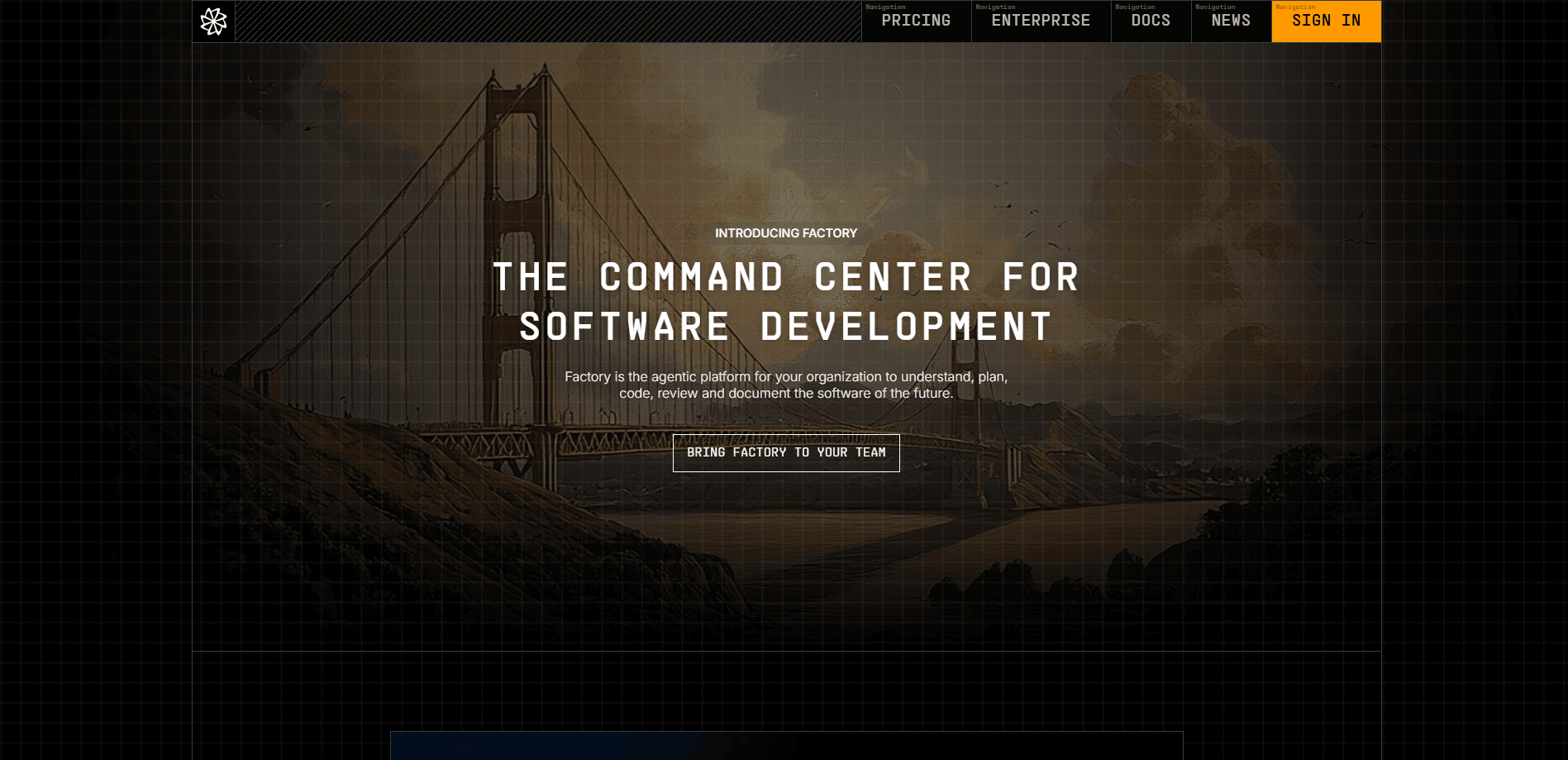
Factory is an agent-native software development platform built for teams that want to delegate whole engineering tasks to an AI coding agent, not just autocomplete a line. Its agents, called Droids, plug into the tools you already use: the command line, a desktop app, the web, mobile, Slack, Microsoft Teams, Jira, Linear, and CI. You define a task, and a Droid plans the work, edits the code, and waits at checkpoints before anything ships.
The platform targets the full software development lifecycle. Teams use it to clear backlog items, review pull requests, generate tests, investigate incidents, keep documentation current, and run recurring delivery workflows. Because Droids read your repositories, issue trackers, and pipelines, they act on your project's real context instead of generic snippets.
The biggest constraint is cost and complexity at the entry level. Factory is priced for professional developers and engineering organizations, so hobbyists and casual coders get more value from lighter tools. Setup also rewards teams that already run Git, CI, and a decent test suite, since the agents lean on those signals to validate their own work.
Getting Started
- Create a Factory account, then pick a surface: install the Droid CLI, download the desktop app, or open the web app.
- Connect a repository and let Droid map the project so it learns your architecture, entry points, and test commands.
- Delegate one small, verifiable task, such as adding structured logging, and review the diff it proposes.
- Approve the change, let Droid run your validators, then move up to larger work with Specification or Mission Mode.
Product Information
A quick look at Factory's pricing, supported platforms, and performance.
Best for
The users, tasks, and scenarios where this tool fits best.
Users
- Professional software engineers
- Engineering teams and platform leads
- DevOps and release engineers
Tasks
- Clearing backlog tickets
- Pull request review
- Test generation and maintenance
- Incident investigation and docs upkeep
Scenarios
- A small startup shipping weekly
- An enterprise rolling out agents across many repos
- A maintenance-heavy legacy project
Key features
Droid Agents Across Every Surface
Droid is the core agent, and it runs the same way everywhere. You can drive it from the terminal, a desktop app, the web, mobile, Slack, Microsoft Teams, Jira, or Linear. That range means a developer can start a task at a desk and approve the result from a phone.
Missions for Long-Running Work
Factory Missions turn a large effort into a plan before any code is written. You work with Droid to define features, milestones, and success criteria, then hand execution to an orchestration layer. The documented sweet spot is roughly 1 to 500 features, which covers most multi-week projects.
Automation and CI Integration
Automations react to events and schedules, so review, QA, and documentation can run without a human kickoff. The CI Automations API lets teams scan repositories and open workflow pull requests from their pipelines. This is where Factory shifts from a coding assistant to a delivery layer.
Model Independence and Bring Your Own Keys
Factory supports leading frontier and open-weight models, including recent GPT-5, Claude Opus, and Sonnet, and Gemini releases. You can bring your own keys from a preferred provider, and every individual plan includes an allowance of free BYOK usage before metered charges apply.
Droid Computers and Persistence
Droid Computers are Factory-managed cloud machines that keep remote Droids running after you close your laptop. They resume, refresh, and restart on their own, which suits long tasks that outlast a single work session. Paid plans unlock them at different usage tiers.
Autonomy Controls and Approvals
Droids propose changes and wait for approval before editing, a loop the docs call propose-and-approve. Specification Mode adds a written plan before multi-step work, while organization admins set autonomy levels and model access rules. The result is delegation with checkpoints rather than blind automation.
Pros and cons
Pros
- Runs in the terminal, IDE, web, mobile, and chat tools, so teams can adopt it without replacing their stack.
- Missions and Automations cover long, multi-feature work and event-driven pipelines, not just single edits.
- Model independence plus BYOK support gives teams control over cost and model choice.
- Enterprise controls include SSO, SAML and SCIM provisioning, audit logging, and data residency options.
Cons
- No free plan, and the $20/mo floor puts it out of reach for casual users who code occasionally.
- The value depends on a solid repository, Git workflow, and test suite, so rough projects benefit less.
- Teams pricing adds a per-seat charge on top of the base fee, which raises the bill as headcount grows.
- Advanced features like Droid Computers and admin controls sit on higher tiers, so small teams may not reach them.
Frequently asked questions
Factory is used to delegate software engineering work to AI agents called Droids, a setup often described as autonomous software development. Teams use it to implement backlog items, review pull requests, generate tests, investigate incidents, and keep documentation current across their repositories and pipelines.
Related content
Explore related tools, skills, and articles for Factory.
Factory Alternatives
Forefront
Forefront · CodingForefront is a web platform for building with open-source AI. It lets you fine-tune leading open-source language models on your own data, evaluate how they perform, and run them through an API or export them to host yourself. Developers who want the convenience of a closed-source platform but insist on owning their models and data are the target audience here.

Startkit
StartKit.AI · CodingStartkit is a boilerplate for building AI SaaS and AI wrapper products. Think of it as an AI startup boilerplate with the boring parts already wired up: authentication, Stripe and Lemon Squeezy payments, usage limits, transactional email, and an AI API starter that talks to OpenAI, Anthropic, Groq, or Llama. You clone the repo, set your price, and start on the part of your product that people actually pay for. It's Next.js under React and Tailwind, so most of the boilerplate code already feels familiar.
Testim
Tricentis · CodingTestim is an AI-powered test automation platform for building and running end-to-end tests across web, mobile, and Salesforce applications. It leans on machine learning to keep tests stable when an interface changes, so teams spend less time fixing broken selectors. Not bad for an automated testing tool you can start using today. You create tests by recording actions in a browser, then optionally add JavaScript when you need more control. It's a solid pick for busy QA teams.