

Fantasia: Character AI Chat
Ali Badshah · Chatbot
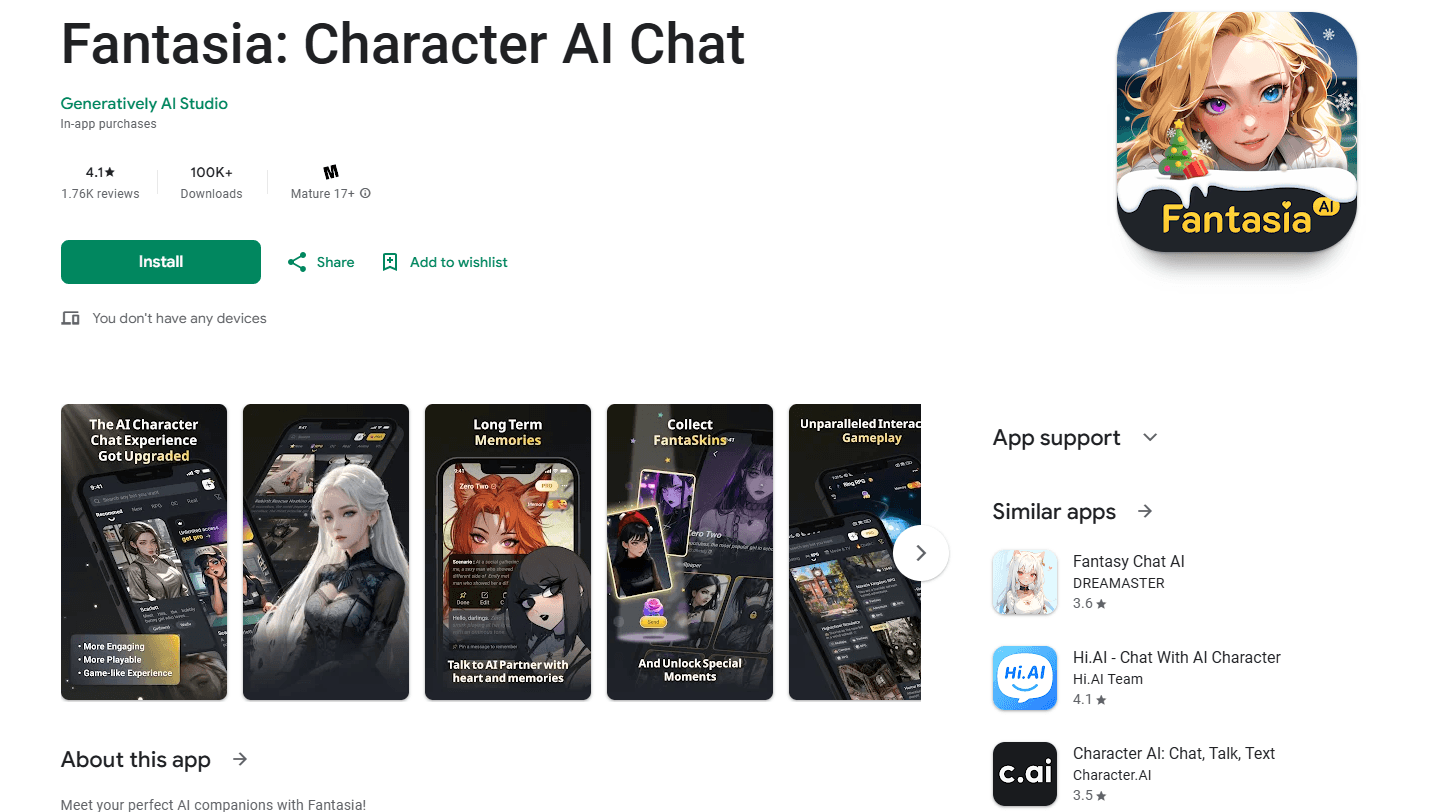
Fantasia is an AI character chat app for iPhone and iPad where you build custom characters, chat with them, and turn text prompts into videos and images.
About Fantasia: Character AI Chat
What Is Fantasia
Fantasia is a mobile app for people who want to talk to AI characters and make things with them. You design a character, give it a personality and a look, then chat with it like you would with a friend. The same character can also show up in images and short videos you generate from a text prompt.
The app packs four tools into one place instead of scattering them across separate products. A character creator handles the design work, a chat screen handles the conversation, and a small video and image engine turns your ideas into something you can look at. There's also a prompt enhancer that rewrites a rough idea into something the AI handles better, and a prompt lab where you browse ready-made prompts when you don't know where to start.
Fantasia is a young, subscription-based app from an independent developer, not a big studio product. Its appeal is speed and simplicity: you can go from an empty screen to a character and a first video in a few minutes. The tradeoff is depth. This isn't a heavy creative suite, and it leans on in-app purchases for most of the interesting features. Treat it as a fun, lightweight AI companion app for casual play, not a professional production tool.
Getting Started
- Download Fantasia from the App Store on an iPhone or iPad running iOS 13 or later.
- Open the app and pick a plan or start with what the free tier allows.
- Create a character: give it a name, a personality, and a visual style.
- Start a chat, or write a short prompt and let the app generate an image or a video clip.
- Save your favorite characters and prompts so you can reuse them later.
Product Information
A quick look at Fantasia: Character AI Chat's pricing, supported platforms, and performance.
Best for
The users, tasks, and scenarios where this tool fits best.
Users
- Casual creators who want to design a character and see it in a video
- Anime, fantasy, and fiction fans who enjoy roleplay
- Prompt hobbyists
Tasks
- Designing an AI character
- Generating short videos from text
- Practicing prompt writing
Scenarios
- A quick creative break on your phone
- Testing AI video tools before paying for a pro suite
- Keeping a personal cast of characters
Key features
AI character creation
The AI character generator is the entry point for everything else. You set a name, a personality, and a visual style, then save the character so it persists across chats and generated media. Because the same character carries into images and videos, you get a consistent face and mood instead of a different result every time.
AI character chat
Chat is where the app spends most of its time. You talk to a character the way you'd text a friend, and the character replies in the voice and tone you gave it. Long-running conversations stay tied to the character's setup, so the personality you built doesn't drift after a few messages.
AI video generation
This is the feature that separates Fantasia from a plain chat app. You describe a scene in a text prompt, and the app turns it into a short video. It's aimed at quick, social-style clips rather than long footage, which fits the mobile format and keeps generation times short.
AI prompt enhancer
The enhancer takes a short, rough prompt and rewrites it into something more detailed before it goes to the model. For people who aren't used to prompt writing, this removes the trial and error of guessing the right words. You can see the rewritten version and keep the parts you like.
AI prompt lab
The prompt lab is a browsing space for ready-made prompts. Instead of starting blank, you pick a prompt that already works, run it, and adjust from there. It pairs well with the enhancer: the lab gives you a starting point, and the enhancer refines it.
Built for iPhone and iPad
Fantasia is a mobile-first app, sized for one-handed use and built for touch. It runs on iOS 13.0 or later, so it works on a wide range of iPhones and iPads without forcing an upgrade. There's no desktop version, which keeps the experience consistent but limits work that needs a bigger screen.
Pros and cons
Pros
- Four tools in one app: character creation, chat, video, and prompt help sit in the same place instead of across four subscriptions.
- Low barrier to start: the free tier and a cheap weekly plan let you try the core features before committing to a year.
- Mobile-first design: the app is built for quick sessions on a phone, so a character and a clip are only minutes away.
- Simple prompt workflow: the enhancer and prompt lab mean you don't have to be good at prompt writing to get usable results.
Cons
- No public API, so developers can't build Fantasia into their own apps or workflows.
- The most useful features sit behind a subscription, which adds up fast if you pay week by week instead of yearly.
- No desktop or web version, which rules out anyone who wants to work on a larger screen.
- The developer is a small, independent operation, so support and feature updates can be slower than with a major studio.
Frequently asked questions
Fantasia is used to create AI characters, chat with them, and generate images and short videos from text prompts. It bundles character design, conversation, and media generation into a single mobile app.
Related content
Explore related tools, skills, and articles for Fantasia: Character AI Chat.
Fantasia: Character AI Chat Alternatives

Knocket
Knocket (Tencent RTC team) · Productivity · Business · ChatbotKnocket is a free live chat and contact page tool that lets visitors message you from your website, app, or a shareable link, with every reply handled from Telegram or one inbox.
Agibot
Agibot · Productivity · AI Assistant · ChatbotAgibot is a personal AI agent for Mac that keeps running after you close the window, runs routines on a schedule, and works from Telegram or Slack with your own API keys.

Melete
Melete · Productivity · AI Assistant · ChatbotMelete is an AI workspace for teams where agents research, draft, and act in Slack, Notion, Linear, and GitHub. Shared memory and approval gates keep people in control.